Cafans Journal
Stories & FindsThe CAFANS Guide to Spreadsheets: Organize, Compare, and Shop Smarter
If you have ever stared at a messy list of prices, links, and half-finished notes, this CAFANS guide is for you. CAFANS is a simple way to think about spreadsheets: Collect, Arrange, Filter, Analyze, Note, and Share. Used well, a spreadsheet becomes a control panel for your daily decisions, especially when money and shopping are involved. This guide walks through the core ideas of a spreadsheet and shows how a shopping spreadsheet, a product comparison spreadsheet, and an agent shopping spreadsheet can save hours of time.
Start with the Basics
A spreadsheet is a grid of rows and columns made of cells. Each cell holds data: text, numbers, or a formula. The worksheet is the single sheet you see, while the workbook is the file containing one or more worksheets. Before building anything, learn a few functions and shortcuts. SUM adds values, AVERAGE smooths noise, and IF lets you write rules. VLOOKUP and its modern cousin XLOOKUP pull data from another list, which is the backbone of any product comparison.
Structure matters more than styling. Freeze the header row, format numbers as currency, and use conditional formatting to highlight outliers. A named range makes formulas readable, and a pivot table turns raw rows into summaries in seconds. The spreadsheet guide habit here is simple: keep one row per item and one column per attribute.
The Shopping Spreadsheet
A shopping spreadsheet is a household tool. Columns might include item, category, store, quantity, unit price, total, and status. Use data validation for category dropdowns so entries stay consistent, and a filter to hide what you have already bought. A SUM at the bottom gives a running budget, and conditional formatting marks anything above your limit in red.
For recurring needs, add a checkbox column and a small dashboard chart. If you shop online, paste the product URL in a hyperlink column. This turns a plain list into a lightweight inventory that answers: what do I need, what did I pay, and where did I buy it? Keep a separate tab as an archive so old receipts do not clutter the working sheet.
The Product Comparison Spreadsheet
A product comparison spreadsheet is where decisions get made. Build a matrix: one row per product, one column per feature. Typical fields include price, specification, warranty, shipping cost, rating, and seller. Use a weighted score formula so price matters more than a minor feature if that reflects your priorities. Sort by score, then filter out anything that fails a must-have rule.
Keep the sheet honest with a source column and a date of last update. Prices move, so record when you checked. Use conditional formatting to flag the lowest price and the best rating. Avoid heavy merged cells, which break sorting. If you compare many models, a pivot table can summarize average price by brand or category without changing the source rows.
The Agent Shopping Spreadsheet
If you use a shopping agent or a buying service, an agent shopping spreadsheet tracks the whole flow. Columns should cover order ID, product link, agent fee, domestic shipping, international shipping, weight, declared value, currency, exchange rate, and status. Convert prices with a fixed exchange rate cell so all totals share one currency. Add a comment column for inspection notes, and a calculation for landed cost: item price plus fees plus shipping.
Because agents handle many parcels, use one worksheet per batch and a summary tab with SUMIF by status. This makes it obvious what has shipped, what is delayed, and what still needs payment. Protect formula cells with sheet protection so a quick edit does not break the totals, and keep a backup copy in cloud storage.
Good Habits That Make It Work
Every strong CAFANS workflow shares a few traits. Name tabs clearly. Keep raw data on one sheet and analysis on another. Use freeze panes so headers stay visible. Avoid typing the same value twice; link to a master list instead. Review your spreadsheet guide notes monthly, and delete rows you no longer need. If you share the file, add a permission note and a simple instructions tab so others understand the layout.
Finally, remember the goal: fewer mistakes, faster decisions, and a clear record. Whether you are planning groceries, comparing laptops, or tracking agent purchases, the same structure applies. Collect the data, arrange it in columns, filter what matters, analyze with formulas, note your findings, and share the result. That is the CAFANS method, and a well-built spreadsheet is the tool that makes it real.
Editor's selection
Popular Products

Catalog Item TF25 Digital Electronics | UIDBuy spreadsheet | Fishgoo spreadsheet - 141140

Catalog Item LL55 Digital Electronics | Superbuy spreadsheet | Fishgoo spreadsheet - 138885

Headphones XB22 Headphones and Electronics Selection | LoongBuy spreadsheet | Hubbuycn spreadsheet - 136779
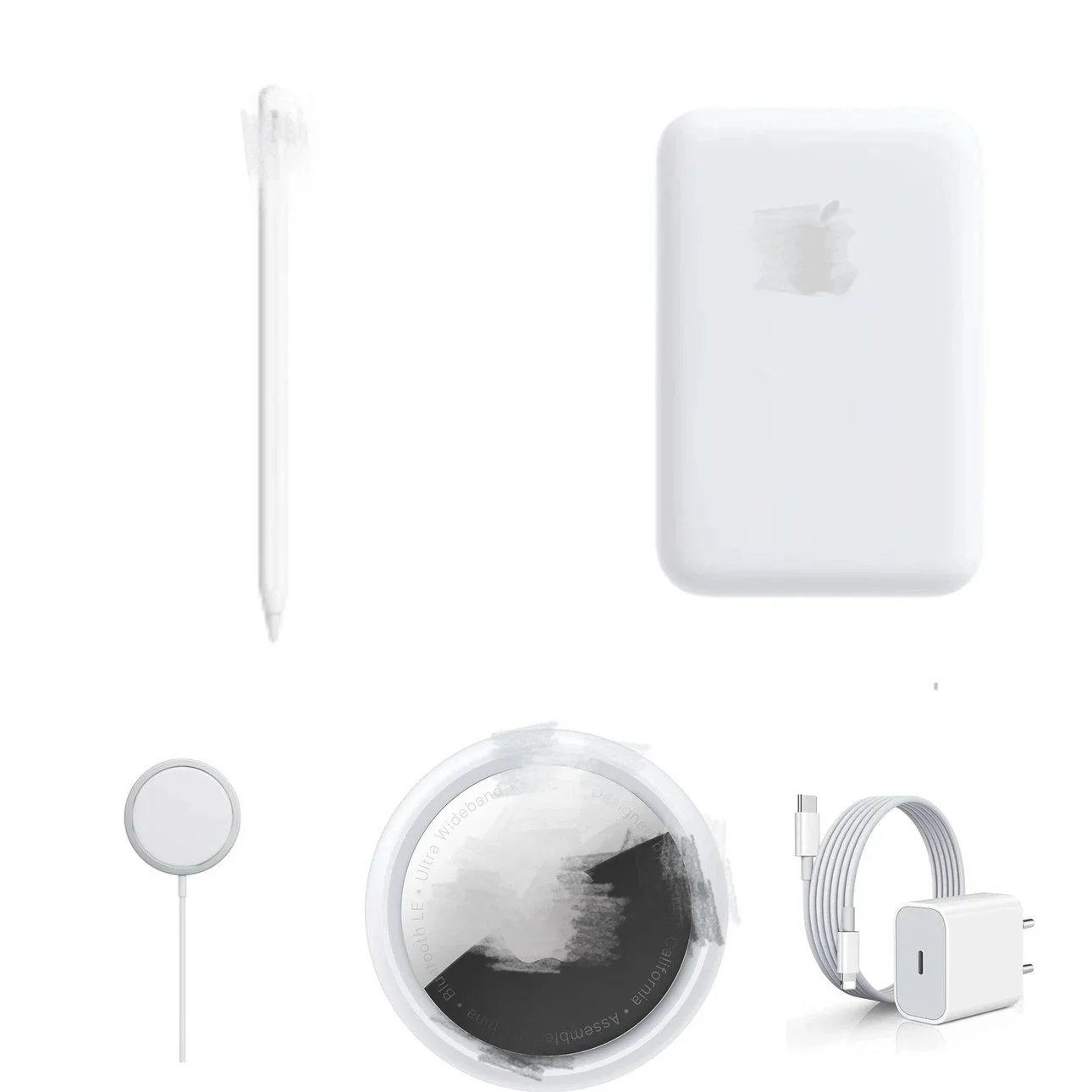
AP Charging and Electronics Accessories Selection | Fishgoo spreadsheet | Sugargoo spreadsheet - 149985
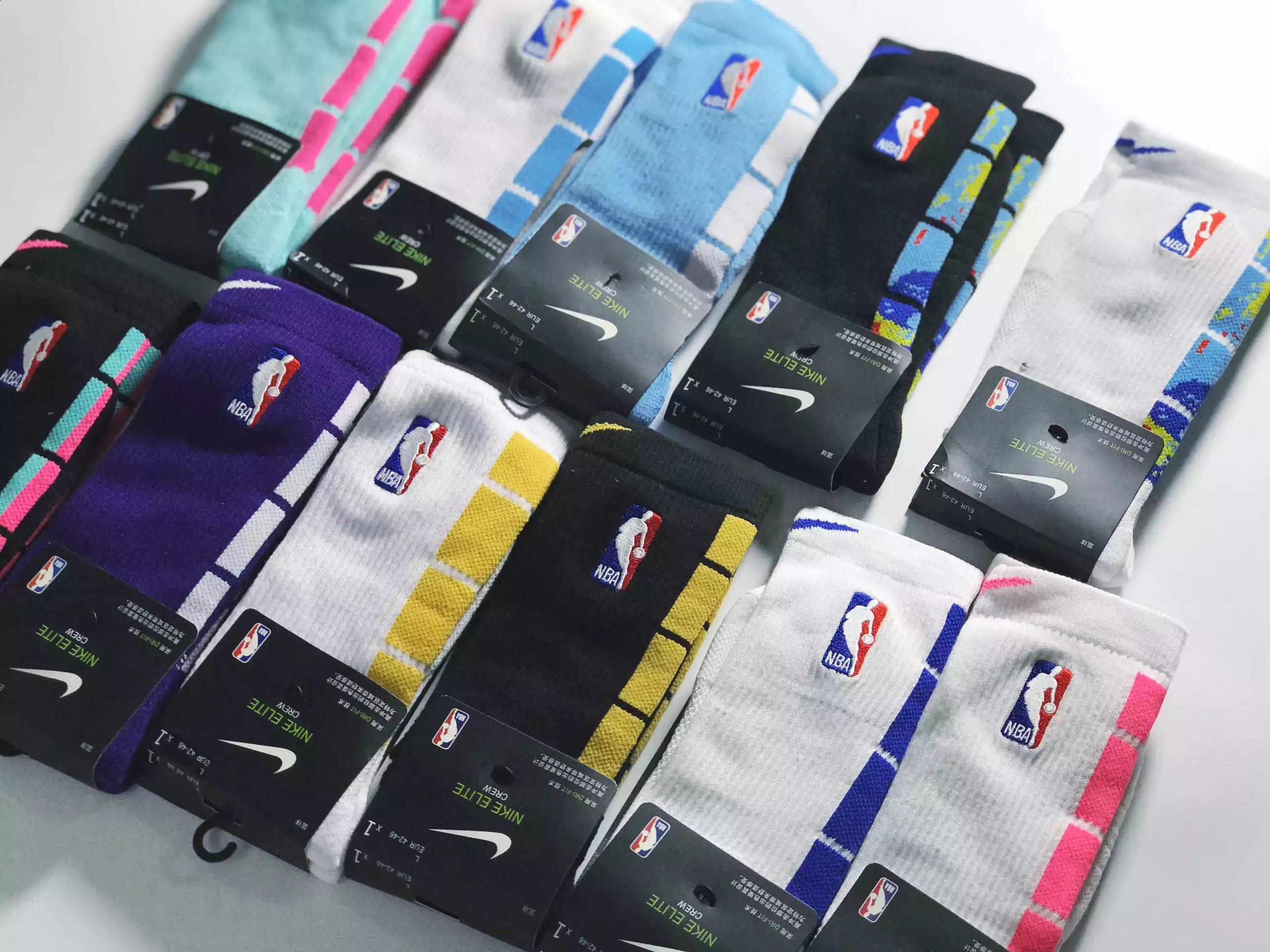
Socks | GTBuy spreadsheet | Sugargoo spreadsheet | CSSBuy spreadsheet - 156024

Double-Breasted Fur Collar Style - DS-AH901 | UIDBuy spreadsheet | Lovegobuy spreadsheet - 157393

C-CY Scarf | Hipobuy spreadsheet | Oopbuy spreadsheet | BBDBuy spreadsheet - 141115