
cafans — Curated Fashion & Accessories
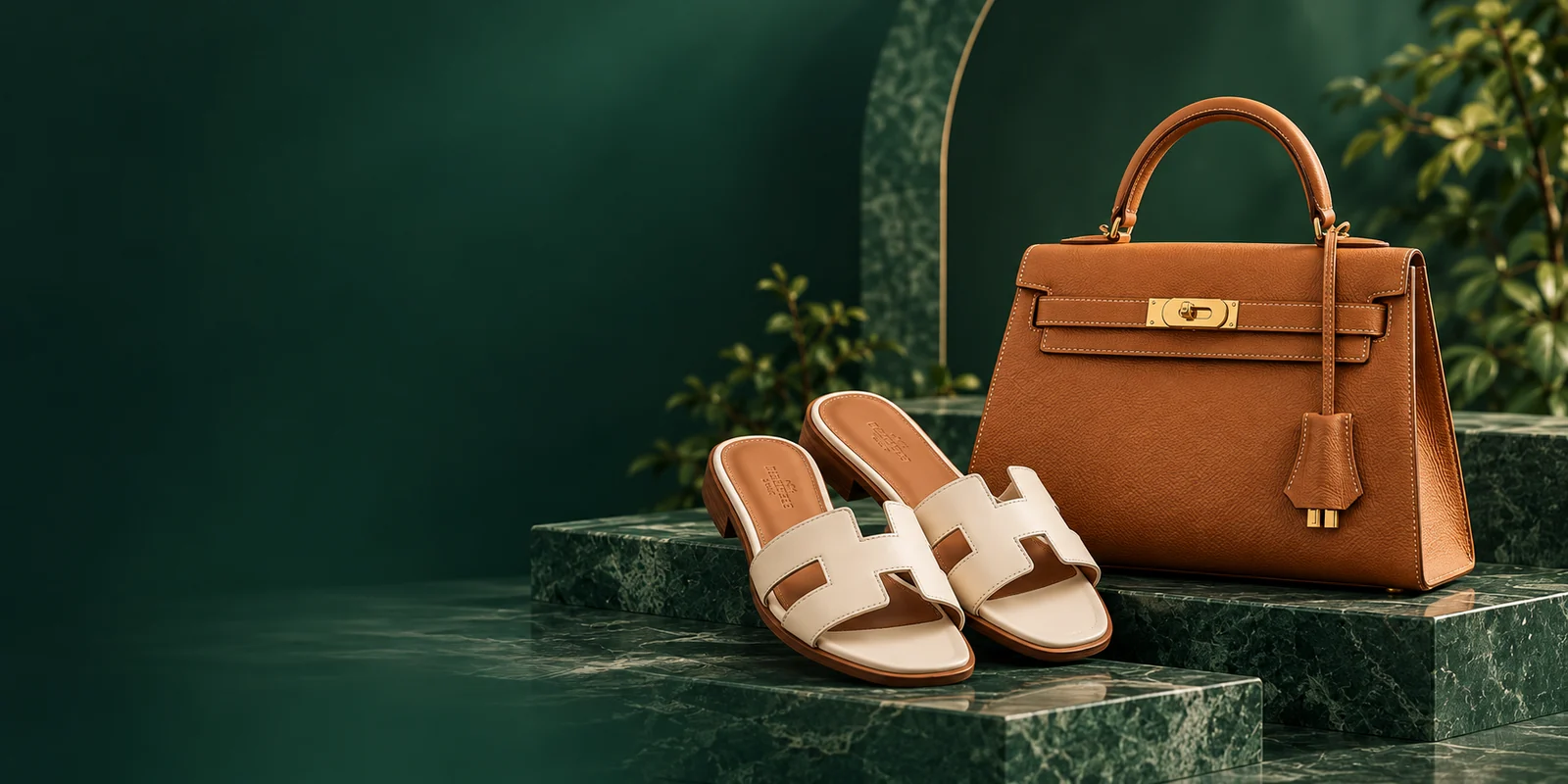





THE COLLECTION
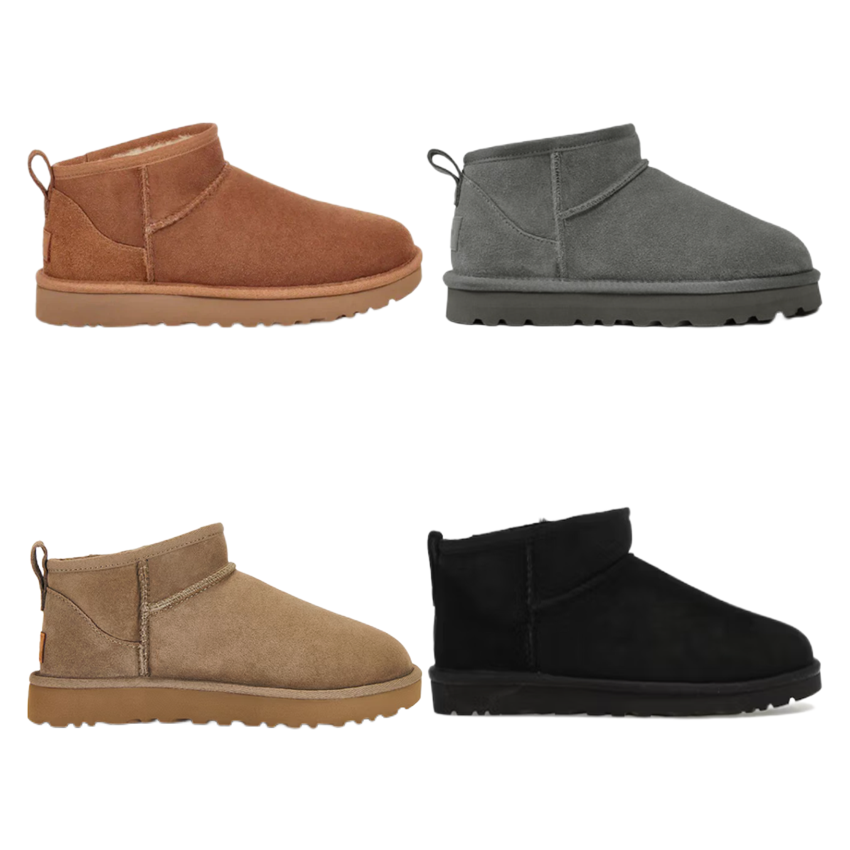
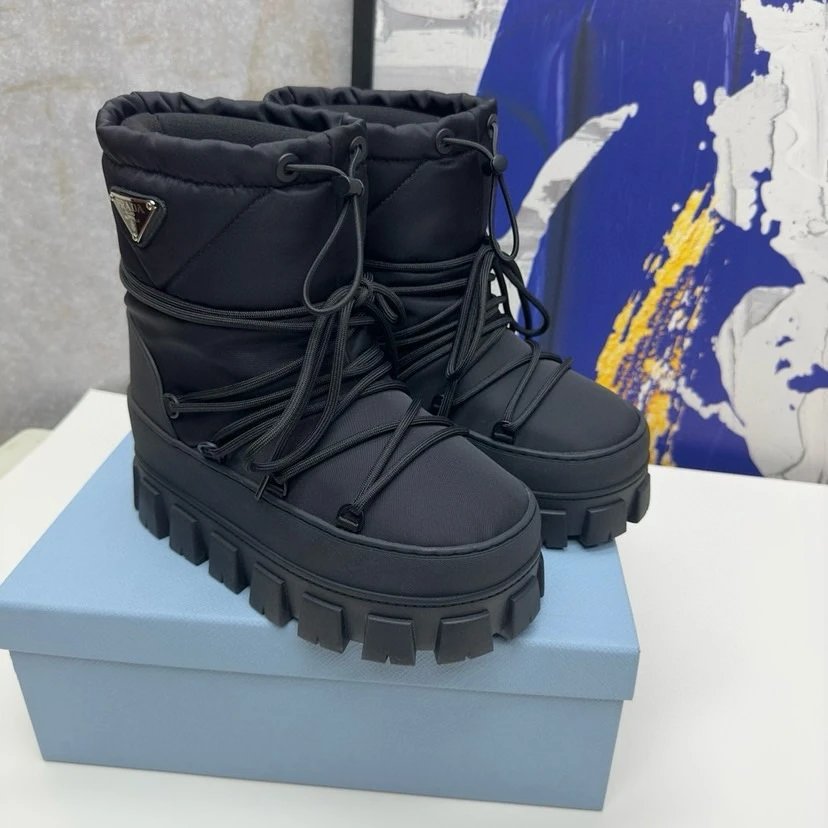
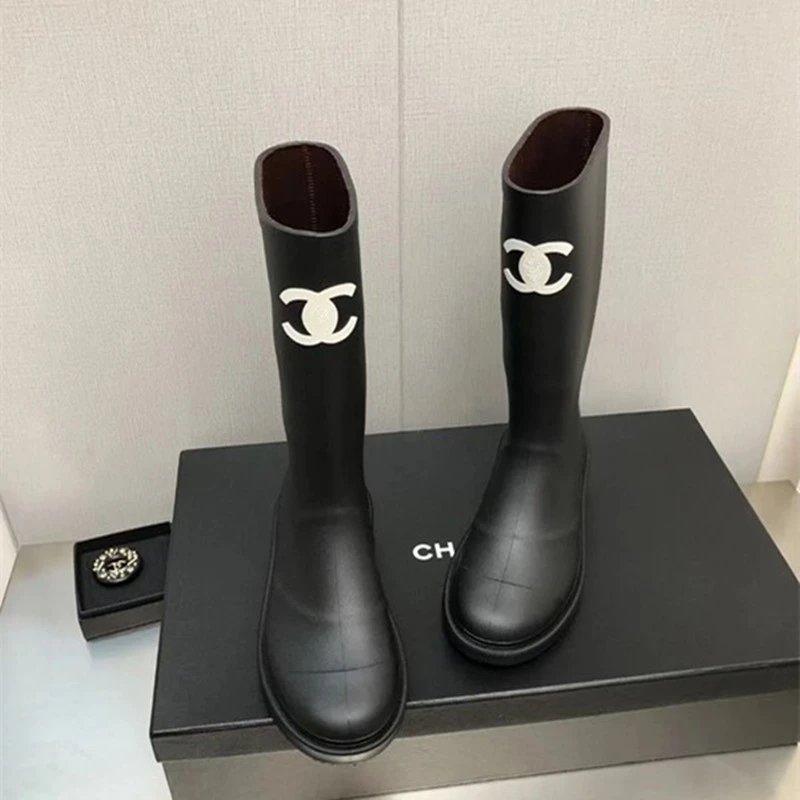
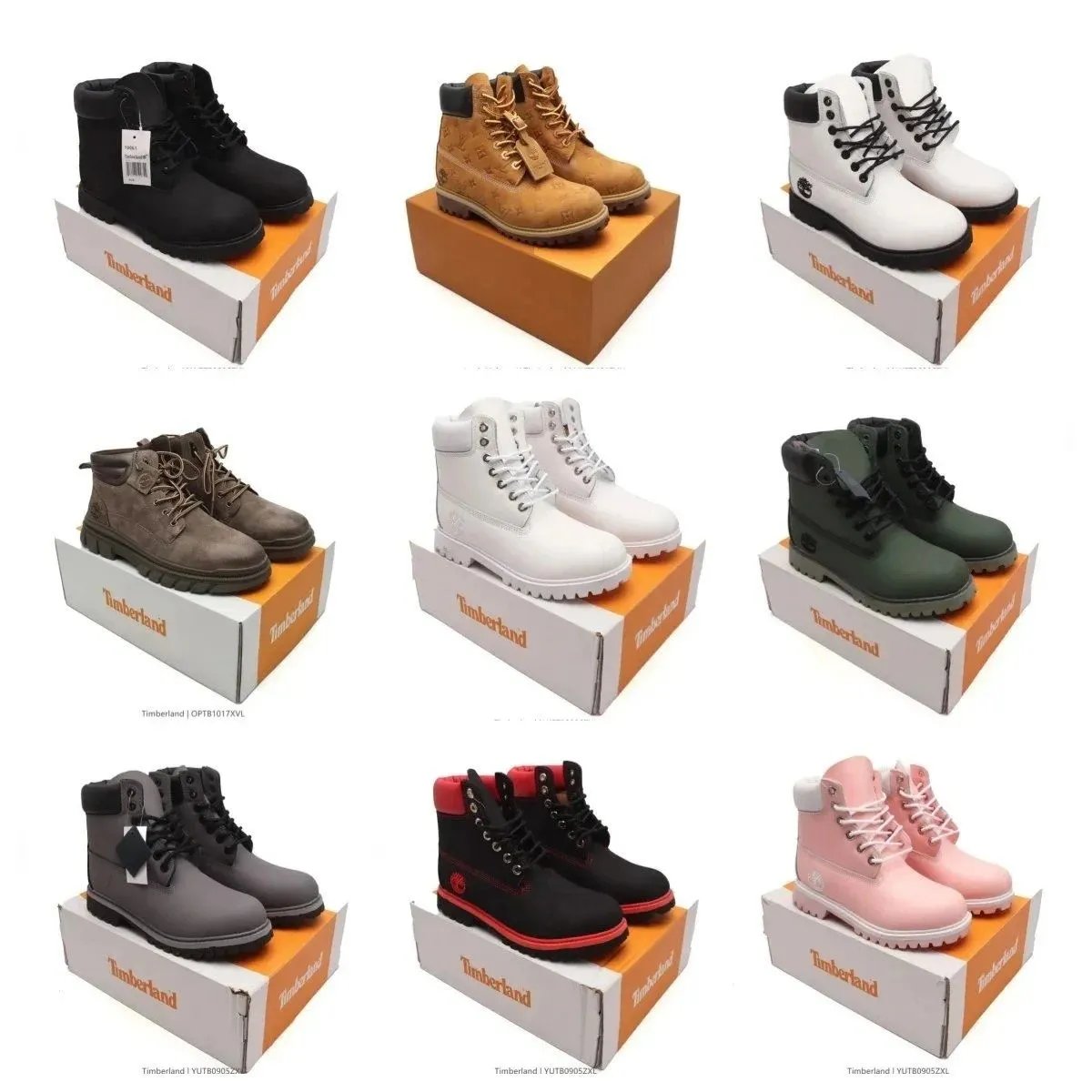
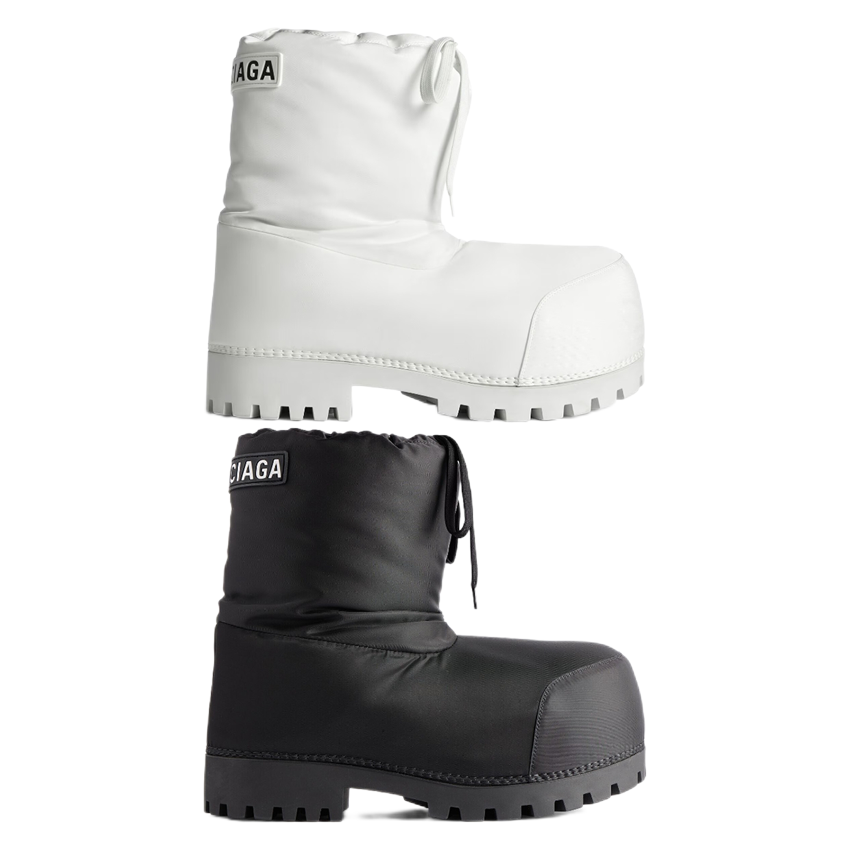
Shoes
1,743 PRODUCTS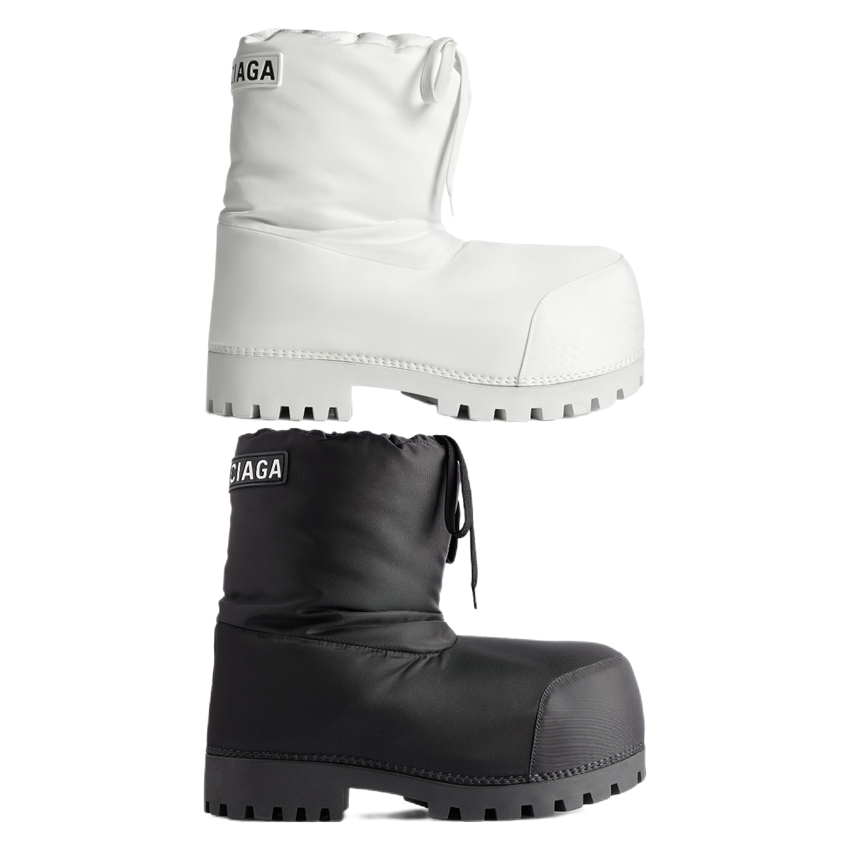




THE COLLECTION
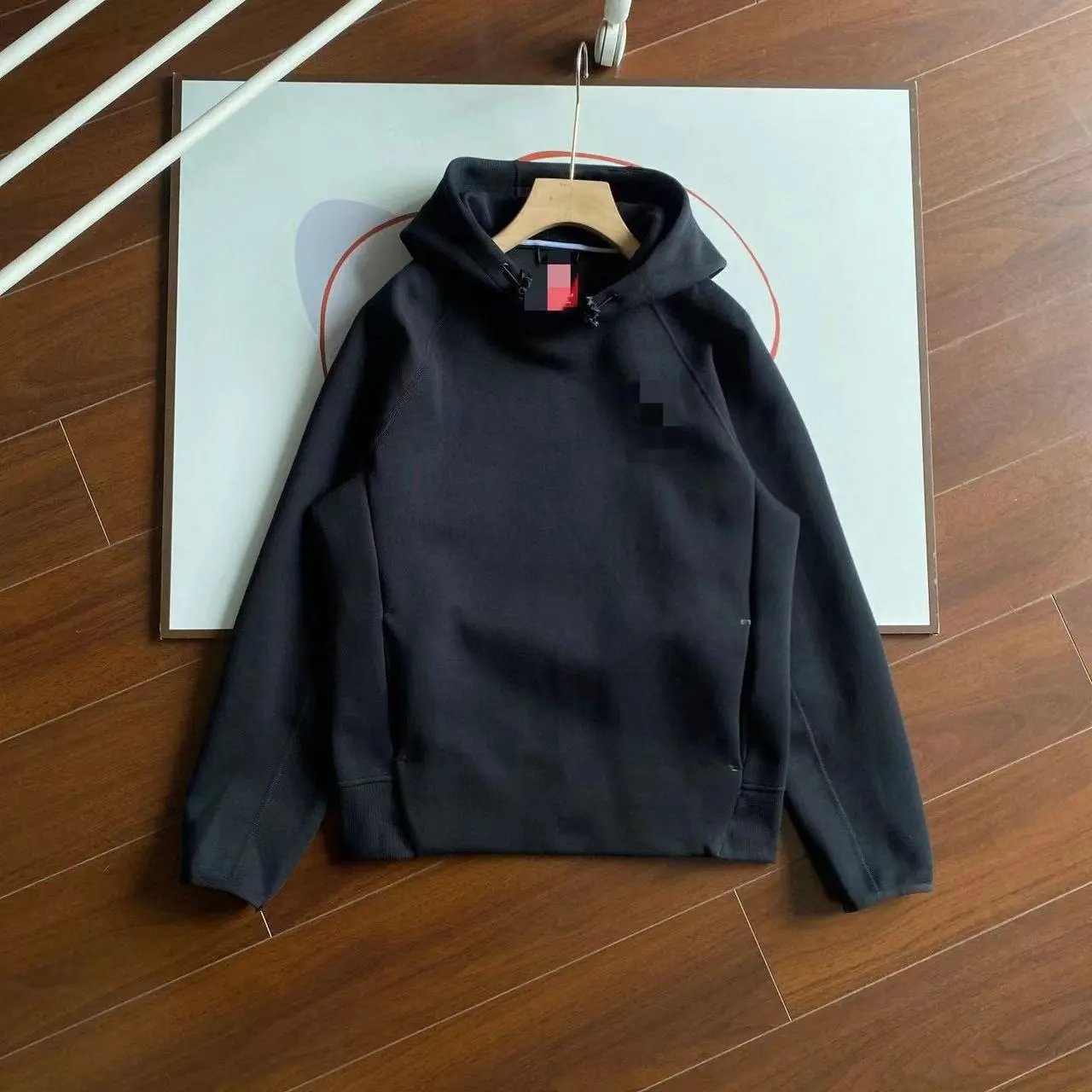
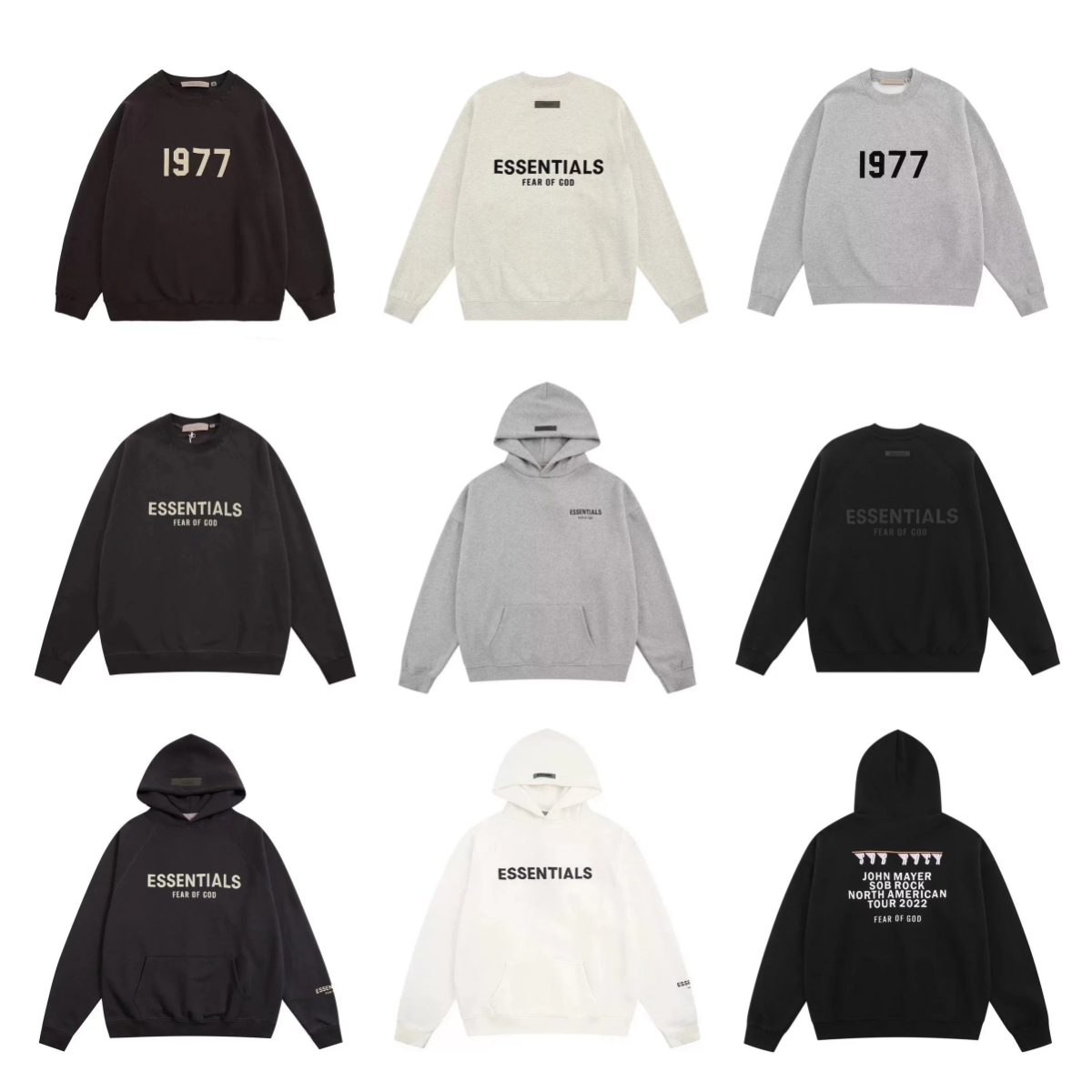
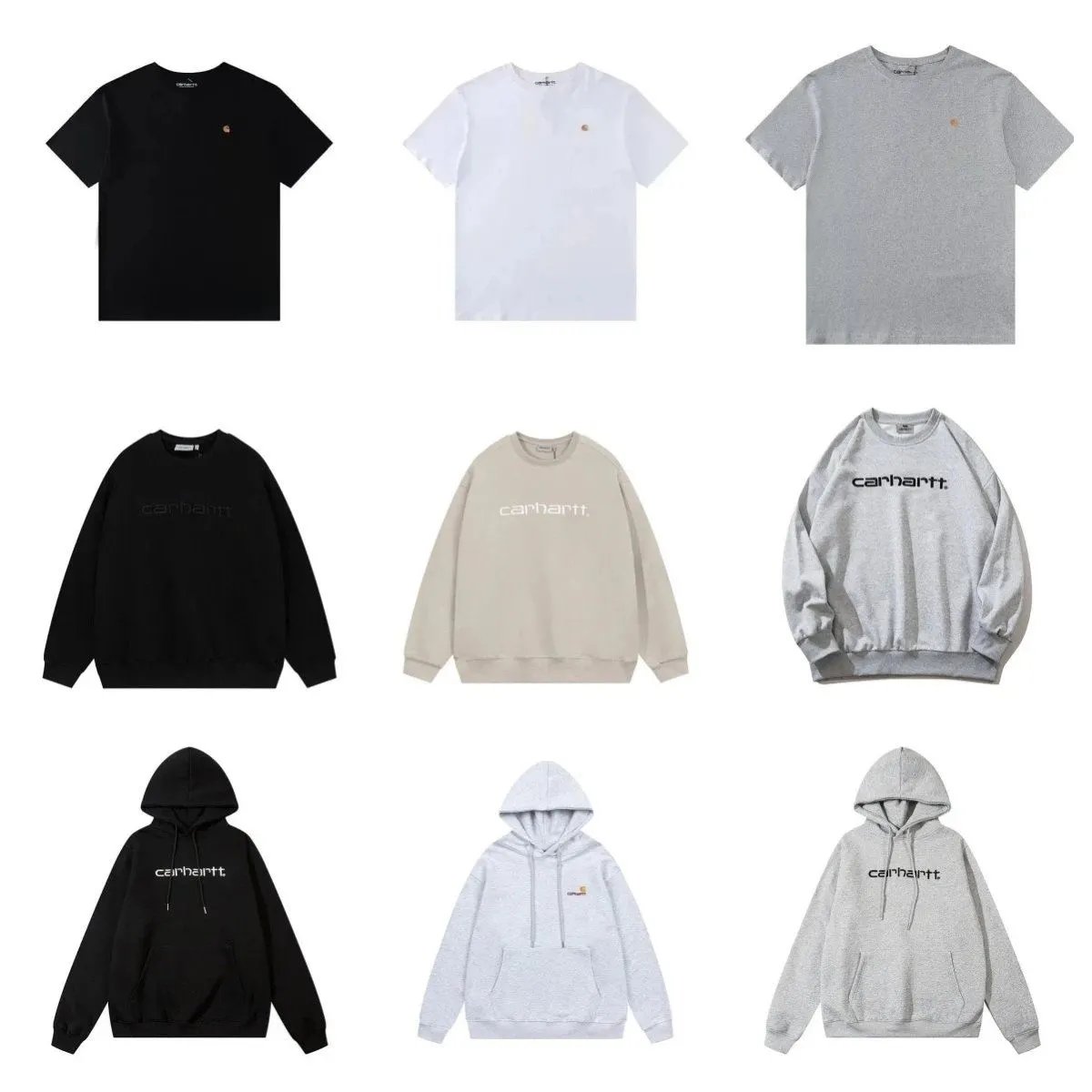
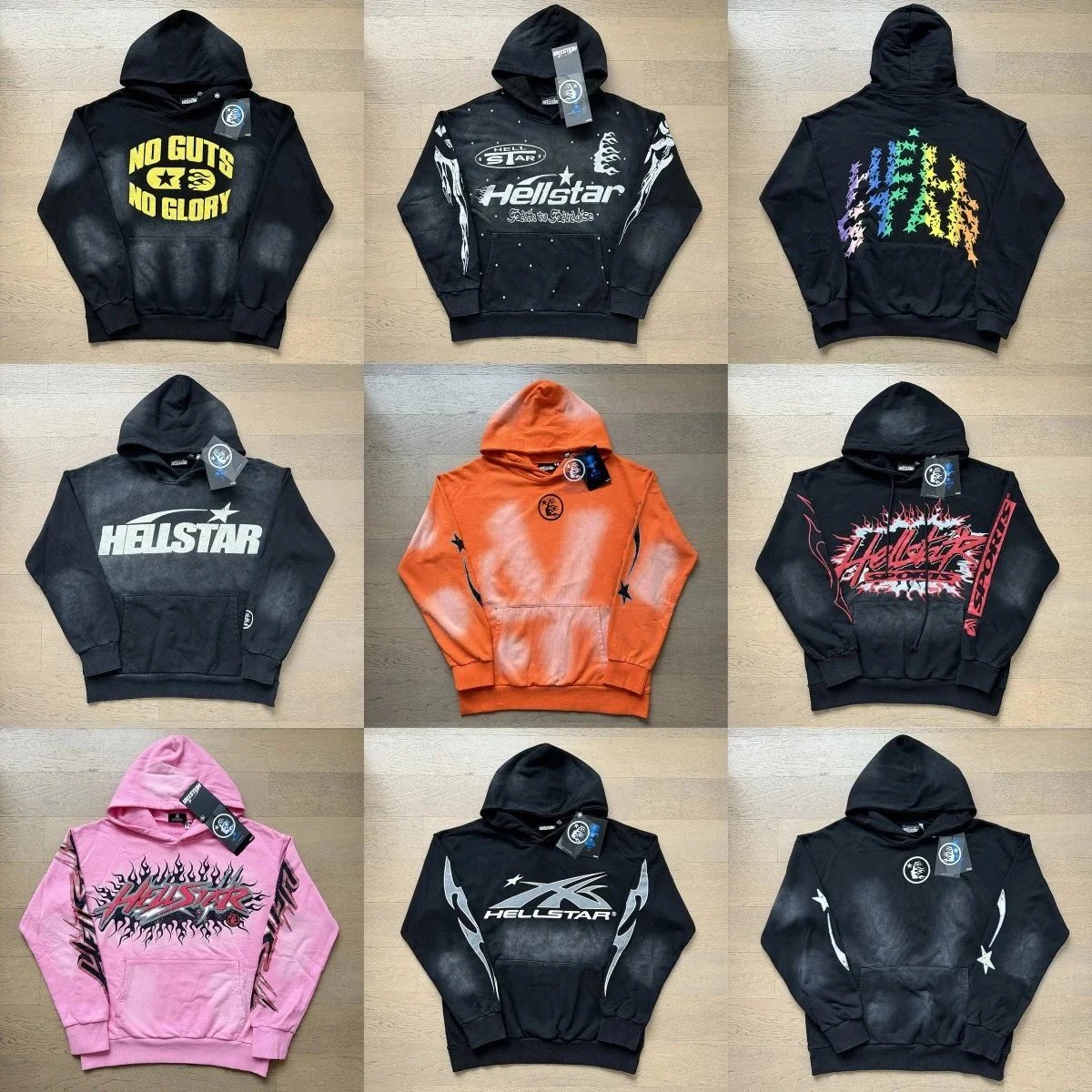
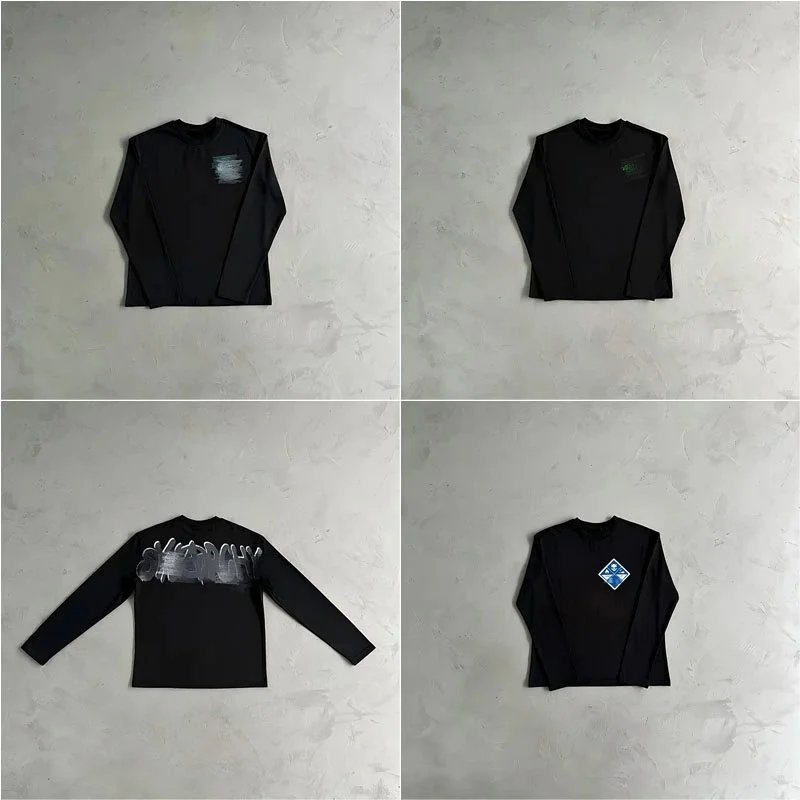
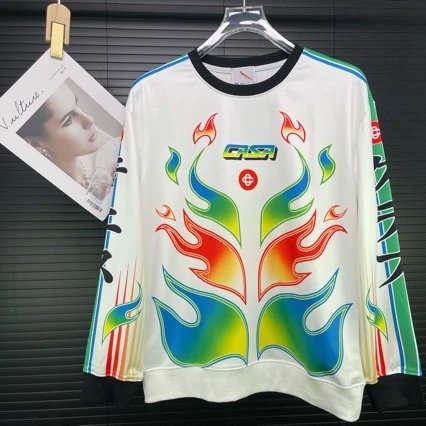
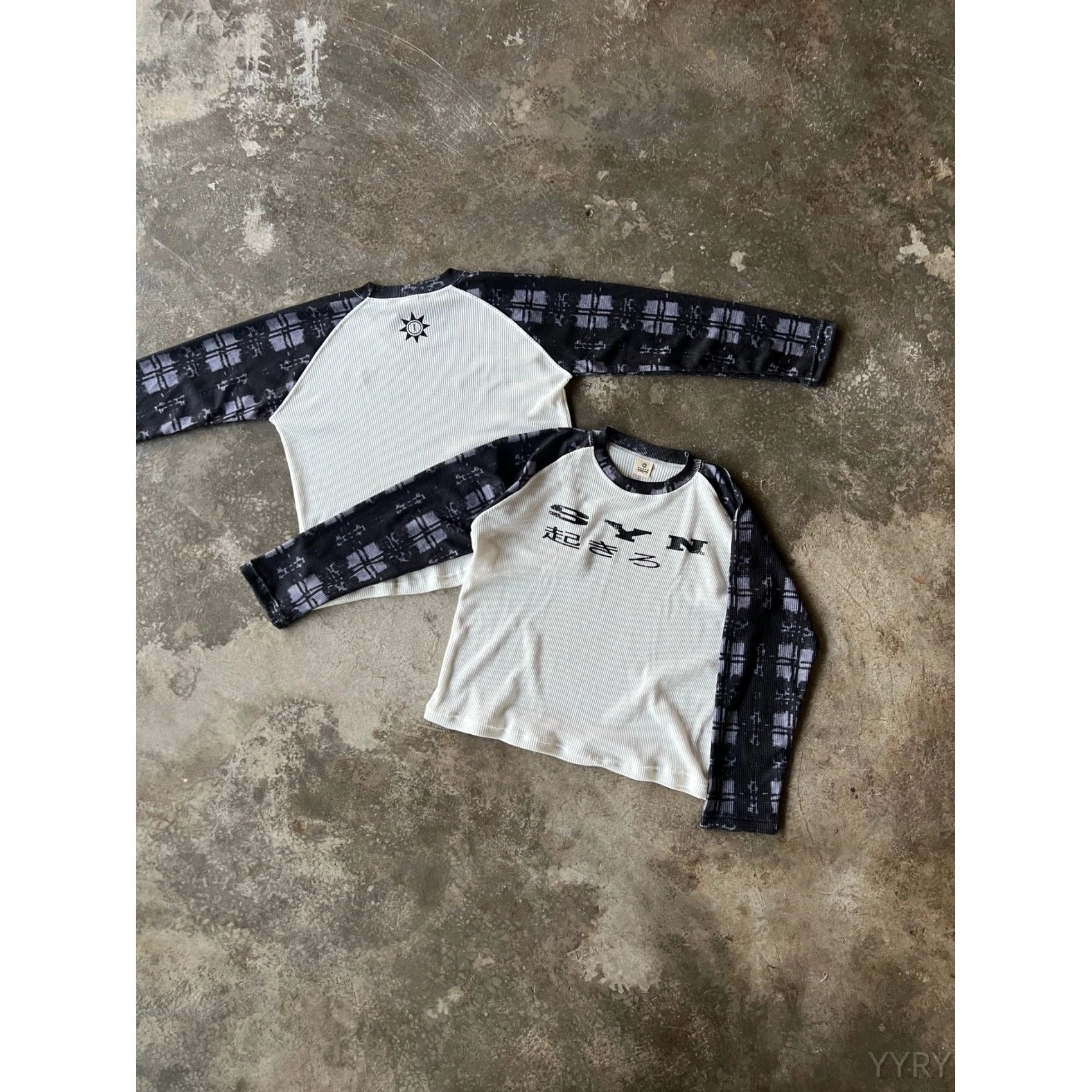
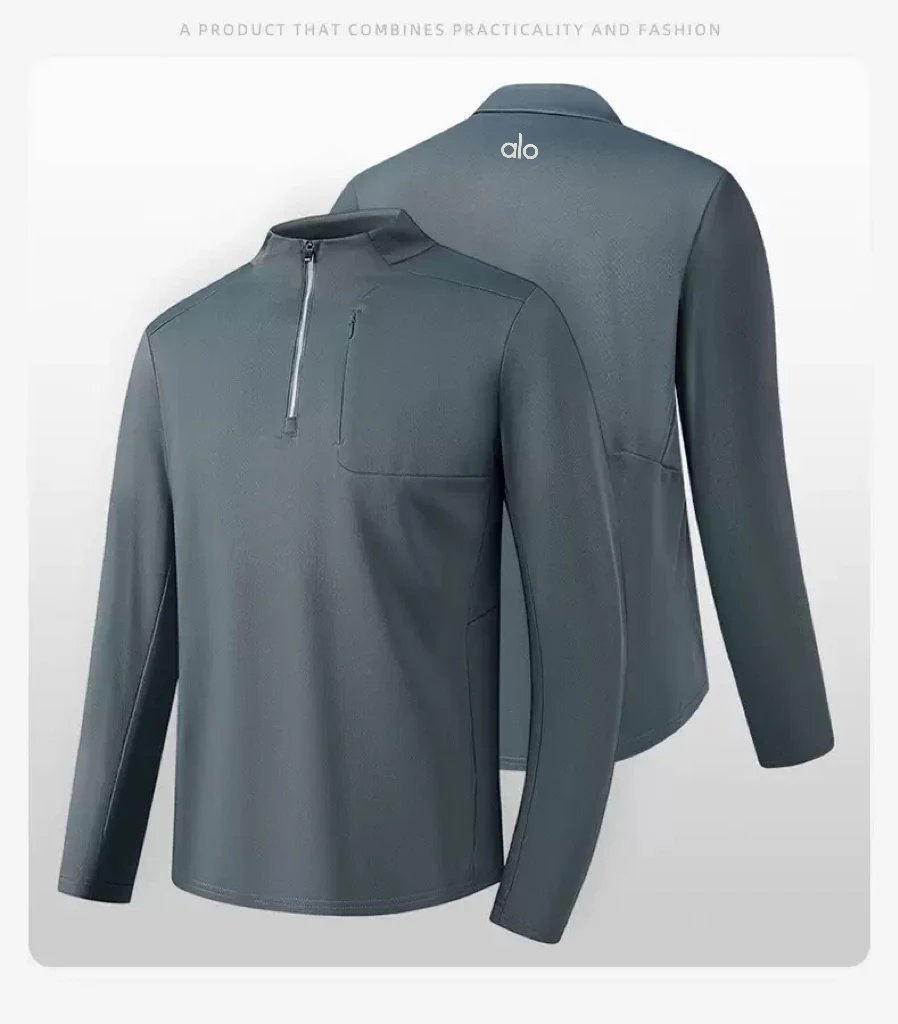
Hoodies/Sweaters
1,604 PRODUCTS

THE COLLECTION
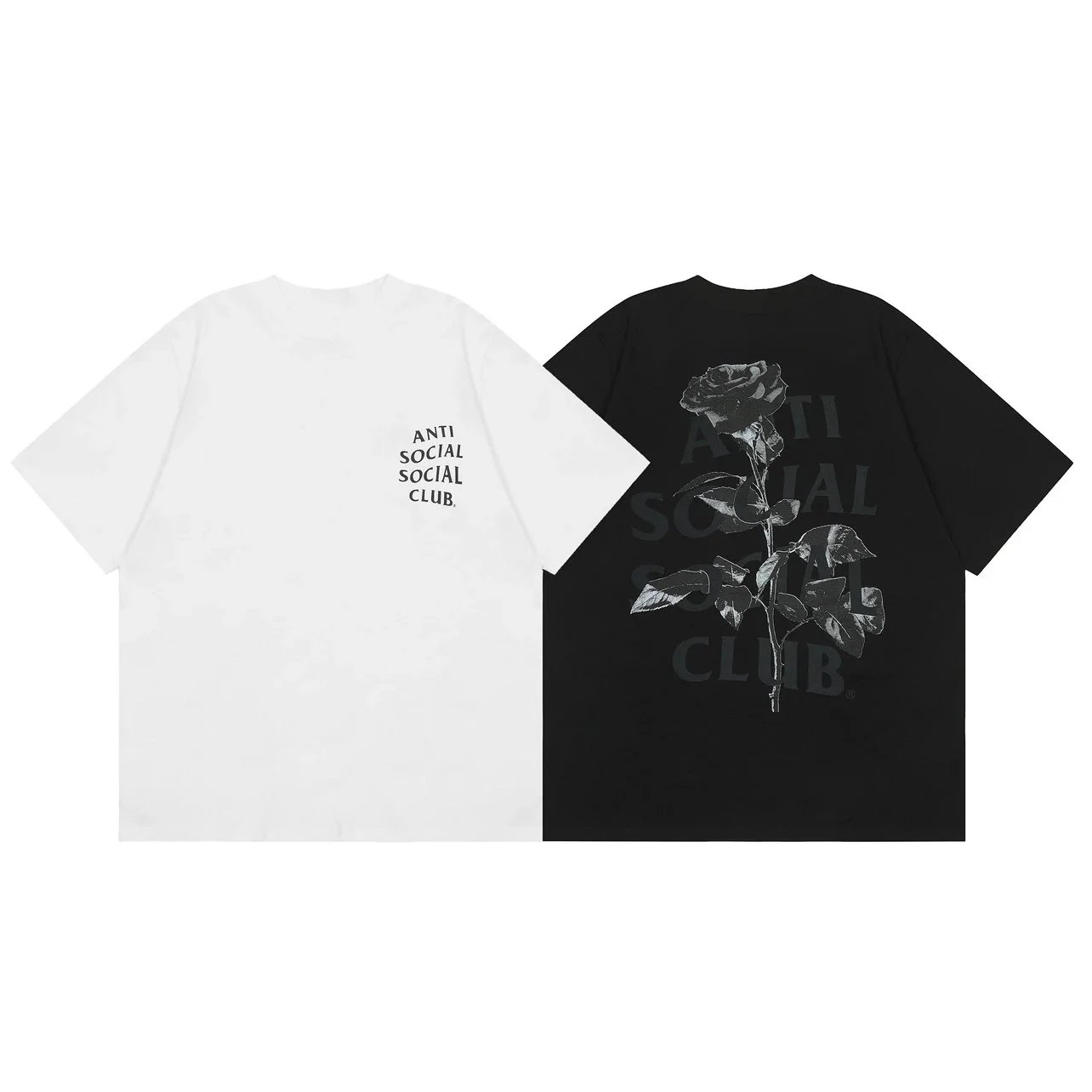
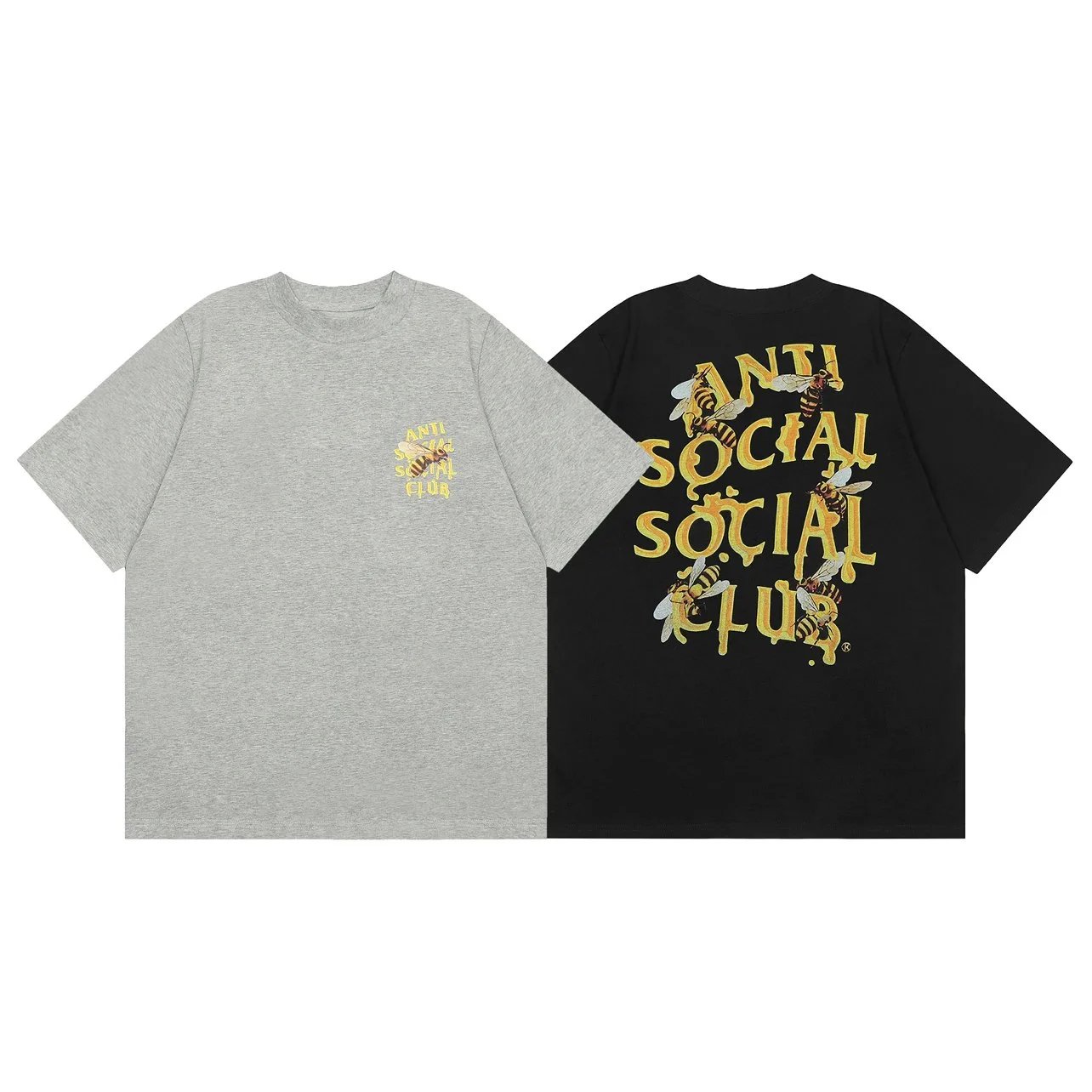
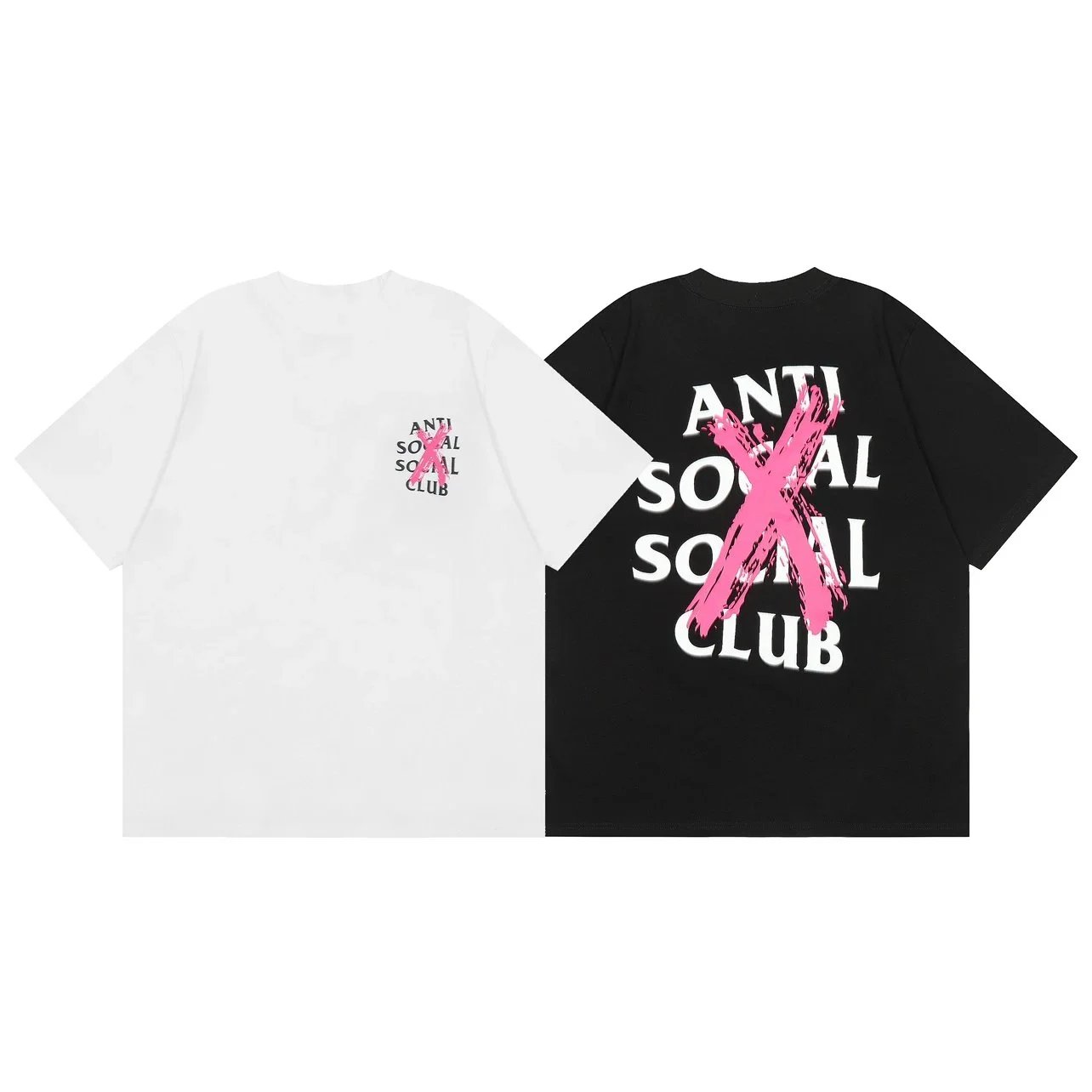
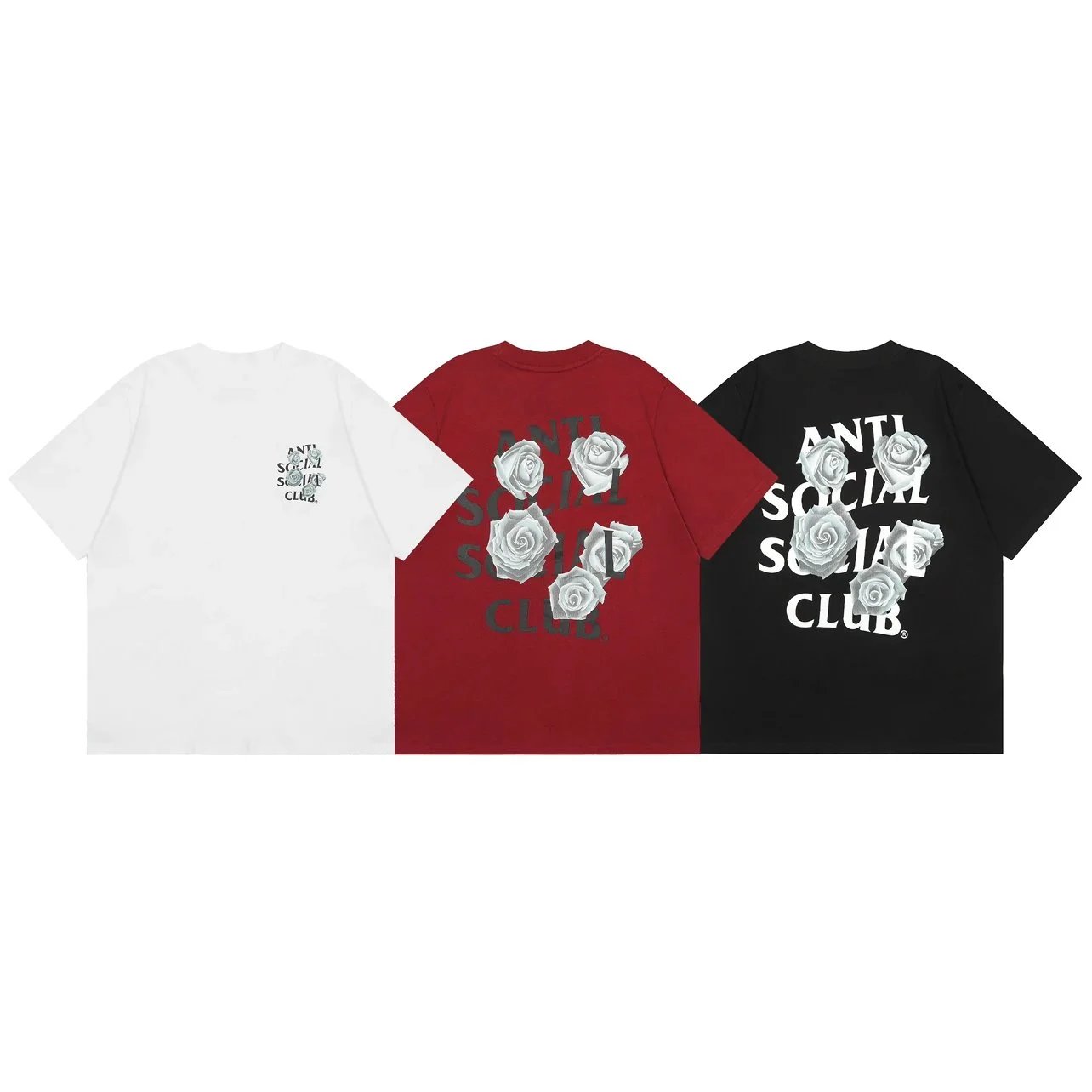
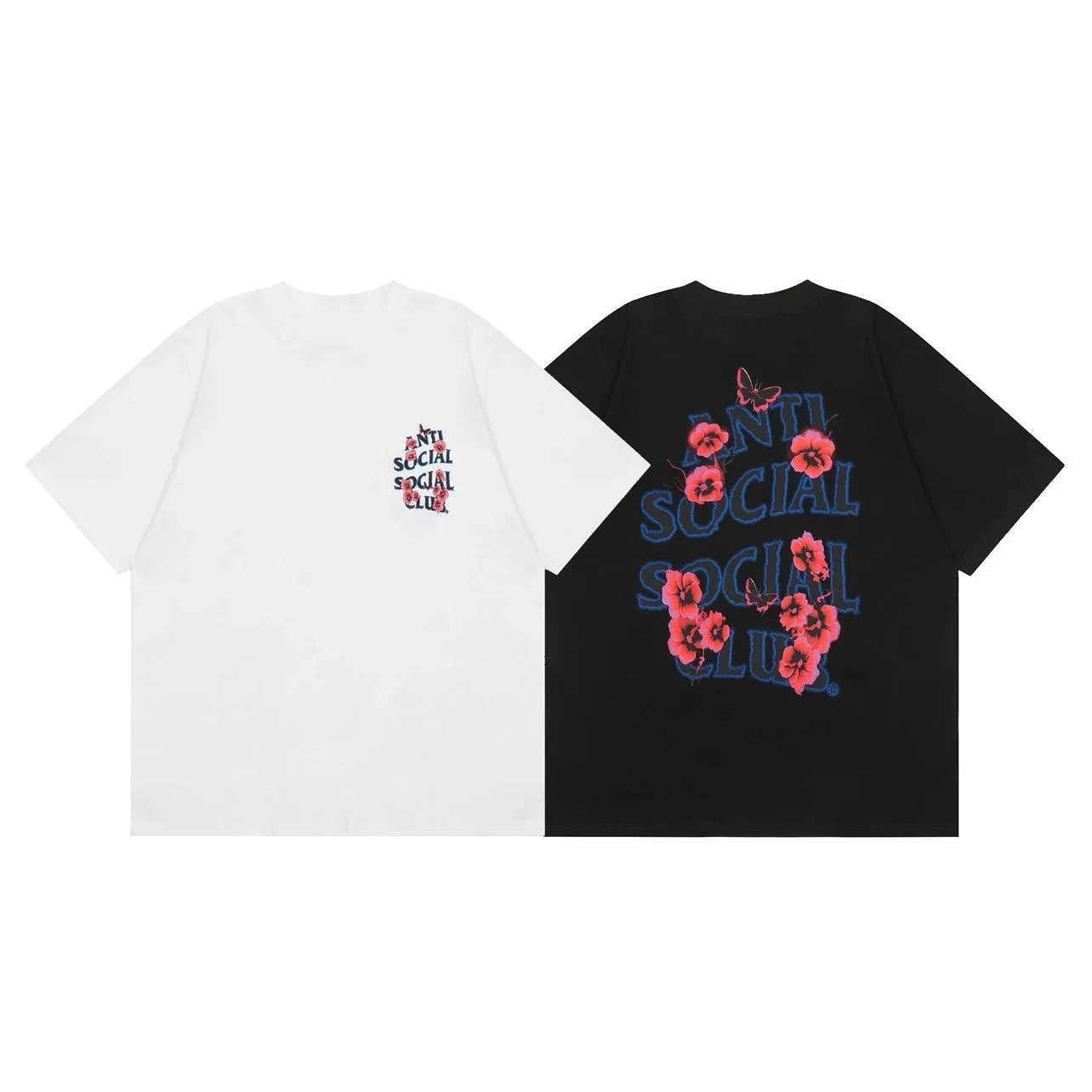
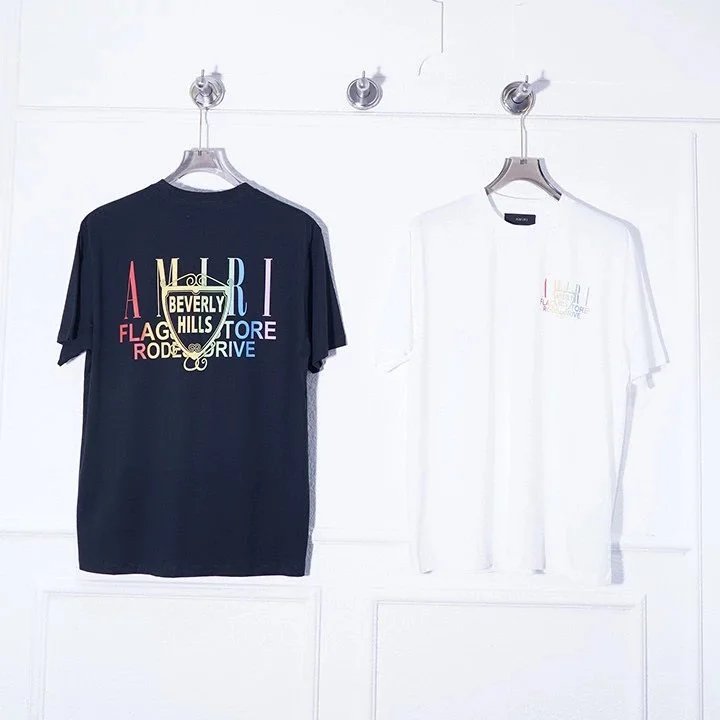
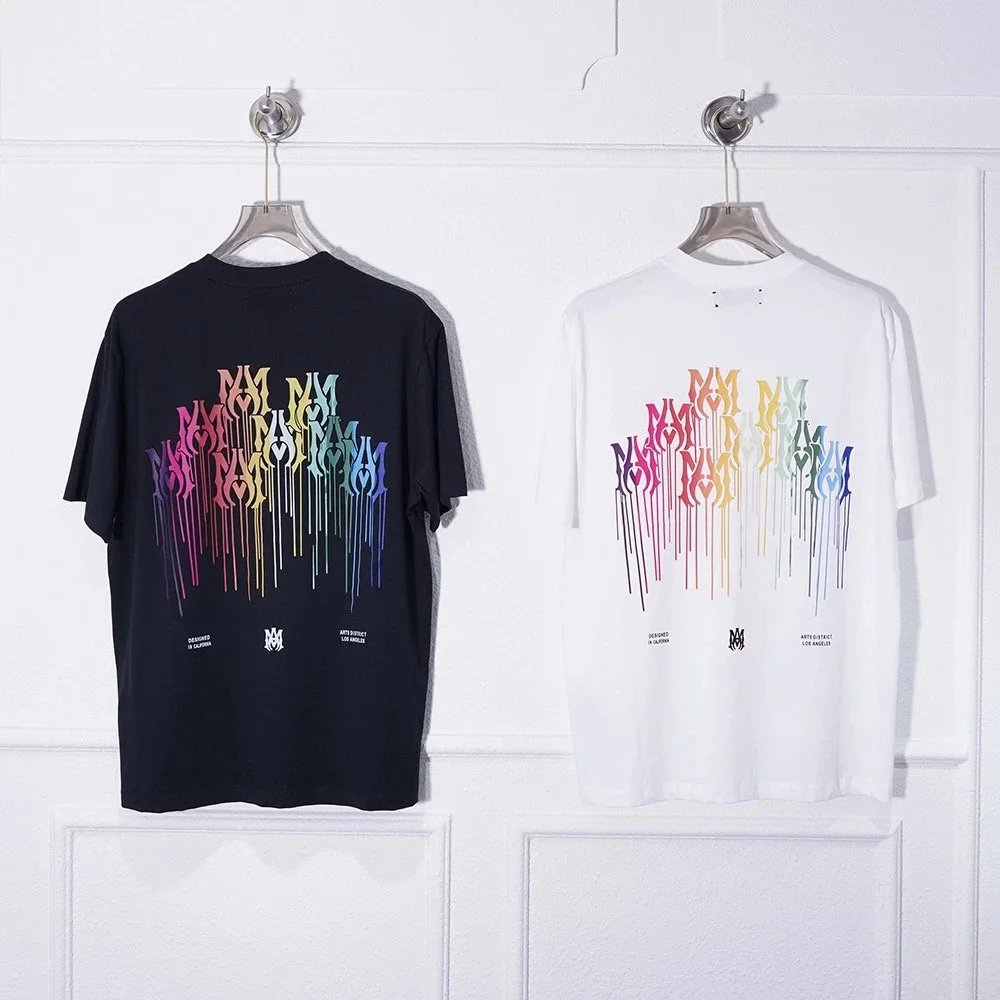
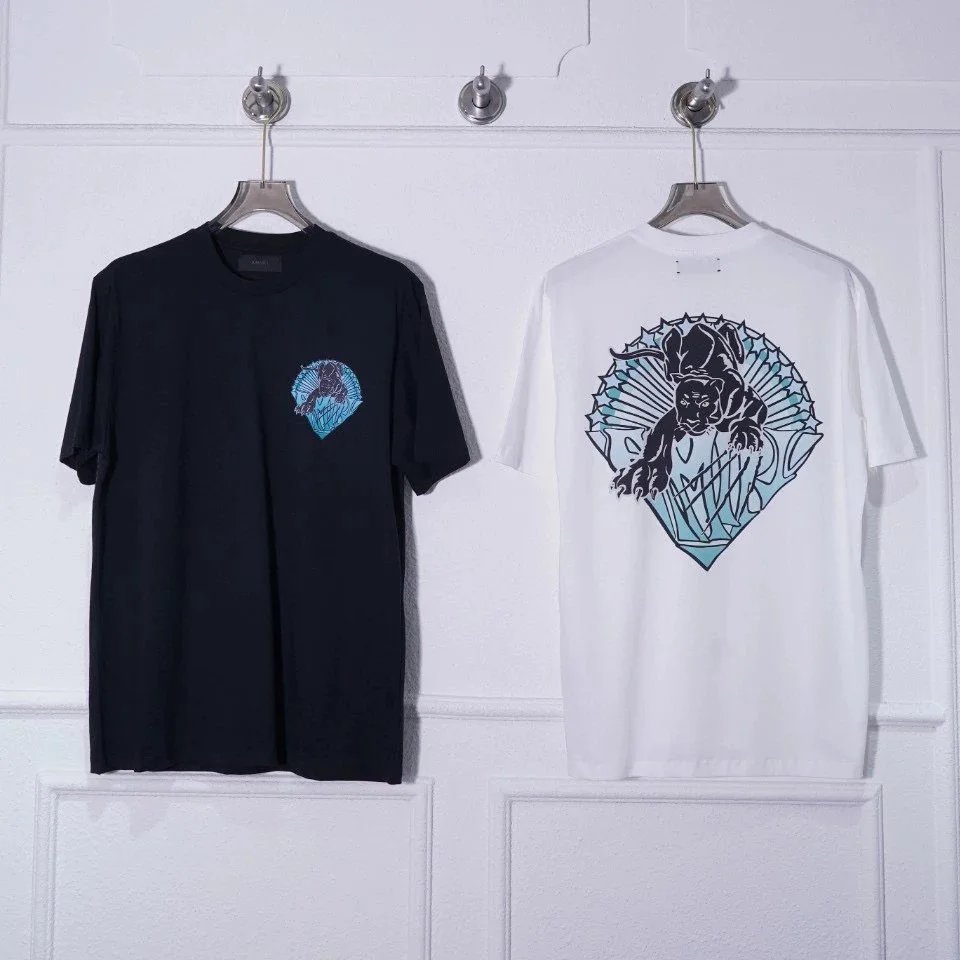
T-Shirts
3,710 PRODUCTS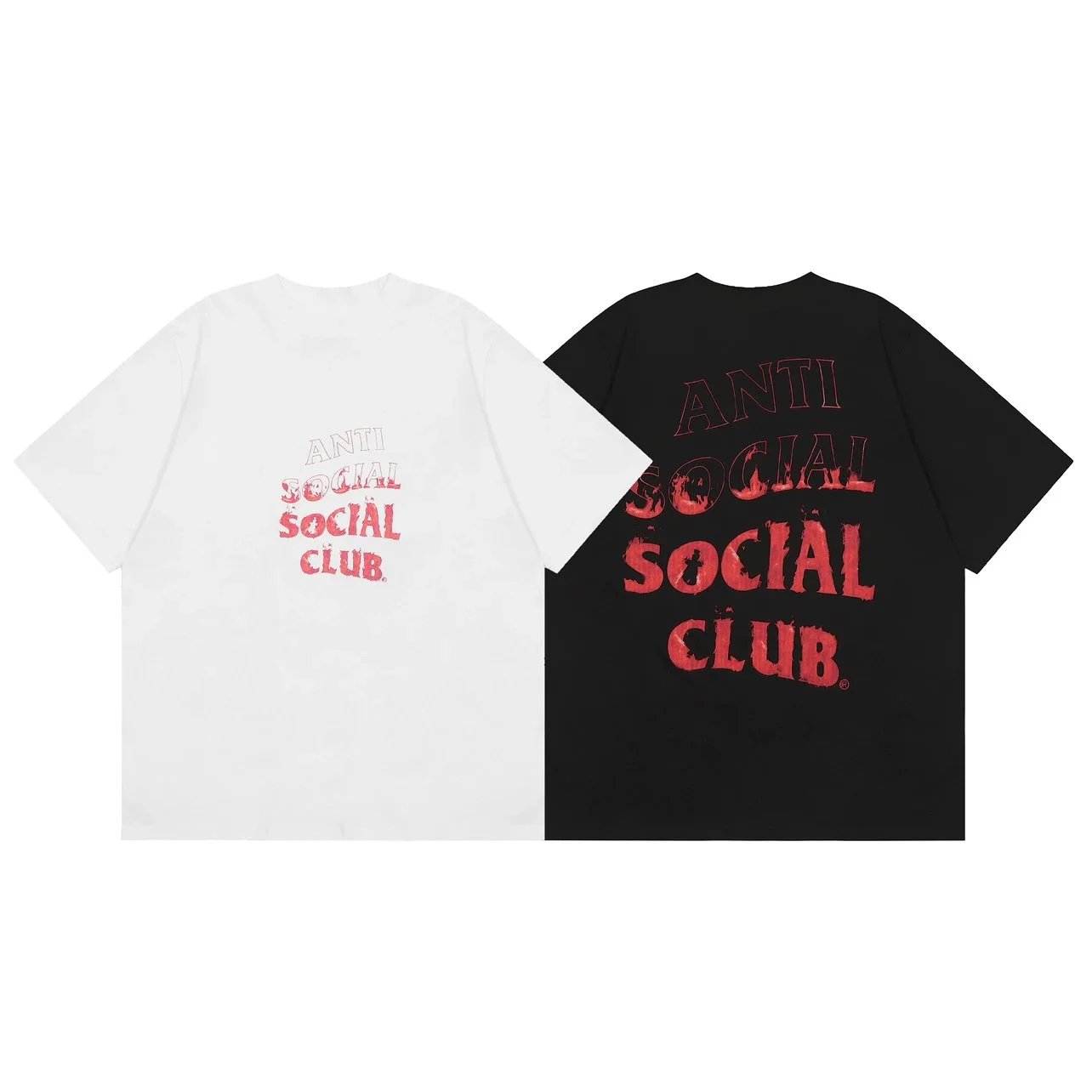
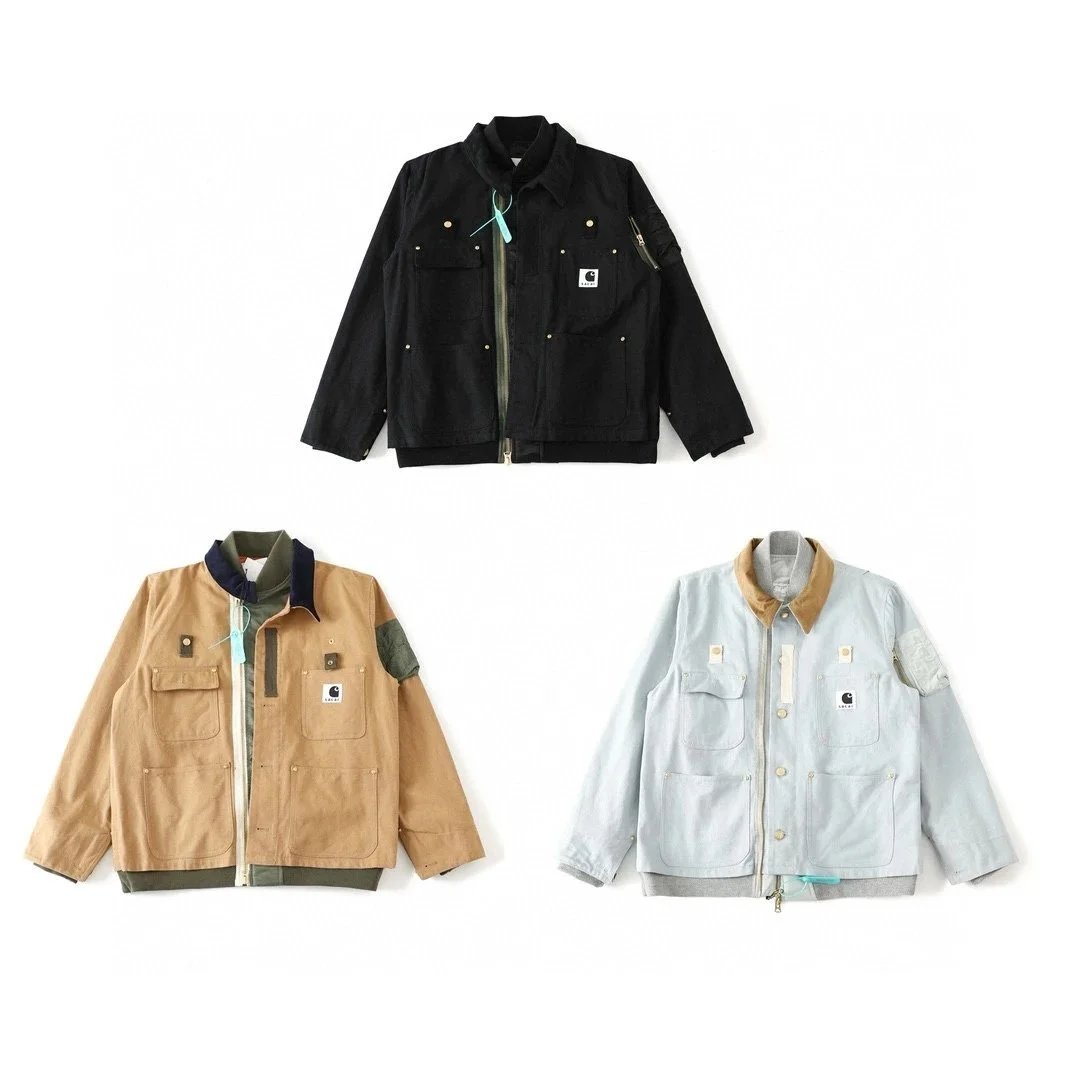
THE COLLECTION
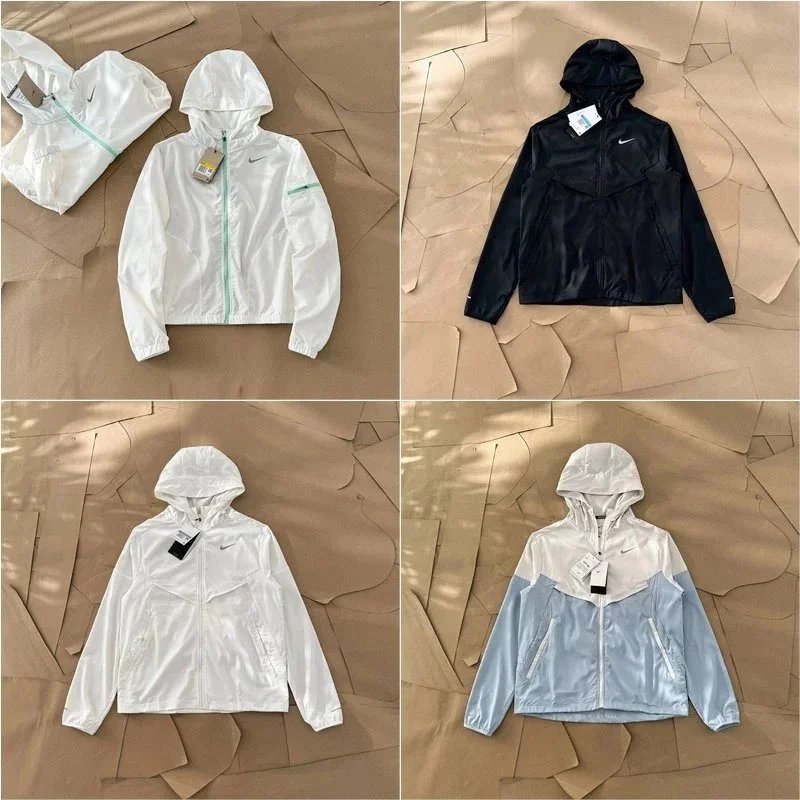
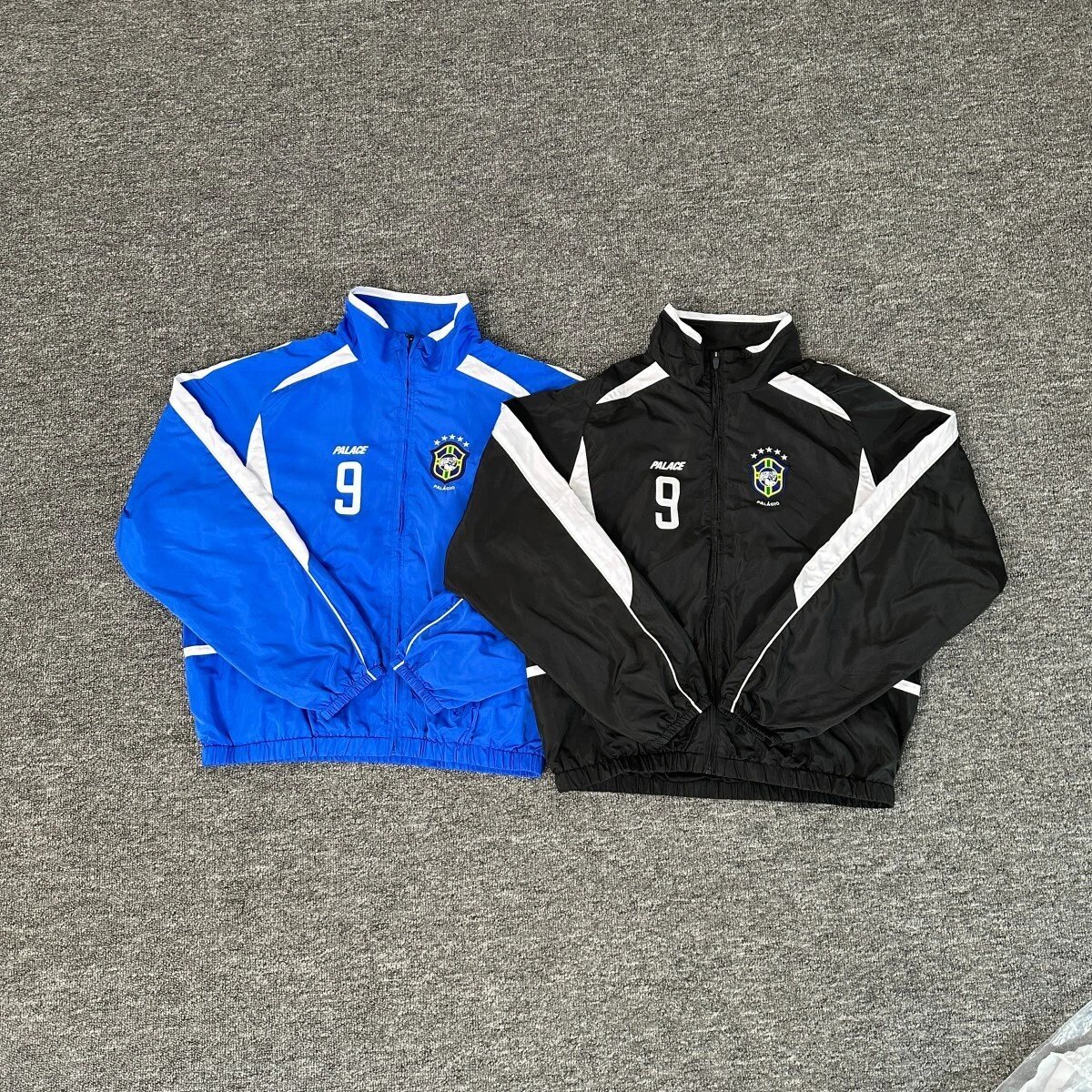
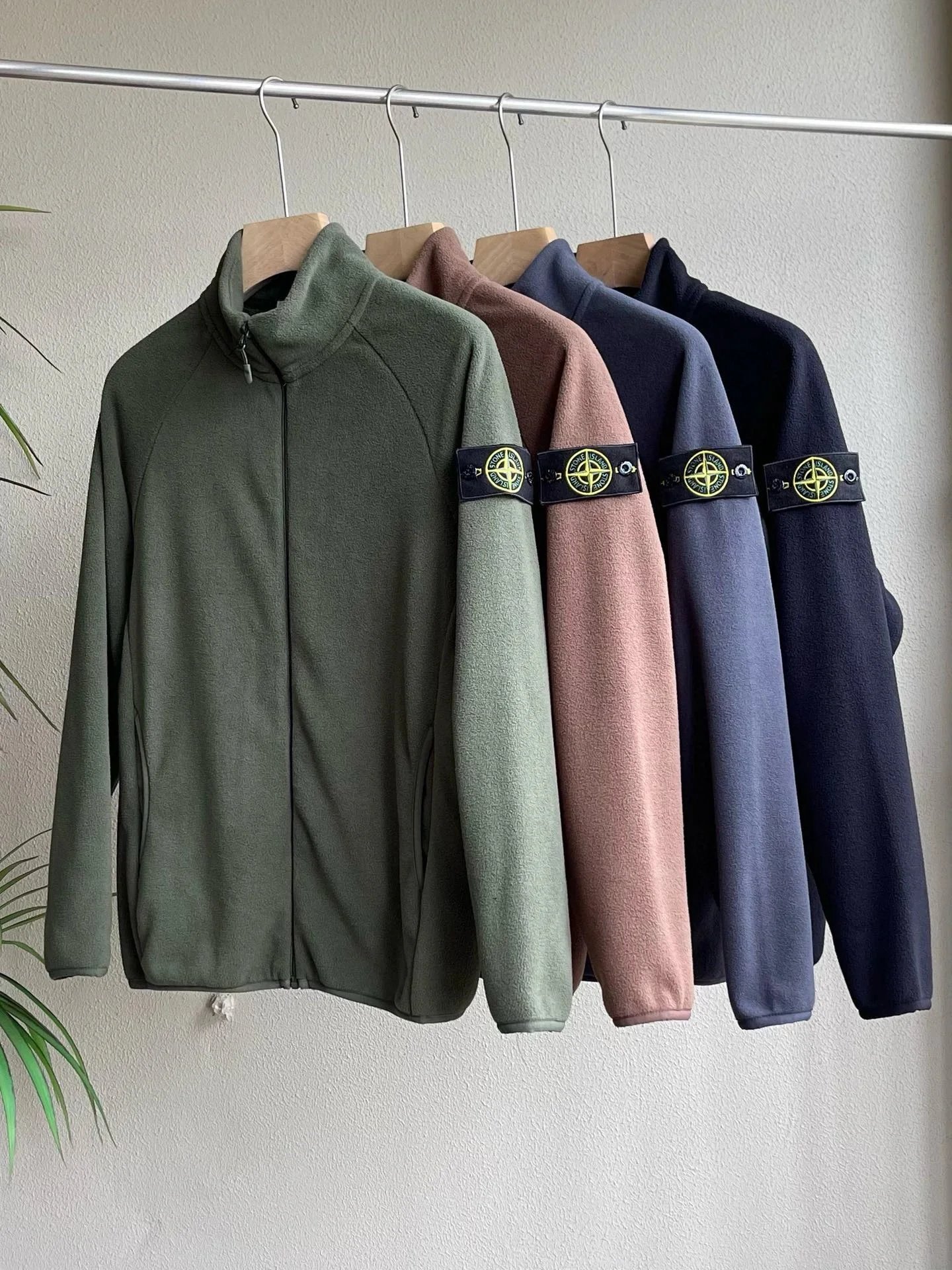
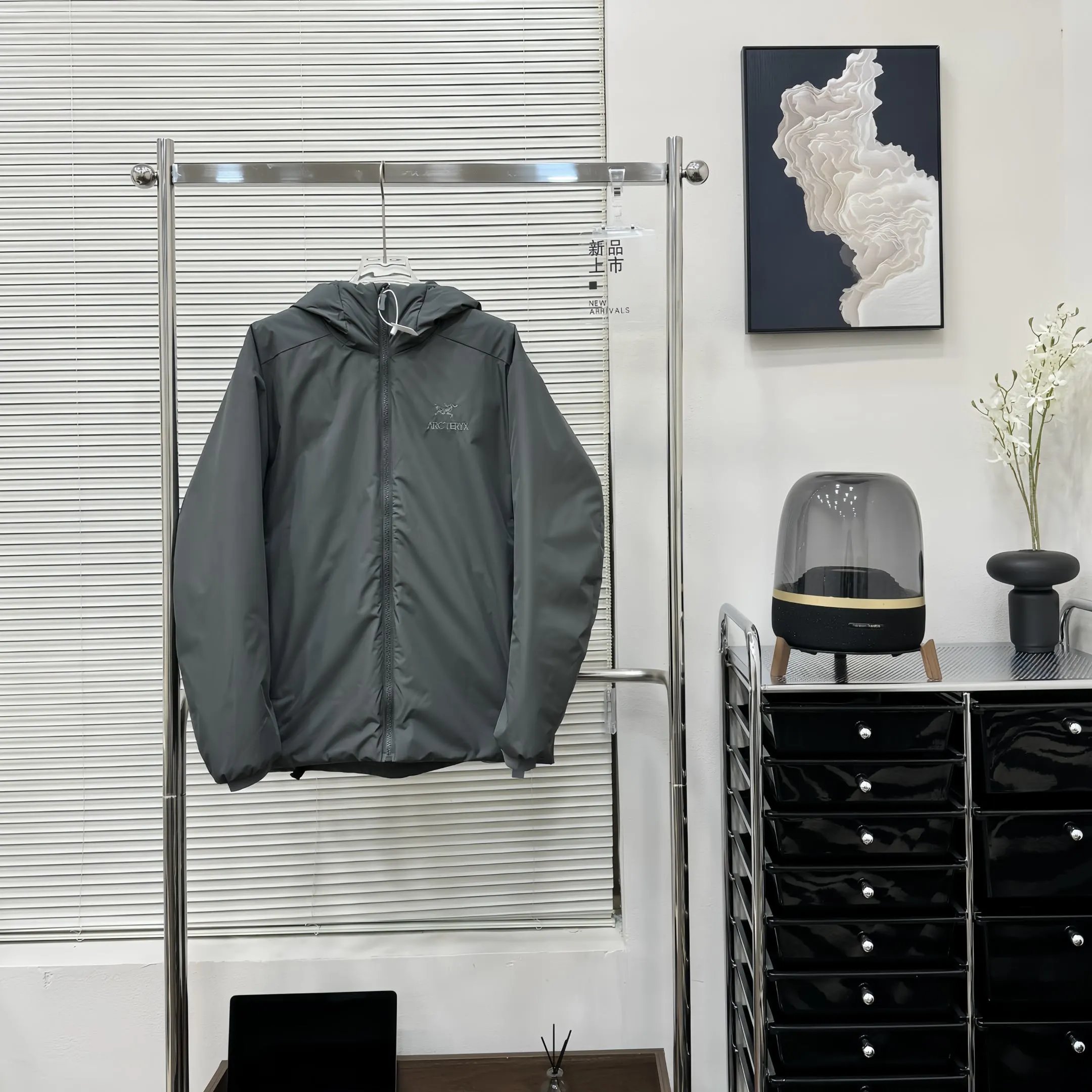
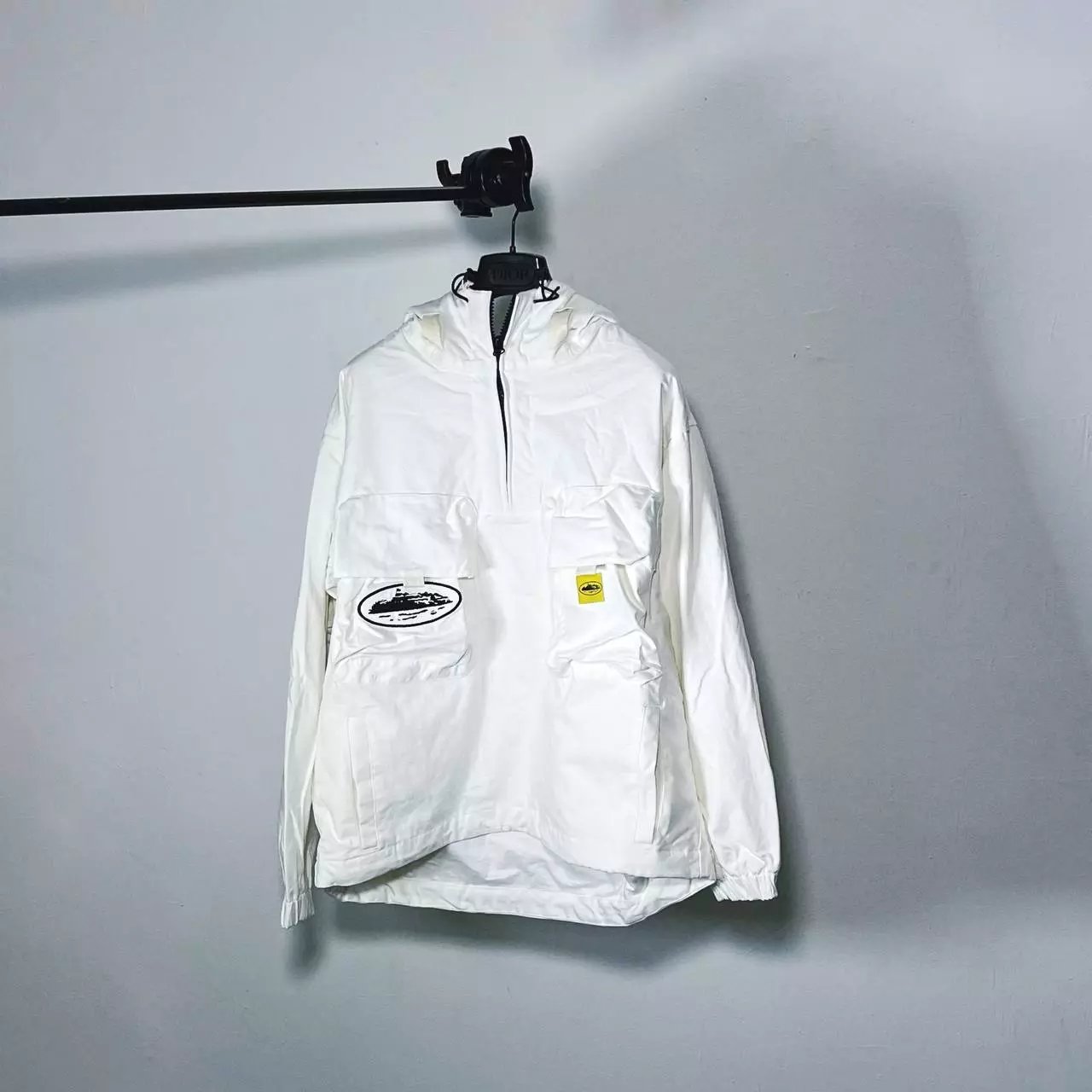
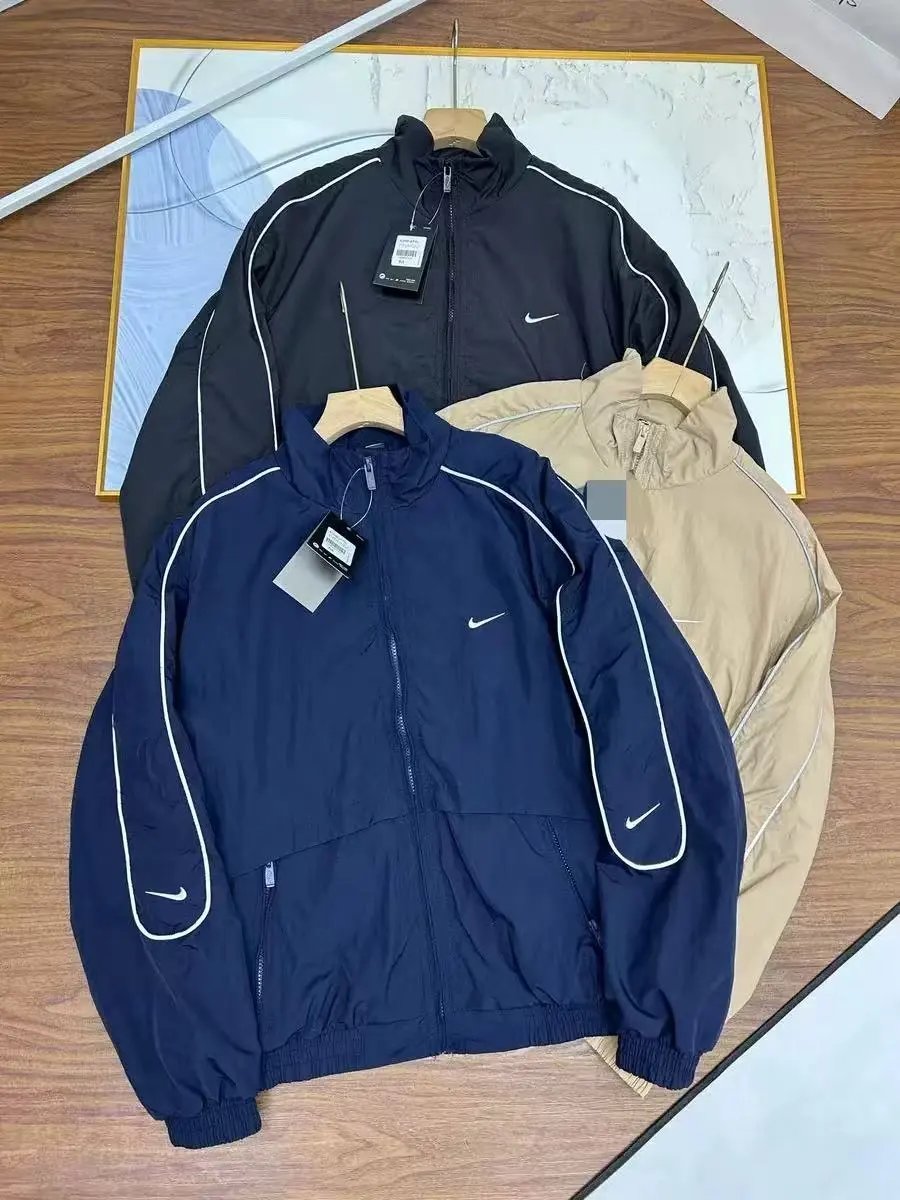
Jackets
1,673 PRODUCTS
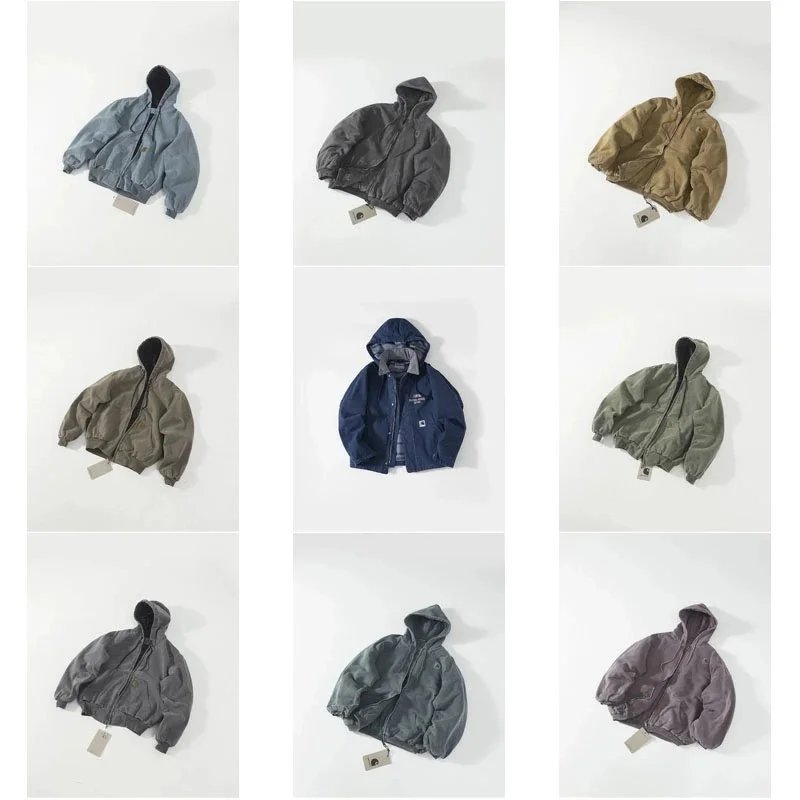
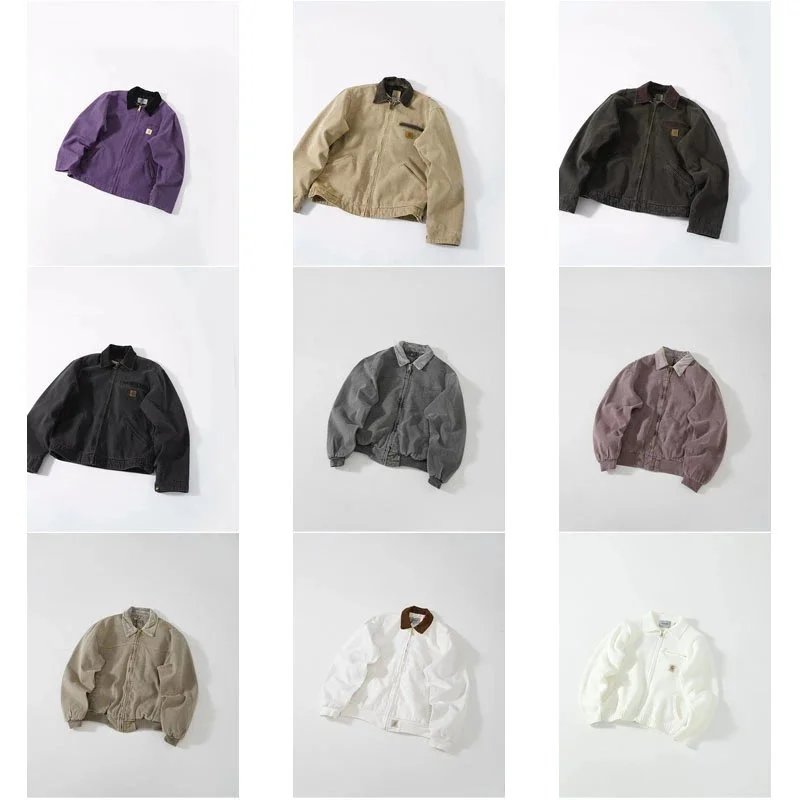

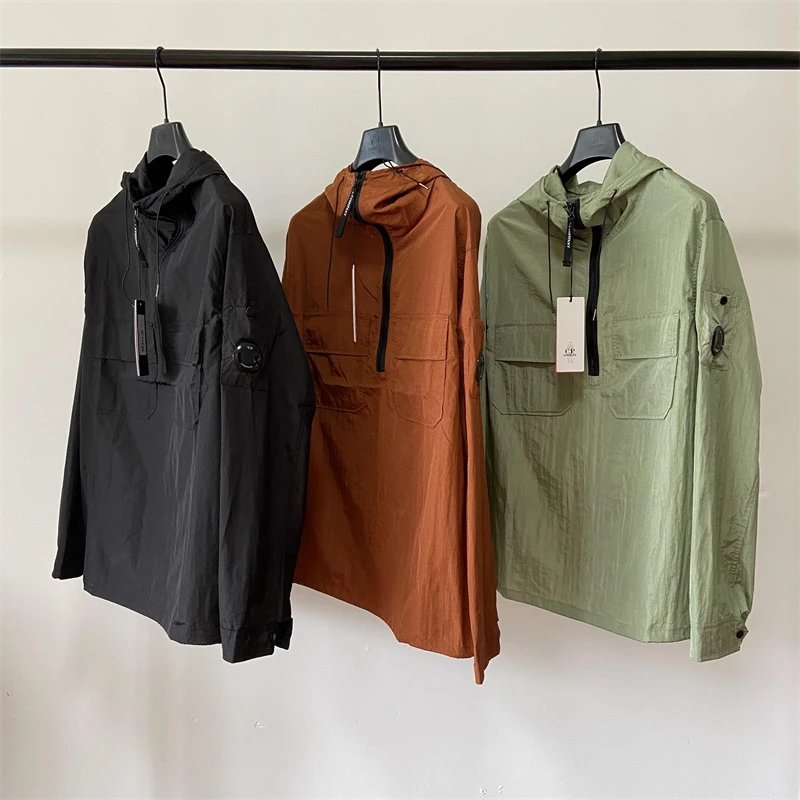
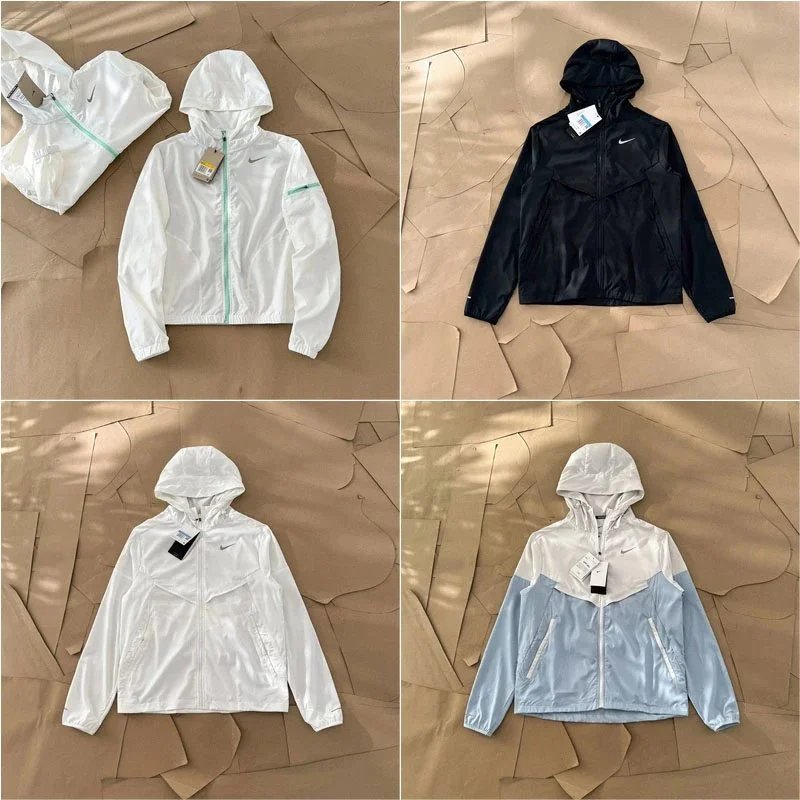
THE COLLECTION
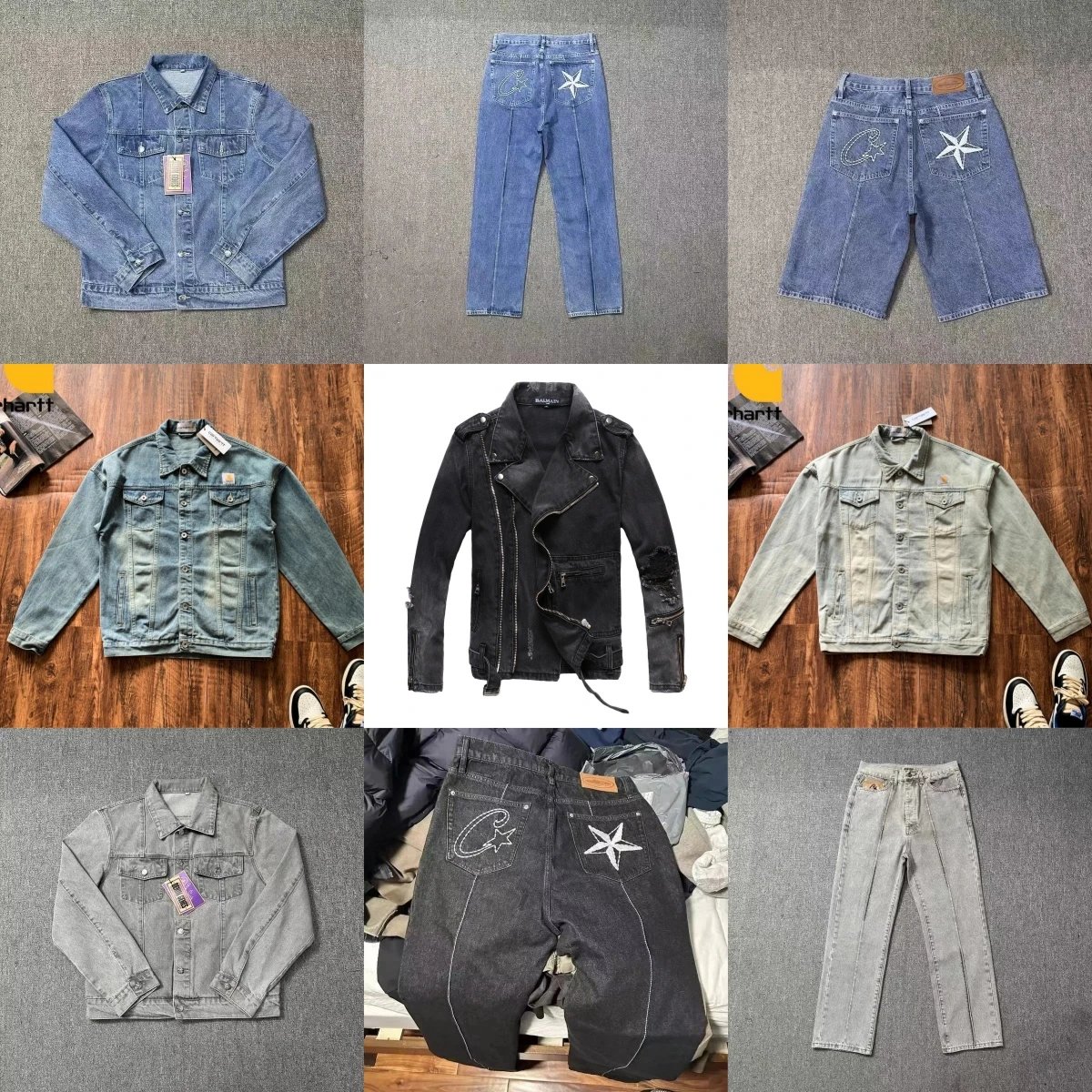
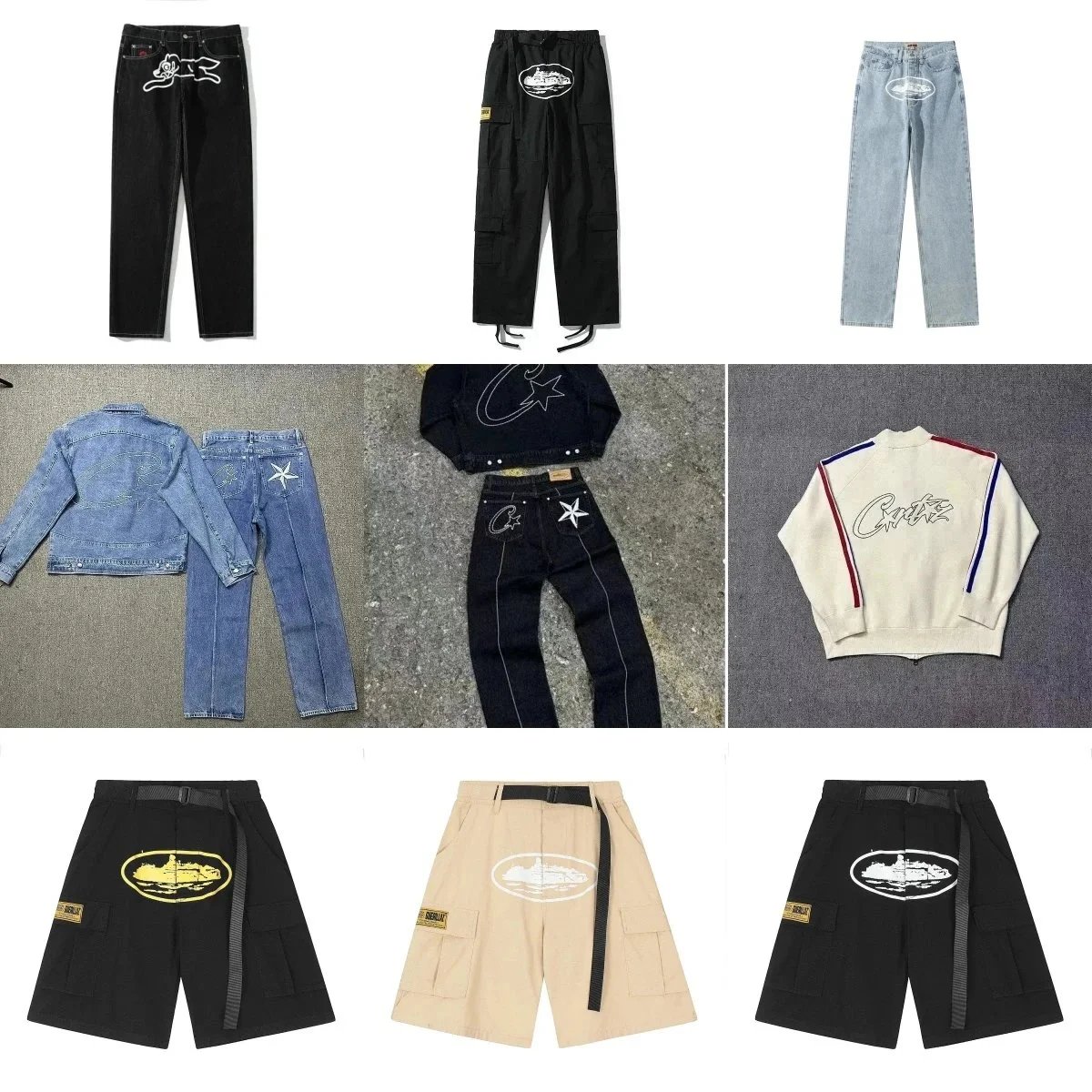
Pants/Shorts
2,780 PRODUCTS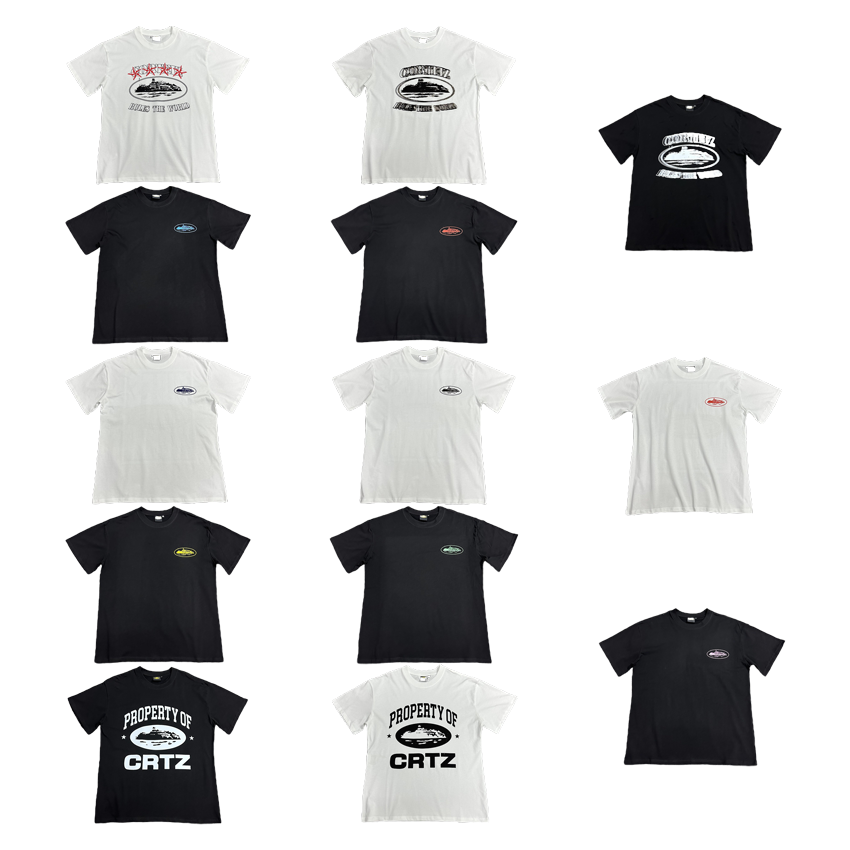
THE COLLECTION
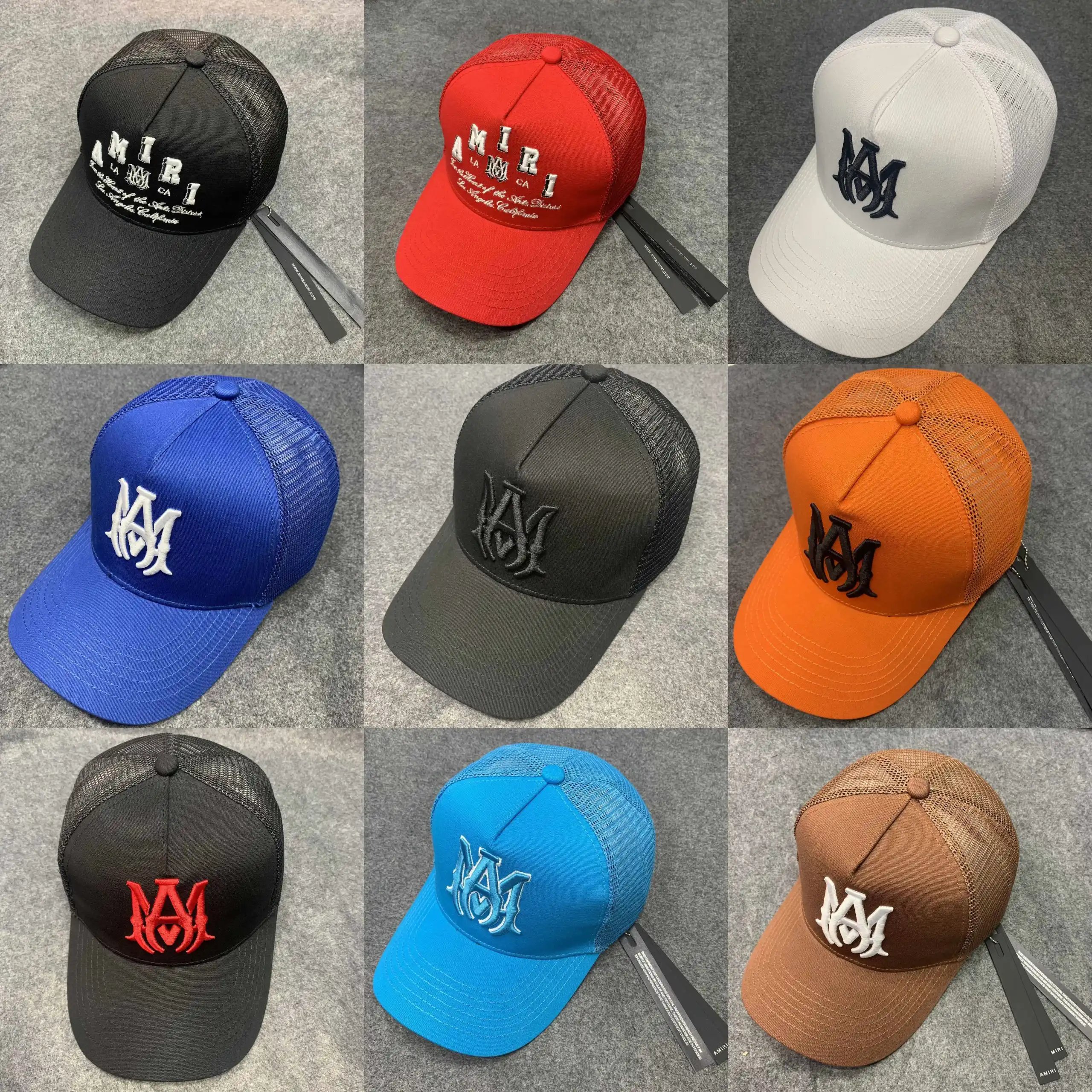
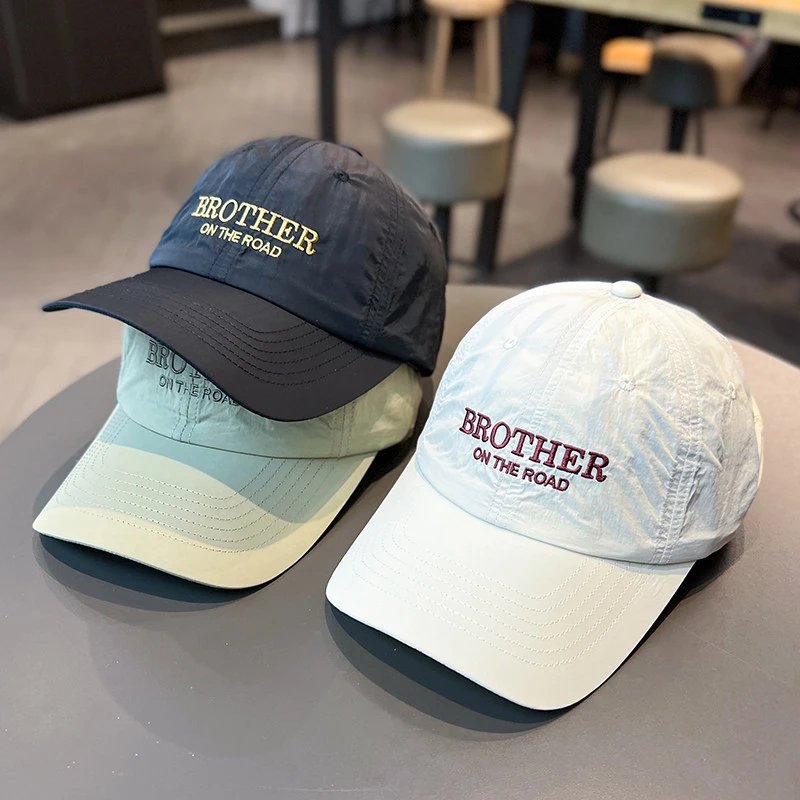
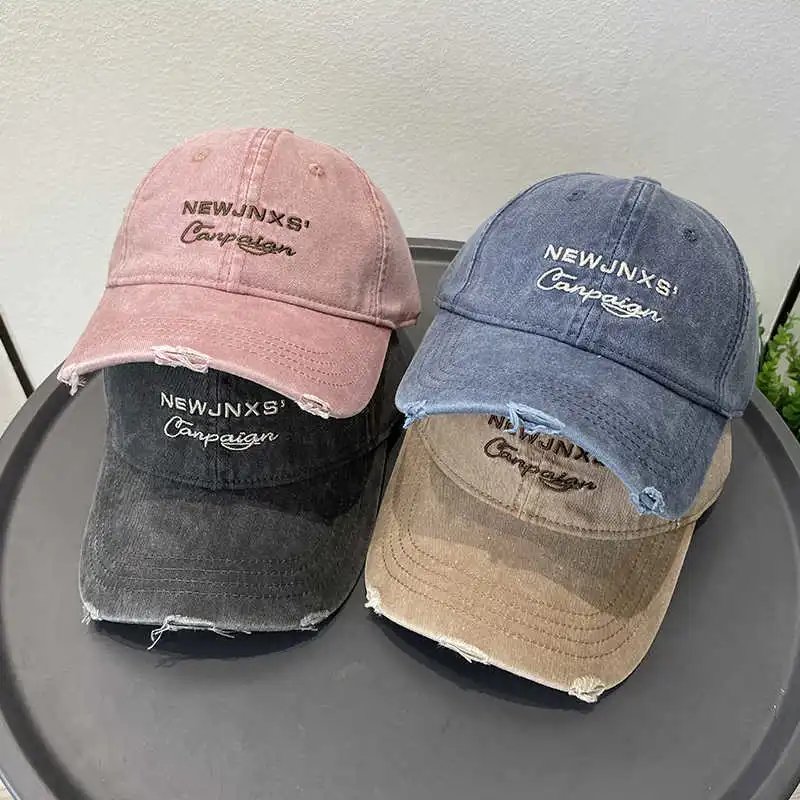
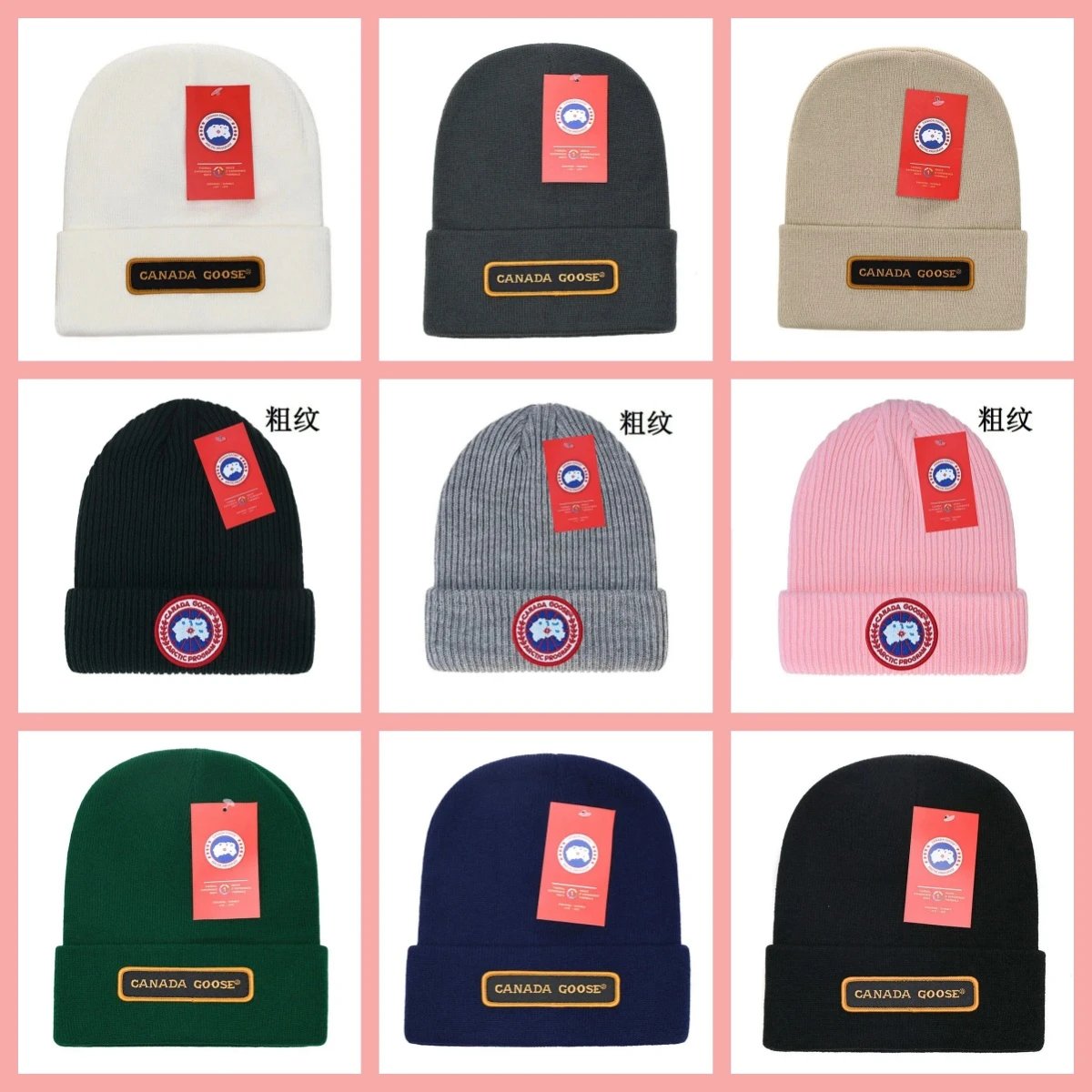
Headwear
455 PRODUCTS


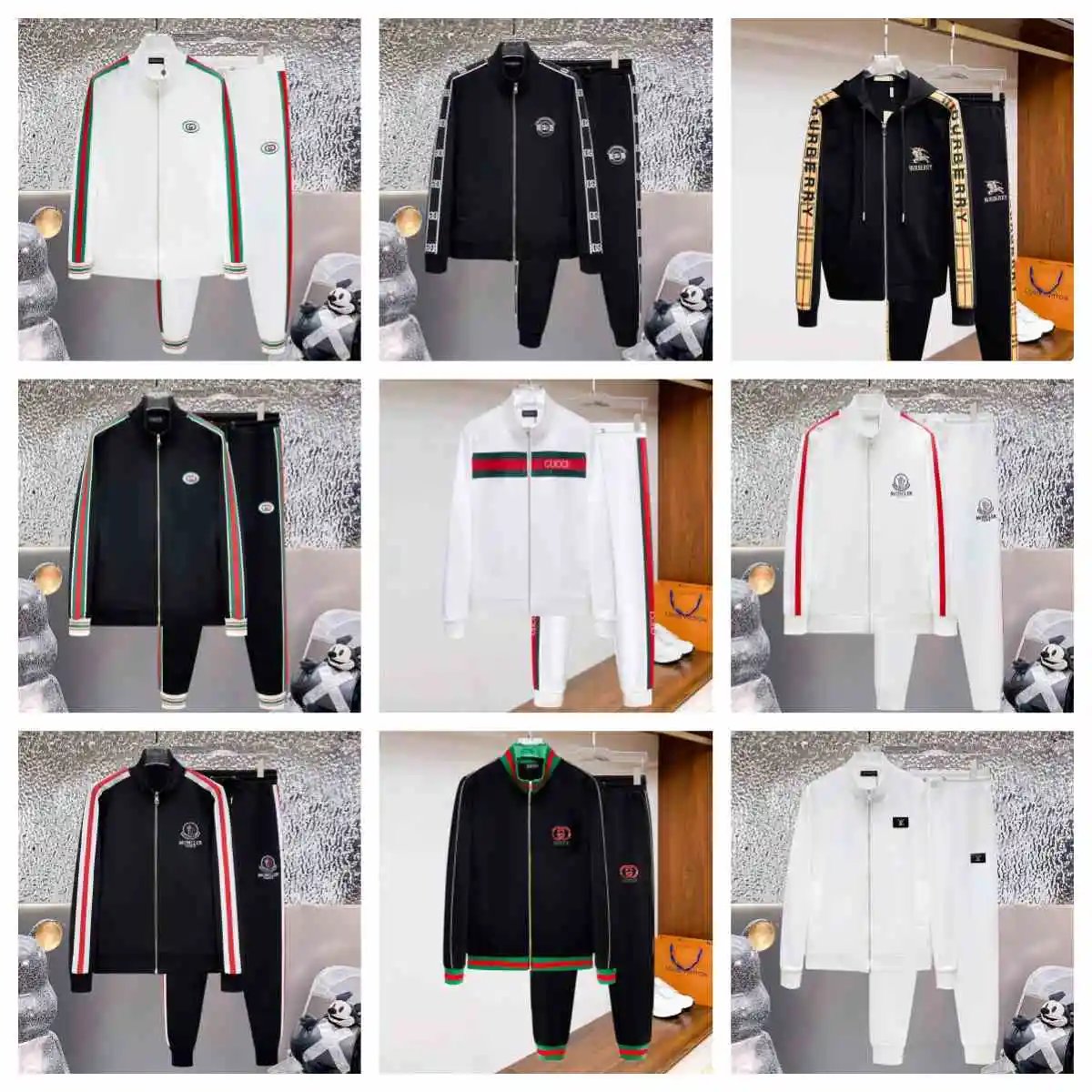
THE COLLECTION
Sets
1,025 PRODUCTS


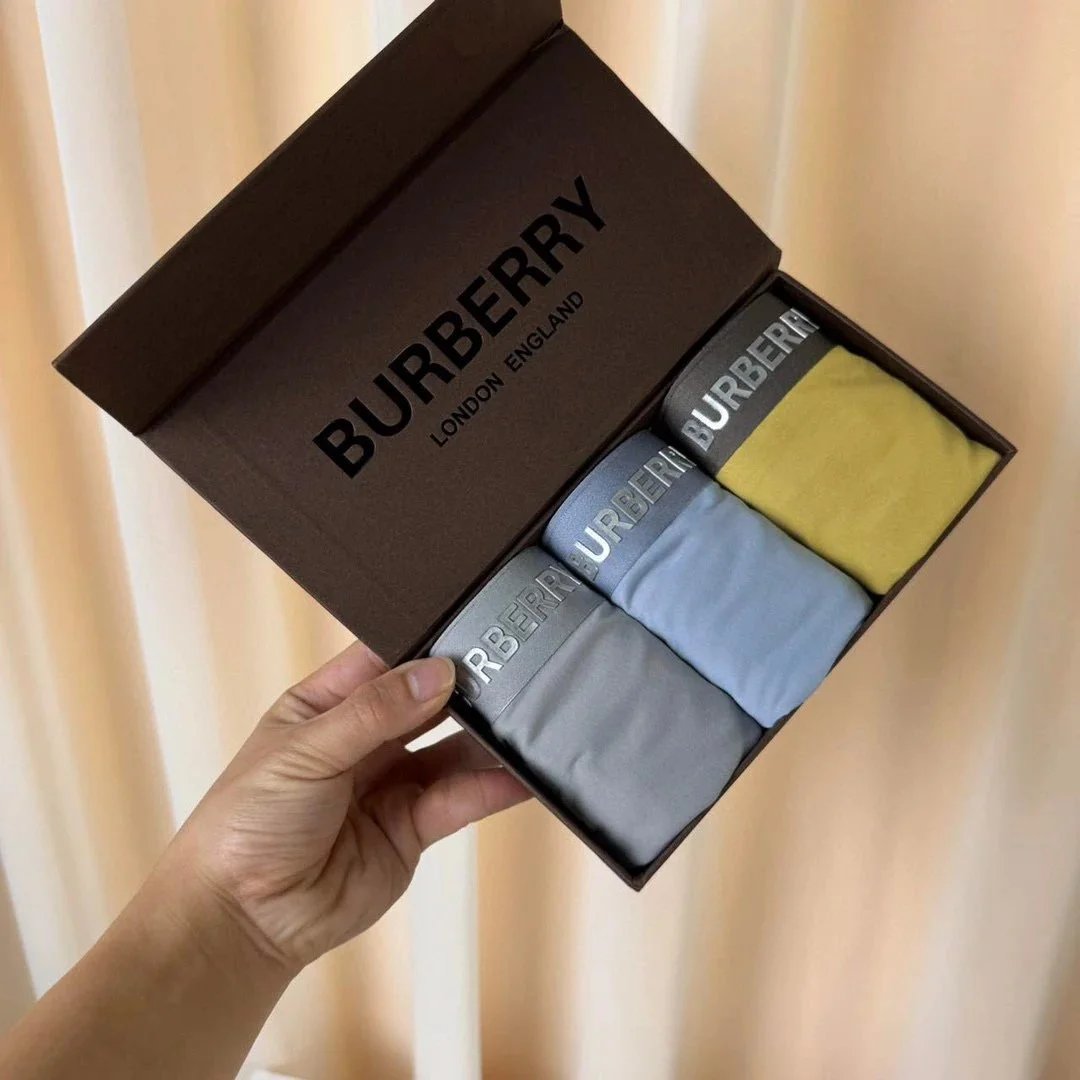
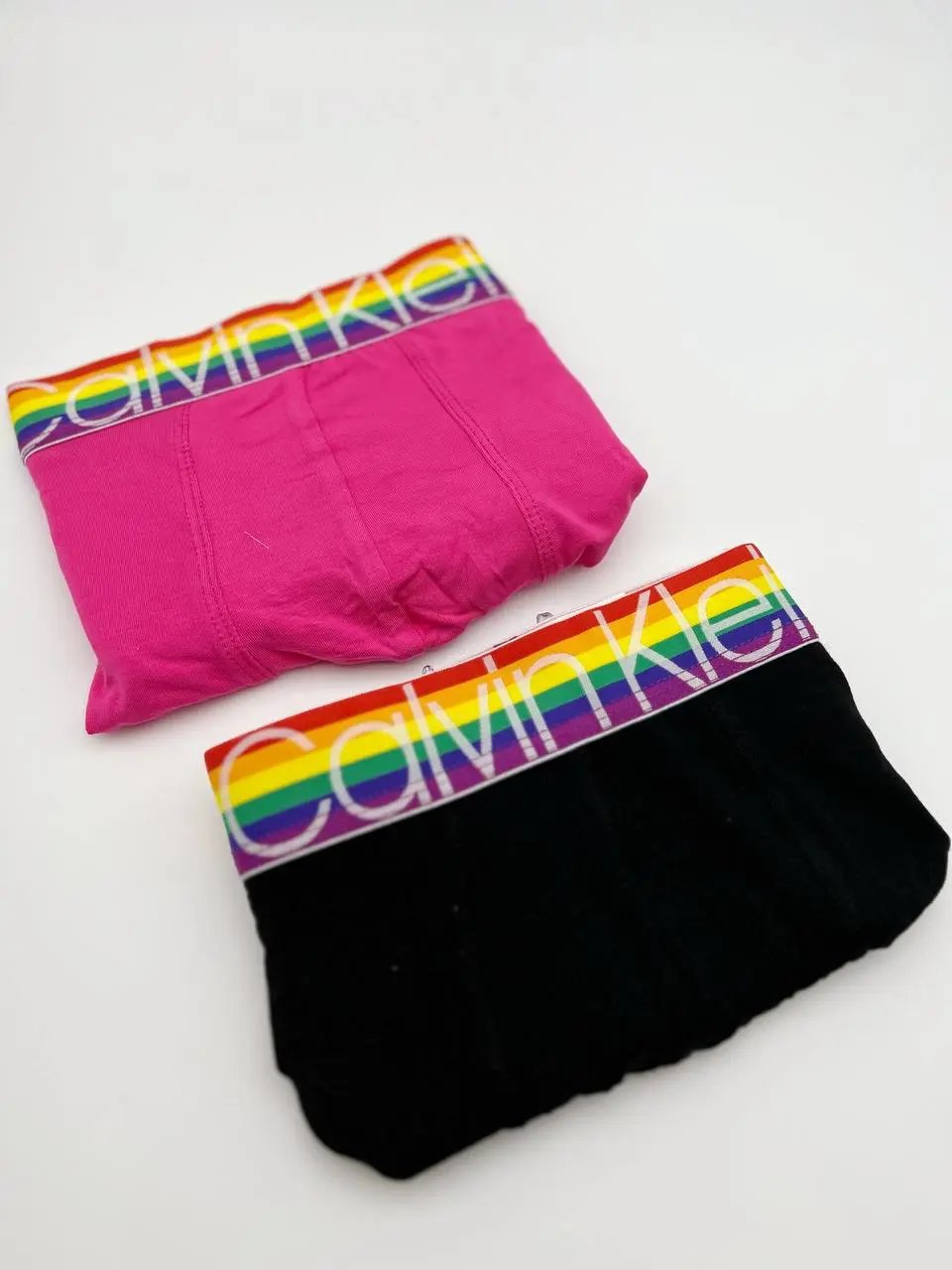
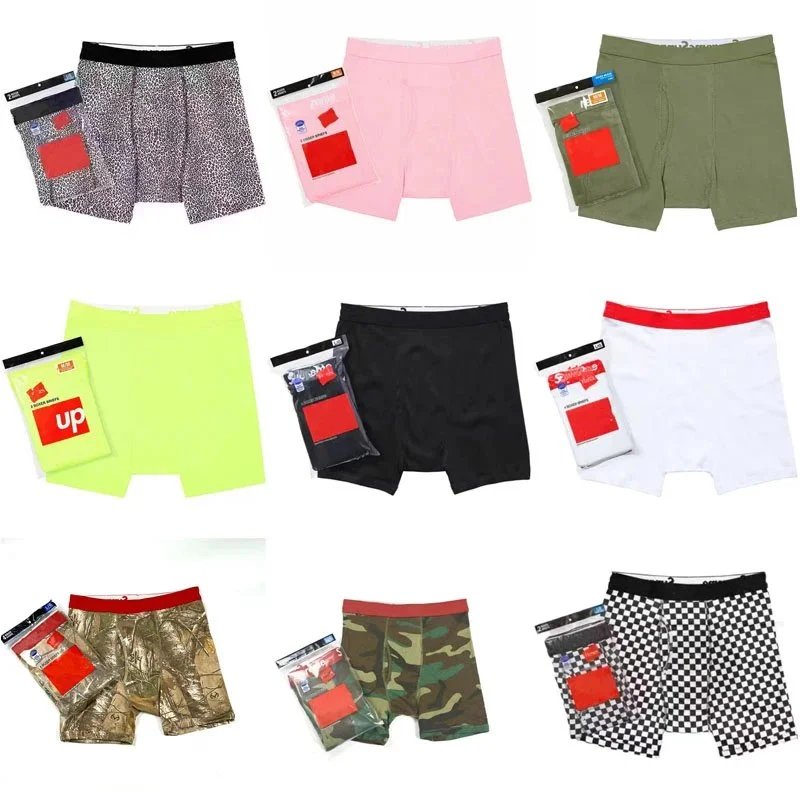
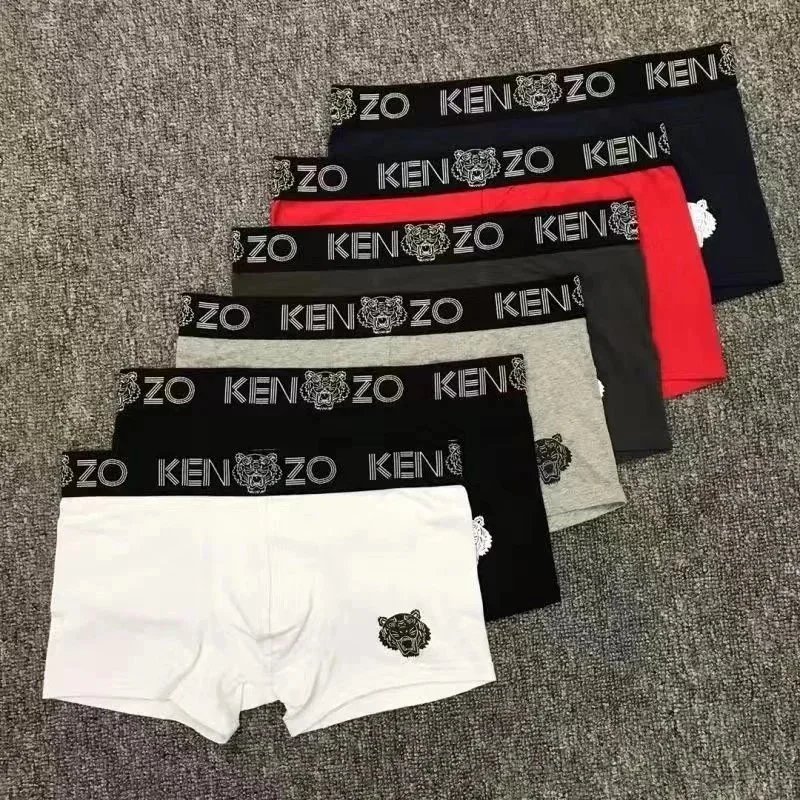
THE COLLECTION
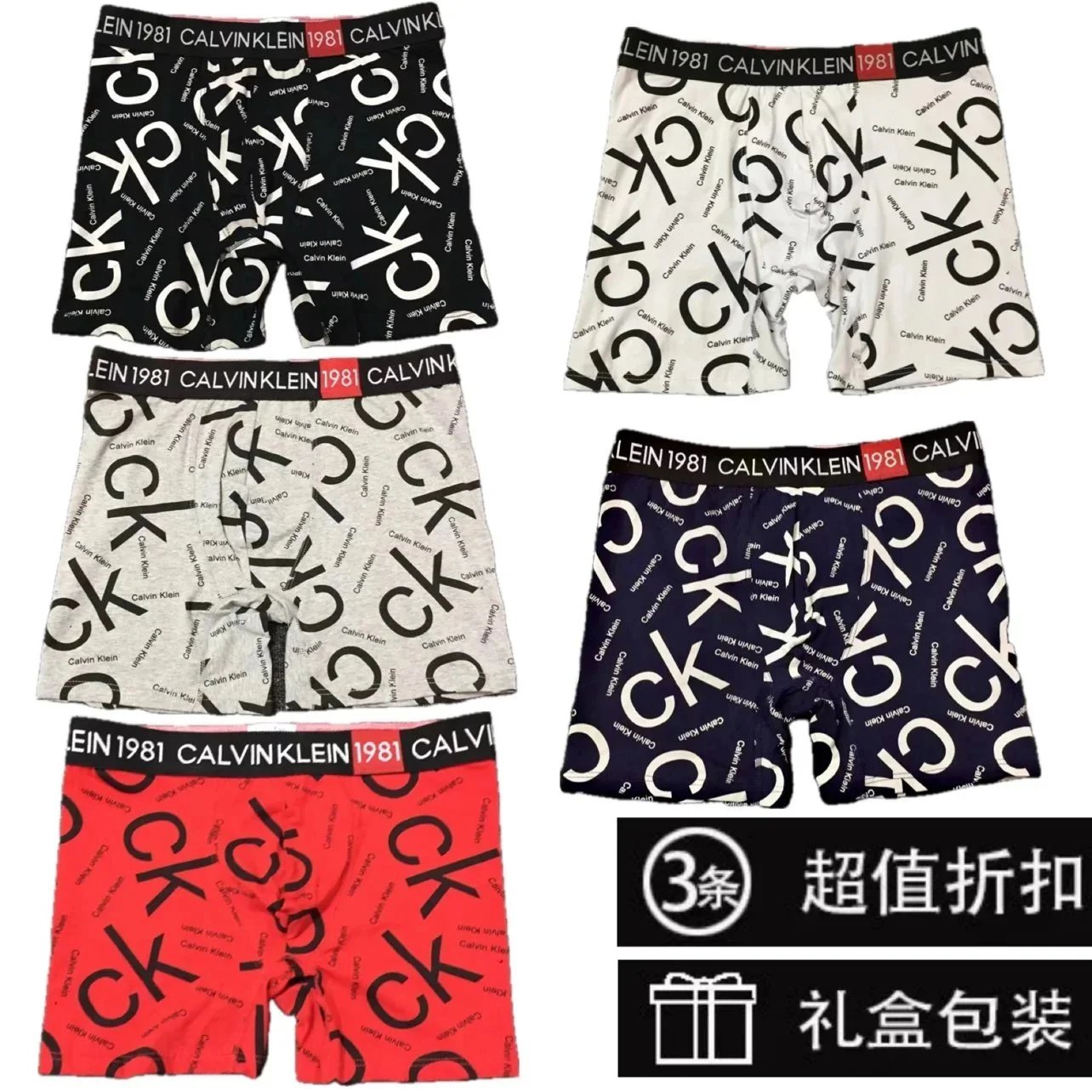
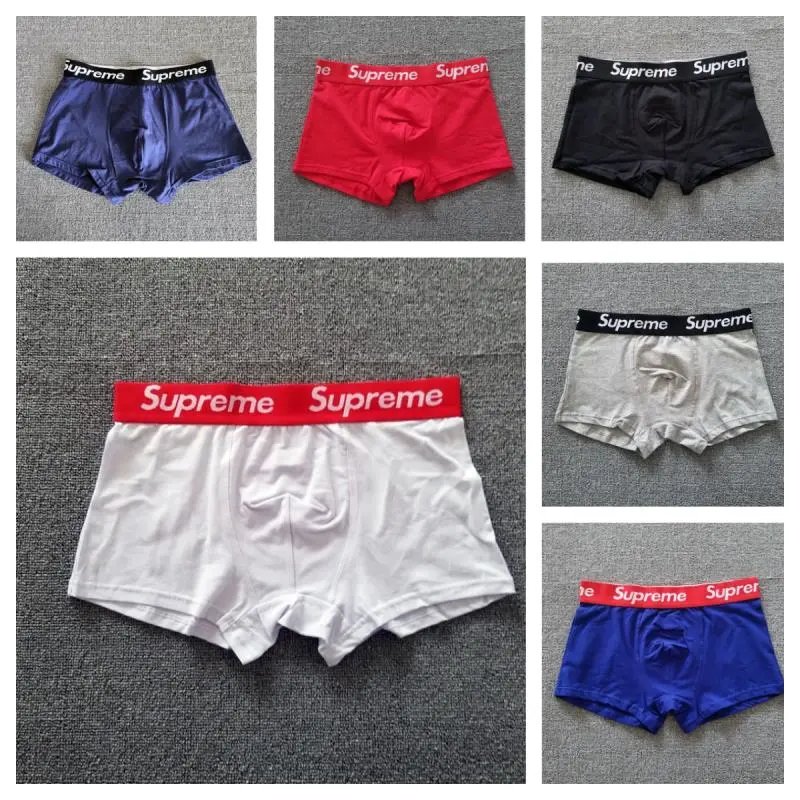
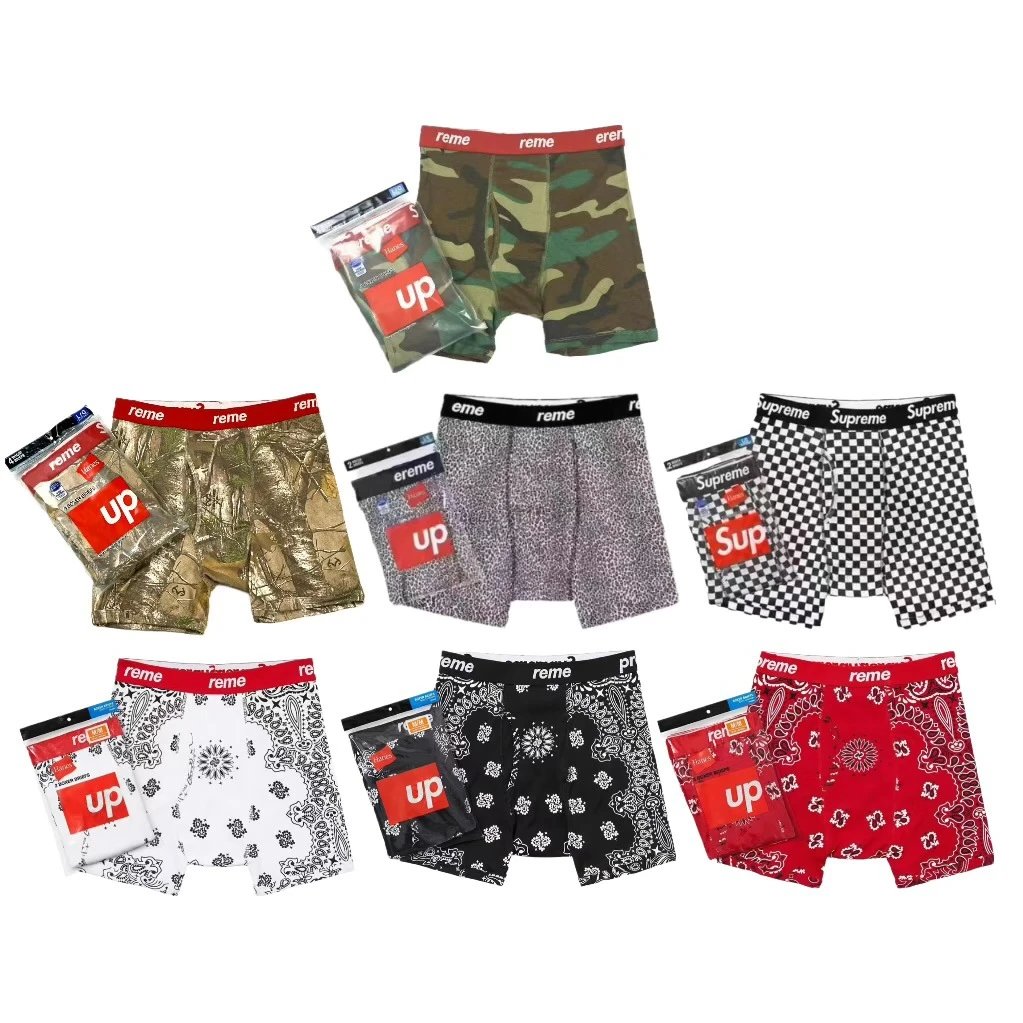
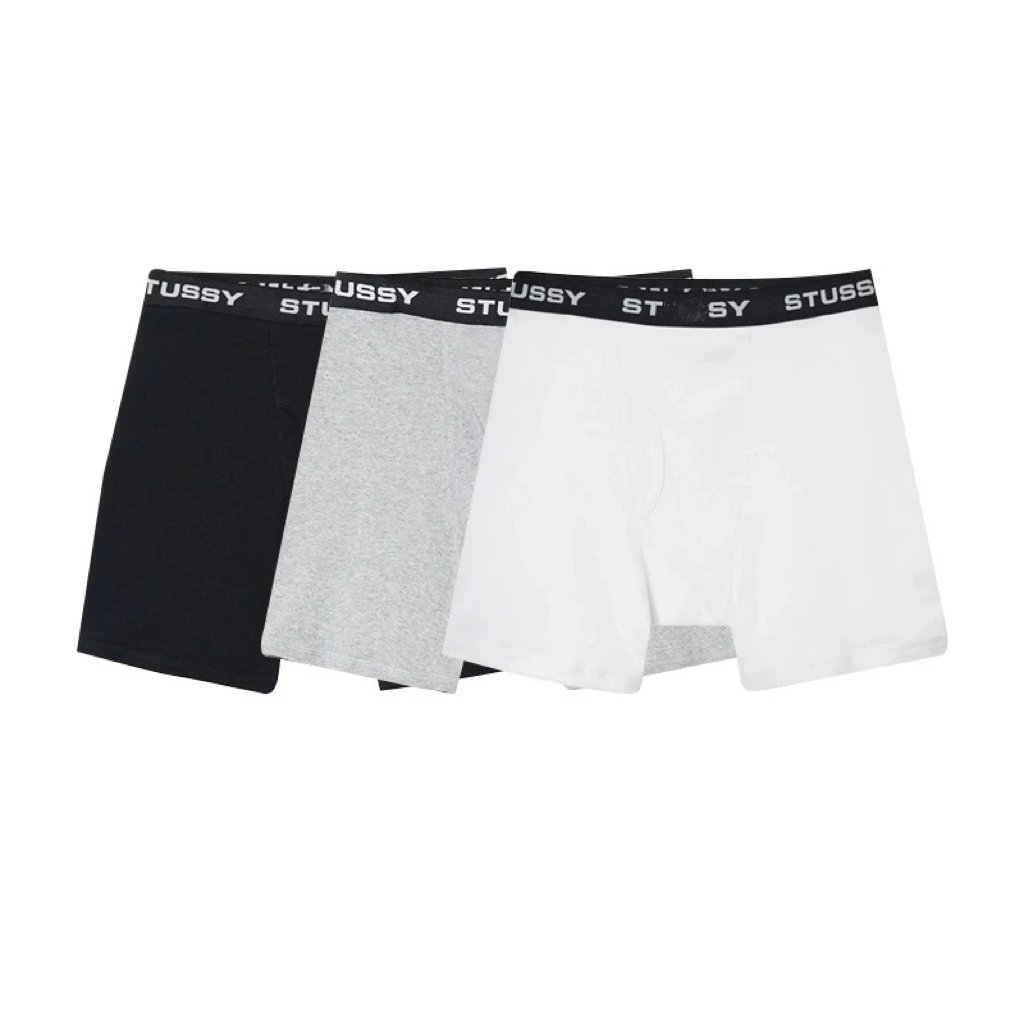
underwear/underpants
124 PRODUCTS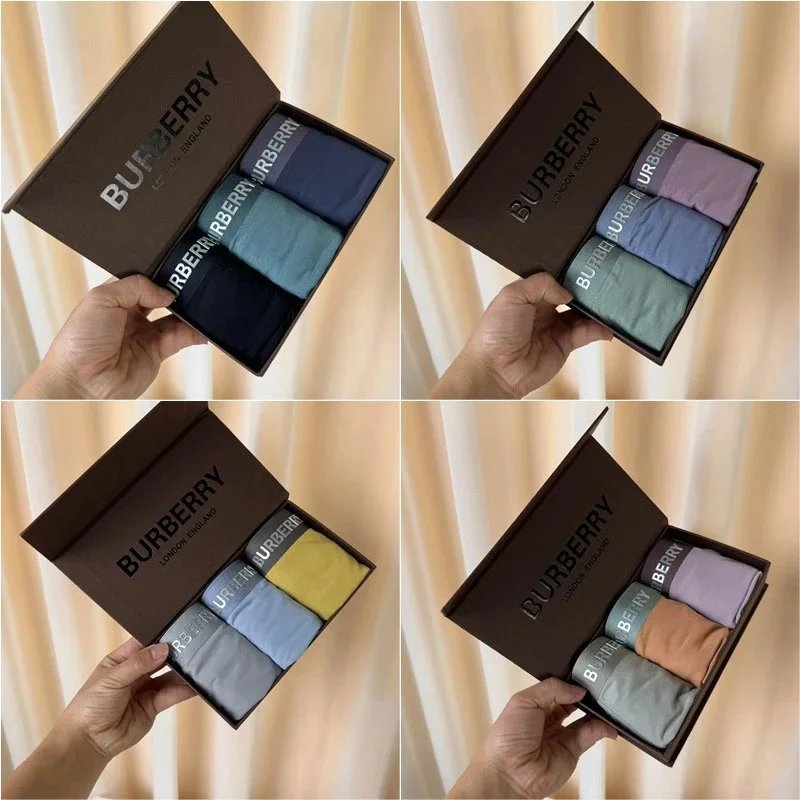



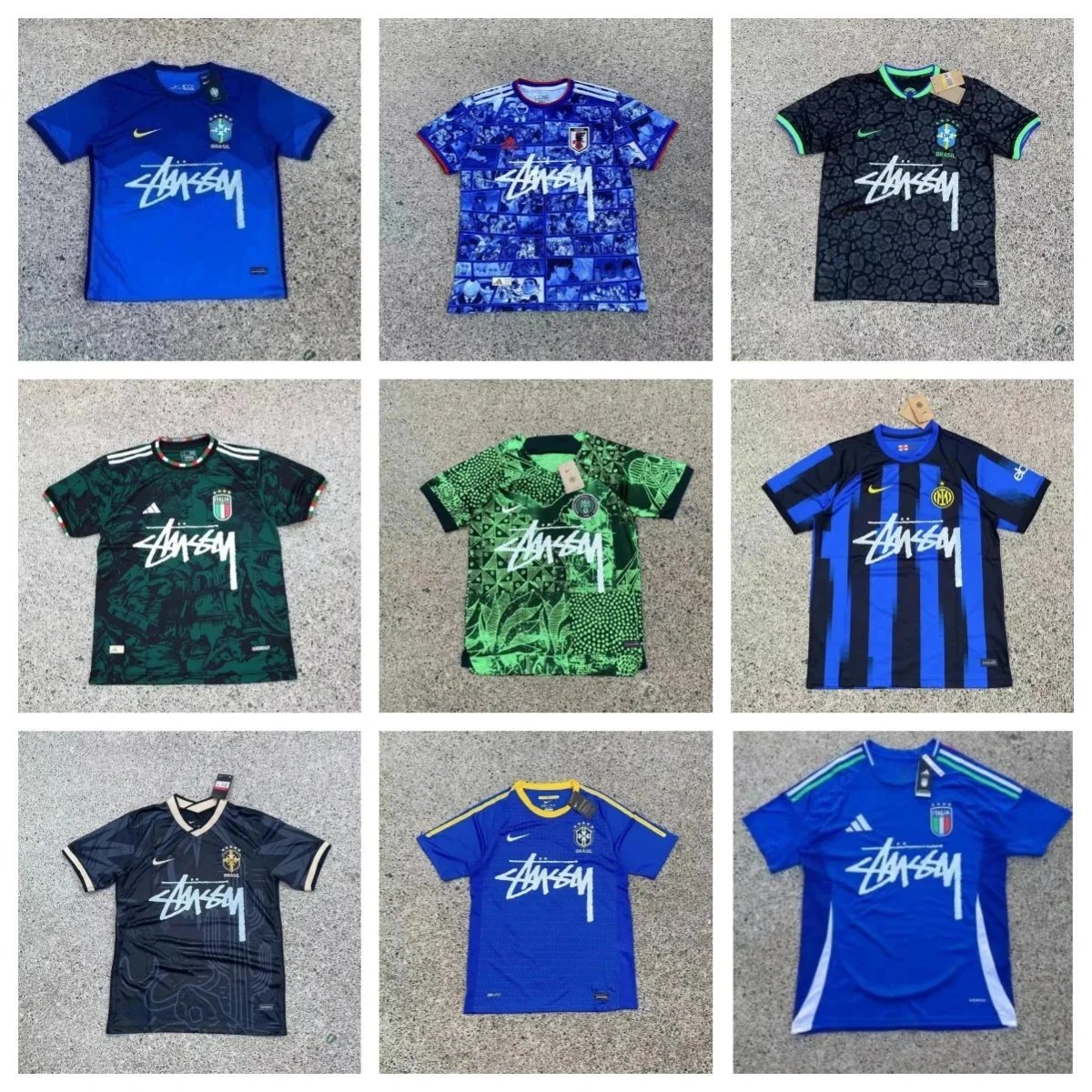
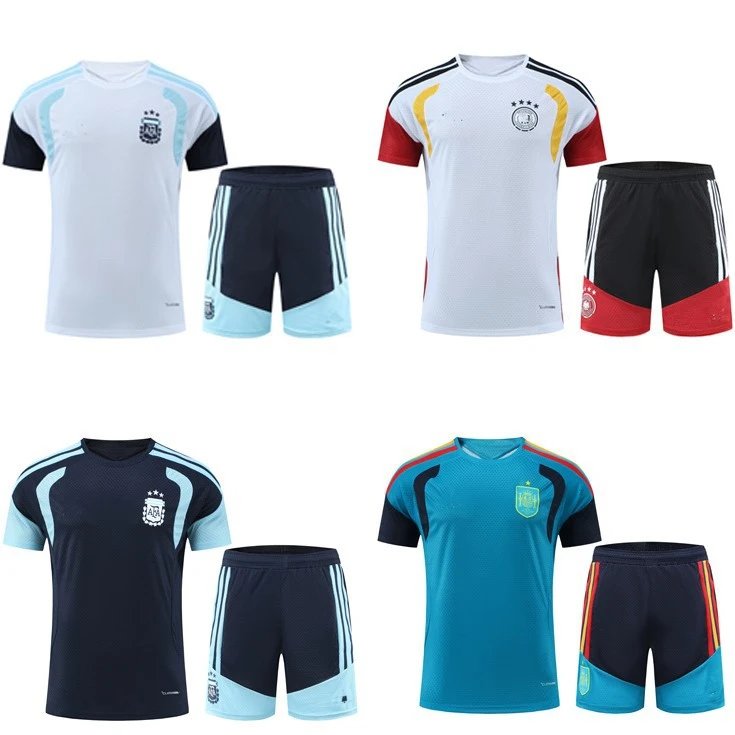
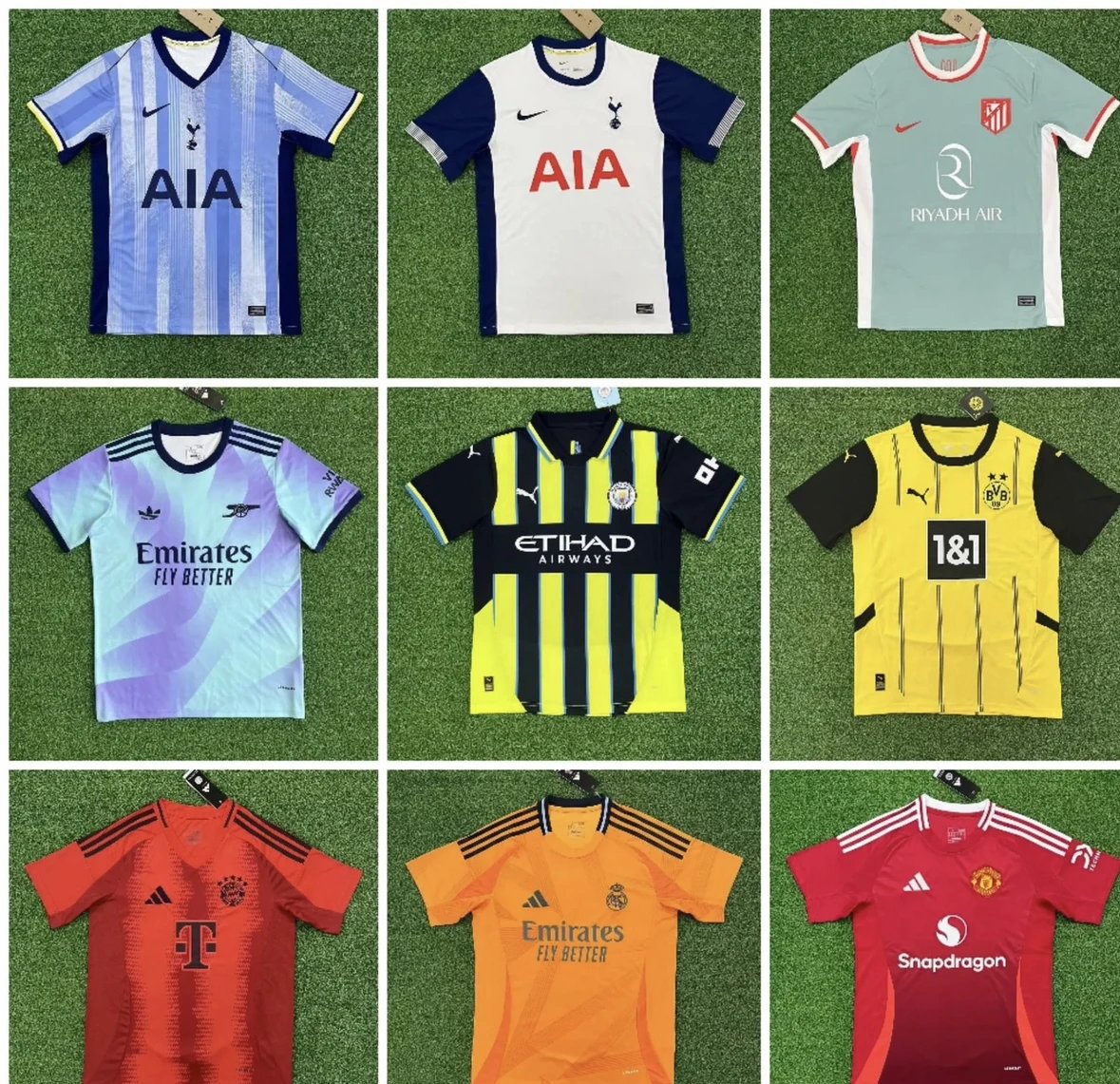
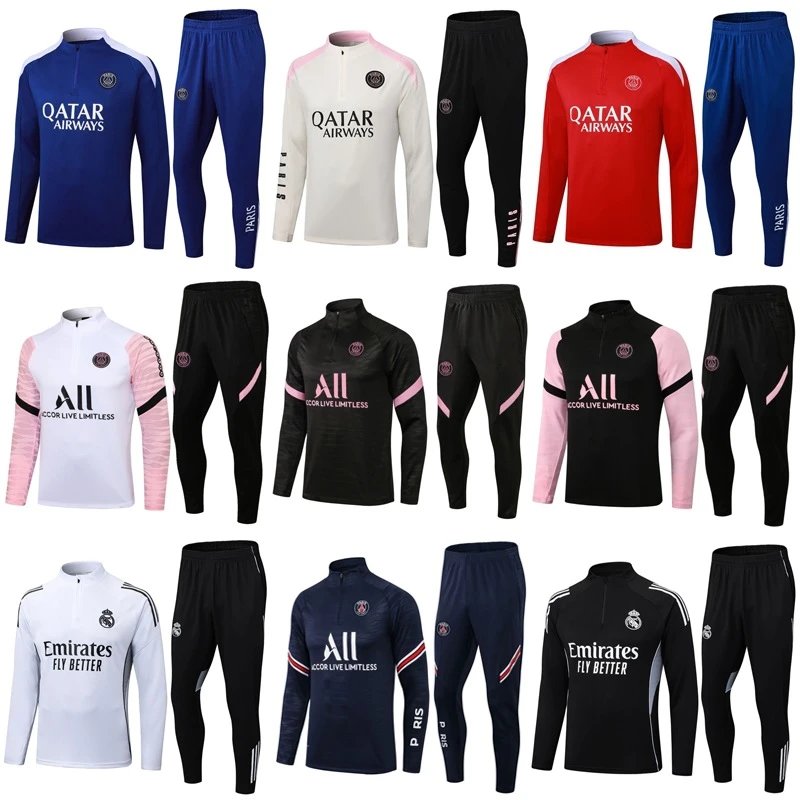
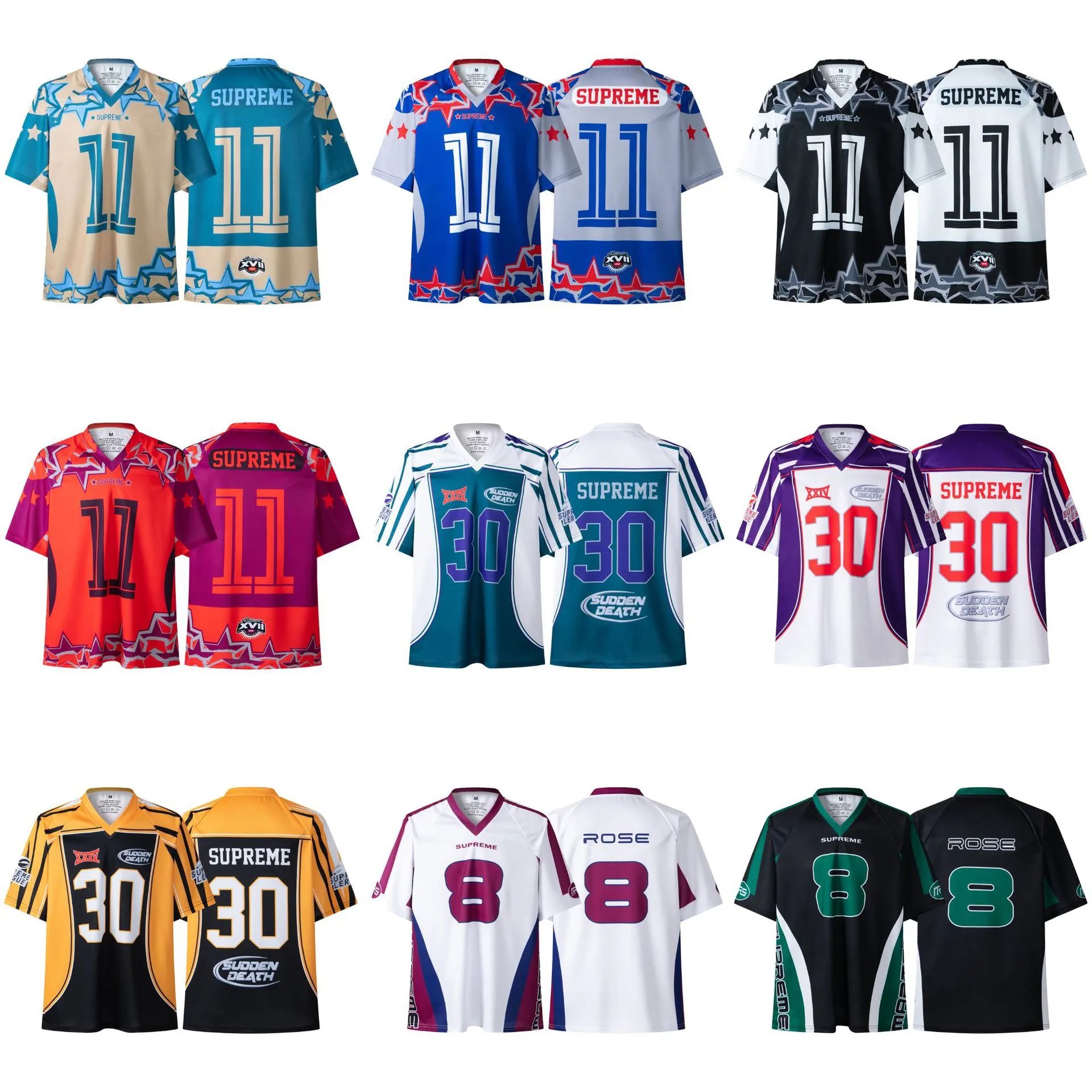
THE COLLECTION
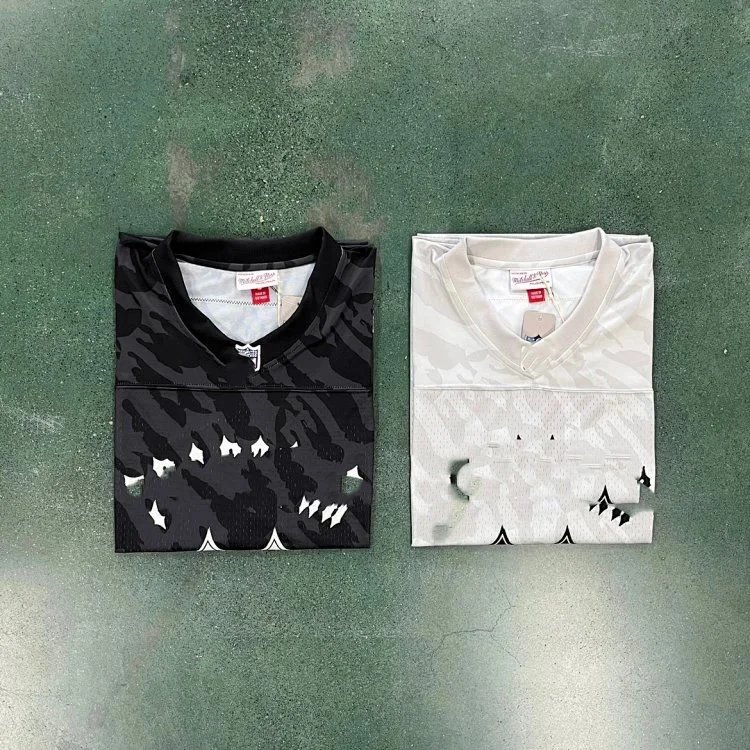
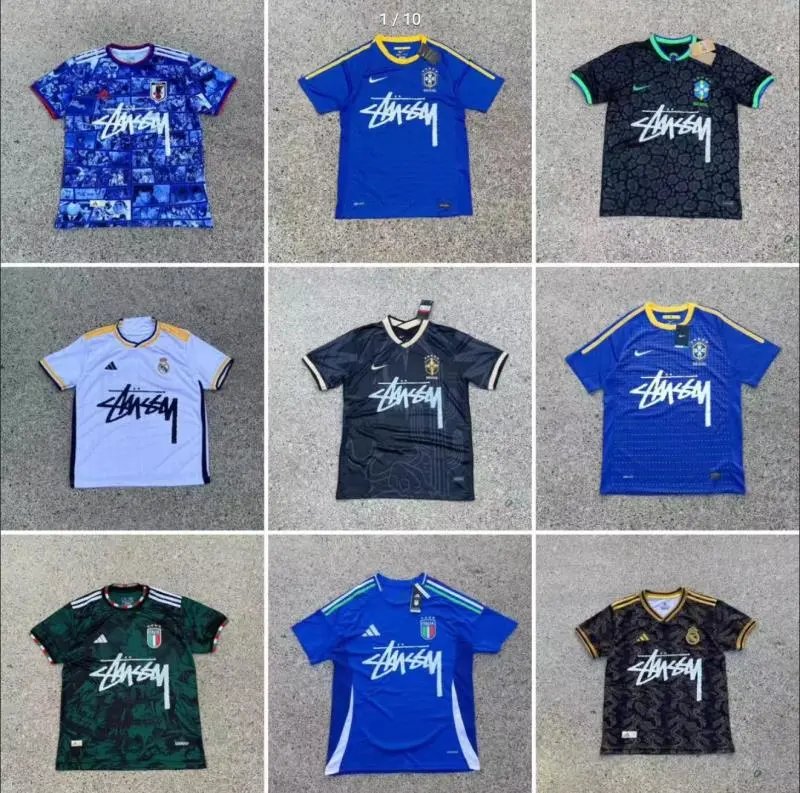
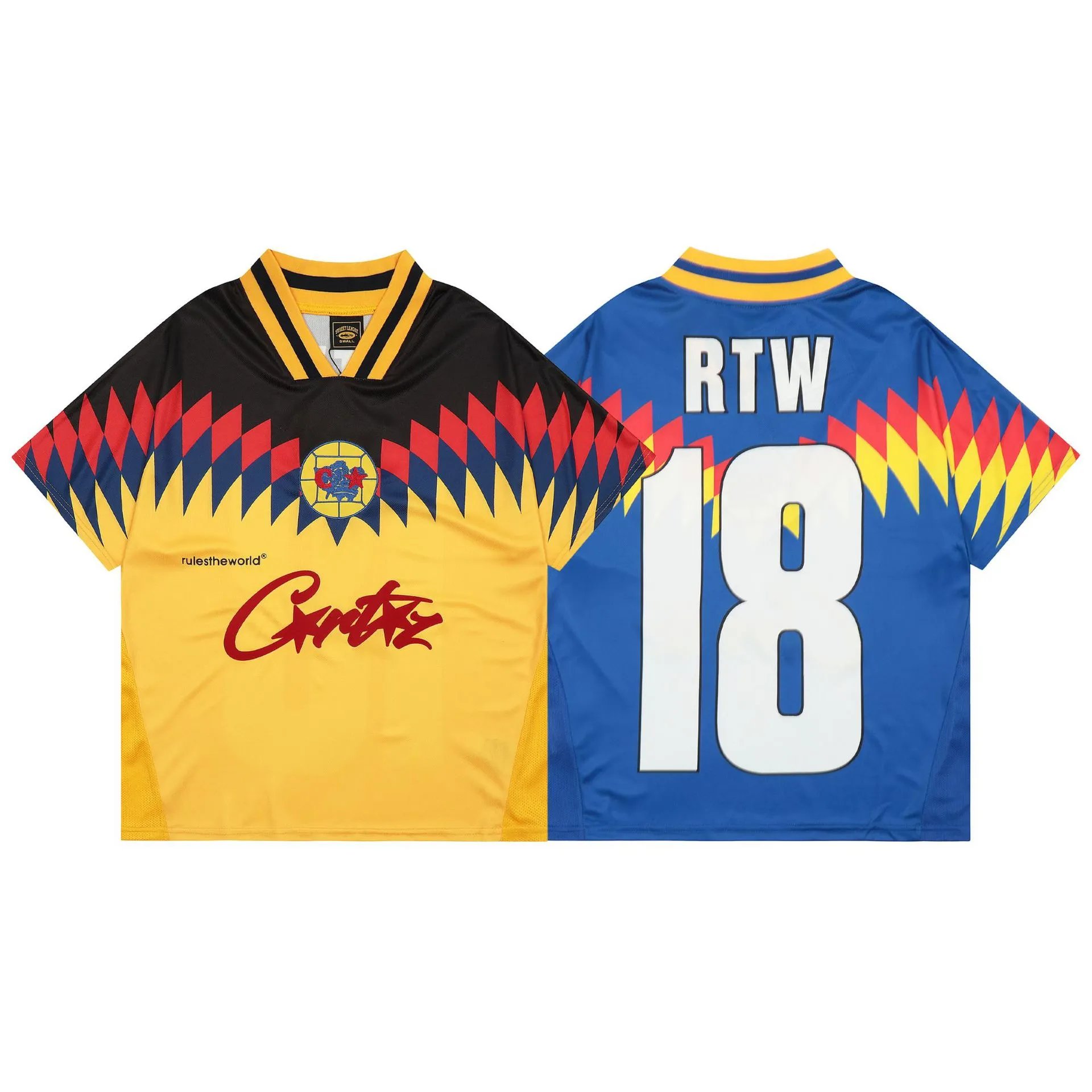
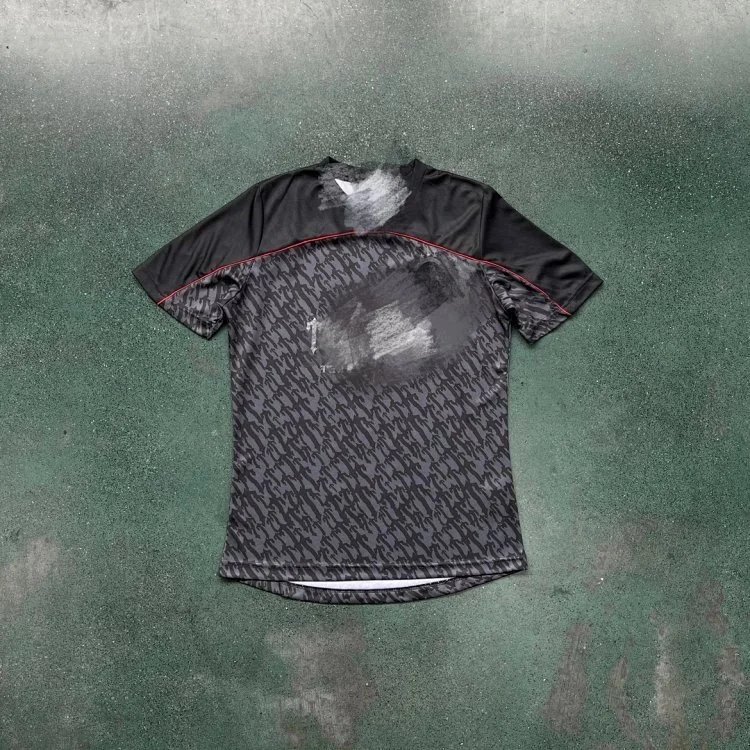
Jersey
419 PRODUCTS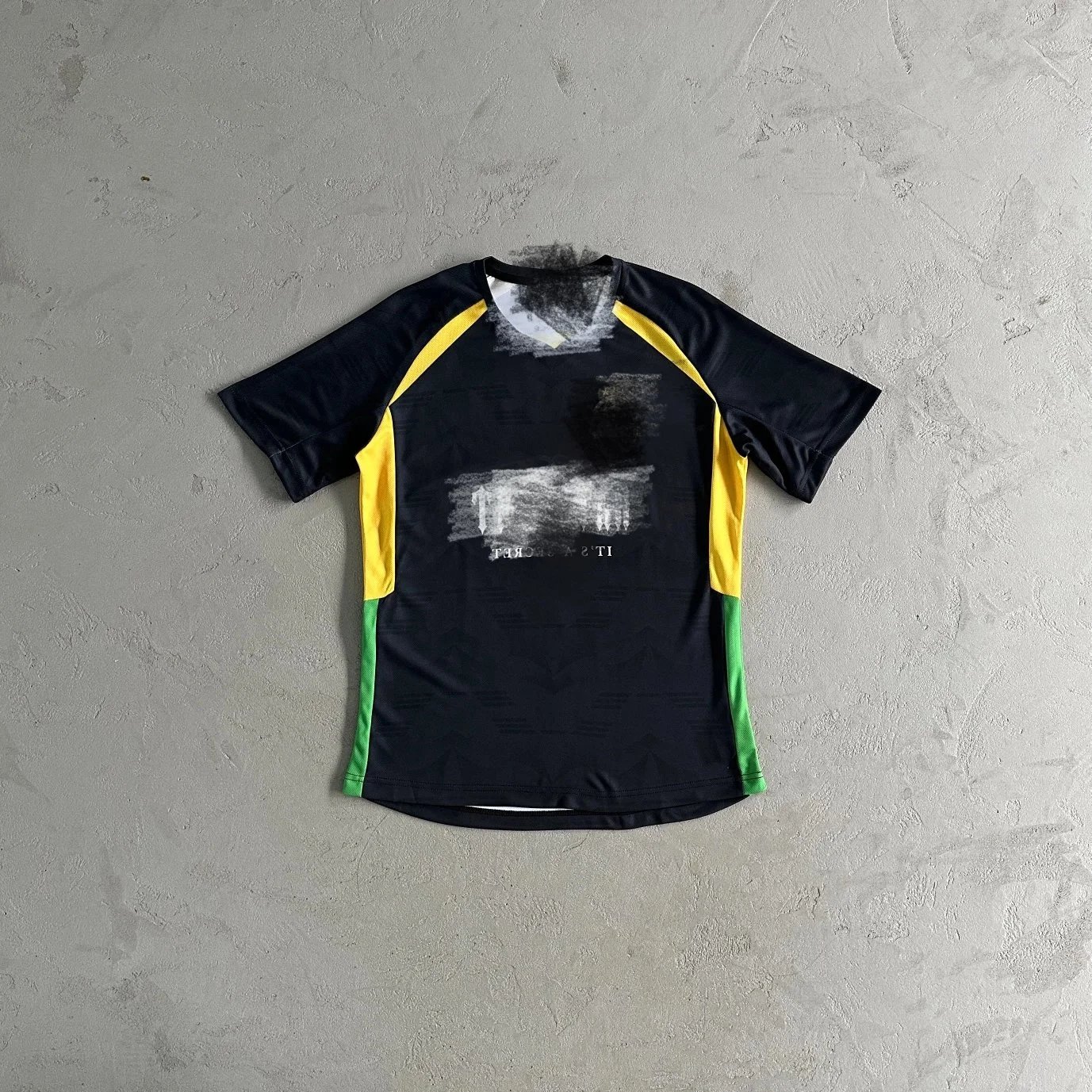


THE COLLECTION
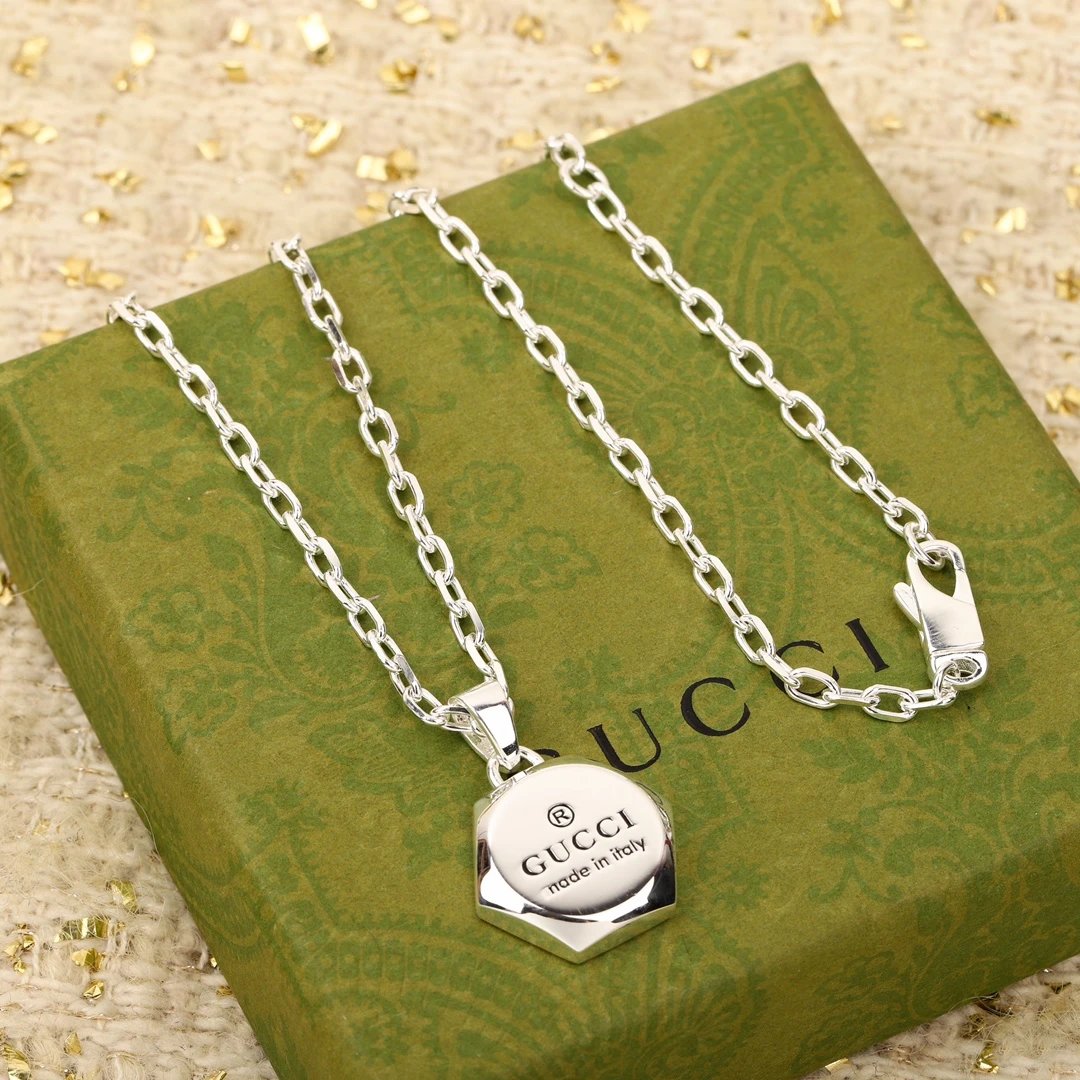
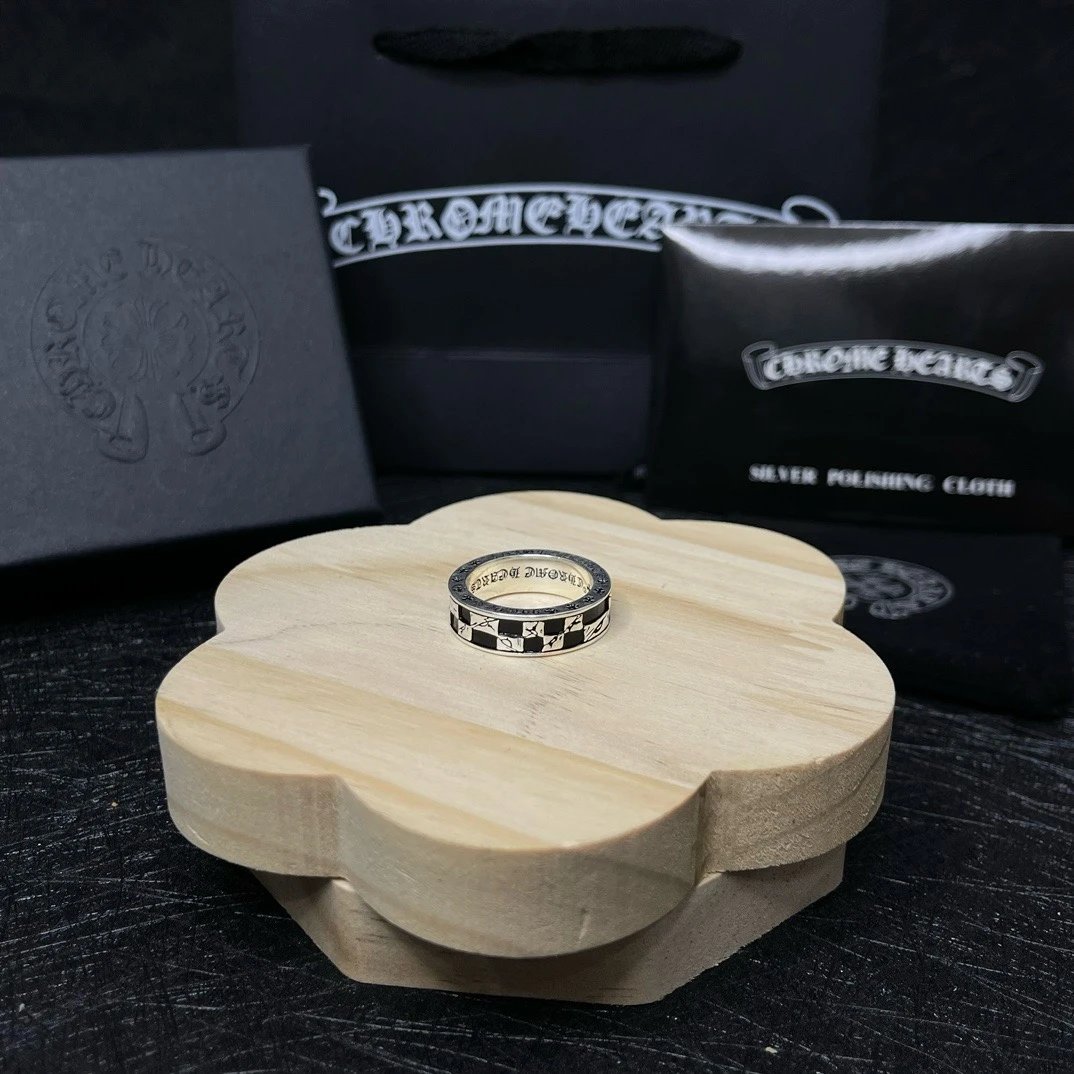
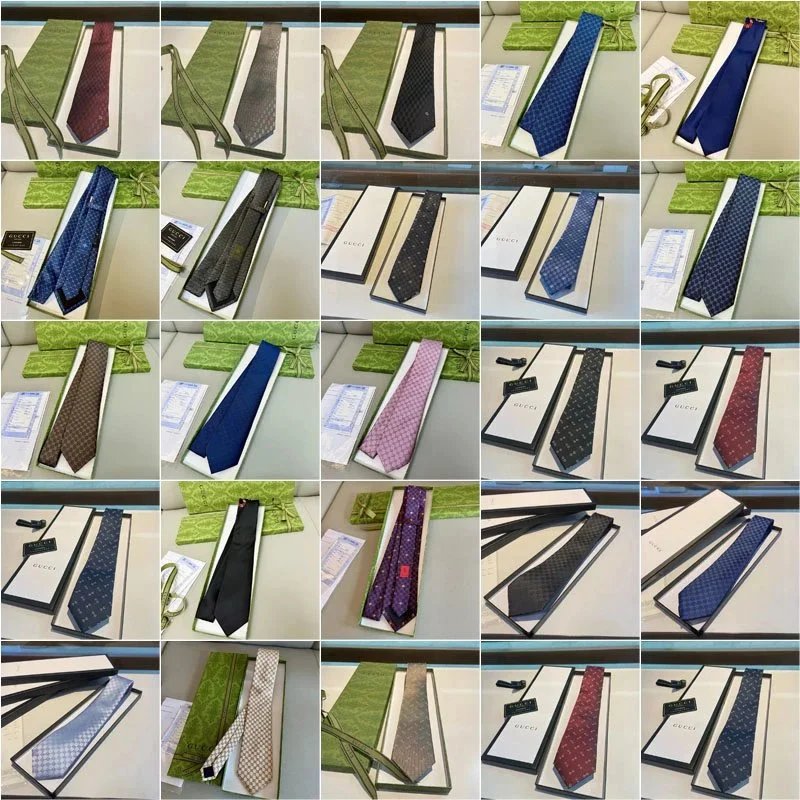
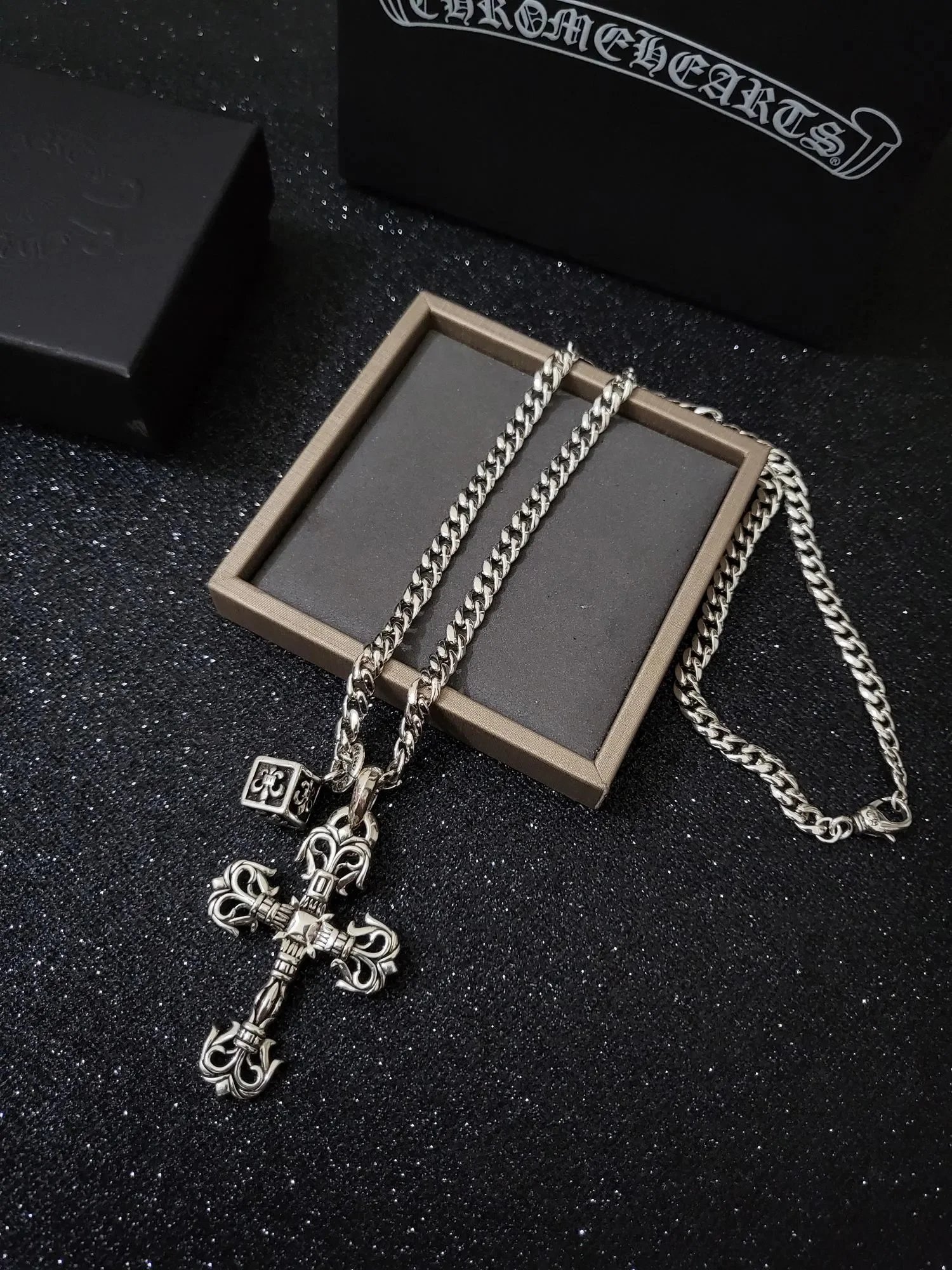
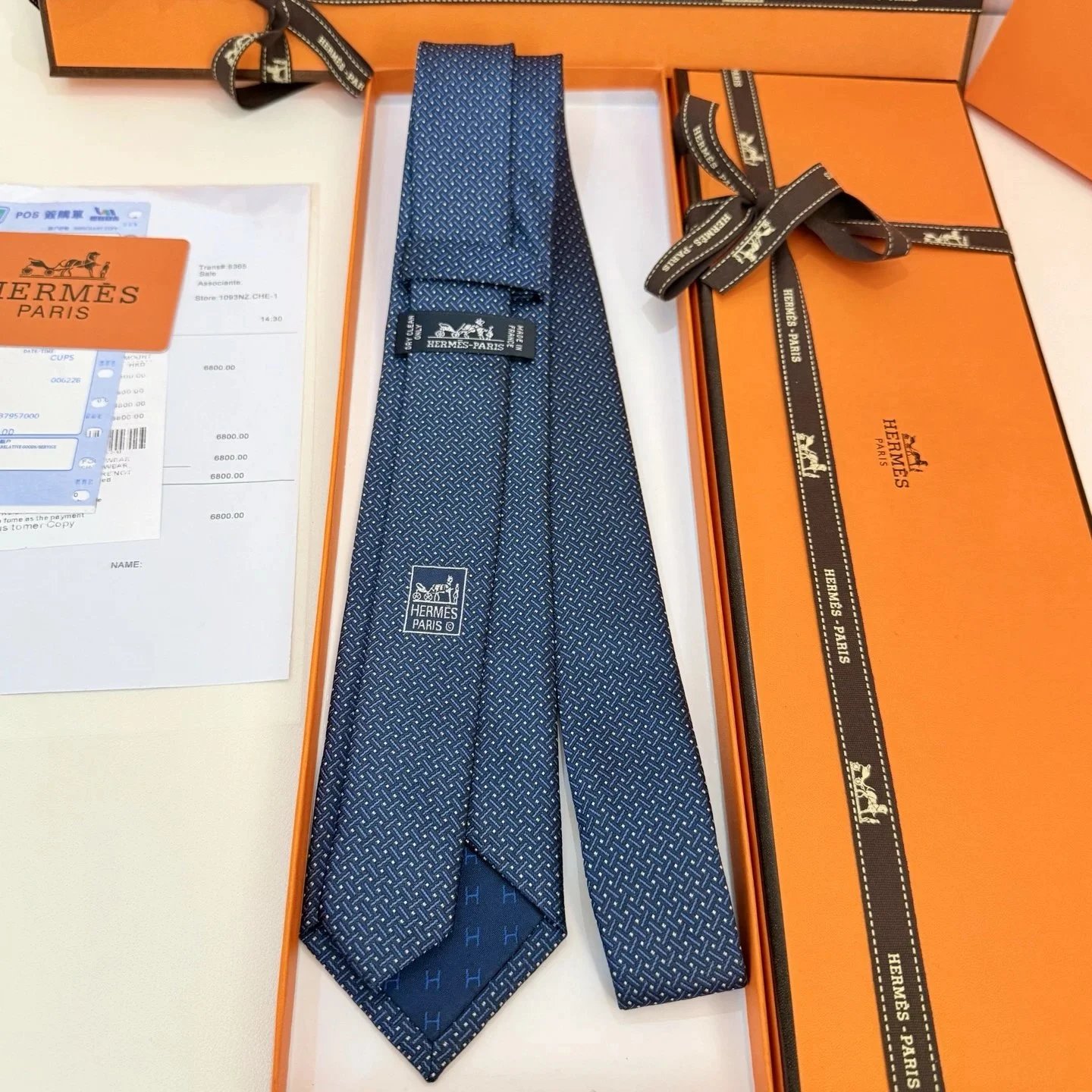
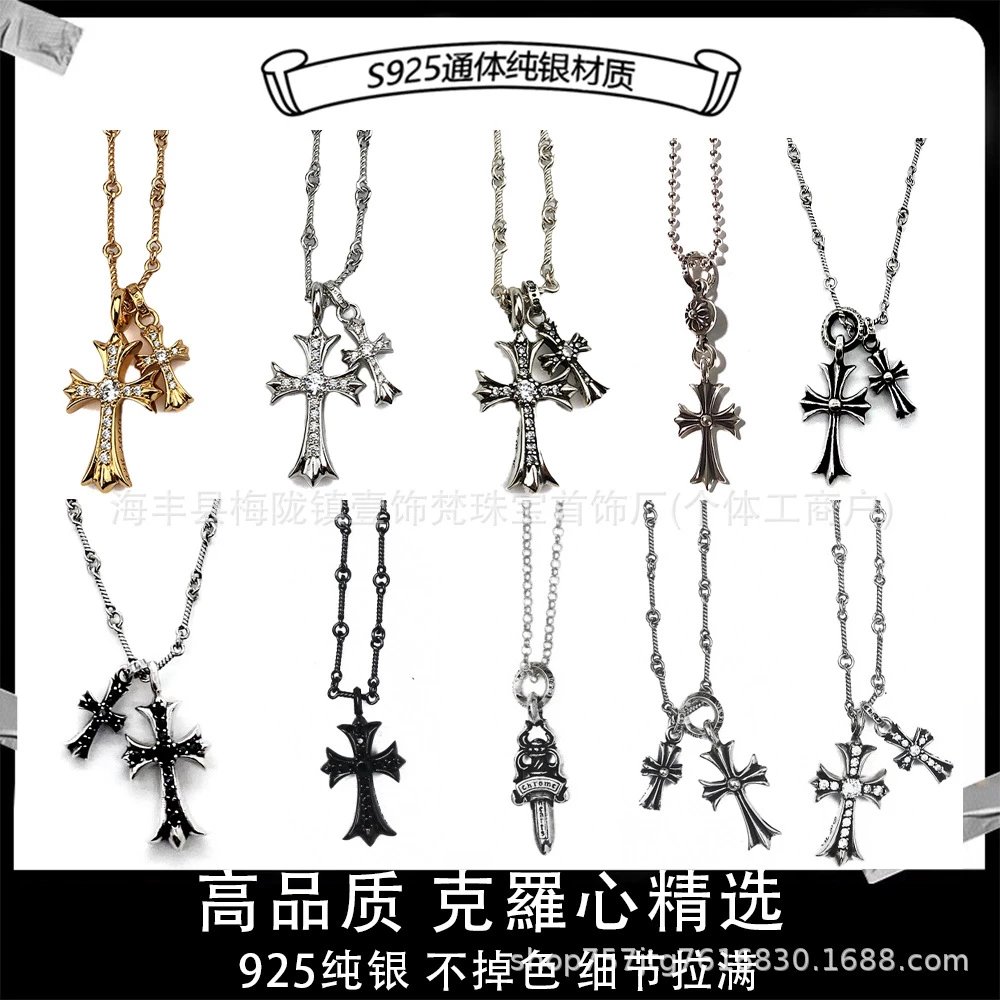
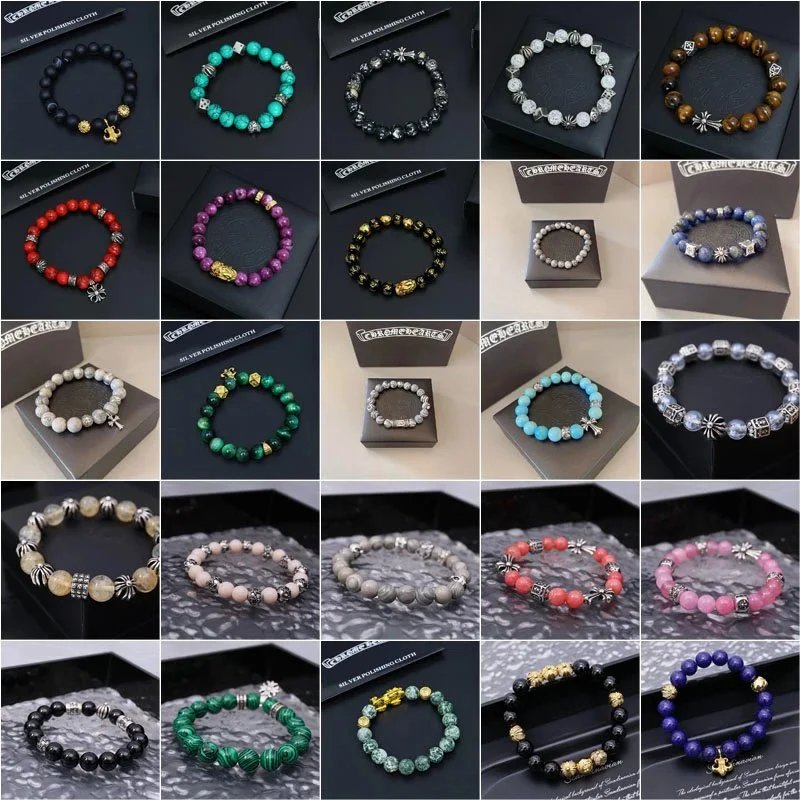
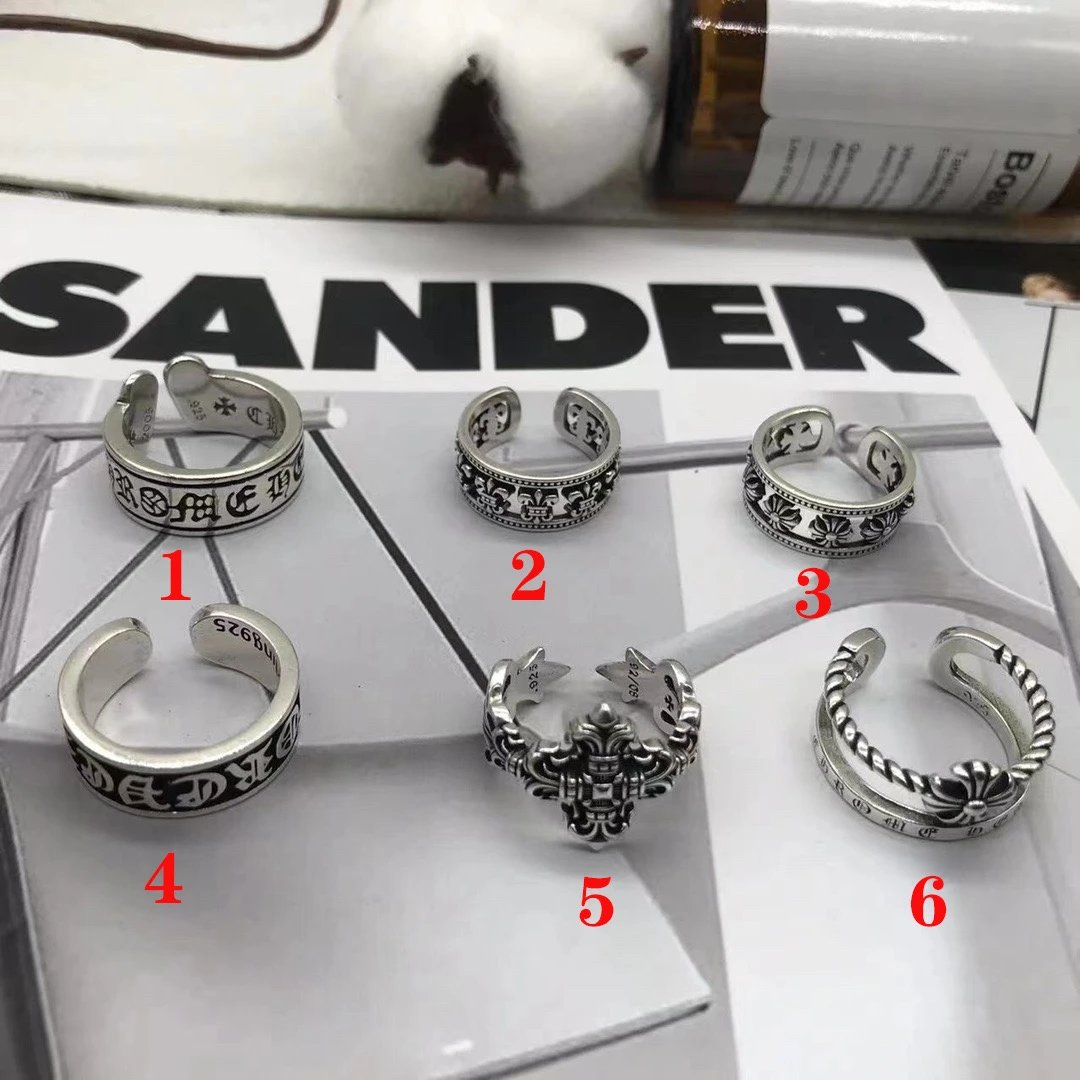
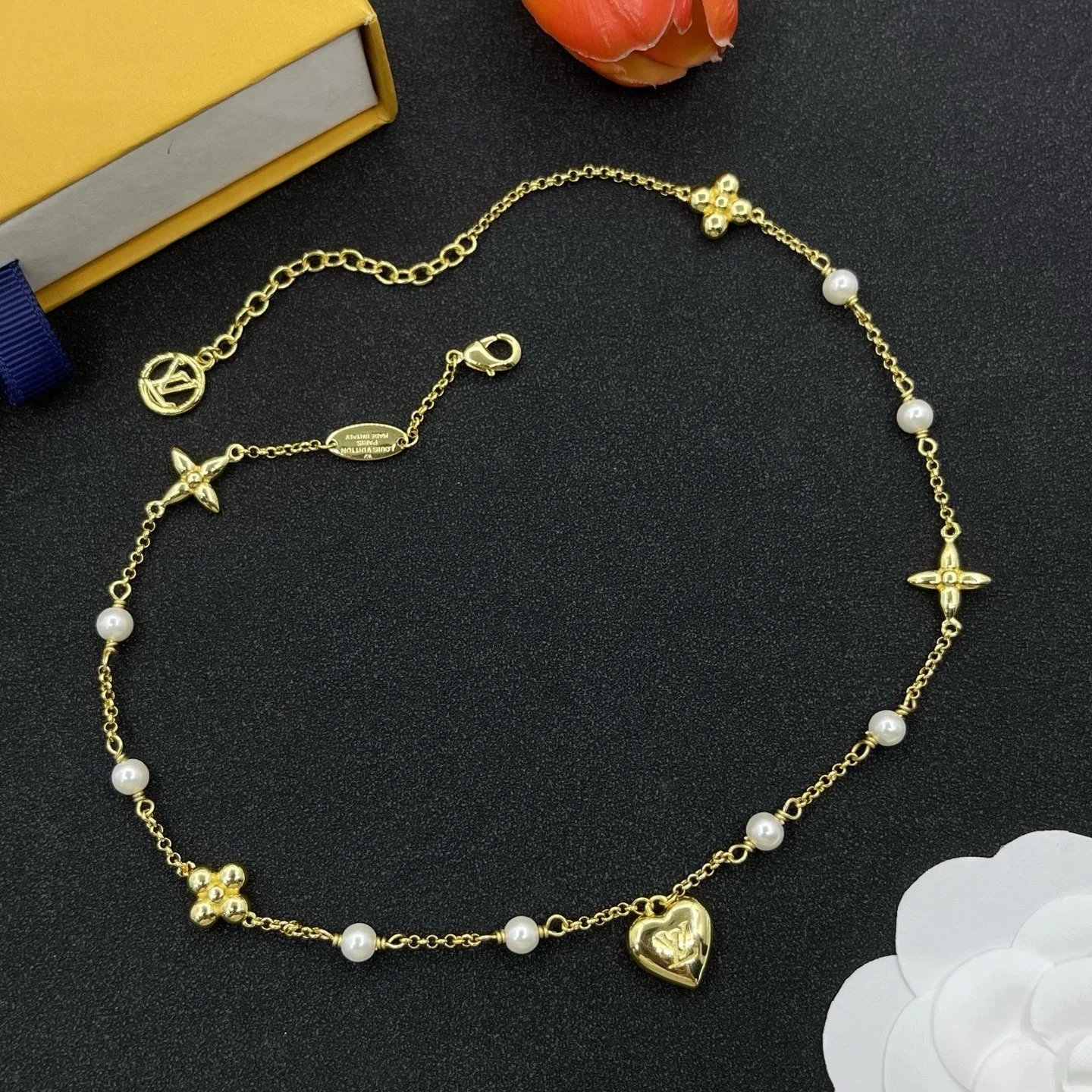
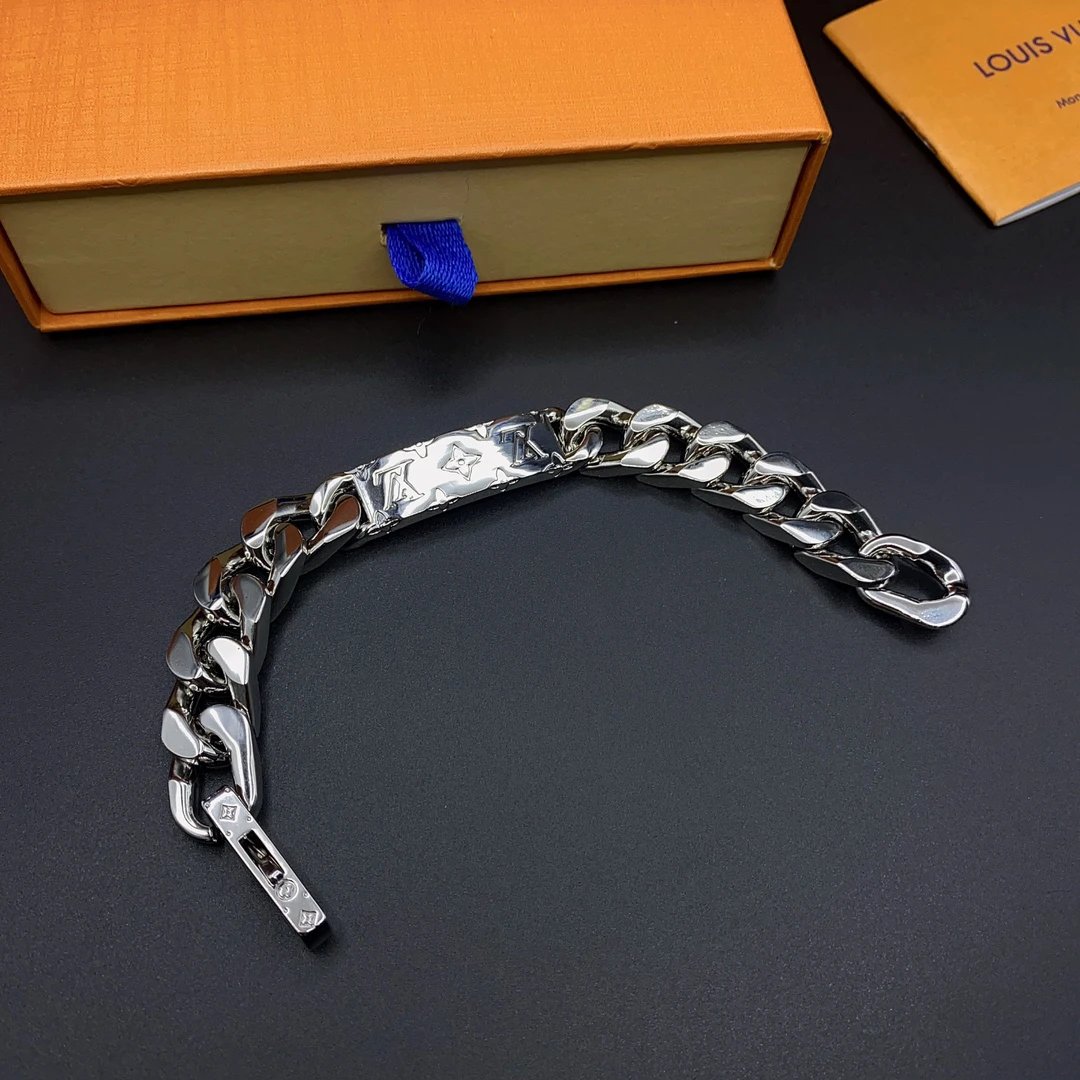
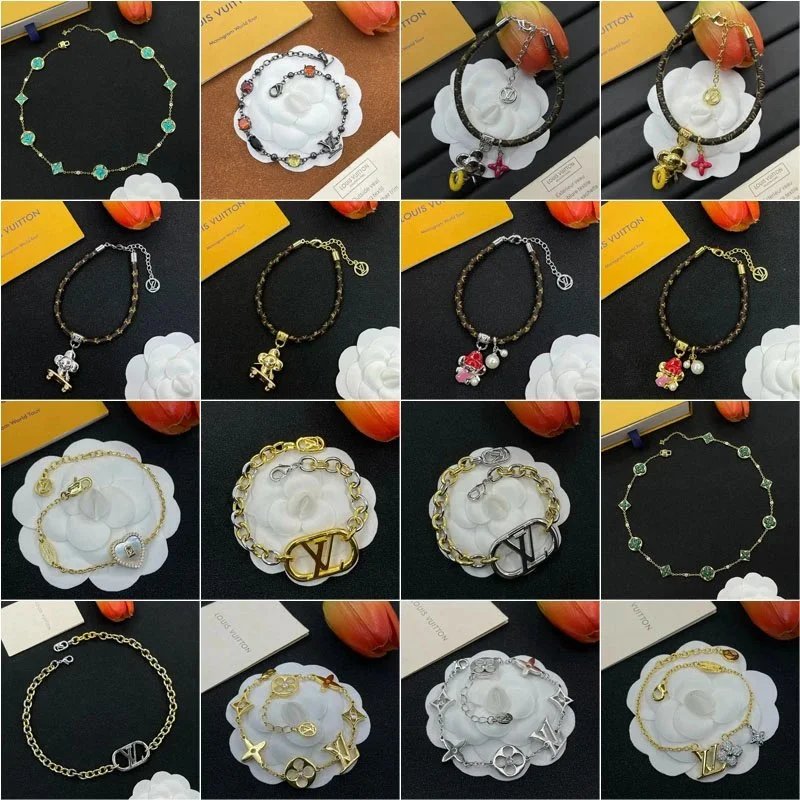
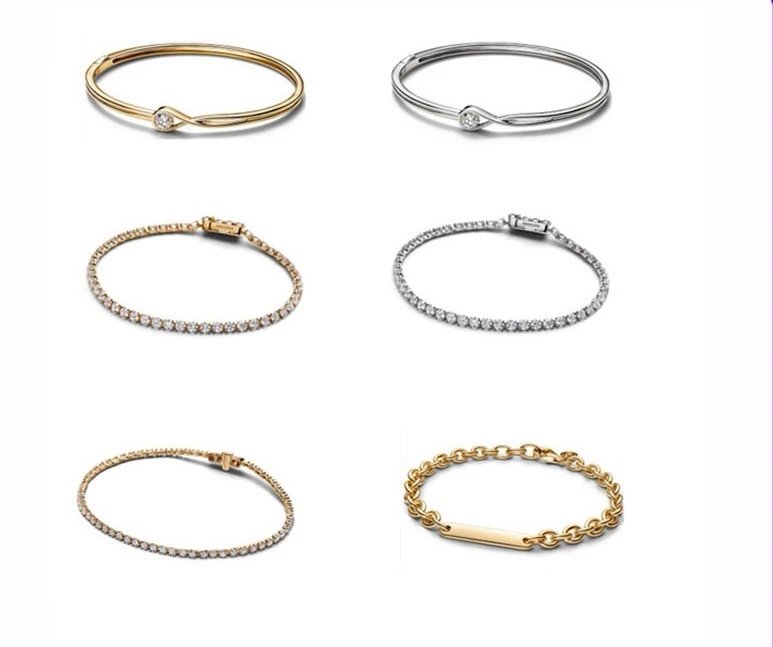
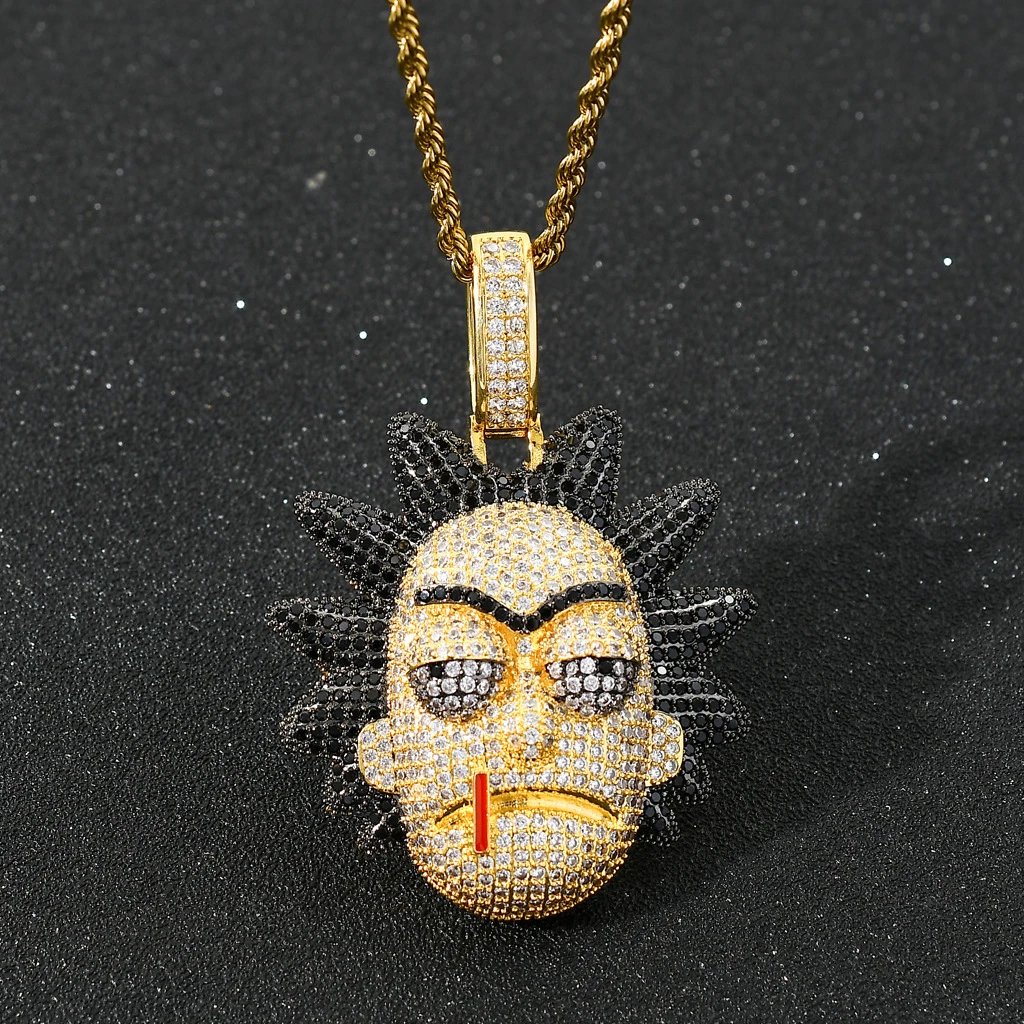
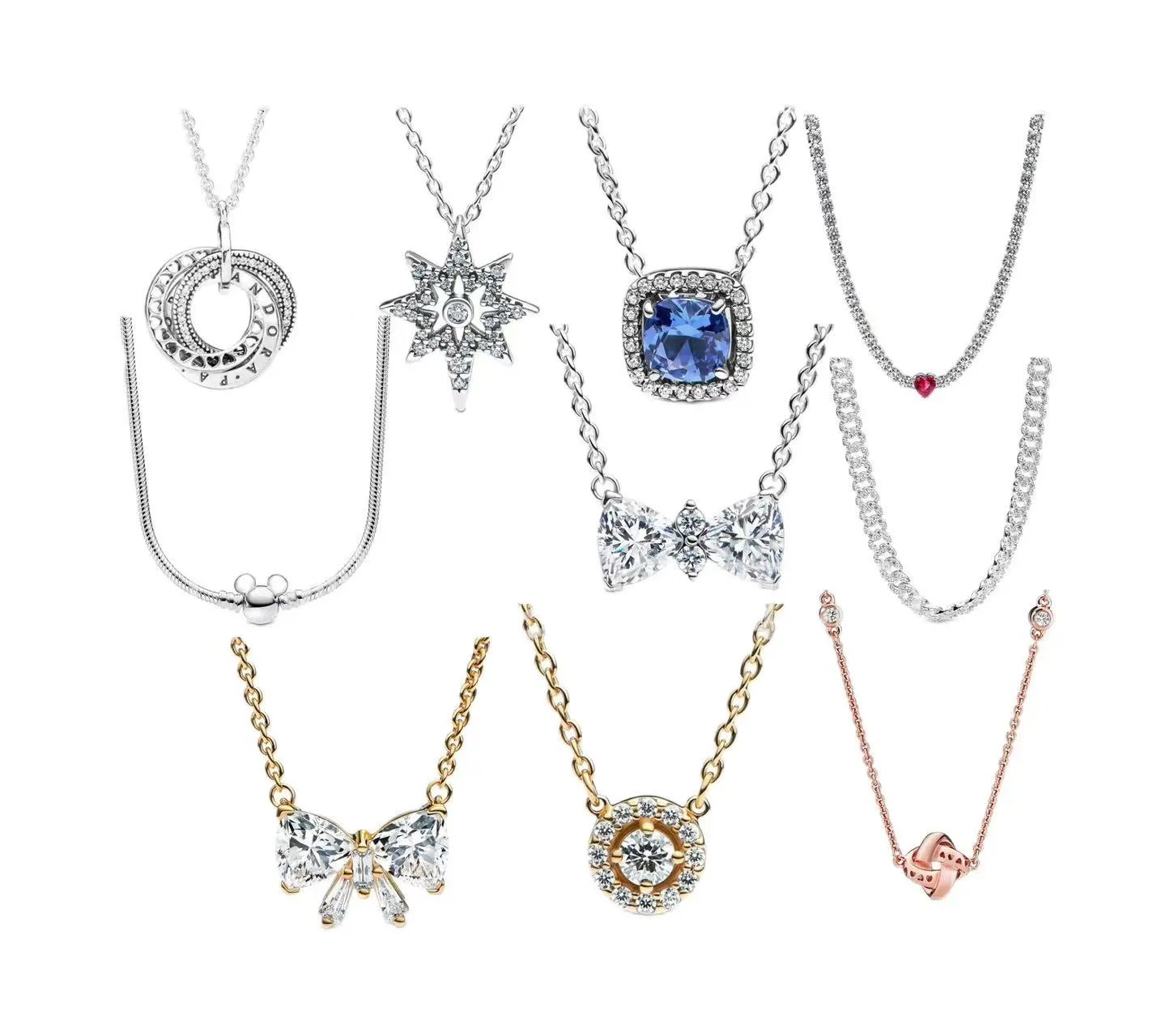
Accessories
1,159 PRODUCTS

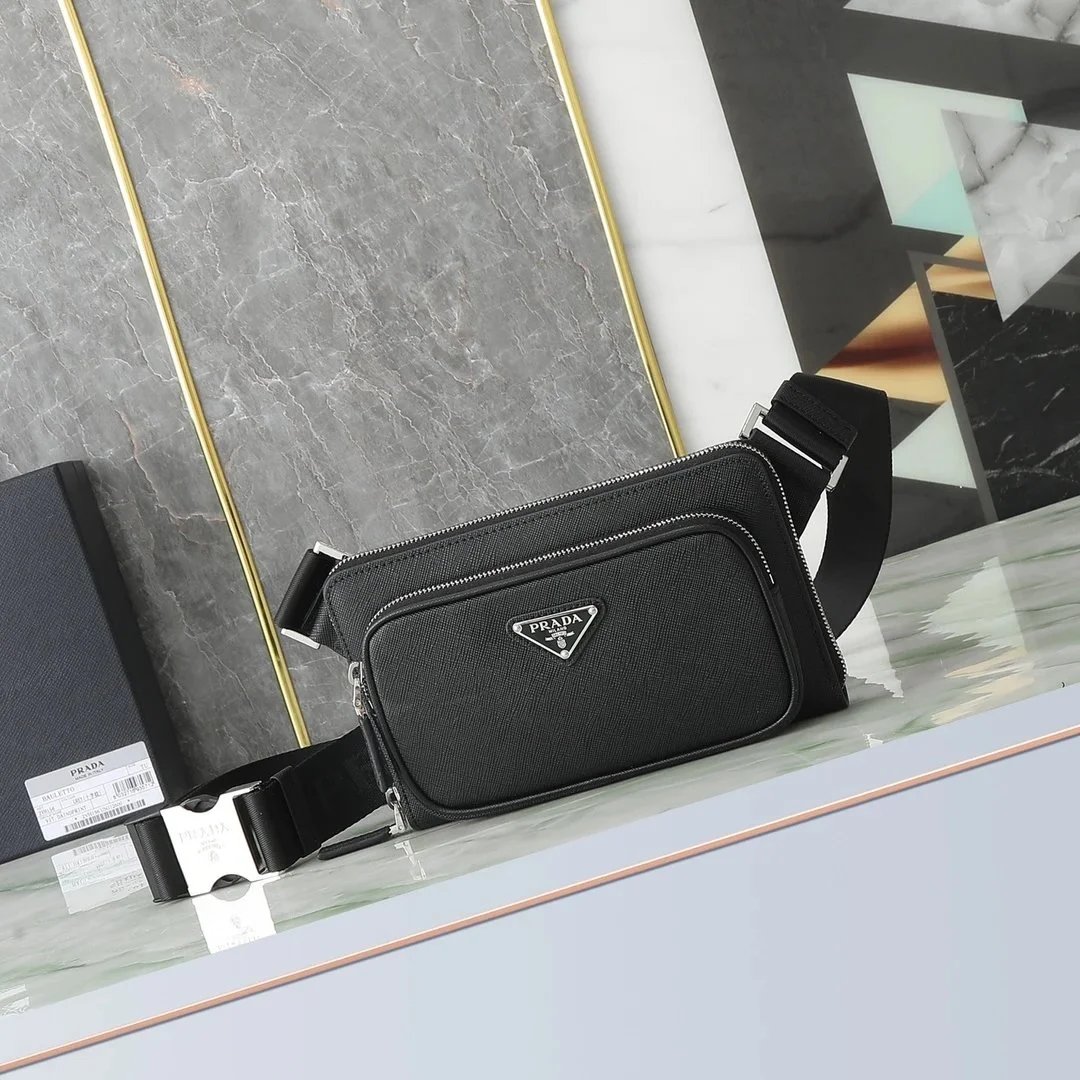
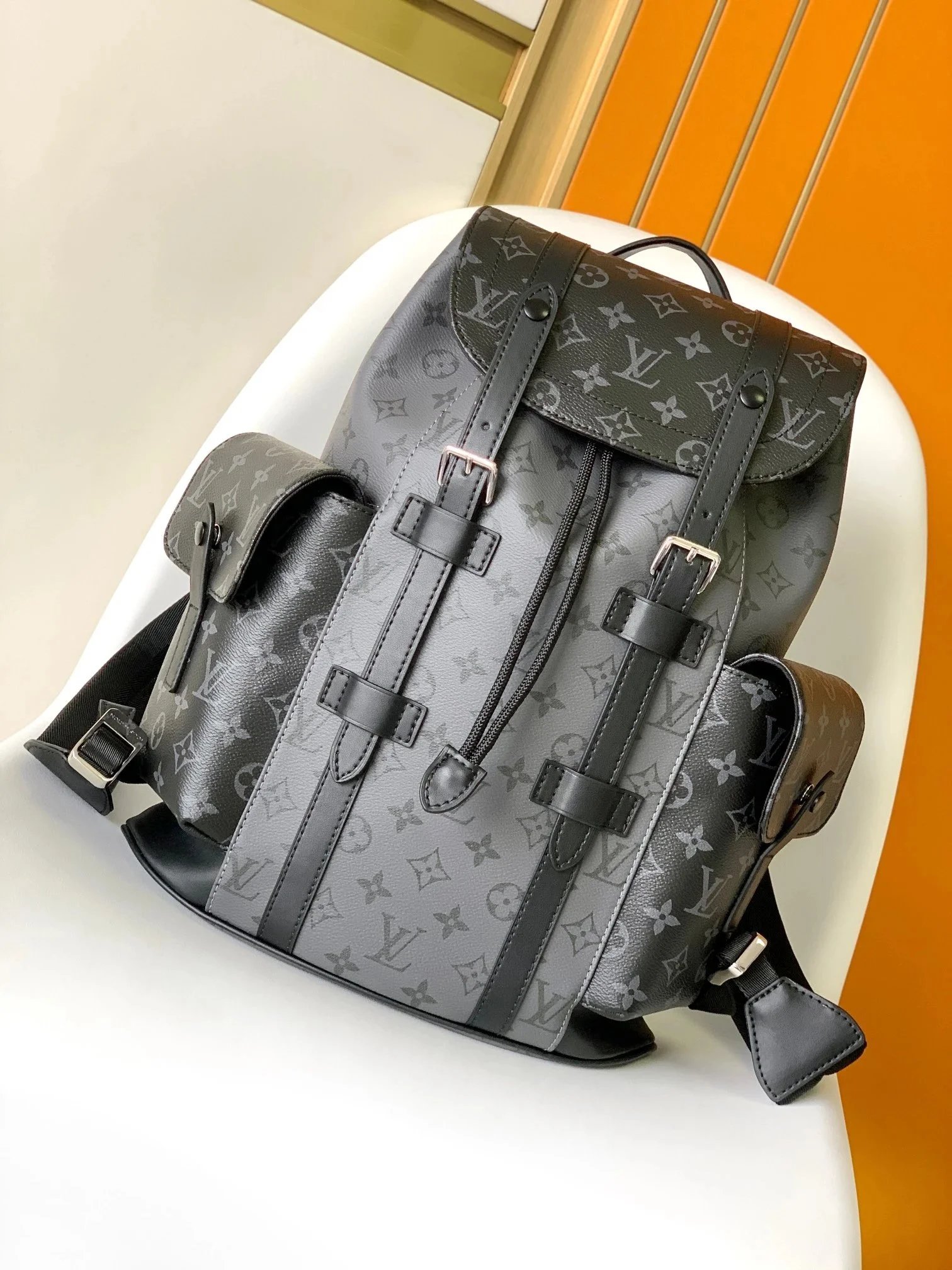
THE COLLECTION
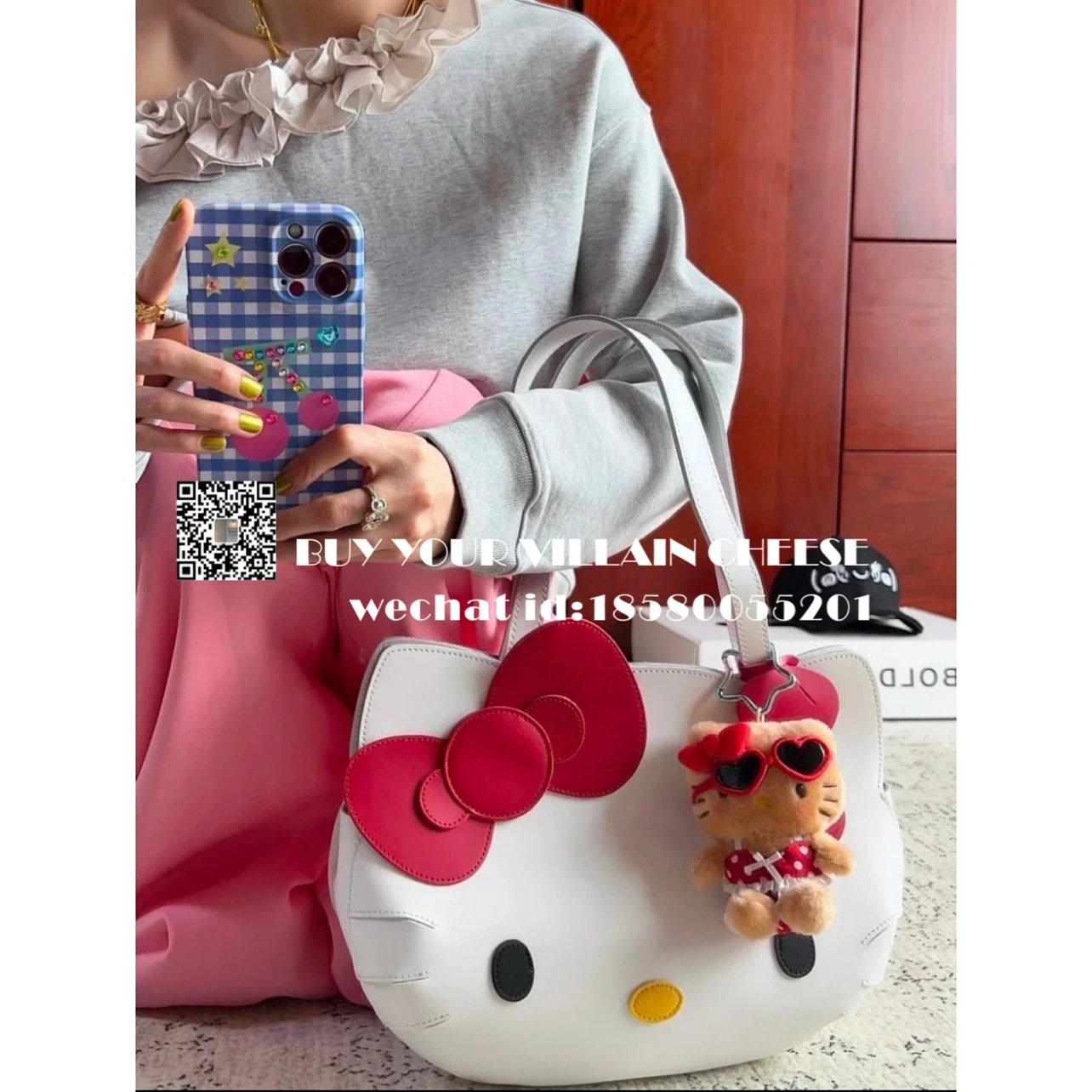
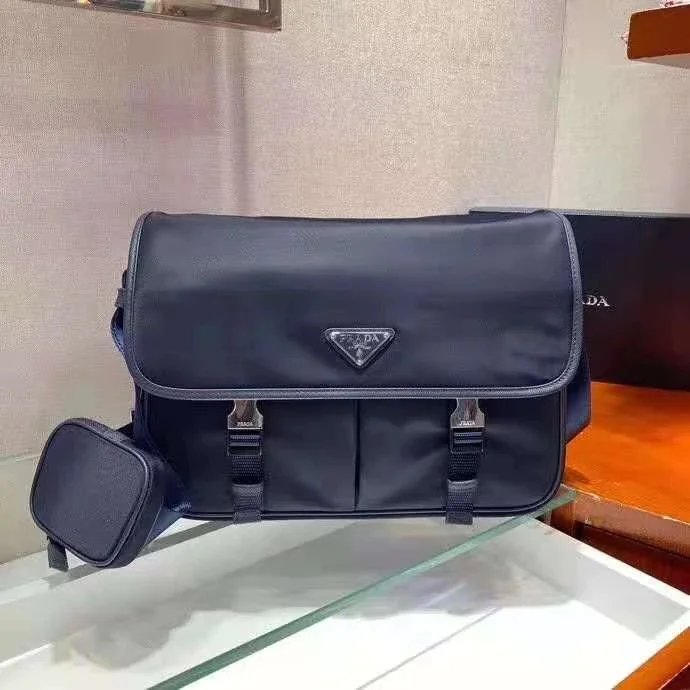
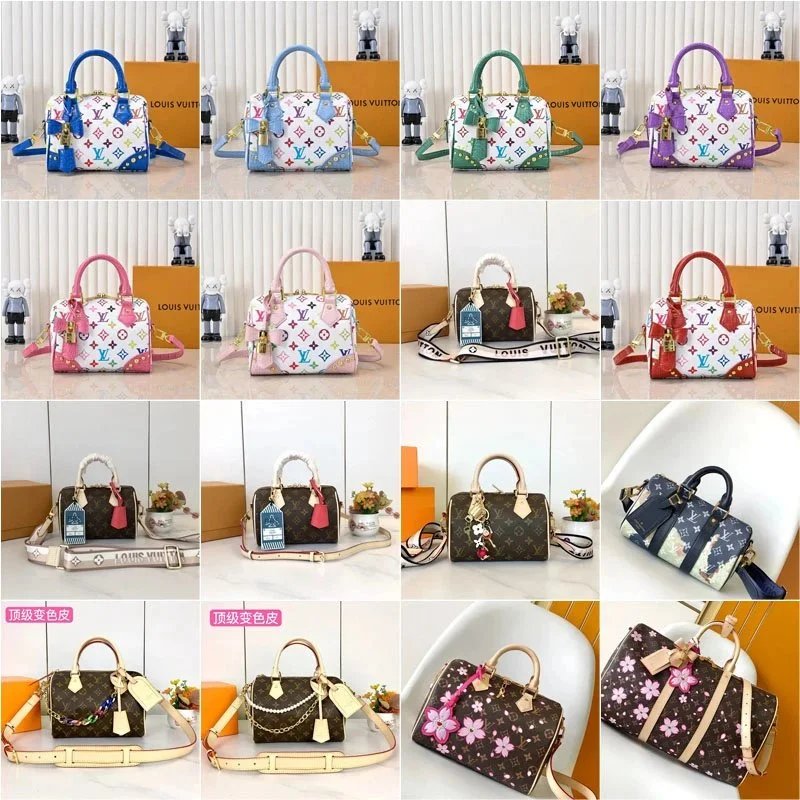
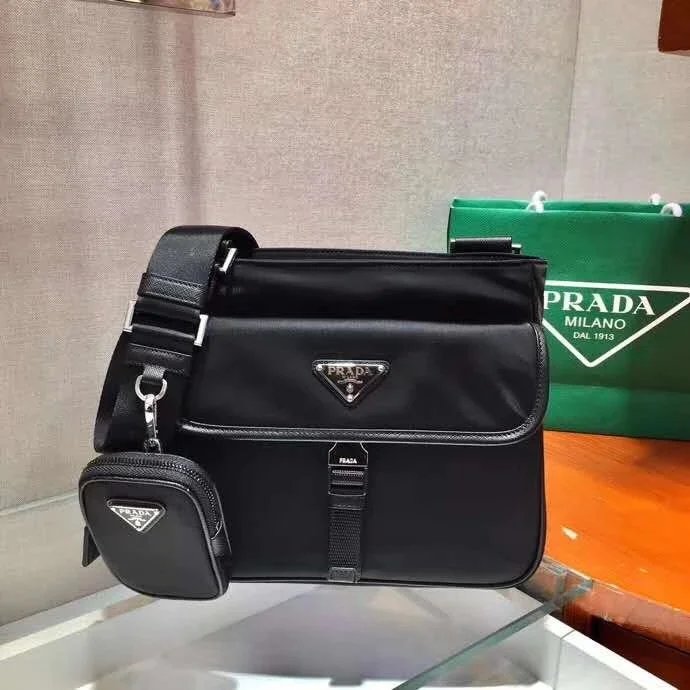
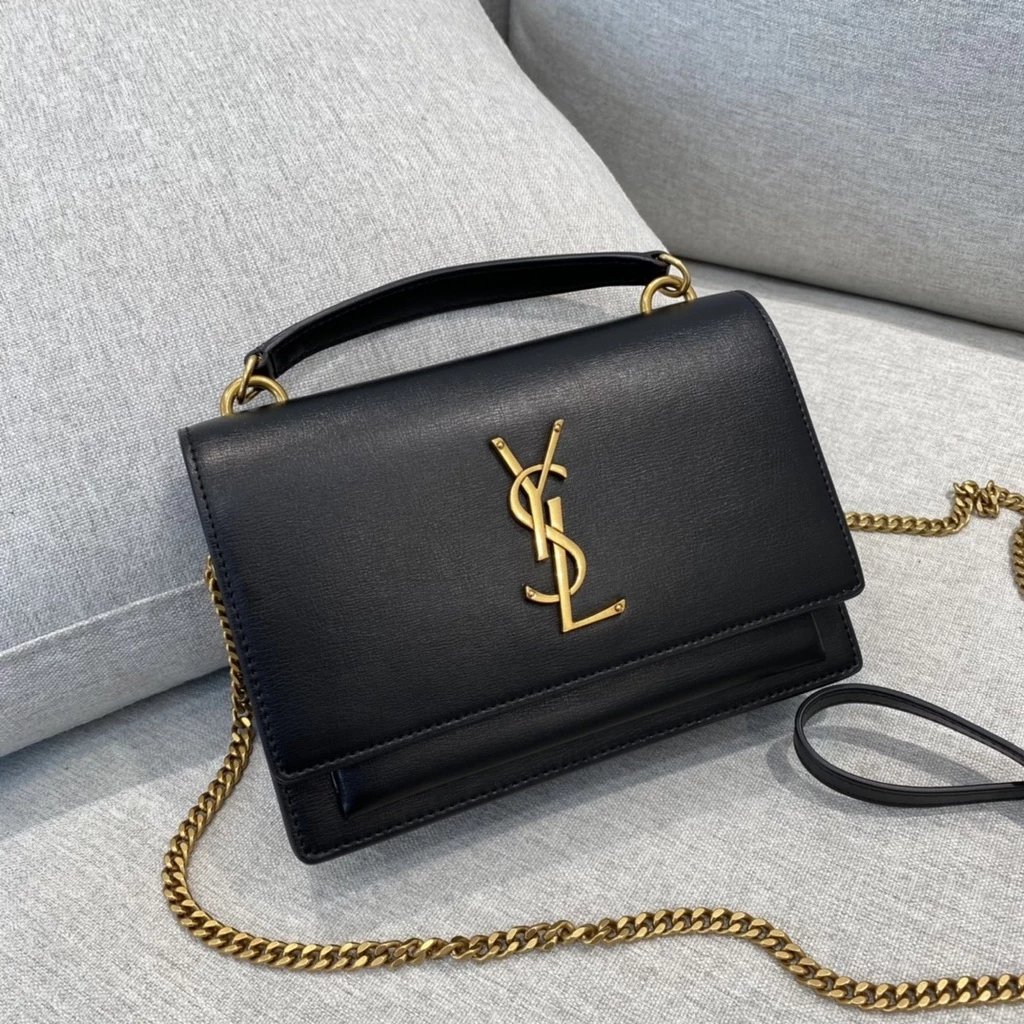
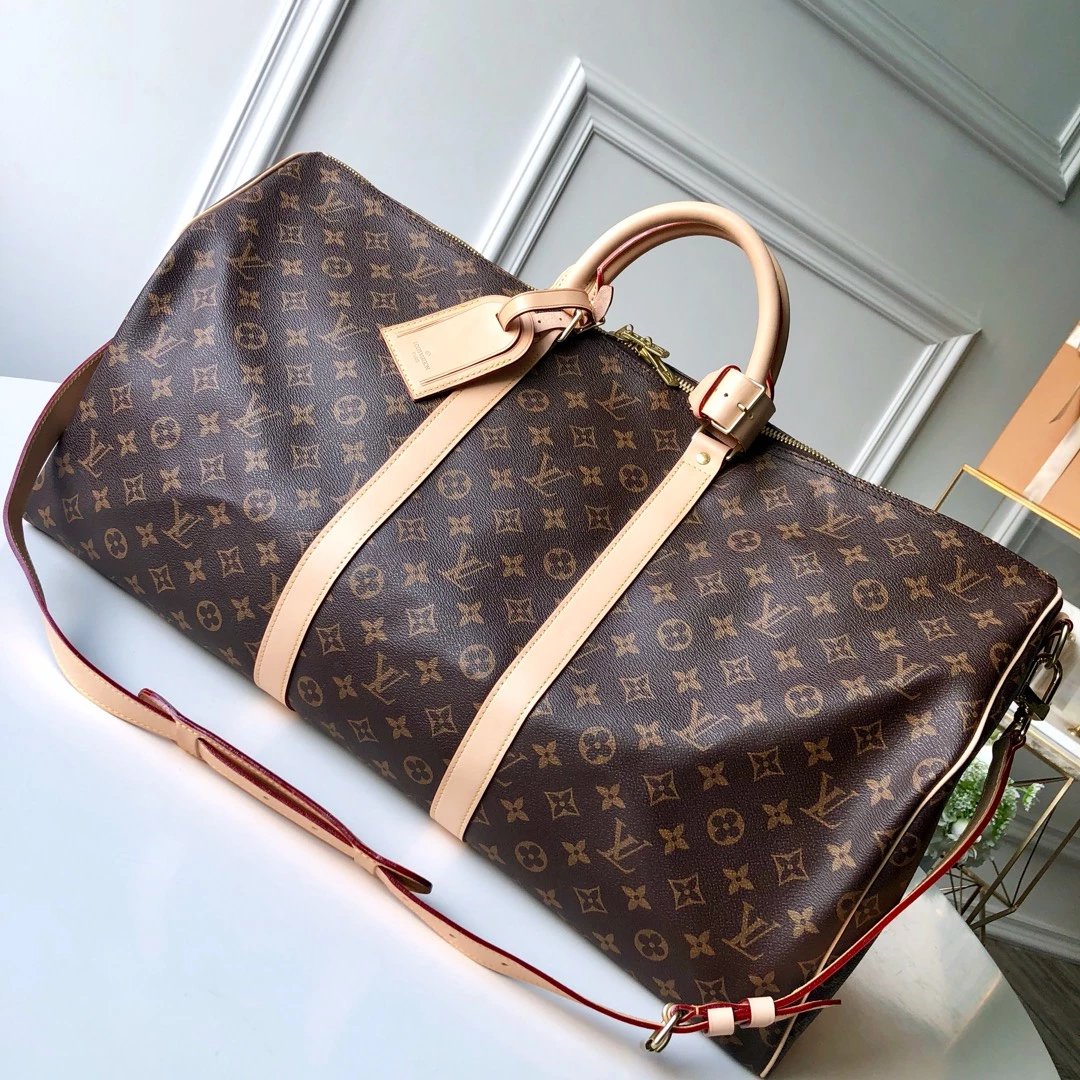
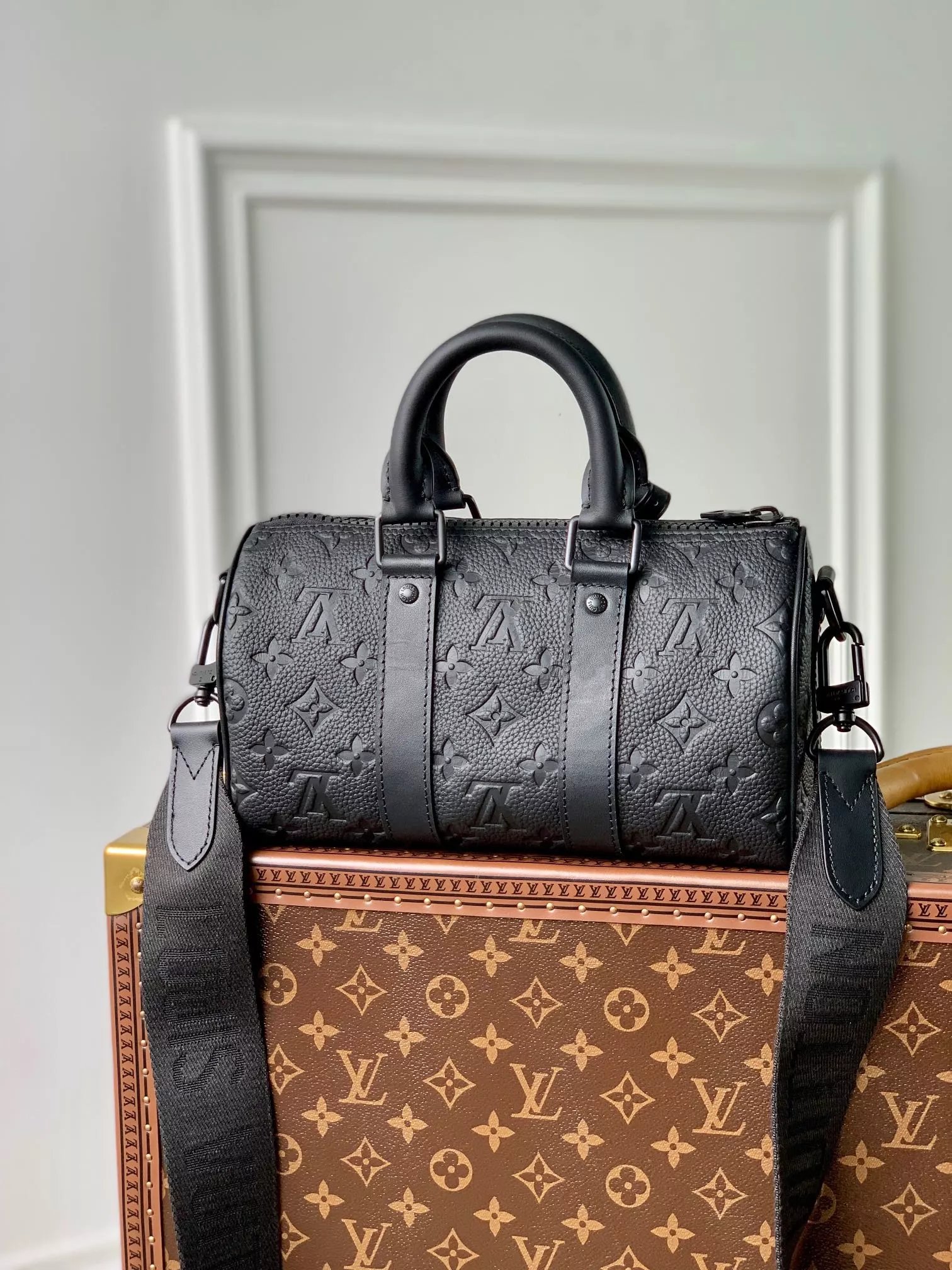
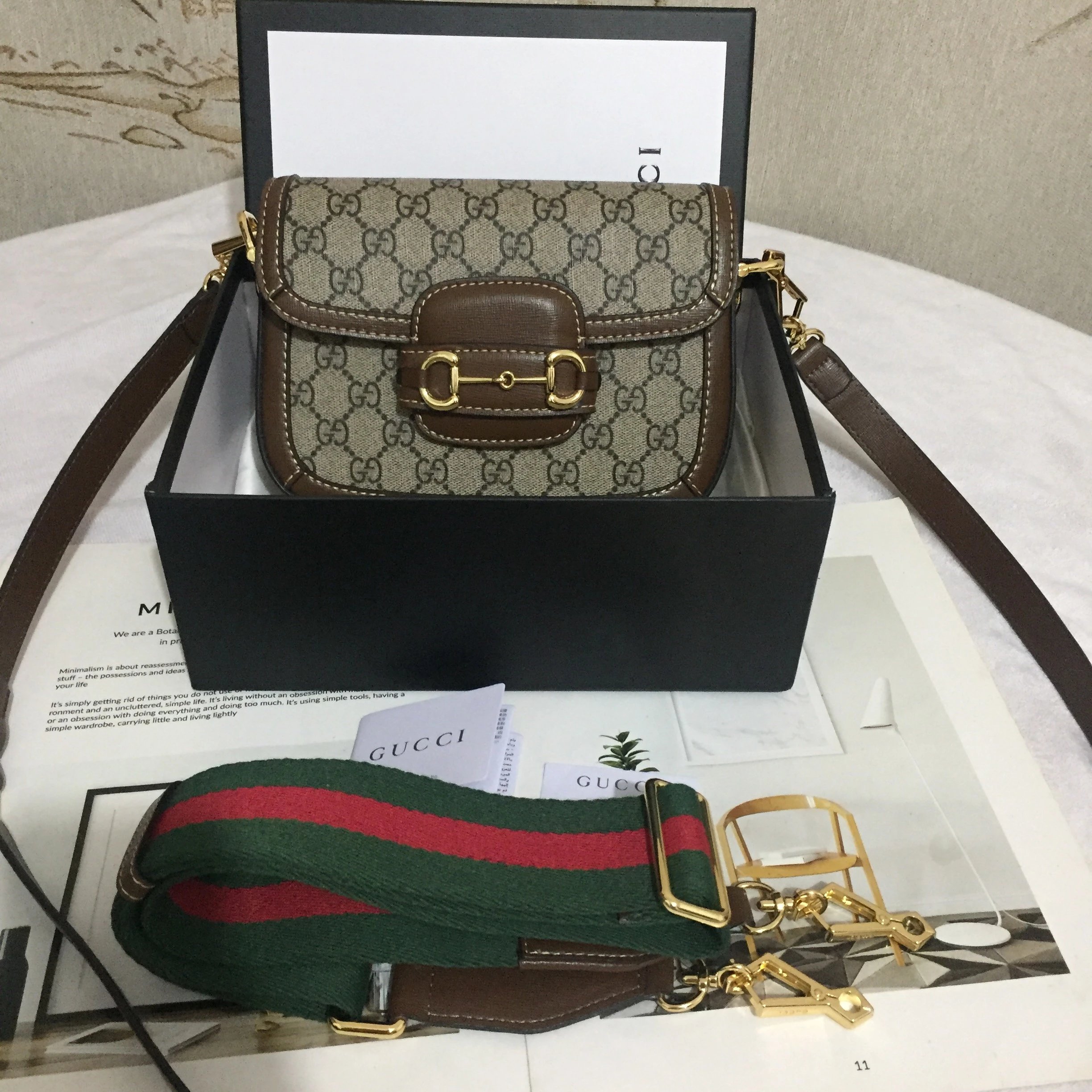
Bags
865 PRODUCTS





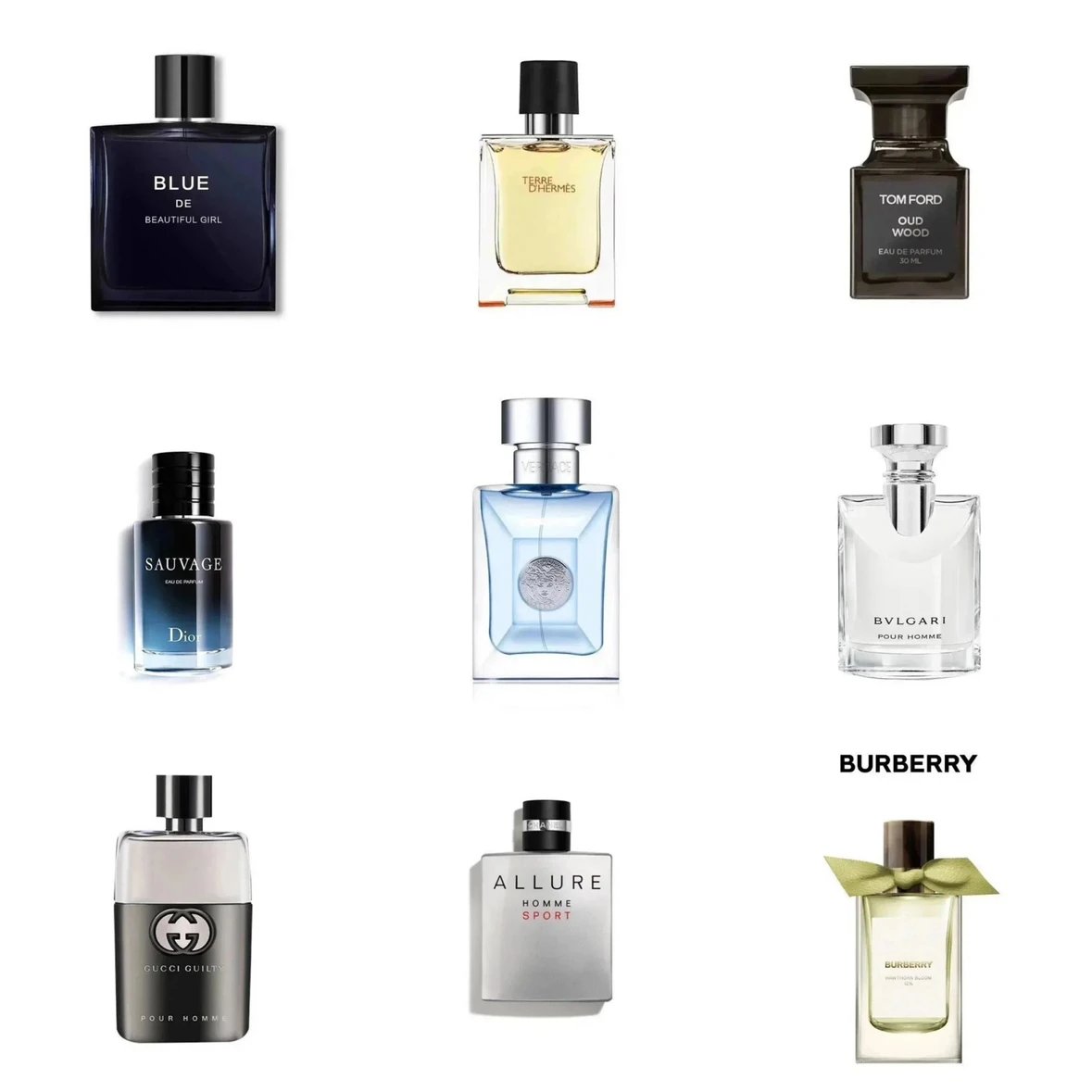
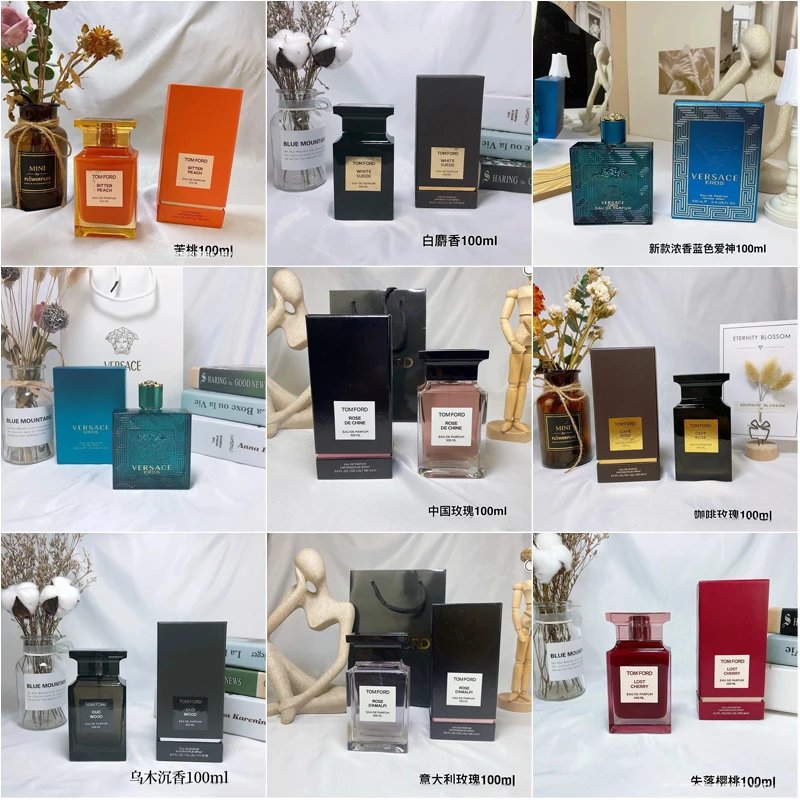
THE COLLECTION
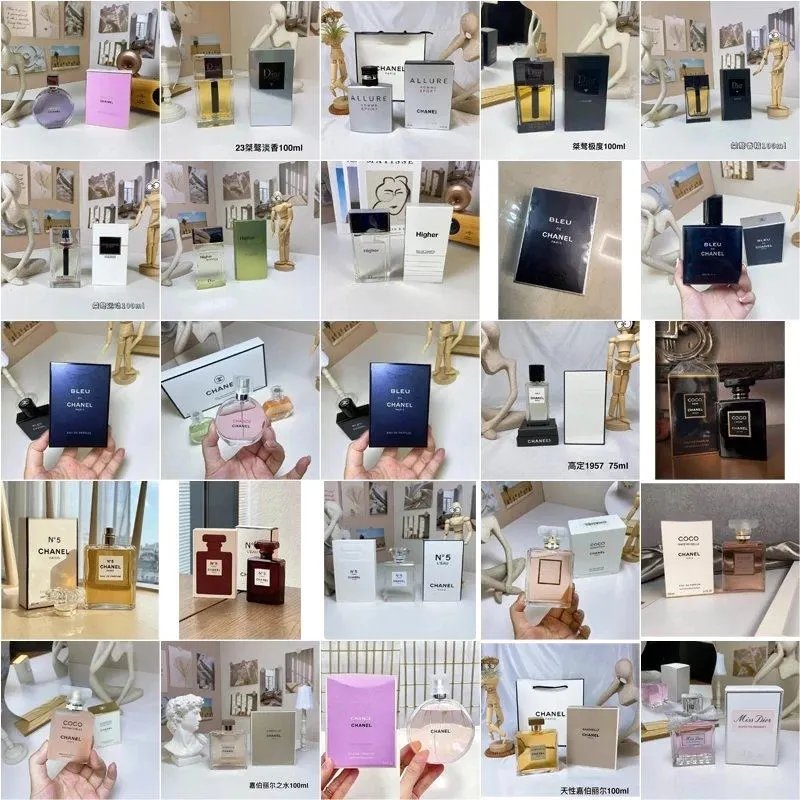
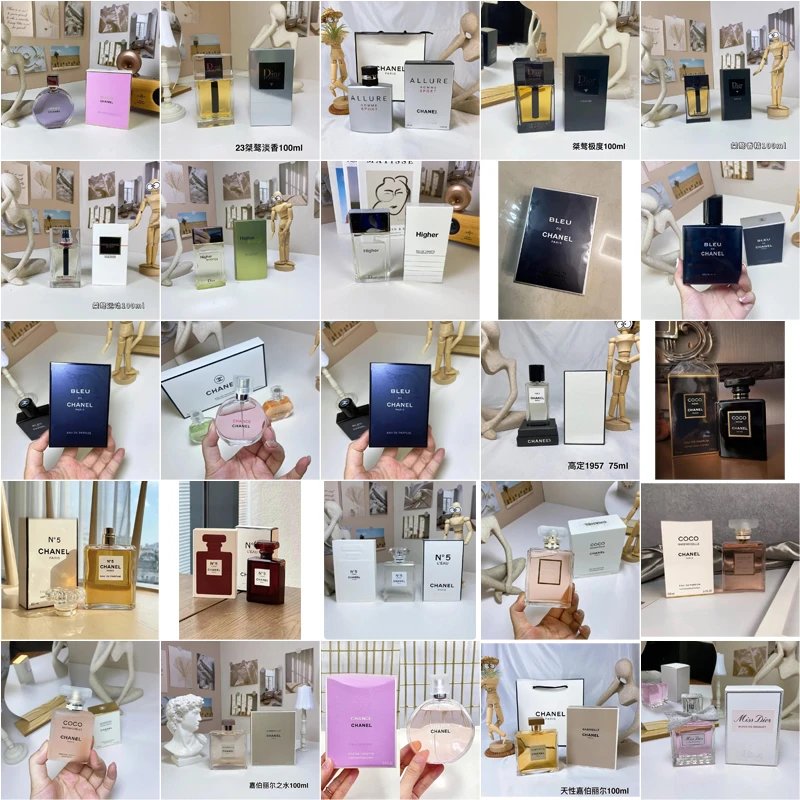
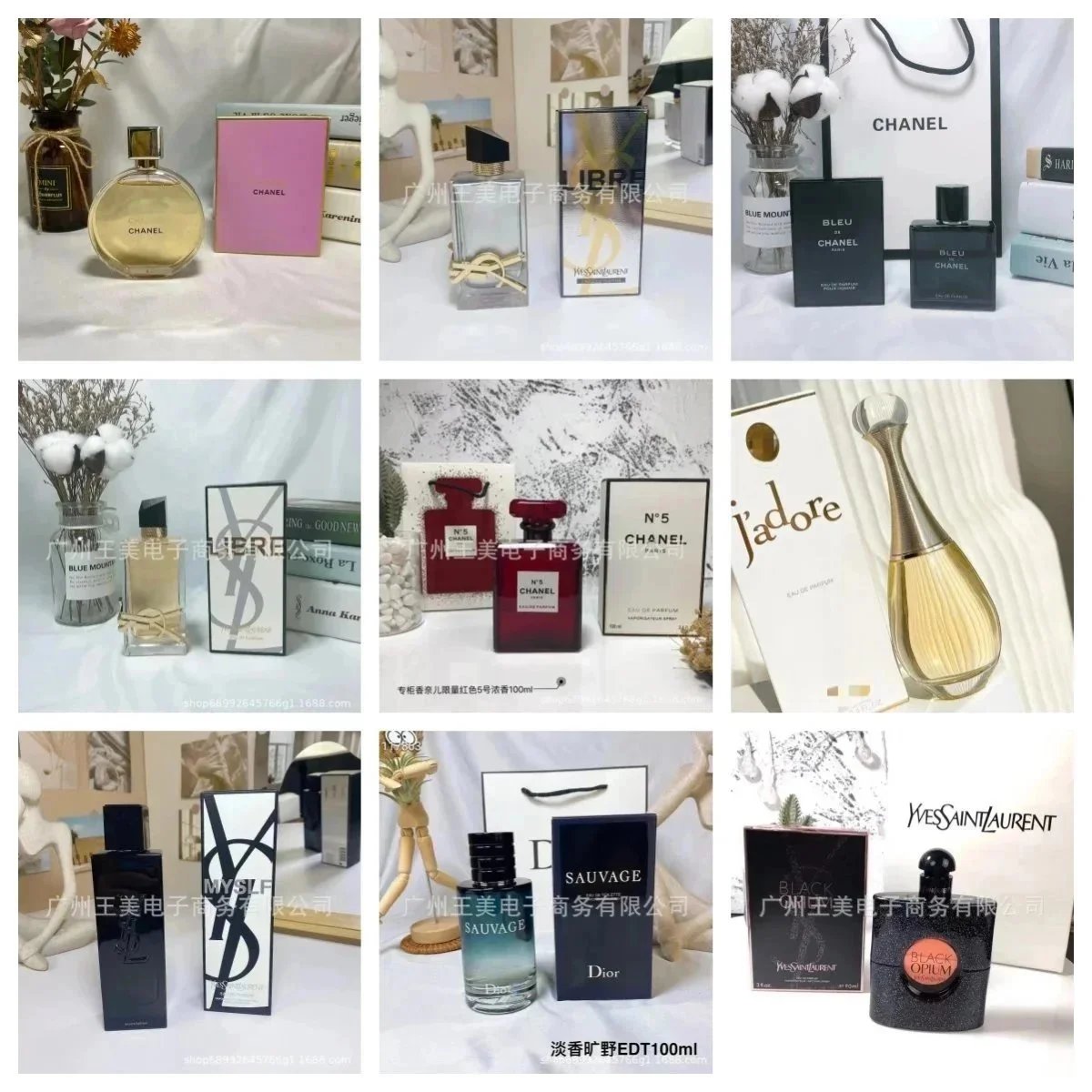
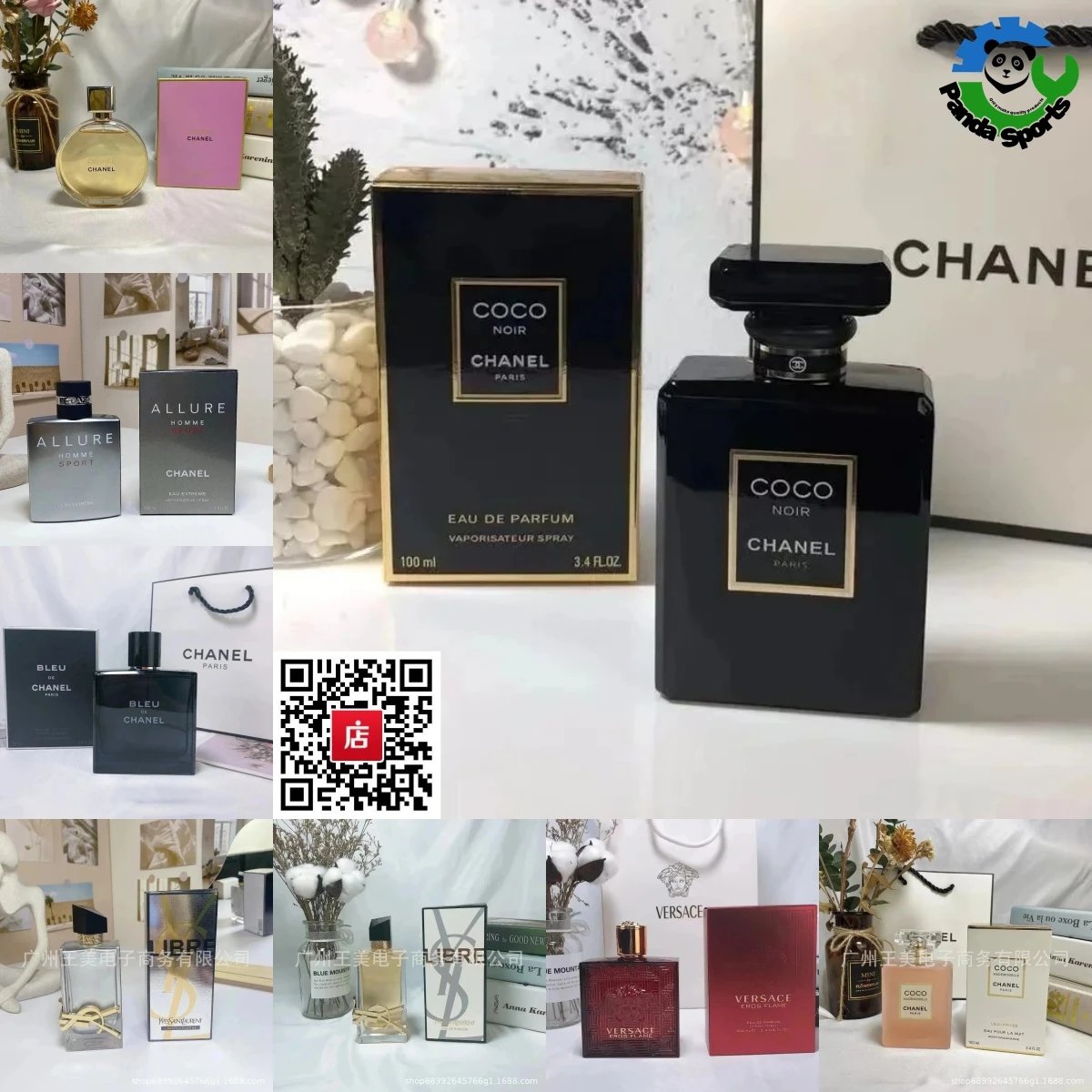
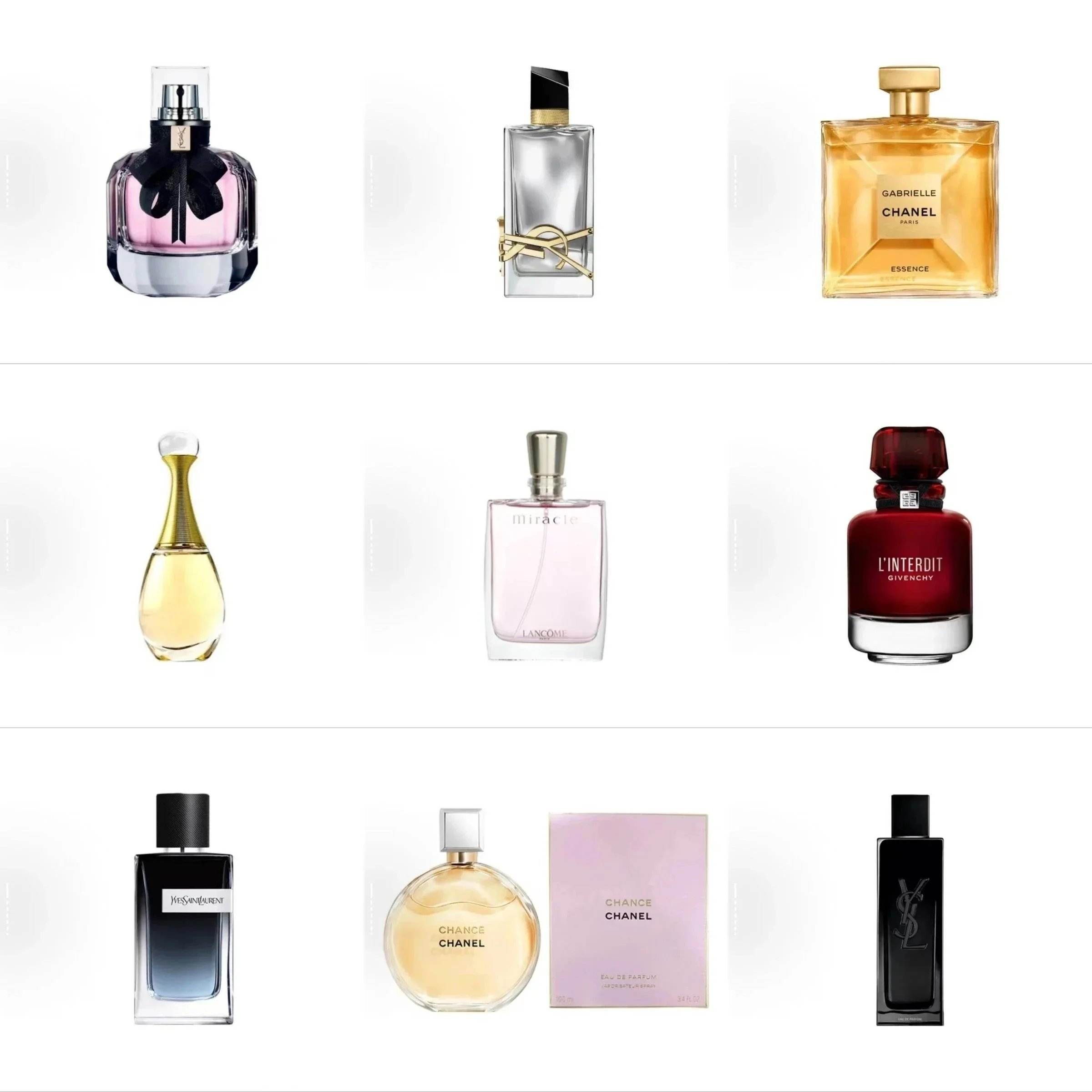
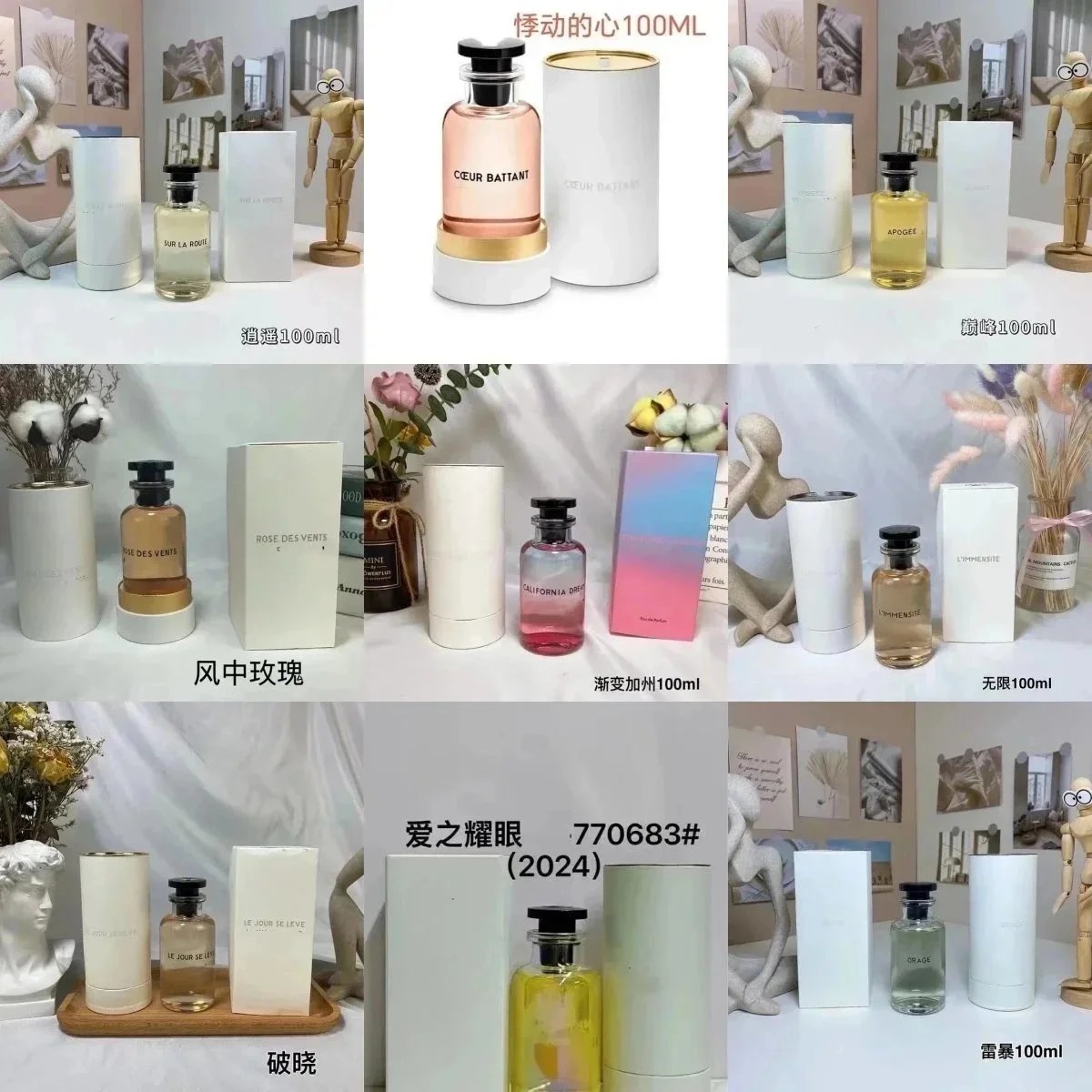
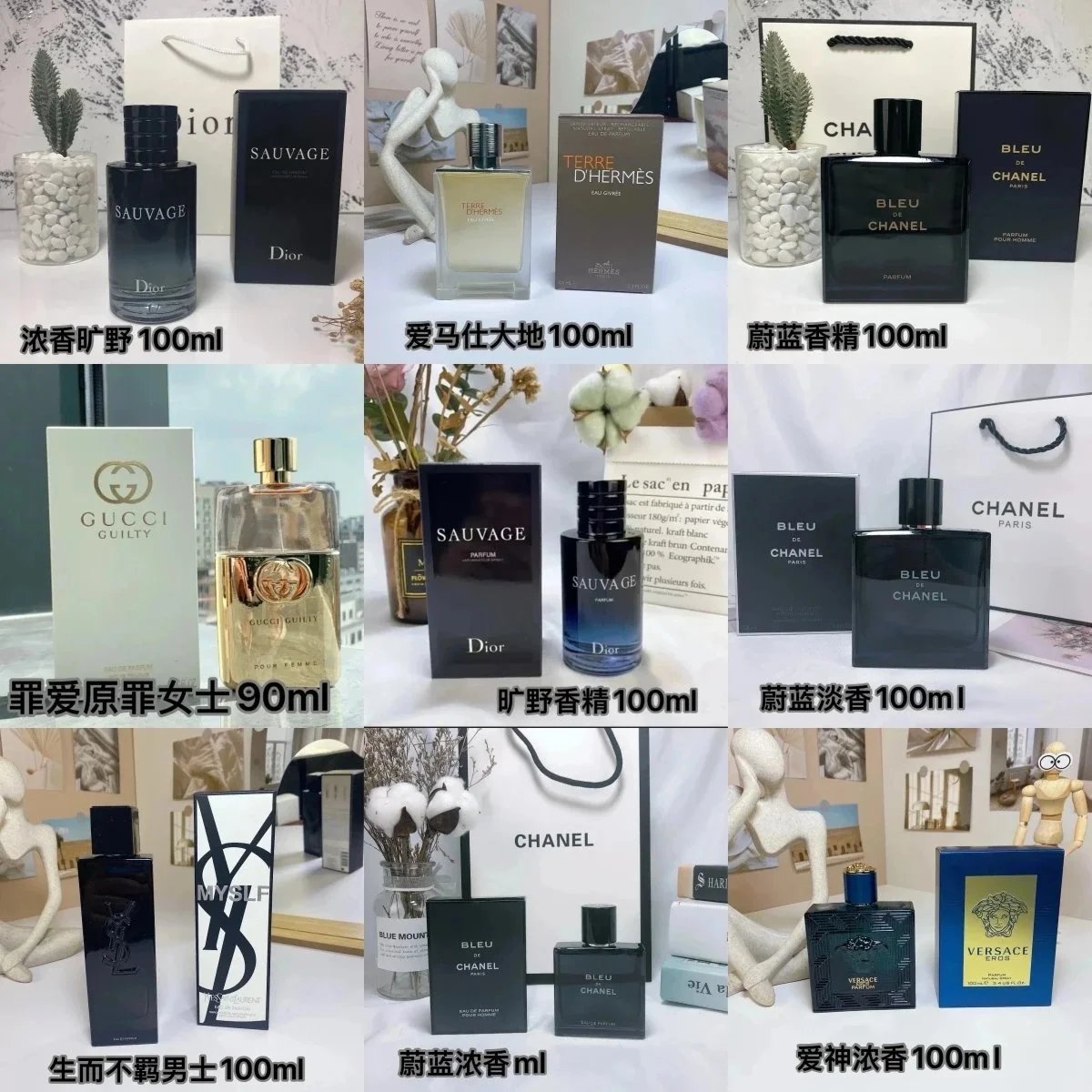
Perfume
69 PRODUCTS








THE COLLECTION
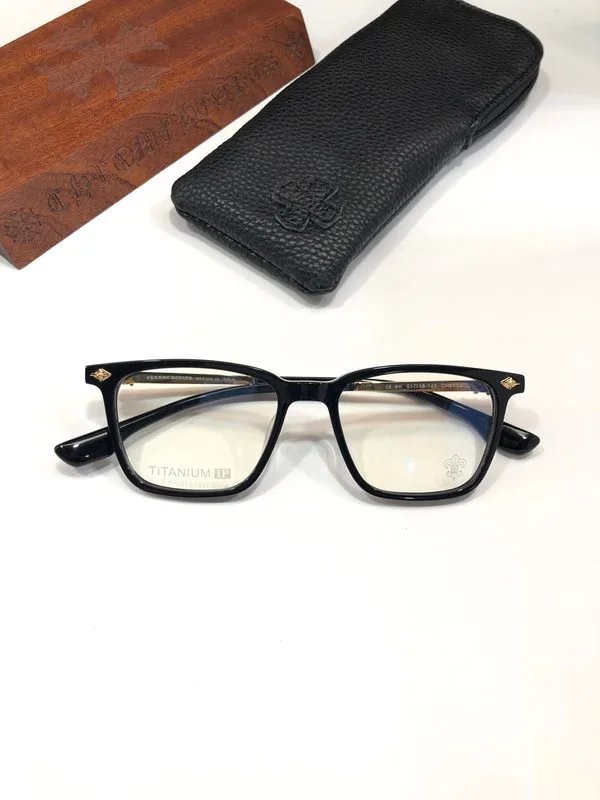
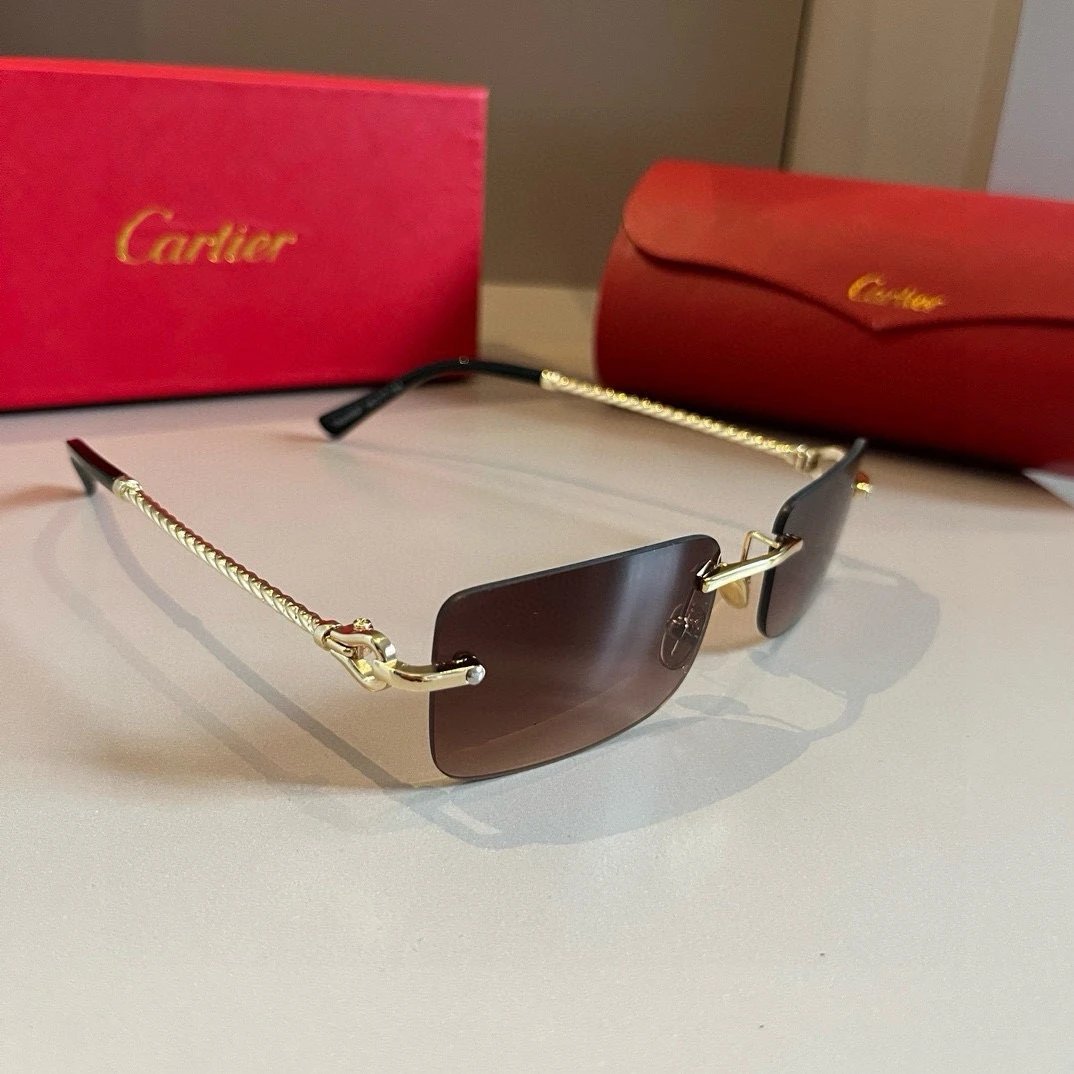
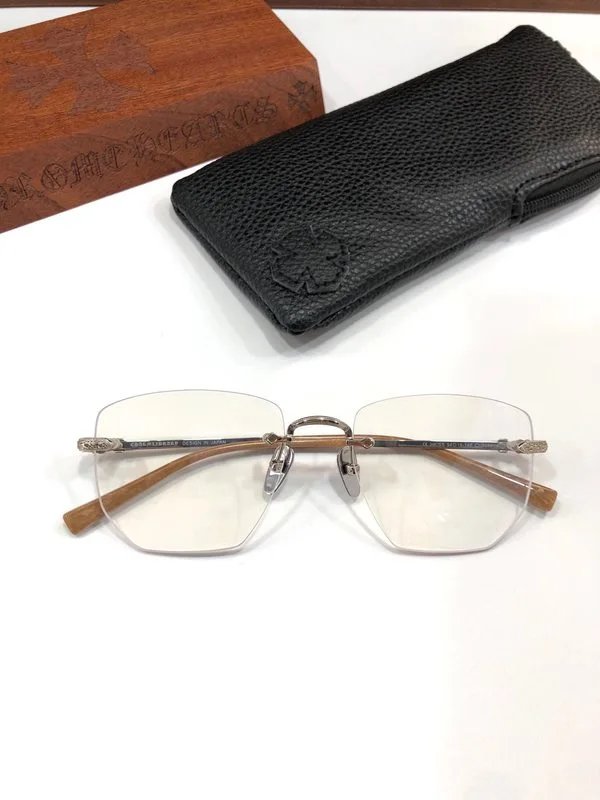
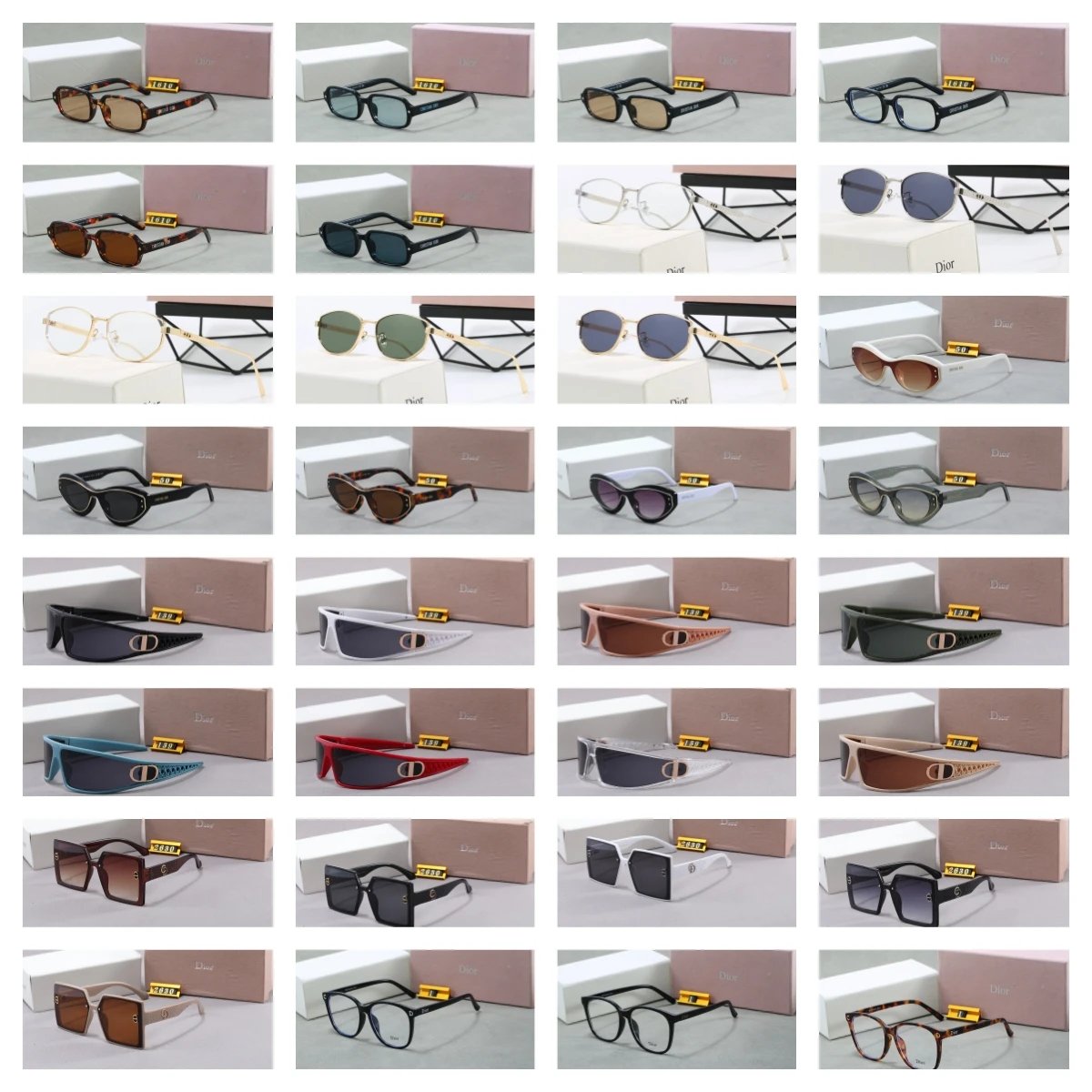
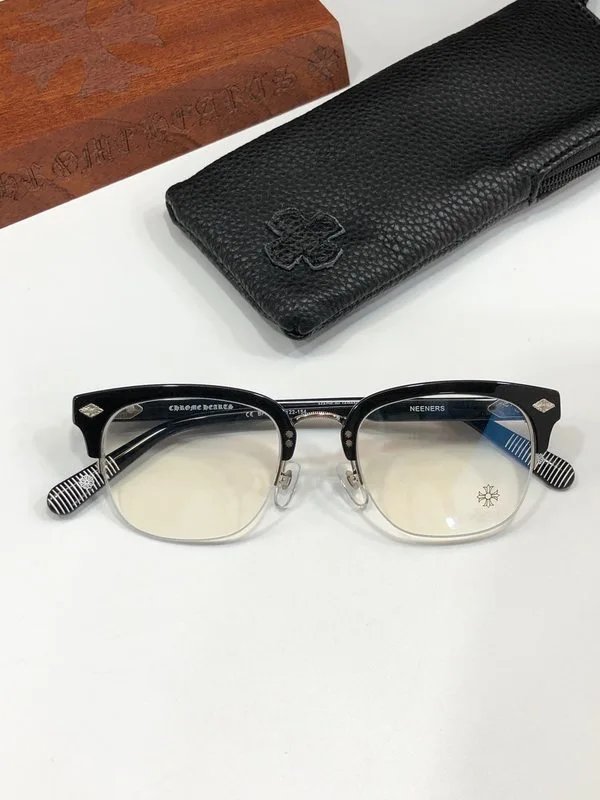
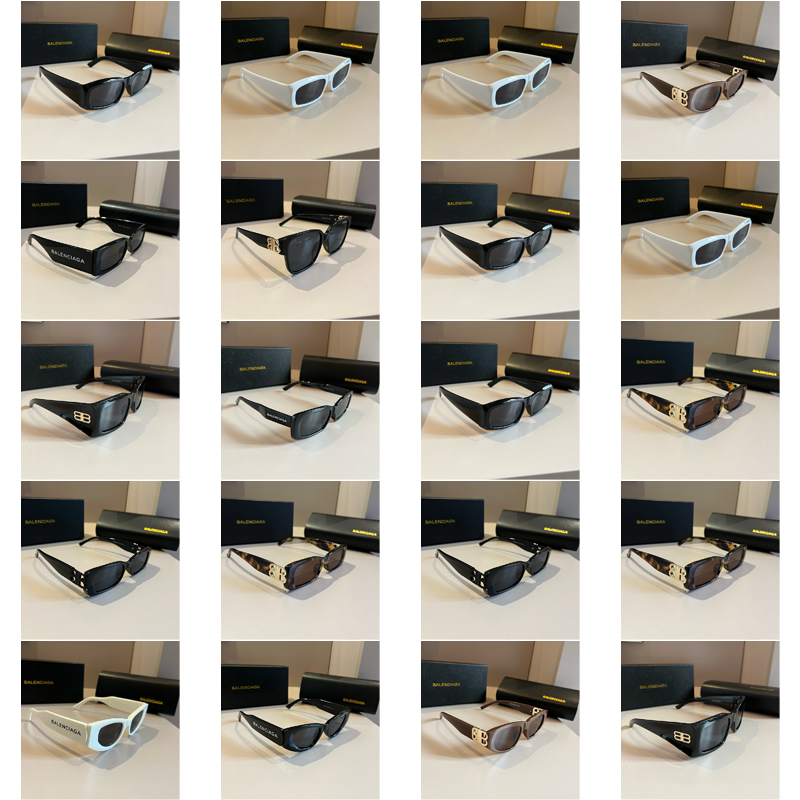
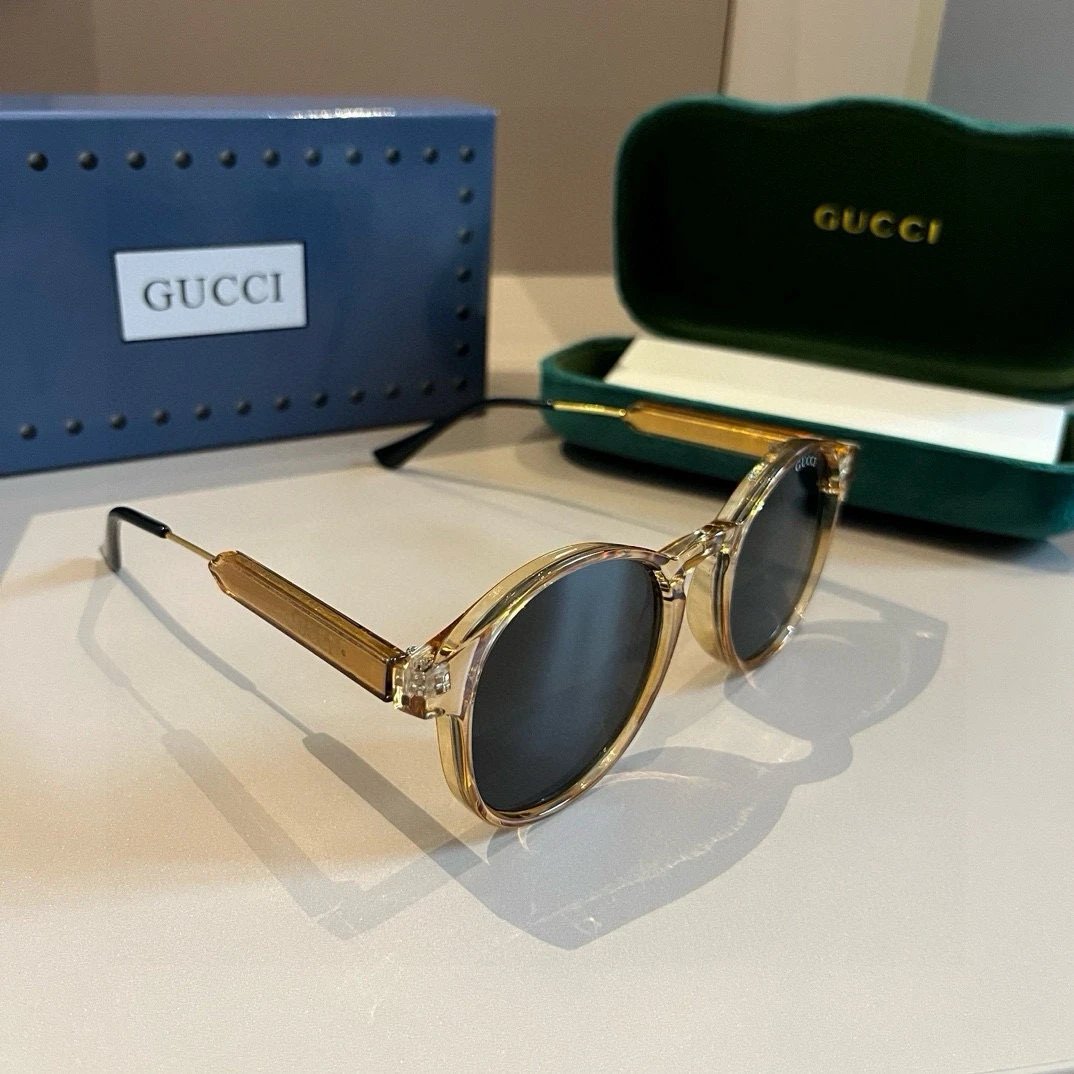
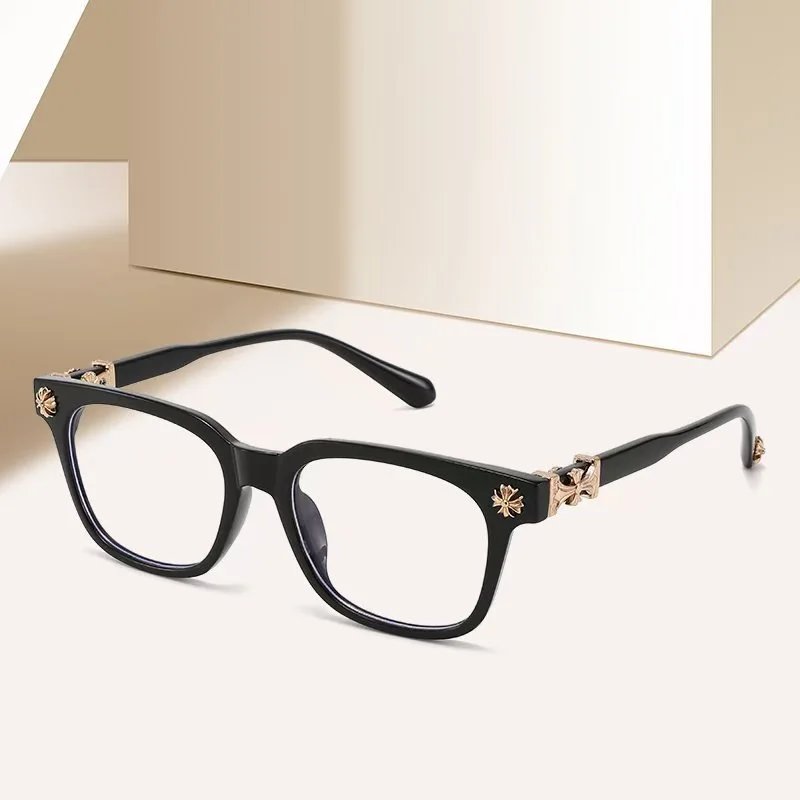
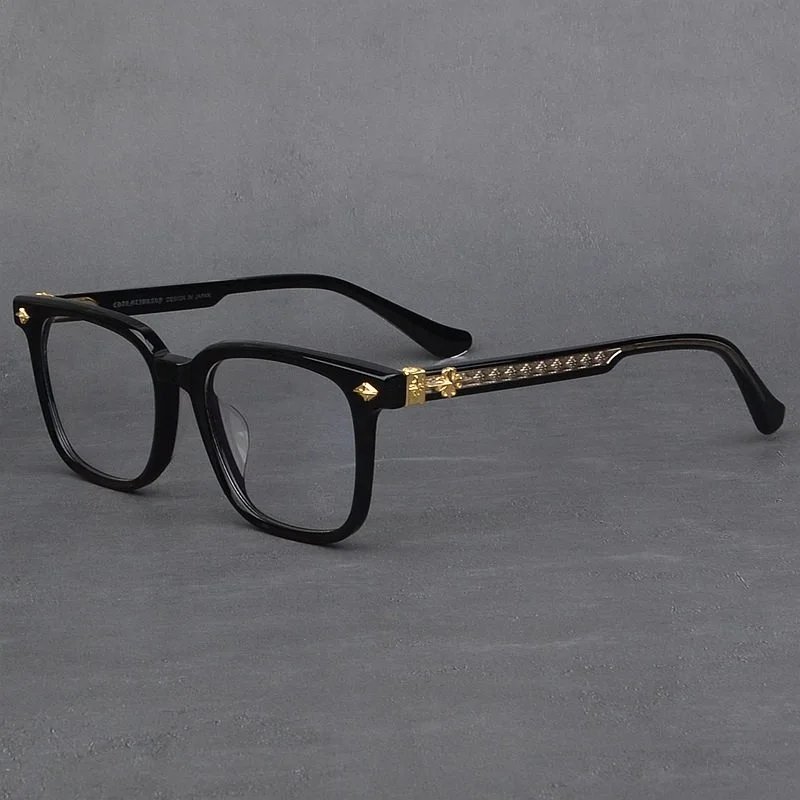
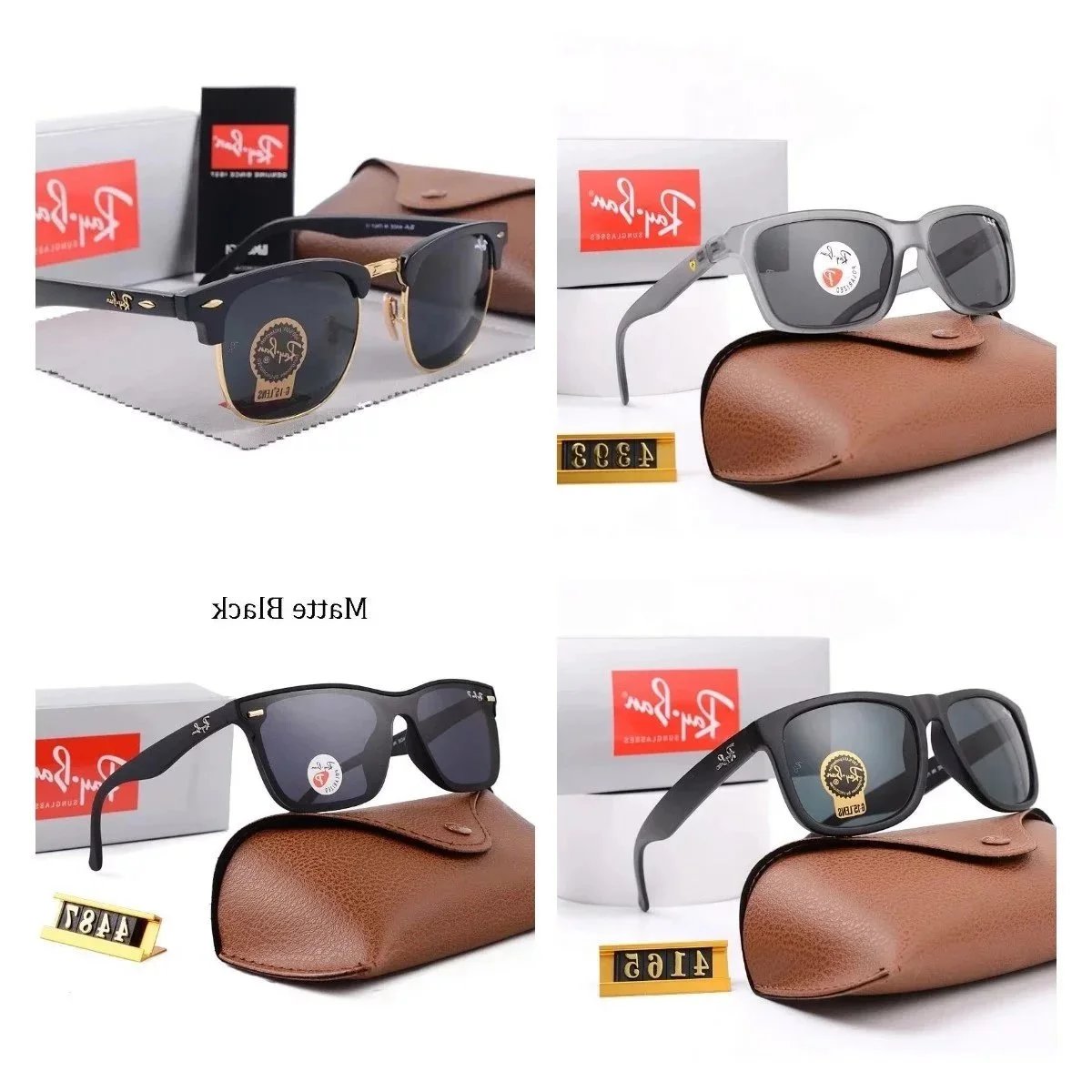
Glasses
161 PRODUCTS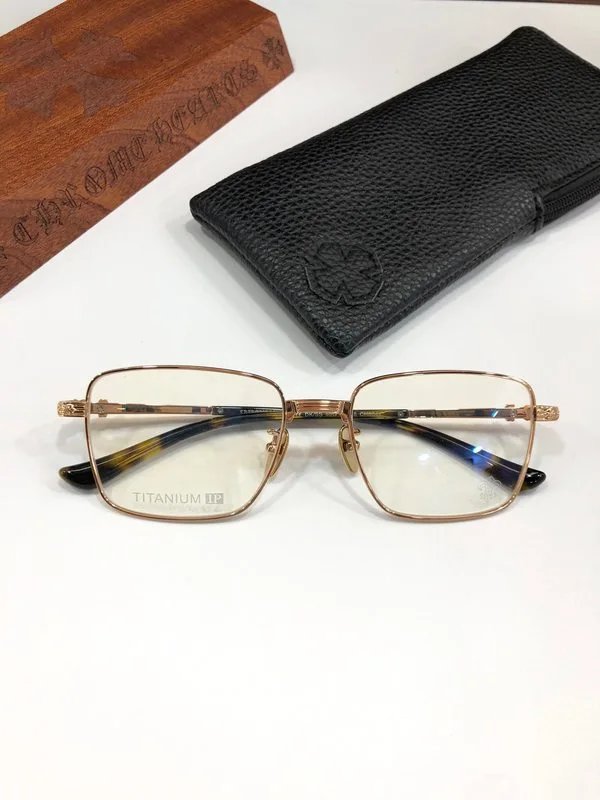




THE COLLECTION
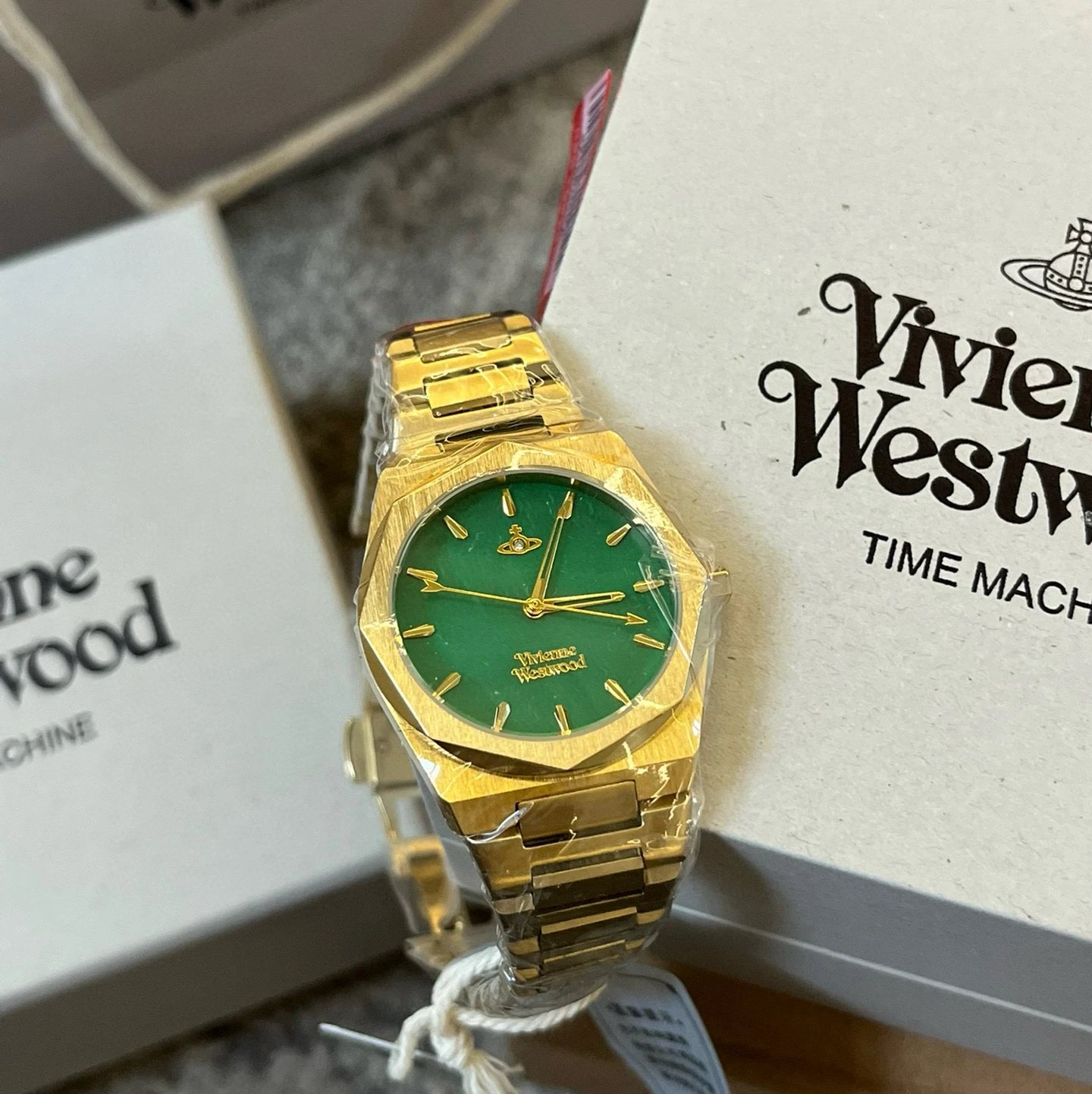
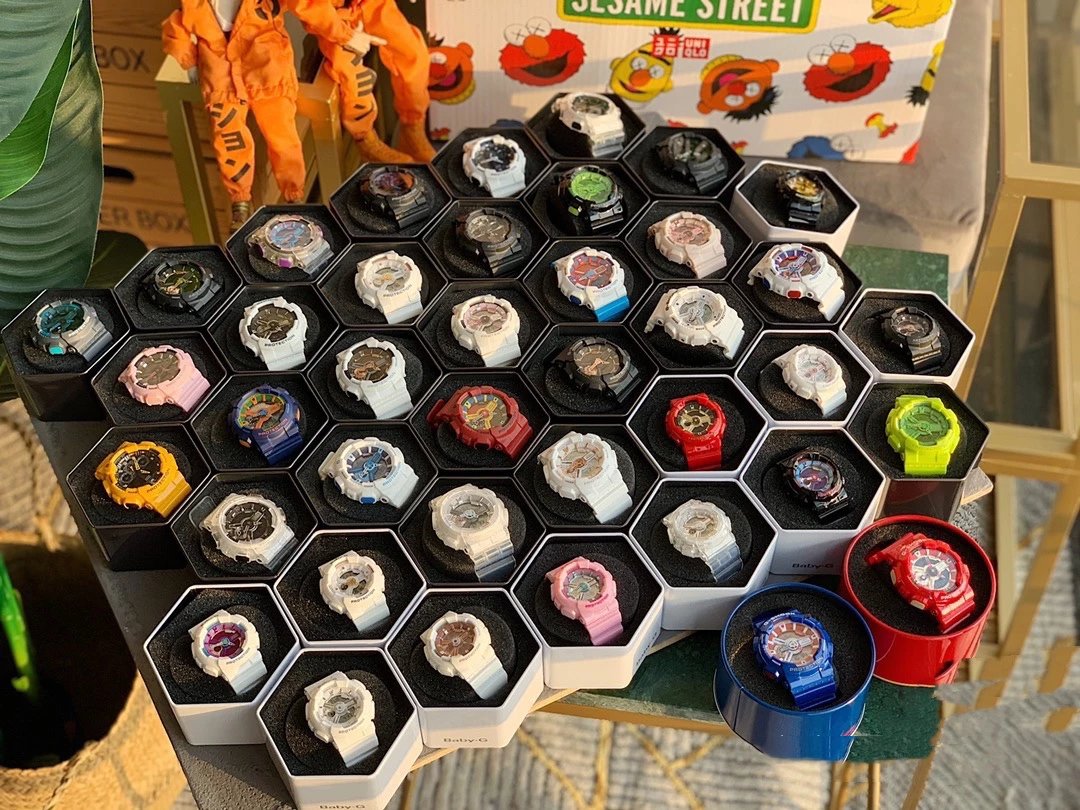
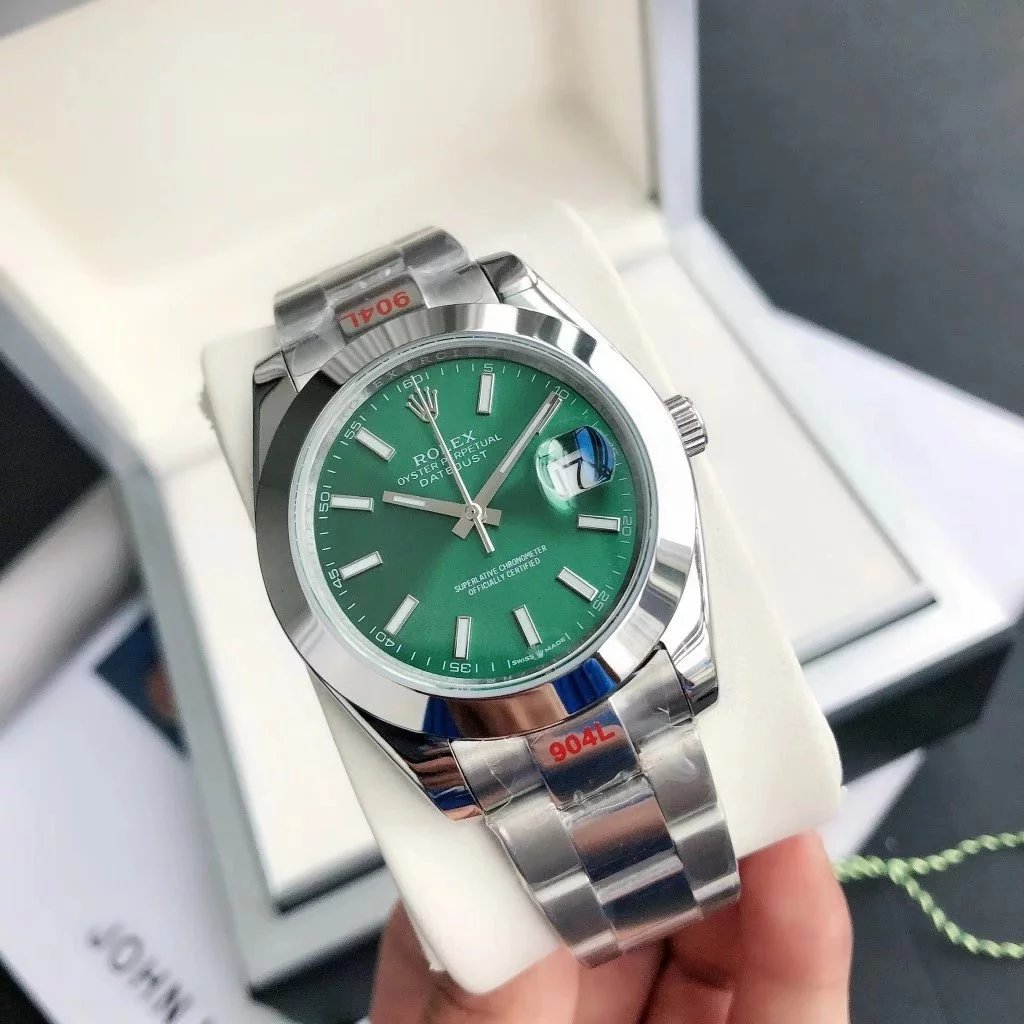
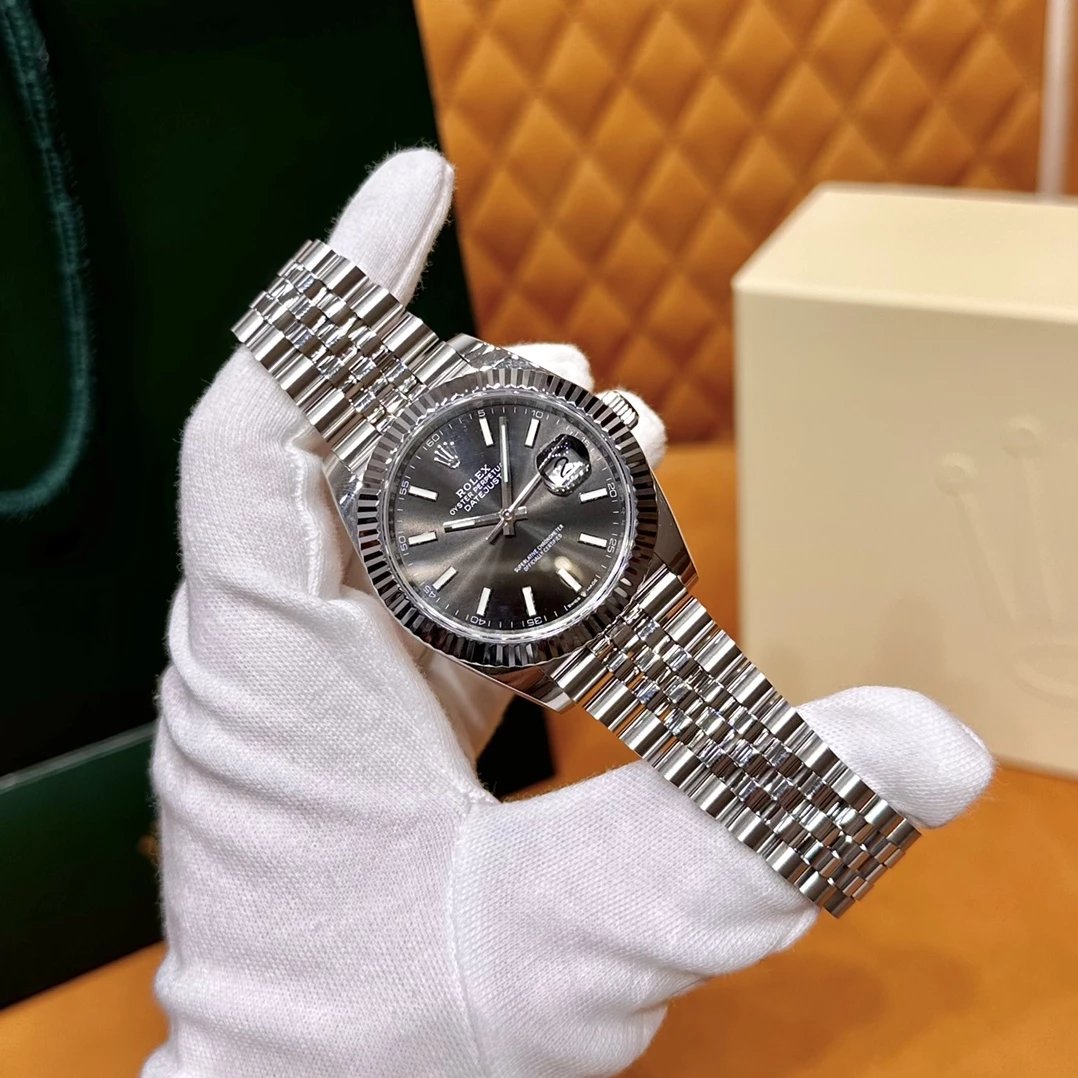
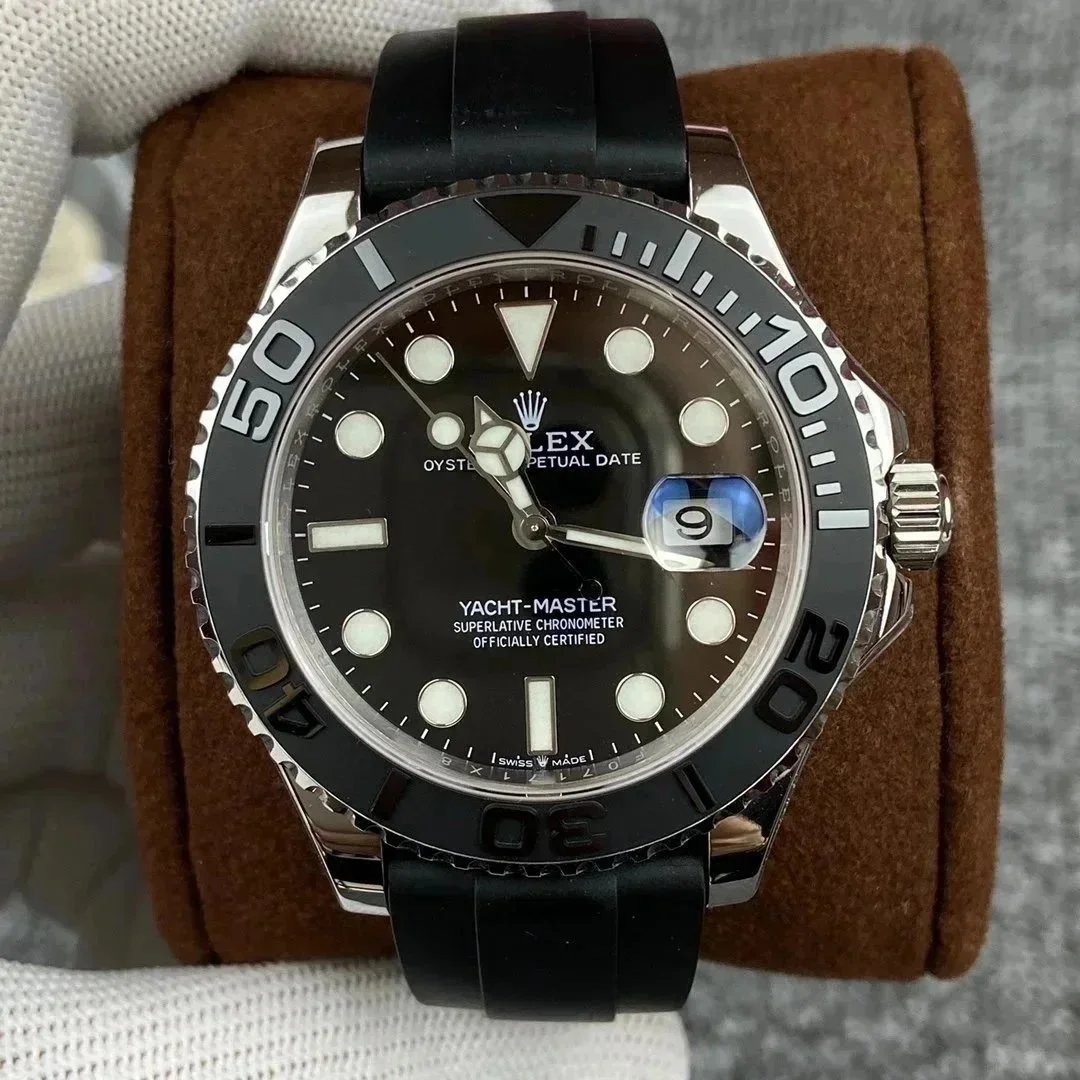
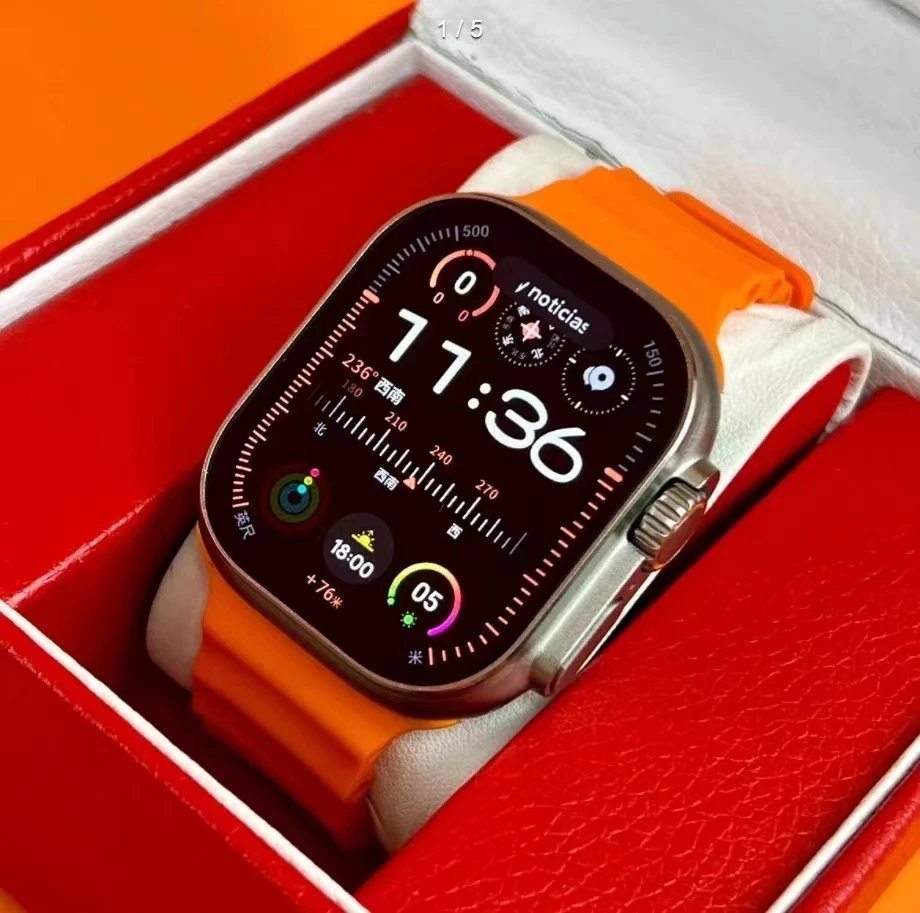
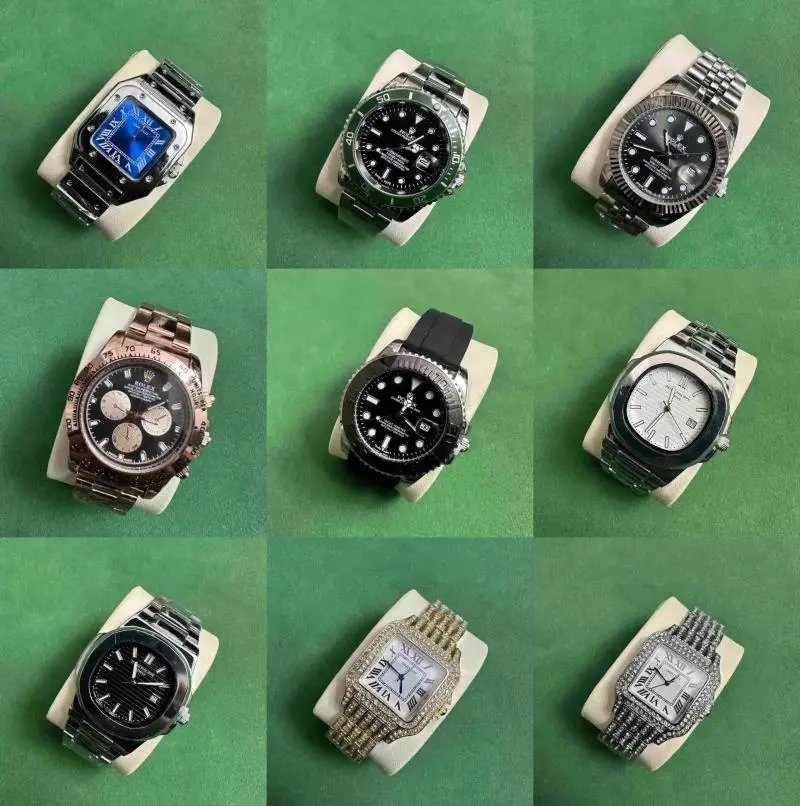
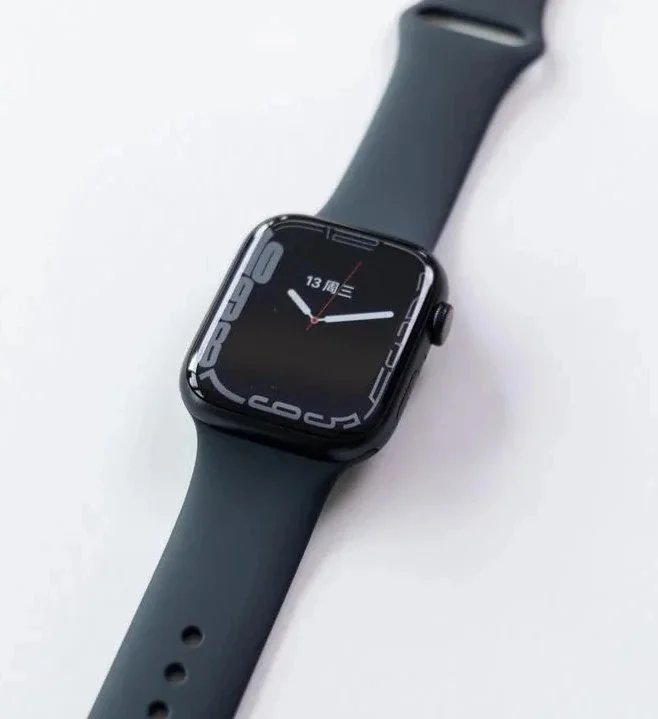
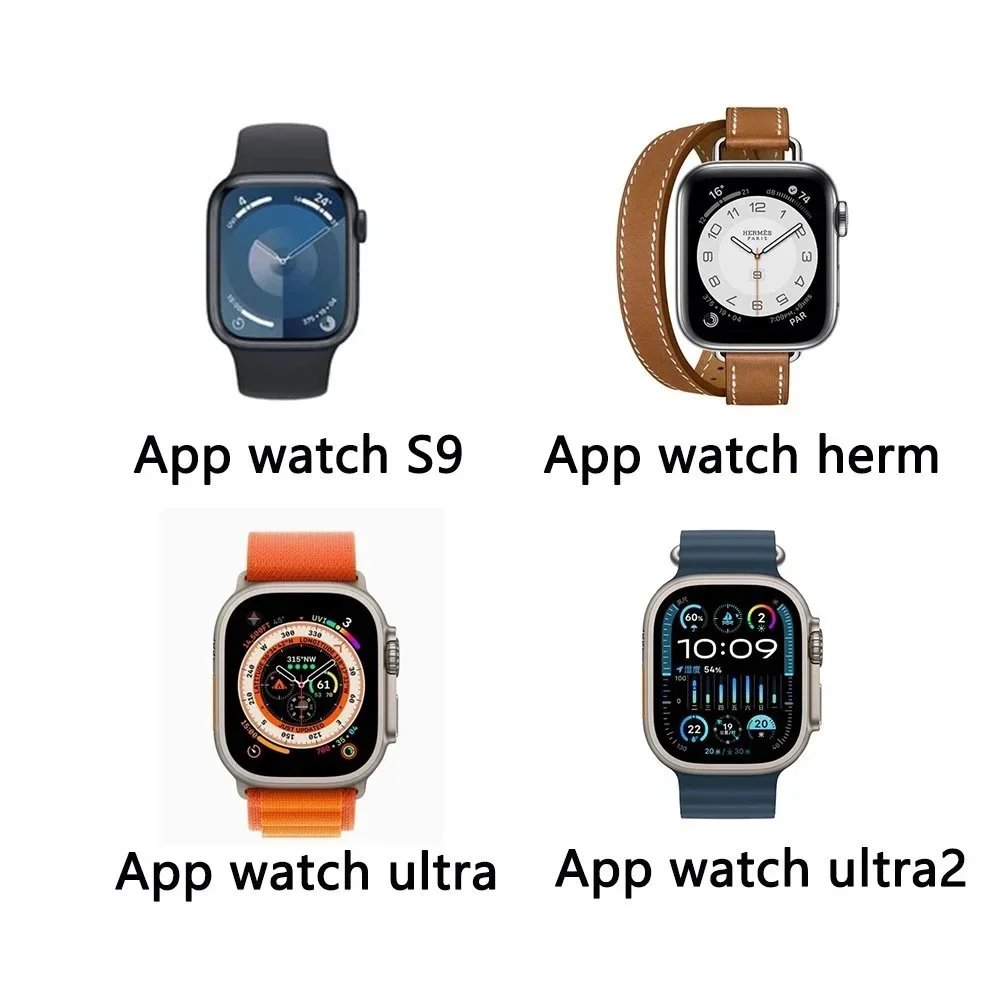
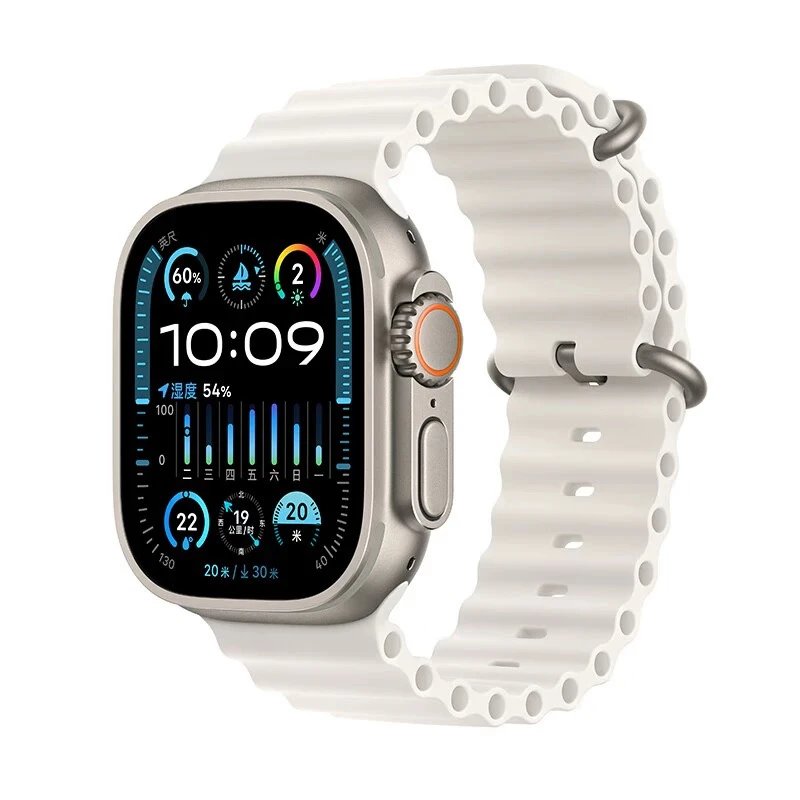
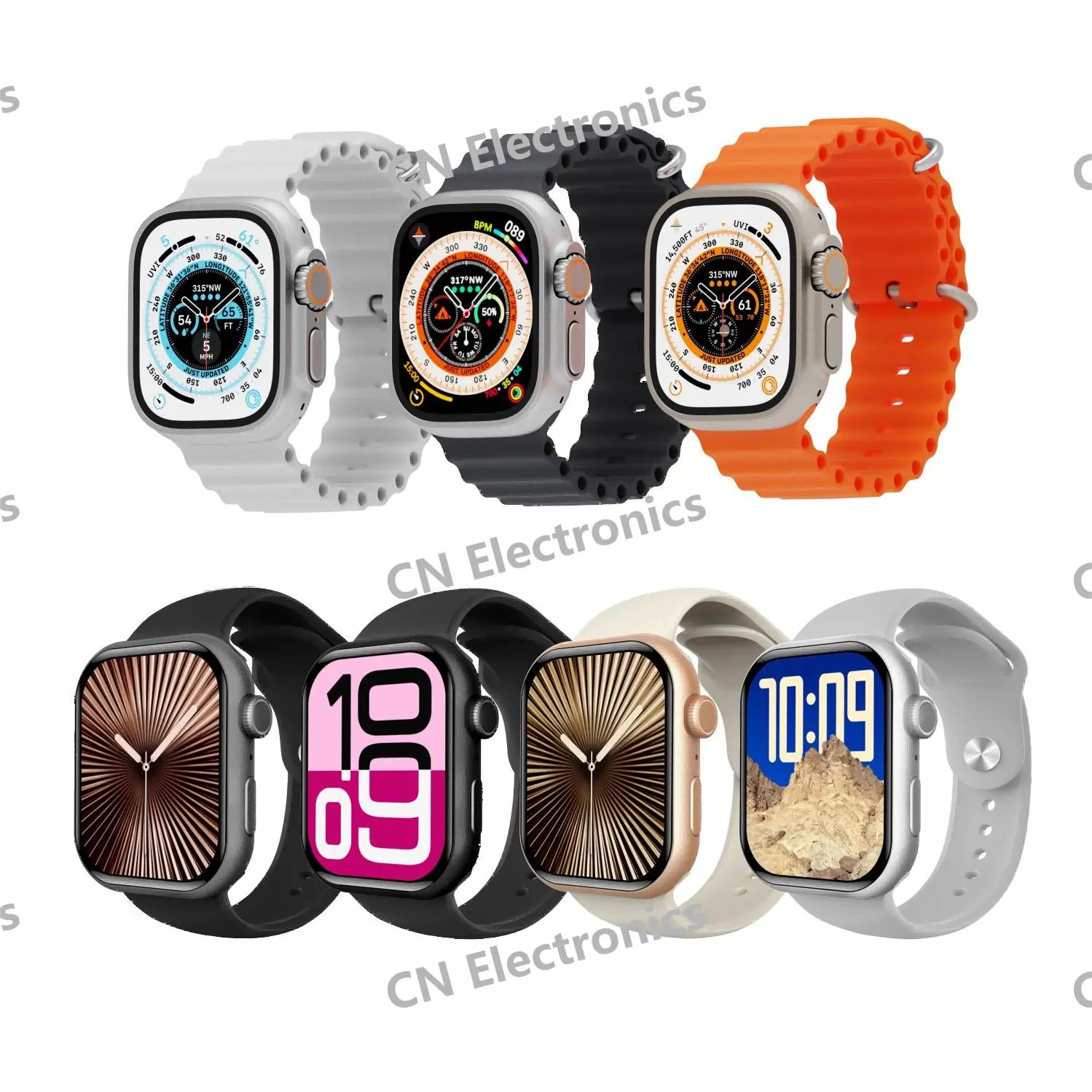
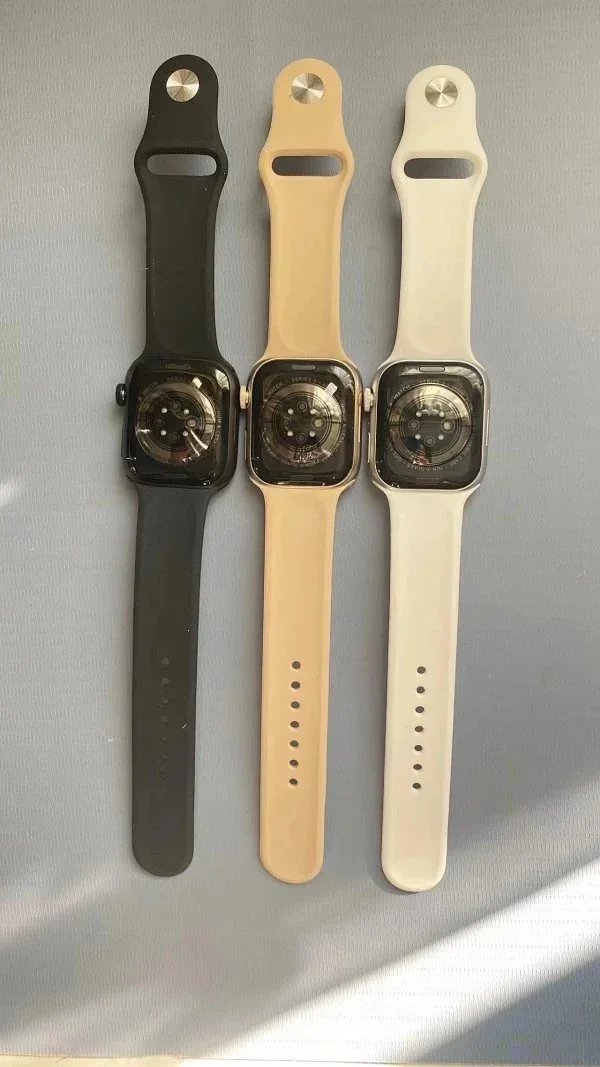
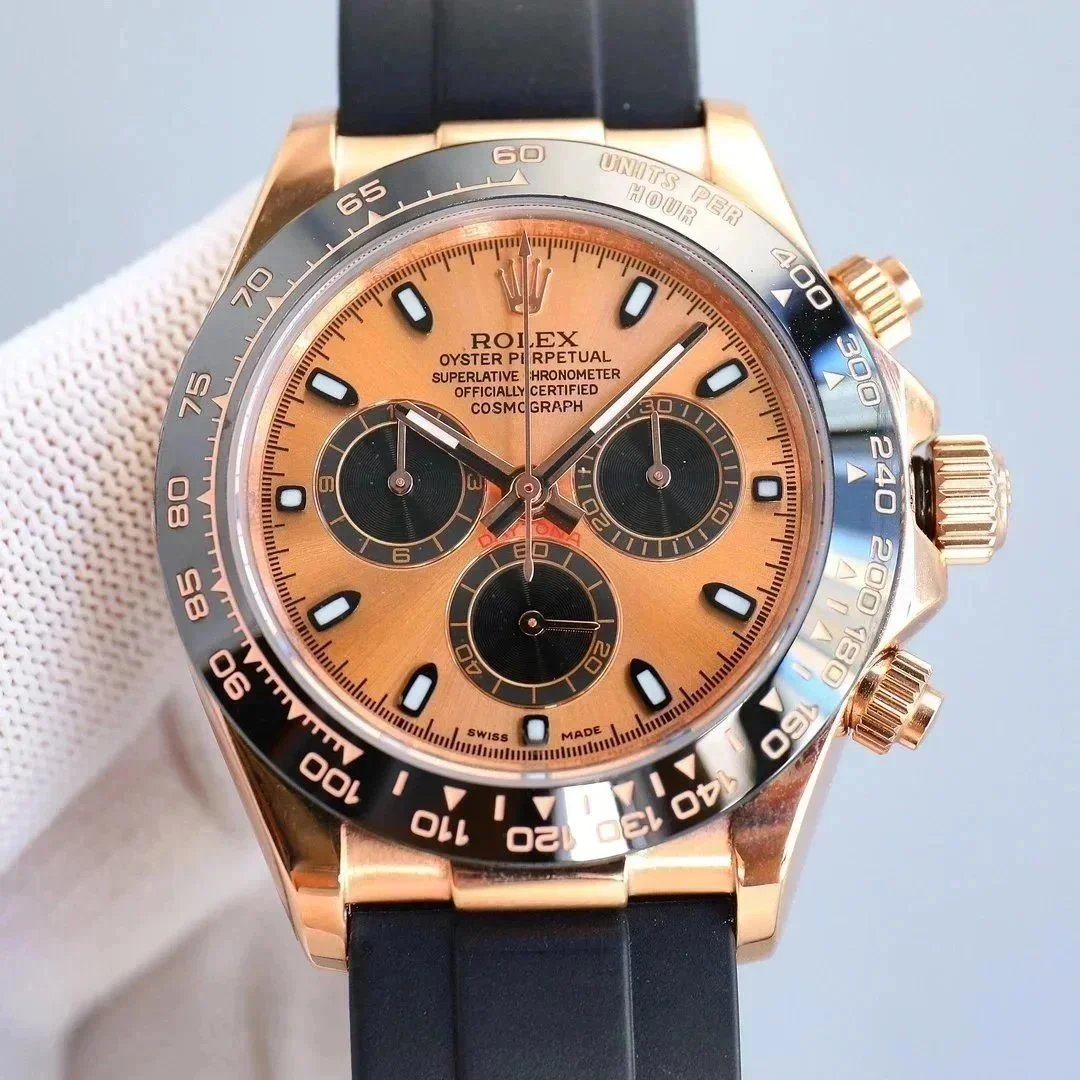
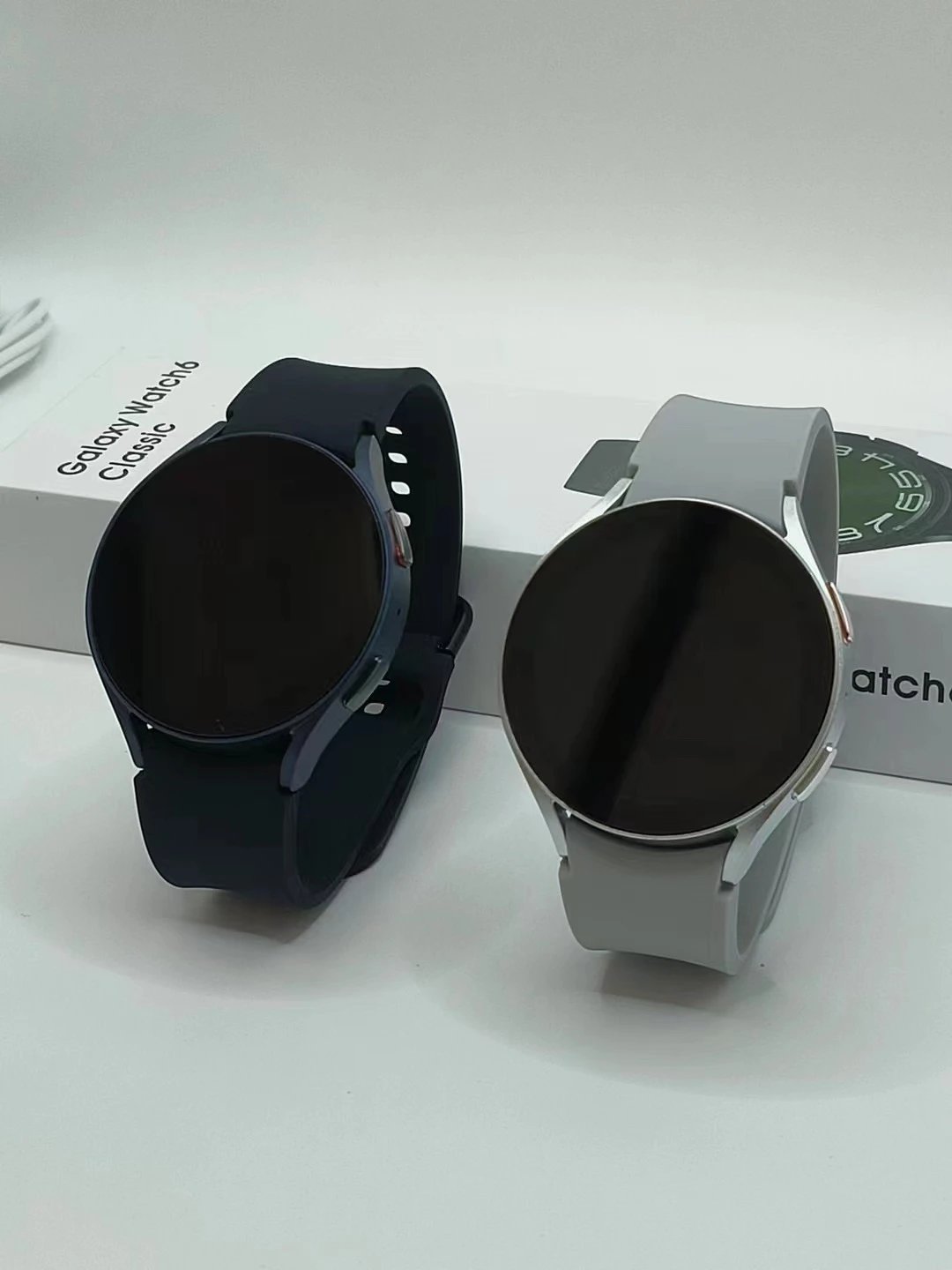
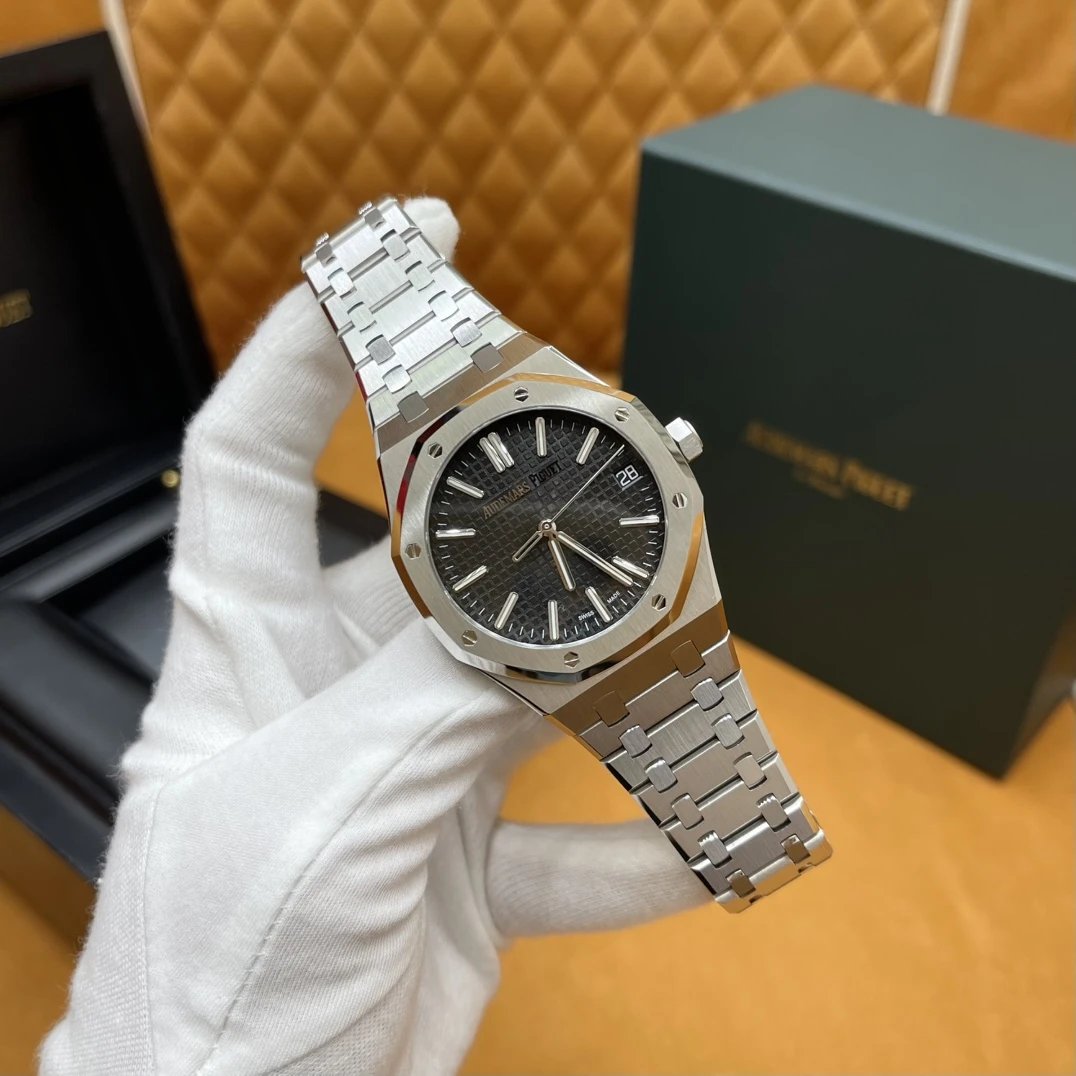
Watches
153 PRODUCTS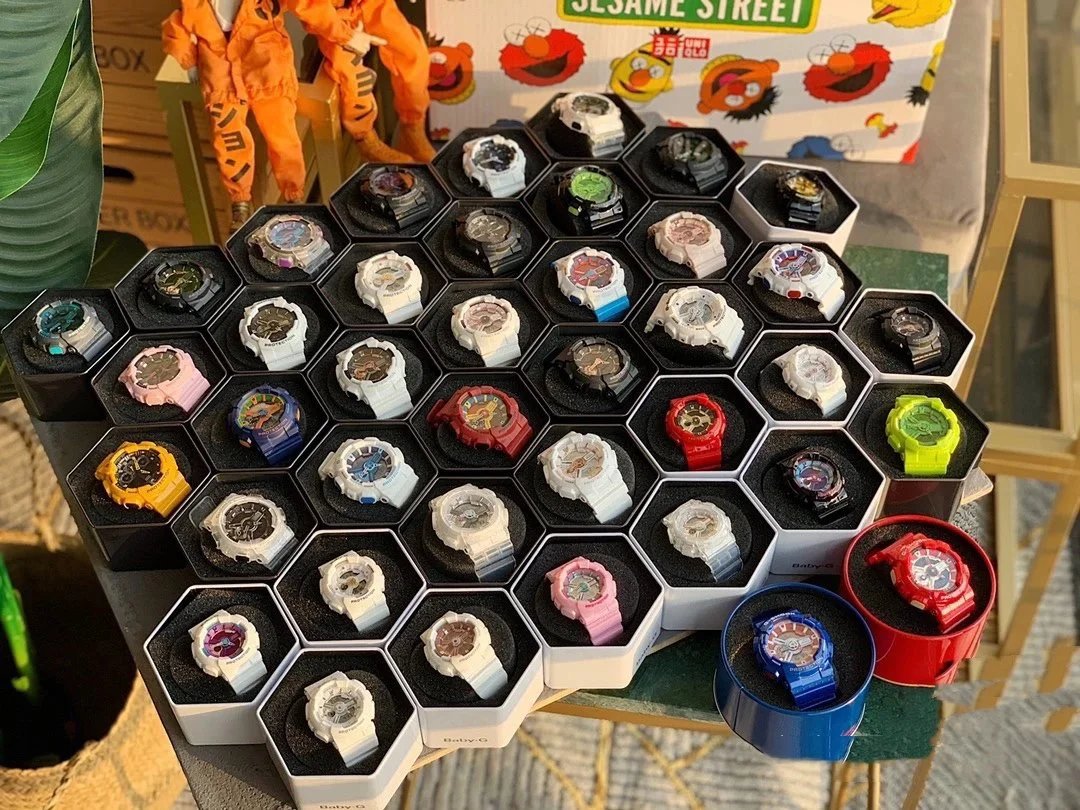
THE COLLECTION
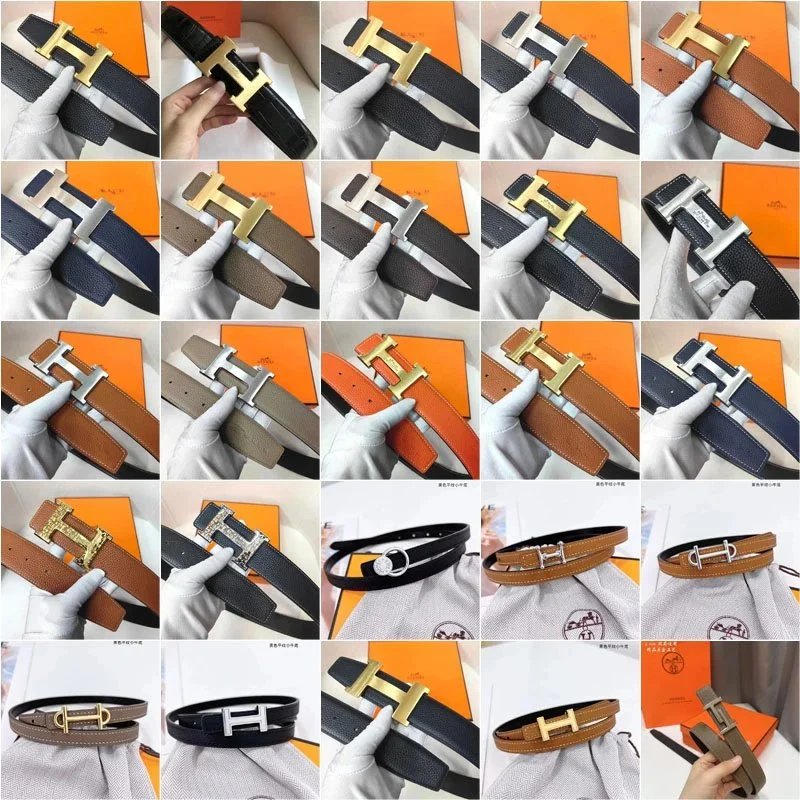
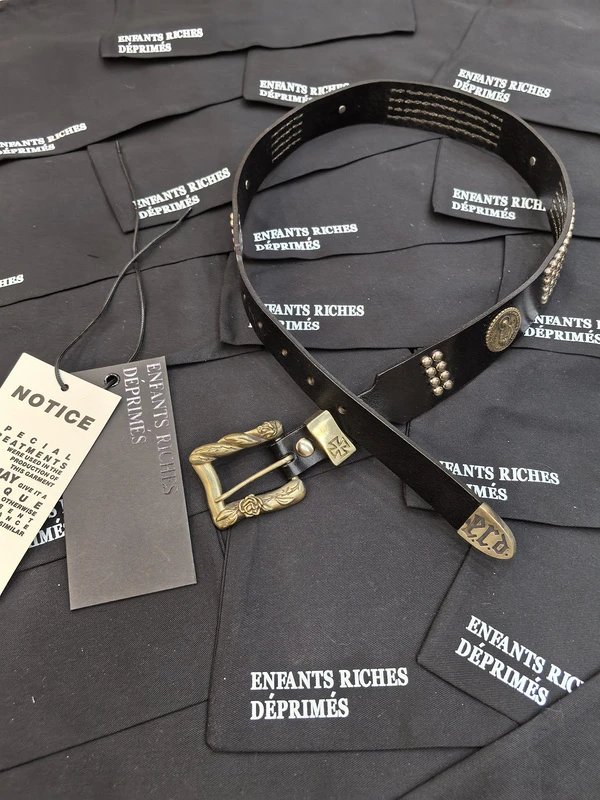
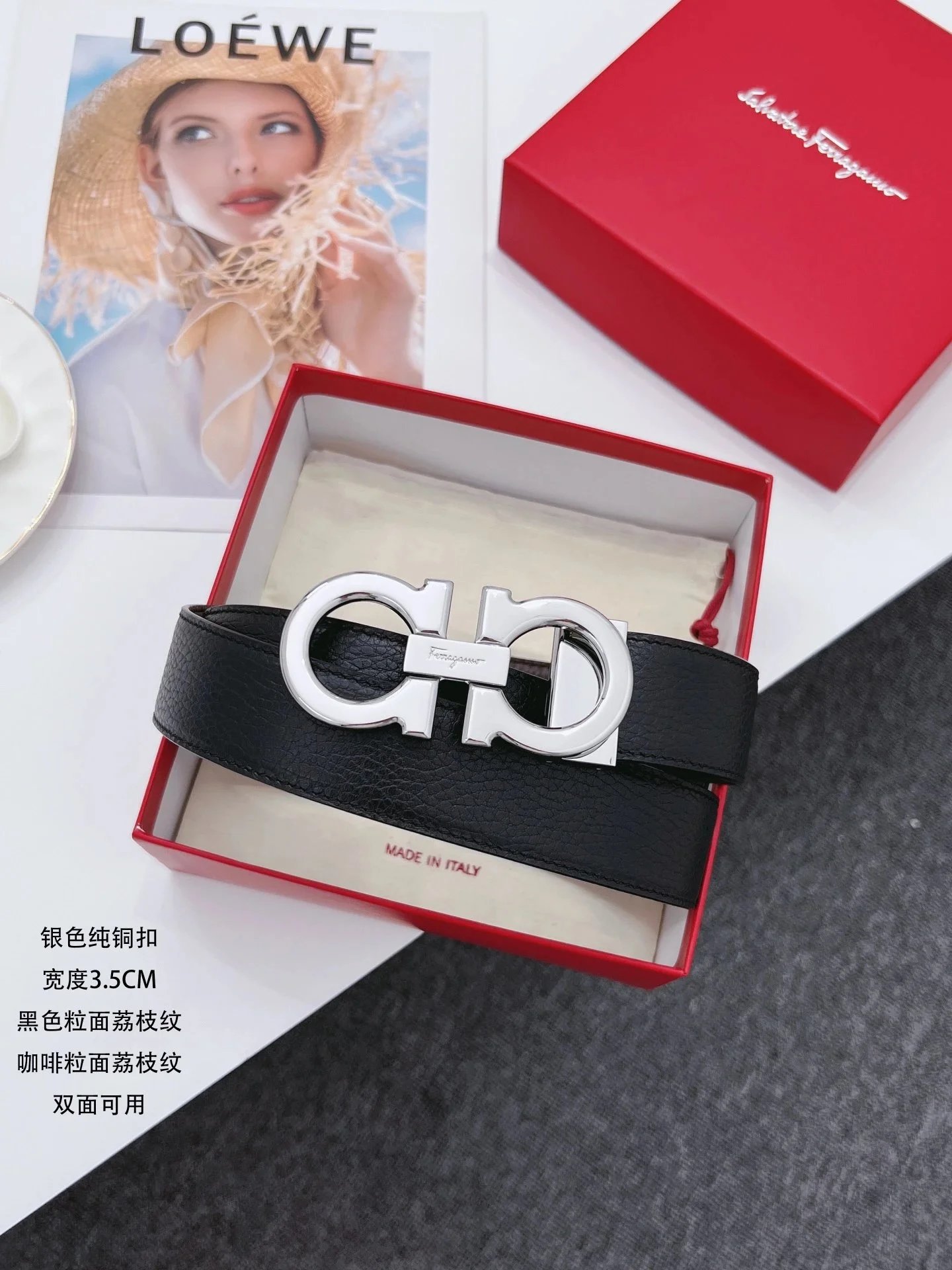
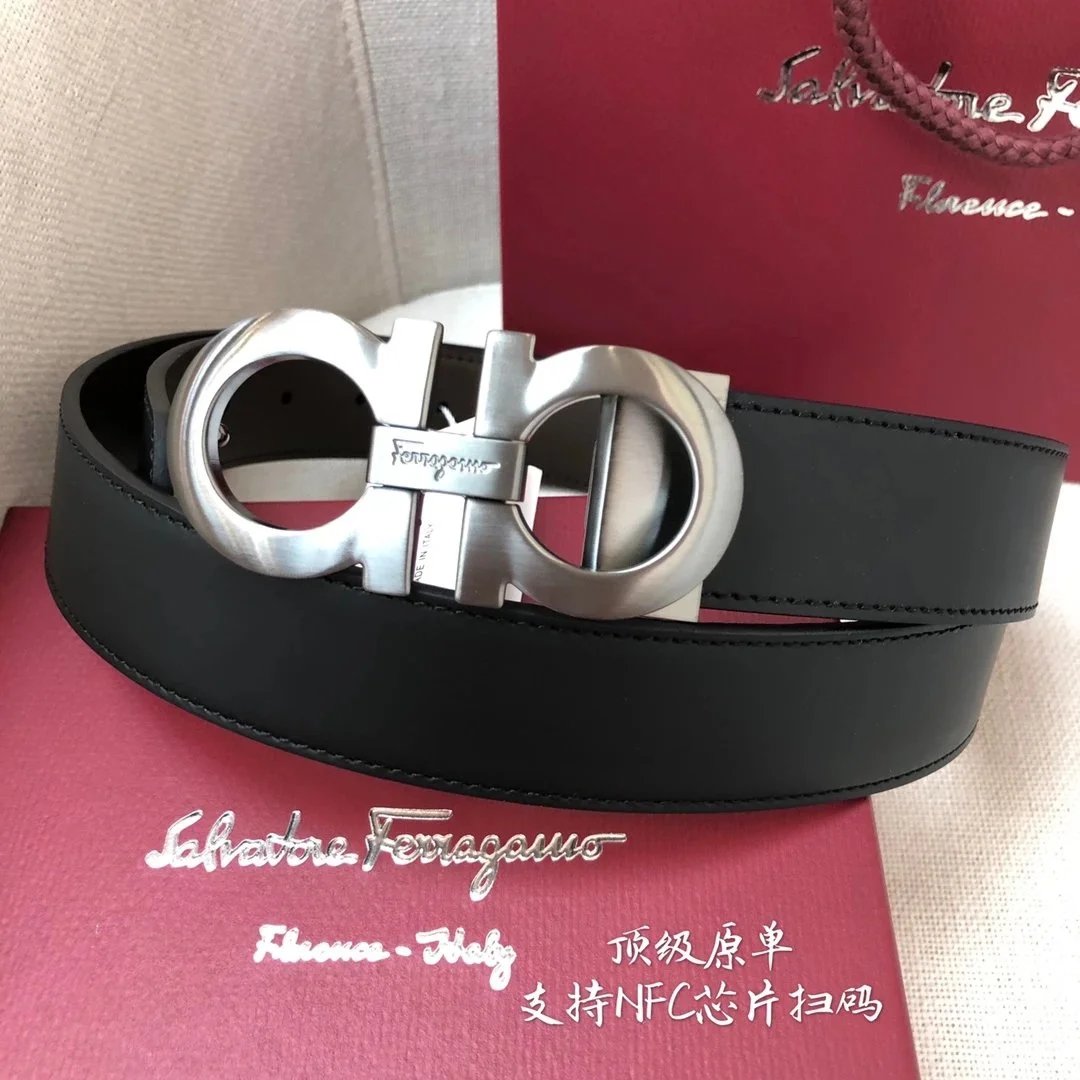
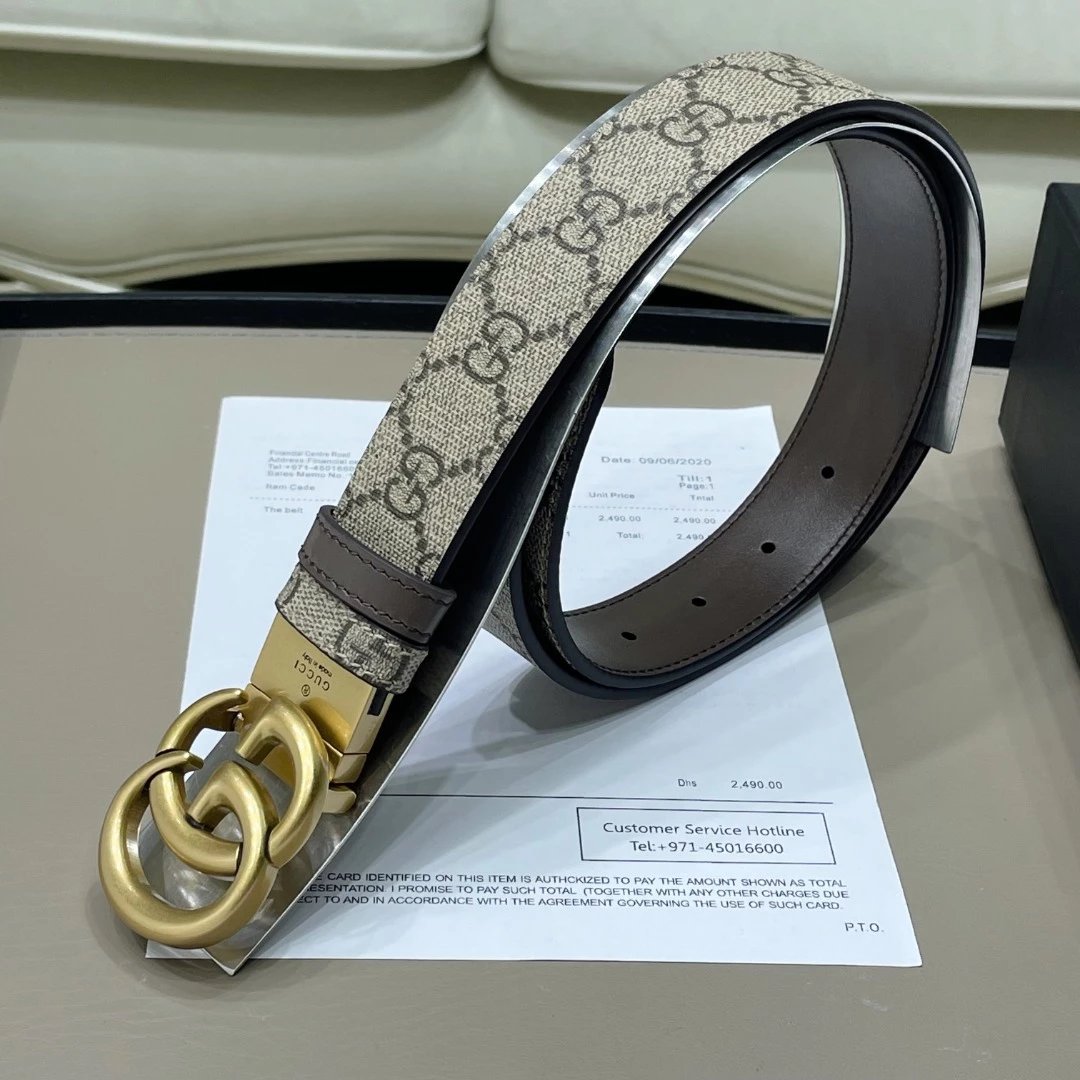
Belts
260 PRODUCTS



THE COLLECTION
Other Stuff
780 PRODUCTS


THE SPREADSHEET EDIT
Spreadsheet guides for thoughtful shopping
Build your own shortlist with practical guides to comparing shoes, clothing, bags and accessories. Open any guide for the full article.
What to Record in a Shoe Comparison Spreadsheet
Look beyond the size label by saving measurements, fit notes and the details of each shoe option.
Read full guide
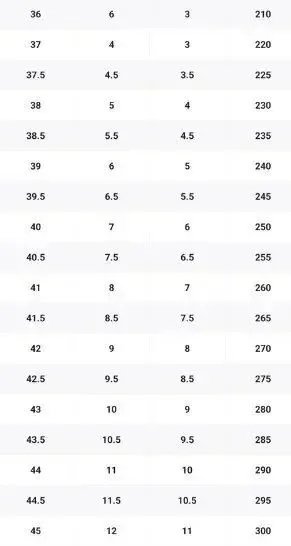
A shoe comparison spreadsheet works best when each row identifies an exact model, color and size option. Record the sizing system shown in the listing, such as EU, UK or US, and save a link to the size information supplied for that product. Similar size labels across listings can still leave questions about fit.
Add your foot measurements, the measurement method and any stated product measurements in separate columns. Keep units consistent and distinguish a foot measurement from an insole measurement. Notes about width, intended use, fastening and listed materials can also explain why one pair belongs on your shortlist.
Before choosing, revisit the original listing and ask about missing measurements or unclear size guidance. Record the answer and its date in your shoes spreadsheet for later reference. Keep any return or exchange information beside the item; it is part of the decision when you cannot assess the fit in person.
Compare Bags with Dimensions and Everyday Use in Mind
A few consistent measurements make a bag catalog more useful than a list of names and photographs.
Read full guide
A product catalog spreadsheet can help you compare bags when the names and photos look similar. Start with the product link, style, color and listed material. Then record width, height and depth in the same unit. Keep the dimension order consistent so a width from one listing is compared with a width from another.
Add handle drop, strap length, closure type and any available notes about pockets or compartments. Write down the items you want to carry, such as a phone, wallet or tablet, with their dimensions. Compare the available measurements carefully and leave space for questions about the usable opening or interior.
Use a notes column for differences that matter to your routine: adjustable straps, hands-free use or a preferred carrying style. When a measurement or material is unclear, keep that uncertainty visible until you can confirm it. This gives your shortlist a practical basis beyond appearance alone.
Make Jewelry Comparisons Clearer with Consistent Details
Capture size, dimensions and the seller’s stated material so important differences remain visible.
Read full guide
A jewelry spreadsheet should identify the exact item and the option you are comparing. Record whether the listing is for one earring, a pair, a pendant, a chain or a complete set. This small distinction makes both price and specification comparisons much clearer when similar photographs represent different quantities.
Add the stated material, finish, dimensions, weight if supplied and the size system used. For rings, keep the stated size and the matching measurement guidance together. For necklaces or bracelets, record length, any extension range and closure details. Separate the listing’s wording from information you have independently confirmed.
Use notes for care information, personalization choices and questions about skin sensitivities. Avoid assuming an item’s composition from its color or appearance. Before deciding, revisit the current listing and ask about unclear material descriptions or measurements. Your spreadsheet should make those questions easier to resolve and preserve the answers for each candidate.
Check Phone Case and Charm Compatibility in One Place
Match accessories to your exact device and attachment setup before comparing colors, prices and styles.
Read full guide
Phone accessories are easier to shortlist when compatibility is recorded before style. In your accessories spreadsheet, write the exact phone model supported by each case. Save the product option and listing link, then note the case type, stated materials and any details supplied about the camera opening, buttons and charging compatibility.
For charms, straps and attachment tabs, record how the accessory attaches and what parts are included. Note whether the attachment depends on a case opening or another component. Keep the seller’s compatibility statements beside the item, with a separate question for anything that has not been explained.
Compare the complete setup rather than an individual accessory in isolation. A case, tab and strap may each have different requirements, and an attractive photograph may not show those details. Confirm the combination with the source before ordering, then update the row with the selected model, color and any additional pieces needed.
How to Build a Product Spreadsheet That Helps You Choose
Bring useful product details together so you can compare promising finds without losing the original listing.
Read full guide
A useful product spreadsheet starts with one row for each item you are considering. Add columns for the product name, category, seller, listing link, quoted price, currency, size and the date you checked it. Keep the original product name alongside a short label you can recognize quickly.
Separate what a listing says from what you still need to confirm. A material description, measurement or shipping estimate can have its own note and a status such as ‘listed’ or ‘confirmed’. This makes gaps easier to spot when two similar products have different amounts of information.
Use a small set of consistent categories, such as shoes, bags, watches, jewelry and phone accessories. Then filter your spreadsheet by category or budget before opening the listings again. Check the current details at the source when you are ready to decide; a saved row is a record of your research at a particular time.
Organize Watch Specifications Before Comparing Listings
Keep model references and measurements together, with a clear record of where each specification came from.
Read full guide
Watch listings often contain details that are difficult to compare from memory. Give each candidate a row in your spreadsheet and record the stated brand, model reference, condition, case diameter, thickness, lug width and bracelet or strap information. Include units and keep the exact reference shown by the source.
Save the listed movement type, included accessories and any service information as separate fields. Add the source link and date beside important claims. If documentation is available, record what it actually identifies and where it can be reviewed. Leave unanswered questions visible instead of filling them with assumptions about similar models.
Use the sheet to prepare focused questions about dimensions, condition or supplied documents before making a purchase. Product photos and saved specifications help organize research, but they do not establish authenticity. If authenticity or condition is central to your decision, arrange appropriate independent verification before committing to the item.
Keep Product Links and Research Notes Easy to Review
A source link, checked date and concise question can make a saved product much easier to revisit.
Read full guide
A saved product name is useful only if you can find the same item again. Keep the original listing URL in your product spreadsheet, together with the seller or source name and the date you reviewed it. Record the selected color, size and model so you can distinguish the option you researched from other versions on the same page.
Use short, factual notes for open questions. ‘Confirm strap length’ is easier to act on than a general comment such as ‘looks good’. When you receive an answer, save the answer, its source and the date. Keep observations from photographs separate from measurements or statements supplied by the seller.
Before returning to a shortlist, check that each link still leads to the intended item. Update changed details and mark unavailable listings clearly. This routine keeps your spreadsheet useful over time and helps you avoid treating an old note as a current product specification or offer.
Turn a Shopping Spreadsheet into a Practical Wishlist
Use priorities, spending limits and a simple review routine to keep a growing wishlist manageable.
Read full guide
A shopping spreadsheet becomes easier to use when it records why an item belongs on your wishlist. Alongside the name and link, add an intended use, preferred color, target budget and priority. A pair of everyday shoes may deserve a different priority from a bag you are saving for a special occasion.
Give every row a clear stage: researching, shortlisted, waiting or purchased. Record the date you added the item and a short reason for keeping it. When the same style appears several times, group those alternatives so you can compare them before adding another entry.
Review the shortlist before each purchase. Remove items that no longer fit your plans, update prices from the original listings and check the combined cost of the purchases you are considering. Keeping the list current helps your spreadsheet reflect your actual needs, while a personal budget keeps attractive finds in perspective.
Compare the Full Cost in Your Price Comparison Spreadsheet
Record price, currency, quantity and extra charges separately to make comparisons easier to understand.
Read full guide
Two similar products can show different prices for reasons that are easy to miss. One listing may cover a single piece, while another includes a pair or a set. Start a price comparison spreadsheet with separate columns for the listed amount, currency, quantity and any stated delivery charge. Record the exact product option used for each quote.
If you compare currencies, choose one reference currency and note the exchange rate and date used. Keep the original amount visible so you can update the conversion later. Add confirmed extra charges separately, and mark unknown charges as unknown rather than entering zero.
Use the same calculation for every row: item cost plus the charges you have confirmed. Keep estimated totals clearly labeled and revisit them before paying. A spreadsheet can organize the comparison, but the seller’s current checkout details determine the amount available for that purchase.
Build a Clothing Spreadsheet around Fit and Fabric
Compare garment measurements, fabric descriptions and the options that matter to your wardrobe.
Read full guide
A clothing spreadsheet can help you compare similar pieces without relying on size labels alone. Give each garment a row with its listing link, selected size, color and stated fabric composition. Include the date you checked the details and save the measurement guidance supplied for that item.
Record the measurements that matter for the garment, such as chest width, shoulder width, body length, waist or inseam. Keep units consistent and note how each measurement was taken. Measuring a garment you already wear can give you a practical reference, provided you compare equivalent measurements and account for the fit you prefer.
Add notes about intended use, layering, fastening and any listed care instructions. Keep questions about fabric, stretch or sizing visible until the source answers them. Before choosing, revisit the current listing and review the selected option and available return information. This turns a clothing shortlist into a clearer comparison of the pieces you might actually wear.
A LITTLE MORE CLARITY
Spreadsheet FAQ
Answers to common questions about organizing a personal product list and comparing the details that matter.
What is a product spreadsheet?
A product spreadsheet is a table that organizes item details such as names, links, prices, categories and measurements. It helps you review comparable information in one place while keeping a reference to the original listing.
How can a shopping spreadsheet help me choose products?
Record your budget, intended use and priorities beside each candidate. Filter the list by category or price, then revisit the original listings to confirm the details of the items that best fit your needs.
Which columns should a product catalog include?
Start with product name, category, source link, selected option, price, currency and last-checked date. Add measurements, stated materials, availability notes and open questions when those details affect your decision.
How do I compare prices in different currencies?
Keep the original price and currency, then add a converted amount using one reference currency. Note the exchange rate and date. Record confirmed extra charges separately and check the current total before making a purchase.
What should I check when comparing shoe sizes?
Record the sizing system, the product’s size guidance and the measurement units. Keep foot and insole measurements separate. Ask the source about unclear fit information and review any applicable return or exchange details.
What bag measurements are useful to save?
Save width, height and depth in a consistent order and unit. Handle drop, strap length and opening measurements can also help. Compare them with the items you plan to carry and ask about any missing dimensions.
What should a clothing spreadsheet include?
Save the exact garment, size, color, listing link and stated fabric composition. Add relevant measurements with units and the method used. Compare equivalent measurements with clothing you already wear, and keep unanswered fit or fabric questions visible.
Can a watch spreadsheet establish authenticity?
A spreadsheet organizes references, specifications, documents and questions; it does not establish authenticity. Record the source of each claim and arrange appropriate independent verification when authenticity or condition is essential to your decision.
How should I record jewelry details?
Include the exact item type, quantity, stated material, finish, size system and dimensions. For necklaces or bracelets, add length and closure information. Keep unconfirmed details visible and ask about unclear material descriptions.
How do I check a phone case or charm fits my setup?
Match the case to your exact phone model and record the accessory’s attachment requirements. Check what parts are included and confirm that the case, attachment tab, charm or strap can work together before ordering.
How often should I update my spreadsheet?
Review saved details whenever you return to a shortlist and before buying. Record when each row was checked, update changed links or prices and mark unavailable items so older research remains easy to recognize.
Are the amounts in a saved comparison always current?
A saved amount reflects the information recorded when that row was checked. Prices, options and availability may change. Open the current listing and verify the selected option and total before making a decision.
THE JOURNAL
Latest updates
CAFANS Guide 2025: How YoyBuy Makes Shopping Simple
Nov 07, 2026