Cafans Journal
Stories & FindsKameyMall: The Complete CAFANS Guide to Smart Shopping
KameyMall has quietly become one of the most talked-about destinations for shoppers who want variety, competitive pricing, and a surprisingly smooth buying experience. This CAFANS guide breaks down everything you need to know: how the platform works, how to use a KameyMall spreadsheet to plan purchases, where to find reliable KameyMall product links, and how a structured KameyMall shopping guide can save you both time and money. Whether you are a first-time buyer or a seasoned reseller, treat this KameyMall guide as your starting point.
What Is KameyMall?
KameyMall is an online marketplace that aggregates a wide catalog of everyday goods, fashion items, home essentials, electronics accessories, and lifestyle products. Instead of browsing dozens of separate stores, shoppers can compare listings in one place. The platform's appeal lies in its breadth: you can source small household gadgets, phone accessories, kitchen tools, stationery, and seasonal decor without hopping between websites. For buyers who value convenience, KameyMall works as a one-stop catalog with search filters, category pages, and seller ratings.
The name itself has become shorthand for a certain style of shopping: research first, compare listings, then buy. That is why community-made resources—spreadsheets, curated link lists, and buyer notes—have grown alongside the platform.
Why Shoppers Use a KameyMall Spreadsheet
A KameyMall spreadsheet is exactly what it sounds like: a shared or personal document that tracks products, prices, sellers, shipping estimates, and review notes. Power users build these sheets to avoid impulse buys and duplicate orders. Typical columns include item name, category, listed price, coupon code, seller rating, shipping time, and a status field such as "shortlisted," "ordered," or "received."
Benefits of maintaining a spreadsheet include:
- Budget control: See the total cost of your cart before checkout.
- Comparison: Line up similar products from different sellers side by side.
- Price tracking: Note when a listing drops or rises, so you buy at the right moment.
- Order history: Keep a record of what you bought and whether it matched expectations.
- Sharing: Send the sheet to friends or team members for group buying decisions.
Many communities publish template spreadsheets with pre-built formulas for totals and discounts. You can copy one and adapt the categories to your own needs—fashion, home, tech accessories, or gifts.
Finding Reliable KameyMall Product Links
One challenge with any large marketplace is link rot and duplicate listings. KameyMall product links shared in forums or group chats can expire, point to sold-out items, or lead to lookalike listings. To stay safe, follow these habits:
- Verify the seller: Check ratings, review counts, and how long the store has operated.
- Read recent reviews: Filter by newest first; older praise may not reflect current quality.
- Confirm the variant: Color, size, and bundle options can change the price dramatically.
- Save the canonical link: Store the product page URL in your spreadsheet, not a shortened redirect.
- Cross-check photos: Buyer-uploaded images are the best signal of what actually arrives.
Curated link collections—often shared as "top picks" documents—can be helpful, but always validate each entry yourself. A link is only as good as the seller behind it.
A Practical KameyMall Shopping Guide
This KameyMall shopping guide walks through a repeatable buying process:
Step 1: Define Your List
Start with needs, not browsing. Write down categories—for example, kitchen gadgets, desk organizers, phone cases, or fitness accessories—and set a budget ceiling. Add these to your spreadsheet before opening the site.
Step 2: Search Strategically
Use specific keywords and category filters. Sort by rating or sales volume rather than default relevance. Compare at least three sellers per item before shortlisting.
Step 3: Evaluate Listings
Look for clear specifications, material details, and dimensions. Vague listings are a warning sign. Check return policies and warranty terms, especially for electronics accessories.
Step 4: Apply Discounts
Collect coupons, check seasonal sales, and compare bundle pricing. Record the final price in your sheet so you can see real savings.
Step 5: Track and Review
After delivery, update your spreadsheet with a quality rating. Over time, this becomes a personal database of trustworthy sellers and reliable products.
Common Mistakes to Avoid
Even experienced shoppers slip up. Watch out for these pitfalls: buying from unrated sellers to save a few cents, ignoring shipping timelines during peak seasons, ordering the wrong variant due to unclear listings, and failing to document orders. A disciplined KameyMall guide approach—list, compare, verify, track—prevents most of these errors.
Another frequent mistake is over-reliance on screenshots. Always keep the live product link and the seller name in your notes, because screenshots do not update when listings change.
Building Your Own KameyMall Guide
The best resource is the one you build yourself. Start with a spreadsheet template, add columns for category, seller, price, shipping, and review score, then populate it as you browse. Over a few weeks, you will notice patterns: which categories offer the best value, which sellers ship quickly, and which products generate consistent positive feedback. Share your findings with friends or a buying group, and you effectively create a community KameyMall guide that others can trust.
For resellers, the same system scales: track margins, bulk pricing, and supplier reliability in separate tabs. For everyday shoppers, a simple shortlist tab and an order-history tab are enough.
Final Thoughts
KameyMall rewards prepared shoppers. By combining a well-structured KameyMall spreadsheet, verified KameyMall product links, and a disciplined KameyMall shopping guide, you turn a sprawling marketplace into a manageable, cost-effective catalog. Use this KameyMall guide as your framework: define needs, compare carefully, document everything, and review after delivery. Do that consistently, and every order becomes smarter than the last.
Editor's selection
Popular Products
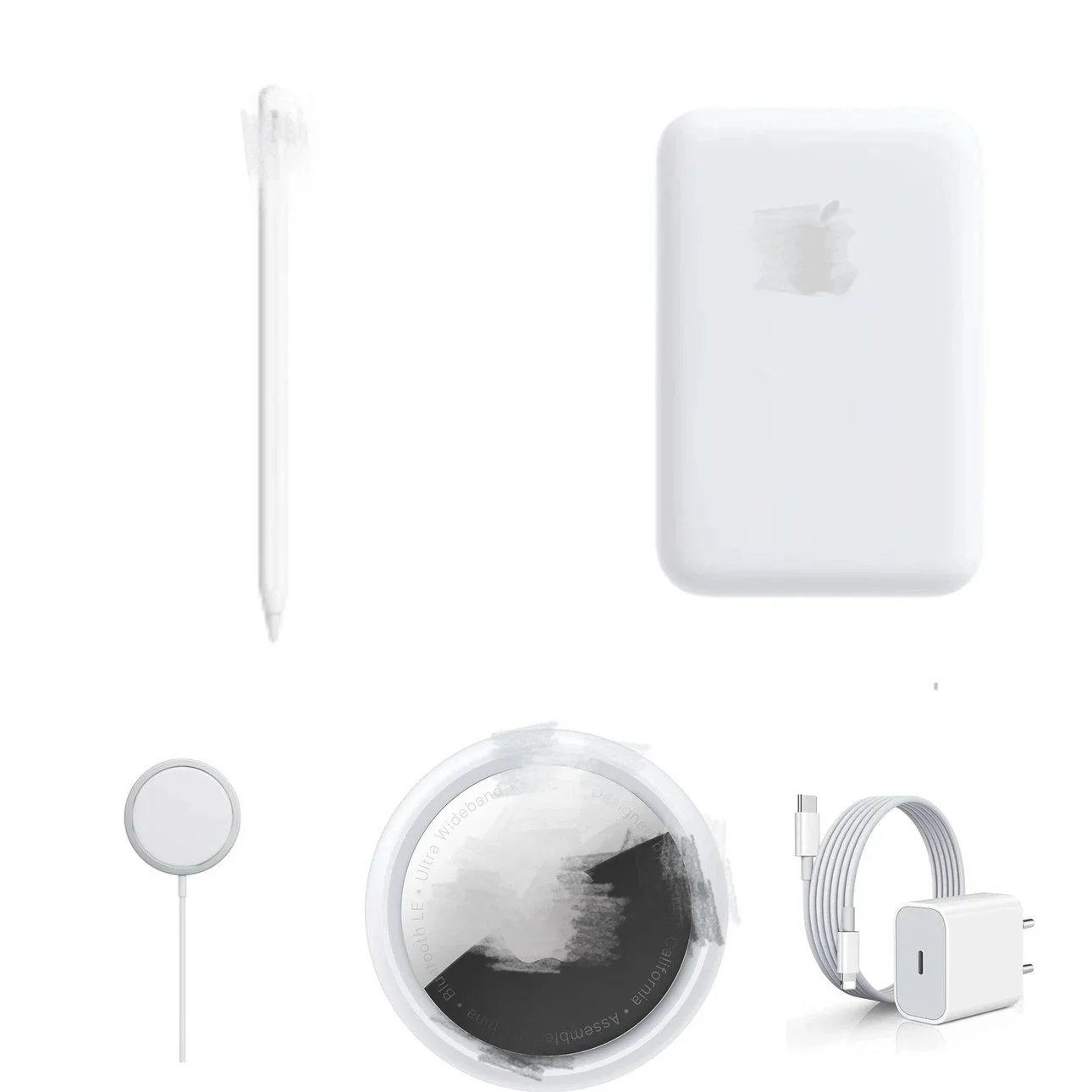
AP Charging and Electronics Accessories Selection | Fishgoo spreadsheet | Sugargoo spreadsheet - 149985

************ - 172341

Denim Jacket | Sugargoo spreadsheet | Kakobuy spreadsheet | CSSBuy spreadsheet - 138780
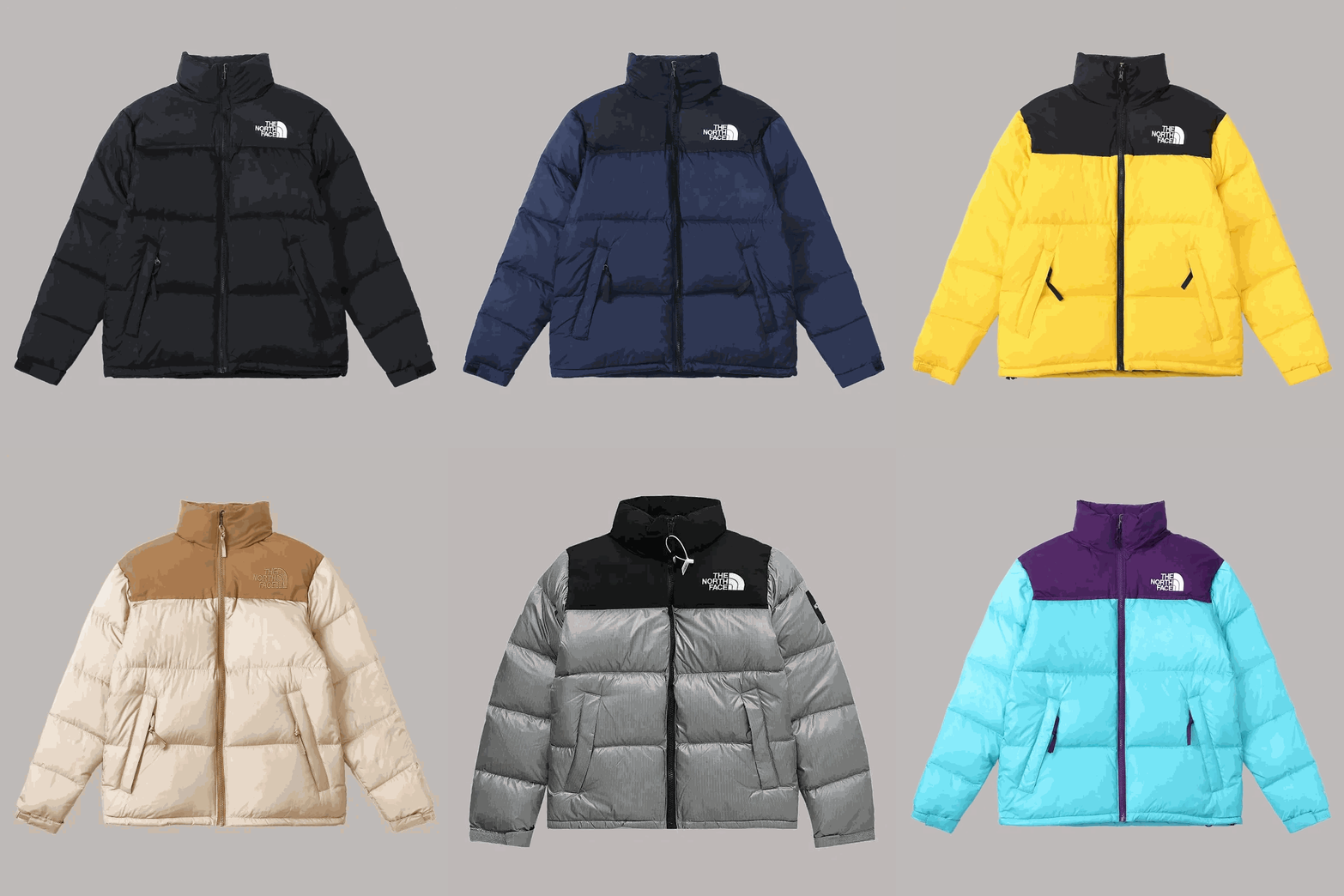
Black Stand-Collar Puffer Jacket | Fishgoo spreadsheet | Sugargoo spreadsheet | GTBuy spreadsheet - 144079

N1ike Blue And Black Hoodie And Pants Sets - 170756

LL55 T-Shirt - Clothing - 160537

L01 Unisex Everyday T-Shirt - 160504