Cafans Journal
Stories & FindsThe English CAFANS Guide: A Practical HubBuy Shopping Framework
What Is CAFANS?
CAFANS is a simple planning framework for online shopping. The letters stand for Compare, Assess, Filter, Arrange, Navigate and Secure. Used together, these six steps help you buy with confidence, especially on a large marketplace like HubBuy. This HubBuy guide explains each stage, shows how a HubBuy spreadsheet keeps everything organised, and explains why HubBuy product links and a clear HubBuy shopping guide matter from the first search to the final checkout.
Why Use CAFANS on HubBuy?
HubBuy brings together thousands of sellers, product categories and price points. That choice is an advantage, but it can also be confusing. CAFANS turns that noise into a repeatable routine. Instead of scrolling for hours, you follow a system. You compare options, assess quality, filter listings, arrange a budget, navigate the buying process and secure the transaction.
Step 1: Compare
Start with a shortlist. Search for your product category, then open several similar listings in separate tabs. Look at price, seller rating, warranty, return policy and delivery time. A HubBuy spreadsheet is ideal here: add one row per item and columns for price, seller score, shipping cost and key features. This makes comparison objective rather than emotional.
Step 2: Assess
Assessment means reading the details. Check the product description, specifications and material or size information. Read recent customer reviews and look for repeated complaints. In a HubBuy shopping guide, this is where you separate genuine value from a low headline price. Remember that a discount is only useful if the product matches your needs.
Step 3: Filter
Now use HubBuy's filters: price range, seller location, rating, shipping options and category. Filtering removes unsuitable listings quickly. Update your HubBuy spreadsheet as you go, deleting rejected options so the file stays clean. A tidy spreadsheet makes the final decision much faster.
Step 4: Arrange
Arrange your budget and your timing. Set a maximum spend, including shipping and any fees. Decide whether you need the item soon or can wait for a slower, cheaper delivery. If you are buying several items, group them logically. HubBuy product links can be saved in your spreadsheet next to each row, so you can return to the exact listing later without searching again.
Step 5: Navigate
Navigation covers the checkout experience. Confirm the seller, the variant you selected (colour, size, model), the delivery address and the payment method. Double-check the order summary before paying. Good navigation prevents the most common mistakes: wrong size, wrong quantity, or an unexpected shipping charge.
Step 6: Secure
Security is the final step. Use a trusted payment method, keep the order confirmation, and note the estimated delivery date. Save the tracking number in your spreadsheet. If something goes wrong, contact the seller through the platform and keep a record of the conversation. A secure purchase is a documented purchase.
Building Your HubBuy Spreadsheet
A useful spreadsheet has a few core columns: product name, category, seller, price, shipping cost, delivery estimate, rating, return window, product link and status (shortlisted, rejected, purchased). Add a notes column for review highlights. Update it after each session. Over time, the spreadsheet becomes a personal HubBuy shopping guide for future purchases.
Common Mistakes to Avoid
- Buying on price alone without reading reviews.
- Ignoring shipping cost and delivery time.
- Losing track of product links and re-searching unnecessarily.
- Skipping the order summary at checkout.
- Forgetting to save receipts and tracking details.
Final Thoughts
CAFANS is not complicated, but it is effective. Compare, assess, filter, arrange, navigate and secure. Support the process with a HubBuy spreadsheet, keep your HubBuy product links organised, and treat this HubBuy guide as a checklist. The result is fewer regrets, better prices and a smoother shopping experience on HubBuy.
Editor's selection
Popular Products
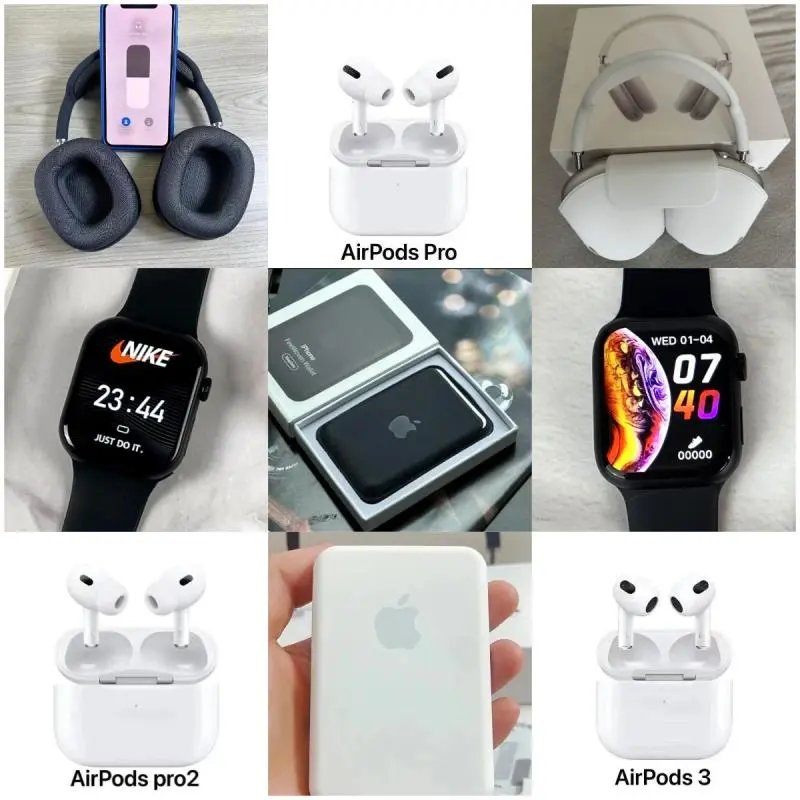
Catalog Item TF25 Digital Electronics | UIDBuy spreadsheet | Fishgoo spreadsheet - 141140
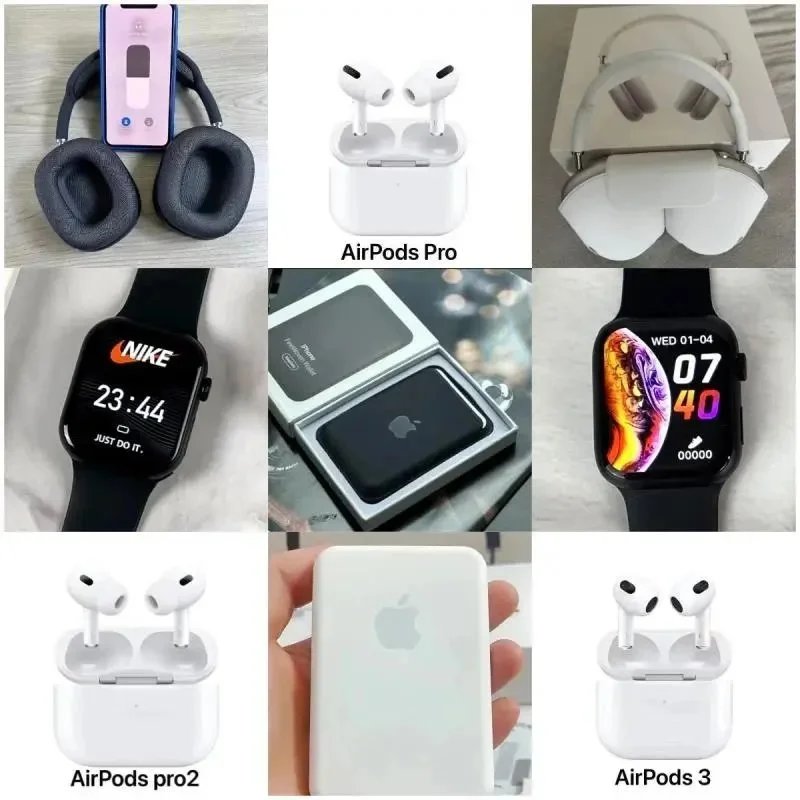
Catalog Item LL55 Digital Electronics | Superbuy spreadsheet | Fishgoo spreadsheet - 138885
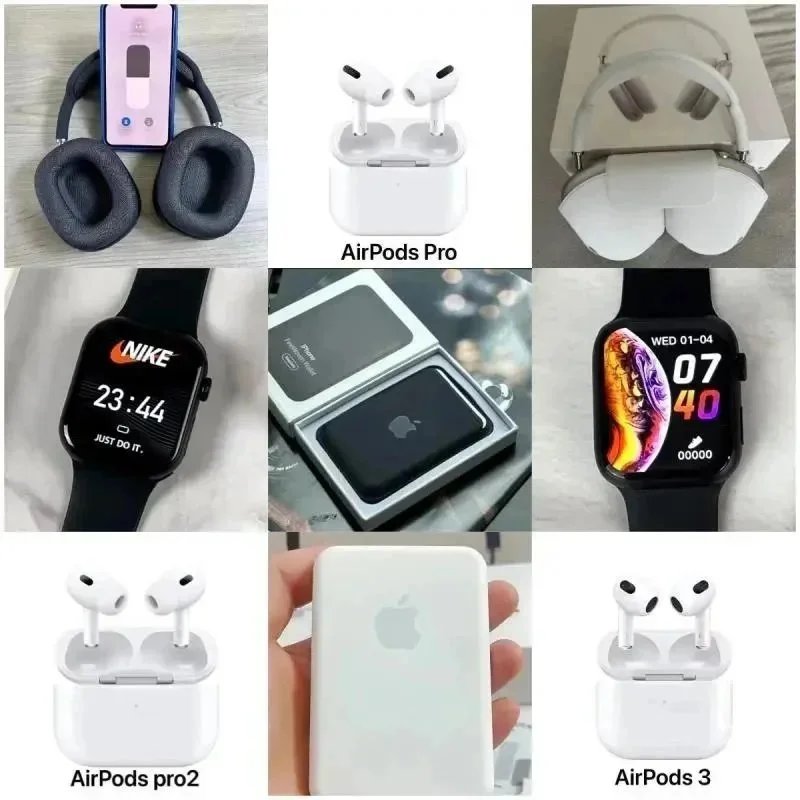
Headphones XB22 Headphones and Electronics Selection | LoongBuy spreadsheet | Hubbuycn spreadsheet - 136779
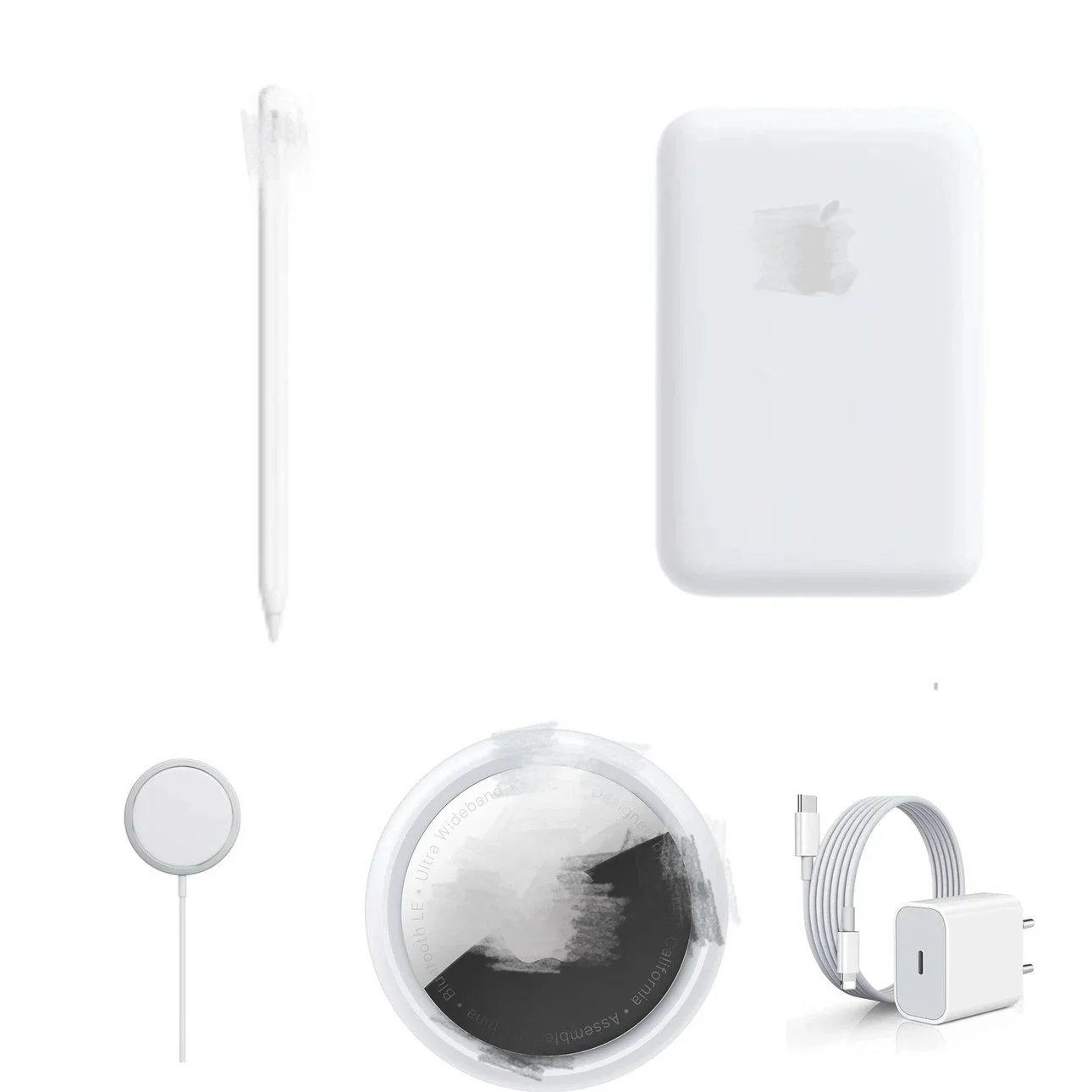
AP Charging and Electronics Accessories Selection | Fishgoo spreadsheet | Sugargoo spreadsheet - 149985
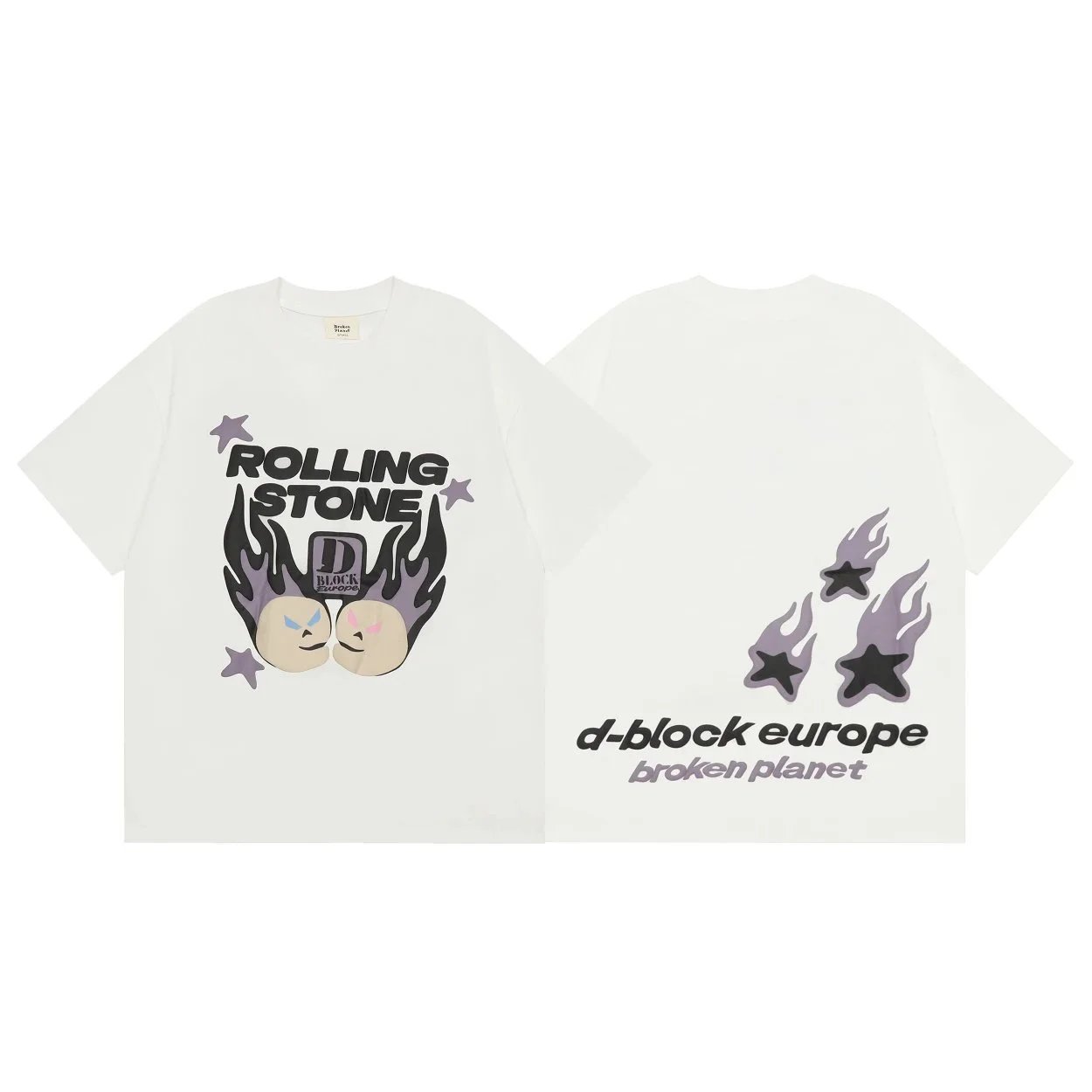
BP-T125 White Graphic T-Shirt | Kakobuy spreadsheet | Hubbuycn spreadsheet - 148445
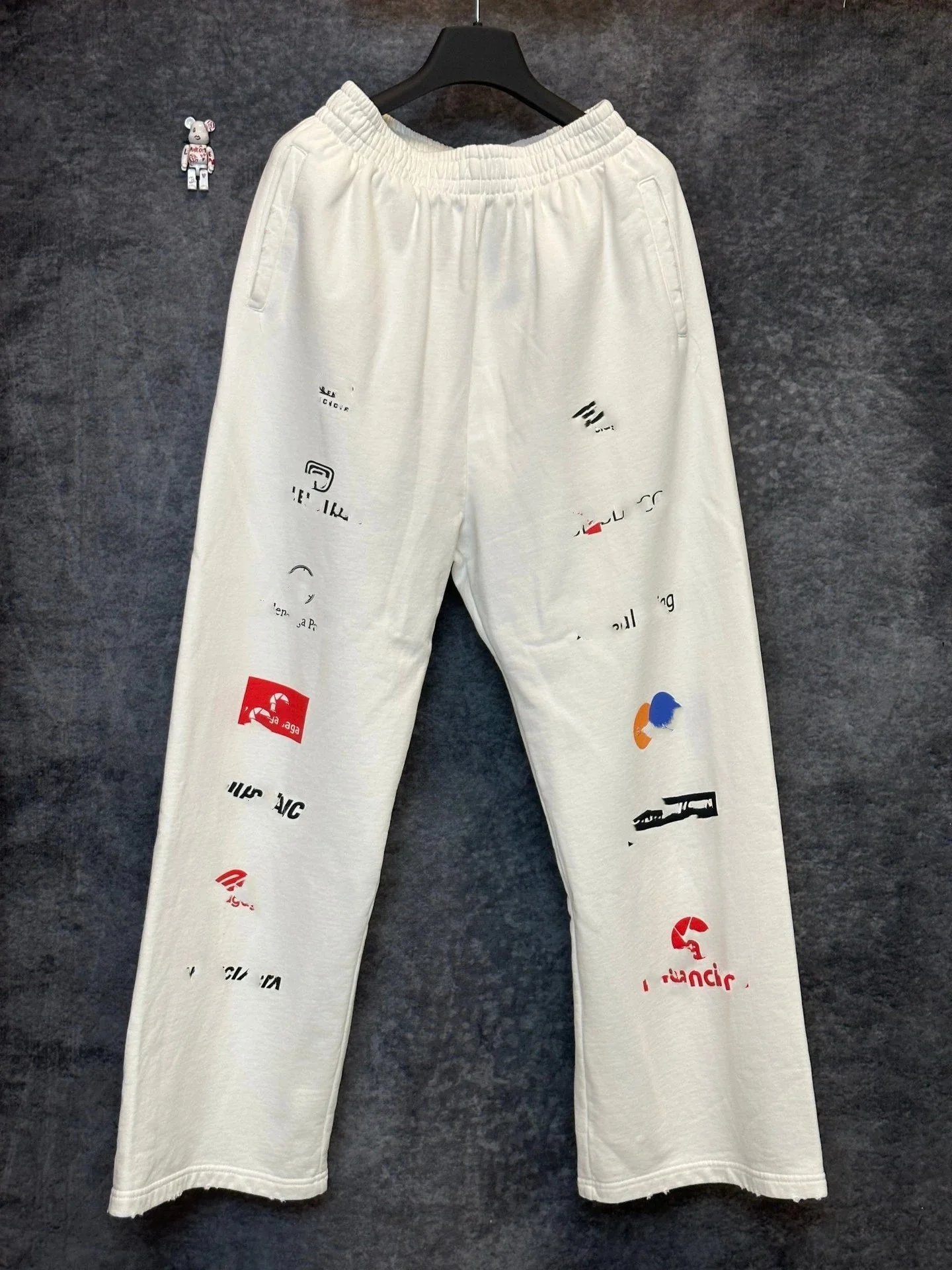
Blenciga Pants | Superbuy spreadsheet | Hubbuycn spreadsheet - 136394
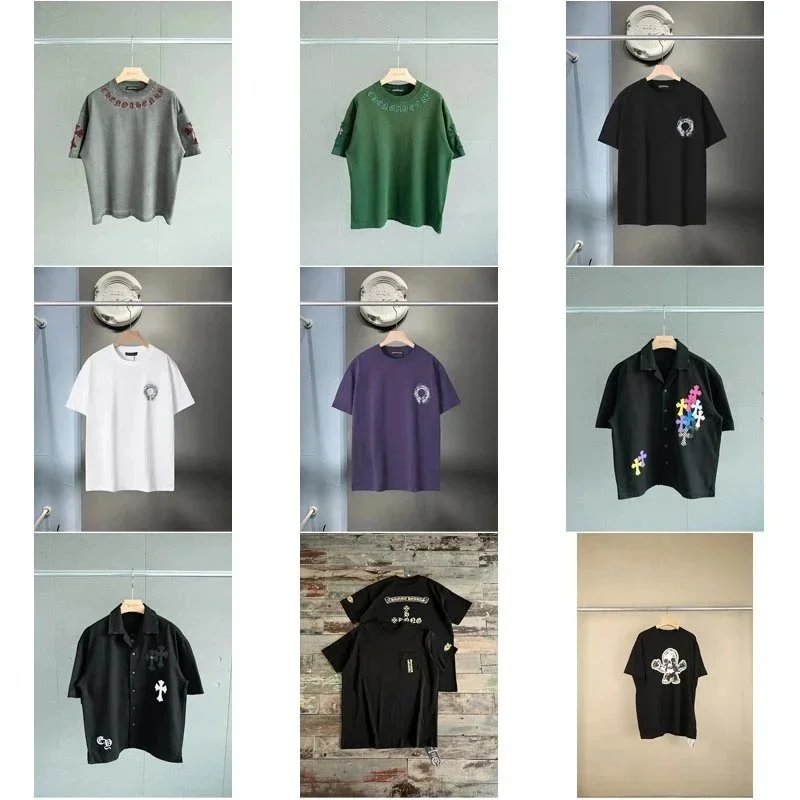
Chrome Hearts T-Shirt | CSSBuy spreadsheet | LoongBuy spreadsheet | GTBuy spreadsheet - 151637