Cafans Journal
Stories & FindsHooBuy English CAFANS Guide: A 1000-Word Walkthrough for Smart Shoppers
HooBuy English CAFANS Guide
Welcome to the English CAFANS guide to HooBuy, a practical walkthrough for anyone who wants to navigate the platform with confidence. Whether you are a first-time visitor or a returning buyer, this HooBuy guide explains how the site works, how to read listings, how to use a HooBuy spreadsheet, and how to evaluate HooBuy product links before you commit. If you are following a HooBuy shopping guide for the first time, treat this as your map: it covers the essentials without hype, and it keeps the focus on informed decisions.
What HooBuy Is and Who It Serves
HooBuy is an online shopping platform that aggregates product listings across many categories, from apparel and footwear to electronics, home goods, and accessories. The English CAFANS approach is simple: browse, verify, compare, and then buy. There is no secret formula, but there is a repeatable process. New users often ask how to start; the answer is to set up an account, use search and category filters, and build a shortlist before checking out. That shortlist is where a spreadsheet becomes valuable, because it turns scattered bookmarks into a comparison table you can actually use.
Setting Up and Getting Oriented
Create your account with a valid email, add a shipping address, and review the available payment methods. Then spend ten minutes exploring the homepage: navigation menus, category tiles, search bar, and the help center. A good HooBuy guide starts with orientation, not checkout. Learn where order history, wishlists, coupons, and customer service live. If you plan to buy frequently, enable notifications for price drops and restock alerts. Keep your login secure and avoid sharing account details in group chats or forums.
Building and Using a HooBuy Spreadsheet
A HooBuy spreadsheet is the single most useful tool for a serious shopper. Create columns for item name, category, product link, listed price, shipping cost, estimated delivery, seller rating, size or variant, and a personal notes field. Add a column for status (shortlisted, ordered, delivered, returned). When you find a candidate item, paste the link and record the details immediately; memory is unreliable, and listings change. Sort by total landed cost rather than sticker price, and flag items with unclear sizing or vague descriptions. Review the sheet weekly and remove stale entries so the list stays actionable.
Reading HooBuy Product Links Carefully
HooBuy product links carry more information than many people realize. Open each link and check the title, variant selector, price history, seller profile, and return policy. Look for real customer photos, not just studio images. Read the sizing chart and material composition. Check whether the listing is a single item or a bundle, and confirm the exact variant before adding to cart. If a link points to a redirected domain, verify it before entering payment details. Bookmark only canonical product pages, and store the link in your spreadsheet alongside the date you found it.
A Practical HooBuy Shopping Guide
Follow this HooBuy shopping guide sequence. First, define a budget and a need; browsing without a goal invites impulse buys. Second, search with specific terms and use filters for price, rating, and shipping location. Third, compare at least three listings for the same item class. Fourth, check reviews for patterns, not isolated complaints. Fifth, test checkout with a small order before committing to a large one. Sixth, track delivery and inspect items on arrival. Seventh, use the return window if something is wrong, and note the outcome in your spreadsheet so future decisions improve.
Thirty Terms to Know
Familiarize yourself with these terms as you browse: listing, variant, SKU, seller rating, buyer review, verified purchase, size chart, material composition, colorway, stock status, restock alert, price drop, coupon code, discount tier, bundle deal, shipping fee, handling time, tracking number, customs duty, delivery estimate, return window, refund policy, exchange policy, warranty, authenticity check, packaging condition, order confirmation, invoice, customer support ticket, and dispute resolution. Understanding this vocabulary makes every listing easier to read and every comparison fairer.
Common Pitfalls and How to Avoid Them
Avoid buying from a single blurry image. Avoid assuming a low price includes shipping. Avoid ignoring variant differences such as size, voltage, or plug type. Avoid paying outside the platform's checkout flow. Avoid skipping the return policy. Avoid storing payment details on shared devices. If a deal looks unusually good, slow down and verify the seller and the listing history. A disciplined HooBuy shopping guide habit is to wait twenty-four hours before any non-essential purchase; most impulse urges fade, and your spreadsheet will tell you whether the item still makes sense.
Final Thoughts
HooBuy rewards organized shoppers. Use the platform's search and filters, maintain a HooBuy spreadsheet for comparisons, examine HooBuy product links in detail, and follow a consistent HooBuy shopping guide routine. This English CAFANS guide is deliberately practical: no shortcuts, no guarantees, just a clear process. Start small, track results, and adjust. With a little structure, browsing becomes faster, spending becomes intentional, and surprises become rare.
Editor's selection
Popular Products

Shoes Ph076 Breathable Running Shoes | CSSBuy spreadsheet | LoongBuy spreadsheet - 136150

Men's Casual Shoes | CSSBuy spreadsheet | Kakobuy spreadsheet | Rizzitgo spreadsheet - 135435

Casual Shoes | Kakobuy spreadsheet | Hubbuycn spreadsheet | CNShopper spreadsheet - 136046

DS Slippers | Wheebuy spreadsheet | LoongBuy spreadsheet | Lovegobuy spreadsheet - 135724
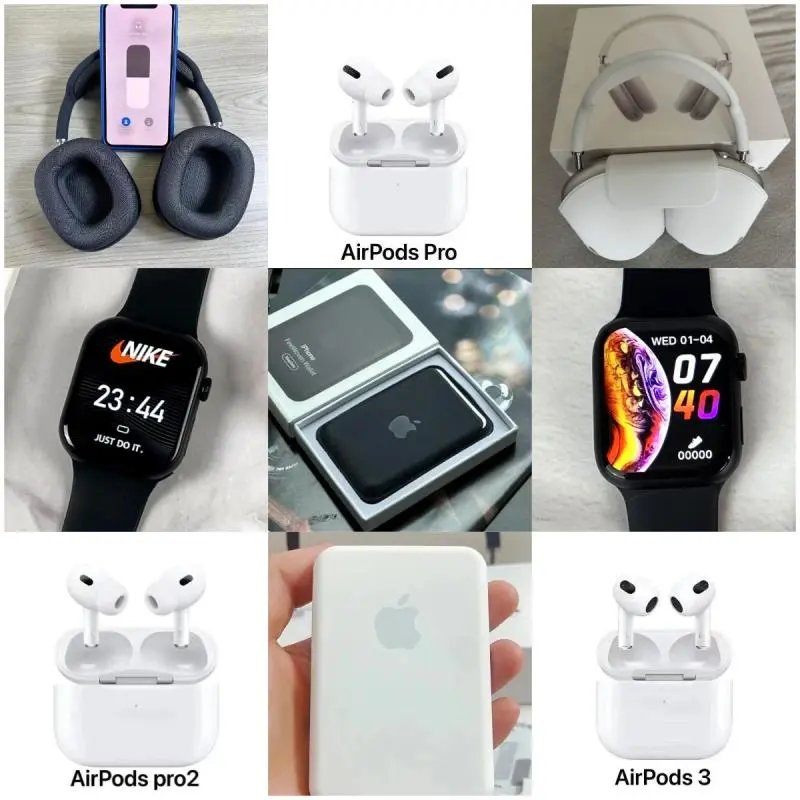
Catalog Item TF25 Digital Electronics | UIDBuy spreadsheet | Fishgoo spreadsheet - 141140

Accessories | UIDBuy spreadsheet | Fishgoo spreadsheet | Oopbuy spreadsheet - 140922
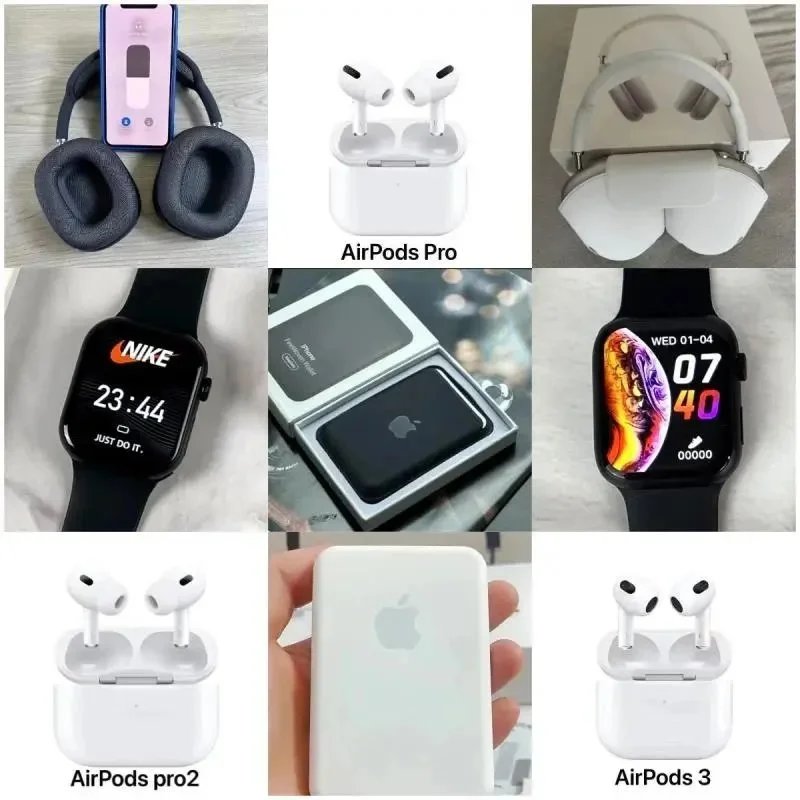
Catalog Item LL55 Digital Electronics | Superbuy spreadsheet | Fishgoo spreadsheet - 138885