Cafans Journal
Stories & FindsVigorBuy CAFANS Guide: A Complete 1,000-Word Walkthrough for Smart Shoppers
VigorBuy CAFANS Guide: Shop Smarter with Confidence
If you have been searching for a clear, practical English CAFANS guide, you are in the right place. This walkthrough focuses on VigorBuy as the main platform and shows how to combine the VigorBuy spreadsheet, the VigorBuy guide, VigorBuy product links, and a solid VigorBuy shopping guide into one smooth workflow. Whether you are a first-time buyer or a seasoned reseller, the goal is simple: reduce guesswork, compare options fairly, and check out with confidence.
What CAFANS Means in Practice
CAFANS is best understood as a structured buying framework: Compare, Assess, Filter, Arrange, Negotiate, and Select. Each step maps to a real action on VigorBuy. You compare listings, assess seller ratings and return policies, filter by size and shipping location, arrange a budget, negotiate where allowed, and finally select the best item. Treat CAFANS as a checklist rather than a slogan, and your hit rate improves immediately.
Step 1: Compare with the VigorBuy Spreadsheet
The VigorBuy spreadsheet is the backbone of this guide. Build columns for item name, SKU, price, shipping cost, estimated delivery date, seller rating, review count, return window, and a direct VigorBuy product link. Add a calculated column for total landed cost and another for cost per use. When you paste product links into the sheet, keep the original URL intact so you can revisit the exact listing later. A well-maintained spreadsheet turns a chaotic marketplace into a clean comparison table, and it prevents impulse buys driven by flashy thumbnails.
Step 2: Assess Sellers and Listings
Before adding anything to your cart, open the VigorBuy product link and read the listing carefully. Check the seller's history, response time, and dispute resolution record. Look at review photos rather than star ratings alone, because real images expose sizing issues, color differences, and packaging problems. Confirm the return policy and warranty terms, and note the shipping origin. If a listing lacks detail, move on. The VigorBuy guide principle here is straightforward: uncertainty is a cost, and you should not pay it.
Step 3: Filter Ruthlessly
Use VigorBuy's filters to narrow by price range, shipping destination, and item condition. Combine filters with spreadsheet data to eliminate options that fail your budget or timeline. Set a hard ceiling for total landed cost and a soft ceiling for upgrades. This is where the VigorBuy shopping guide saves the most time: instead of browsing endlessly, you work from a shortlist. Keep at least three candidates per category so you retain negotiating room and a backup if a seller runs out of stock.
Step 4: Arrange Budget and Timeline
Map your purchases against real deadlines. If you need an item for a specific date, filter for sellers with proven delivery records to your region. Allocate a small contingency buffer for shipping delays. In the spreadsheet, color-code items by urgency and mark which ones are essential versus optional. A clear budget and timeline make negotiations easier and reduce the temptation to overpay for speed you do not actually need.
Step 5: Negotiate Where Appropriate
Many VigorBuy sellers accept reasonable offers, especially on bundled orders. Message politely, reference the specific VigorBuy product link, and ask about combined shipping or a small discount for multiple units. Keep records of the conversation and confirm any agreed terms in writing before payment. Do not negotiate on items with strict return policies unless the savings justify the risk. Good negotiation is short, specific, and respectful.
Step 6: Select and Verify
Final selection means checking the item against your spreadsheet one last time. Verify the variant, size, color, and quantity. Confirm the shipping address and payment method. Save the order confirmation and add the actual delivery date to your sheet so you can track seller performance over time. After delivery, inspect the item promptly and open a claim within the return window if something is wrong.
Common Mistakes to Avoid
Do not rely on a single review, do not ignore shipping cost when comparing prices, and do not skip the return policy. Avoid buying from listings with vague descriptions or missing measurements. Keep your VigorBuy guide bookmarked, update your spreadsheet after every order, and prune product links that no longer work. Small habits compound into better decisions.
Putting It All Together
The CAFANS method works because it forces structure onto a busy marketplace. Use the VigorBuy spreadsheet for comparison, the VigorBuy guide for seller assessment, VigorBuy product links for traceability, and the VigorBuy shopping guide for filtering and budgeting. Follow the six steps, verify before you pay, and you will get more value from every order on VigorBuy.
Editor's selection
Popular Products
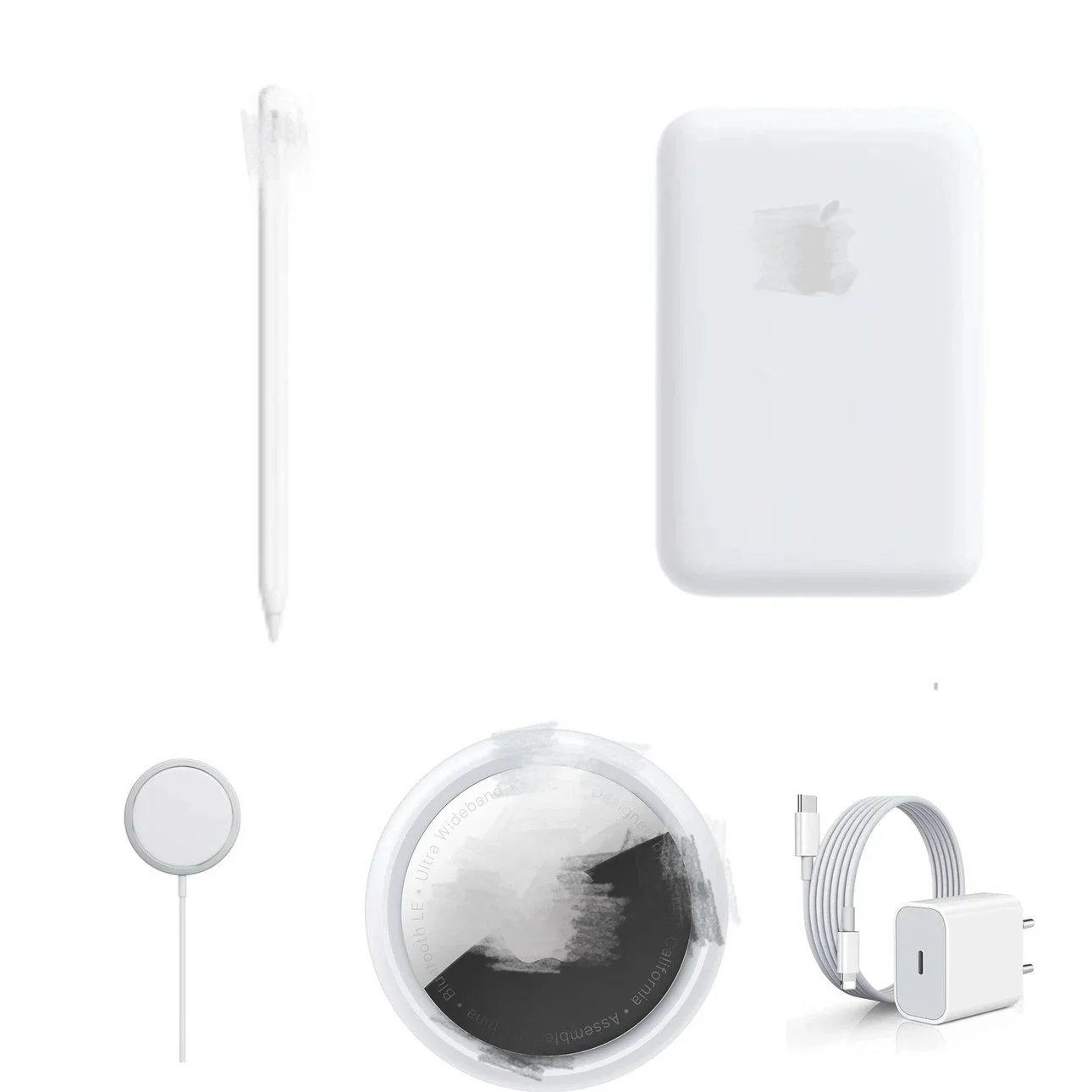
AP Charging and Electronics Accessories Selection | Fishgoo spreadsheet | Sugargoo spreadsheet - 149985
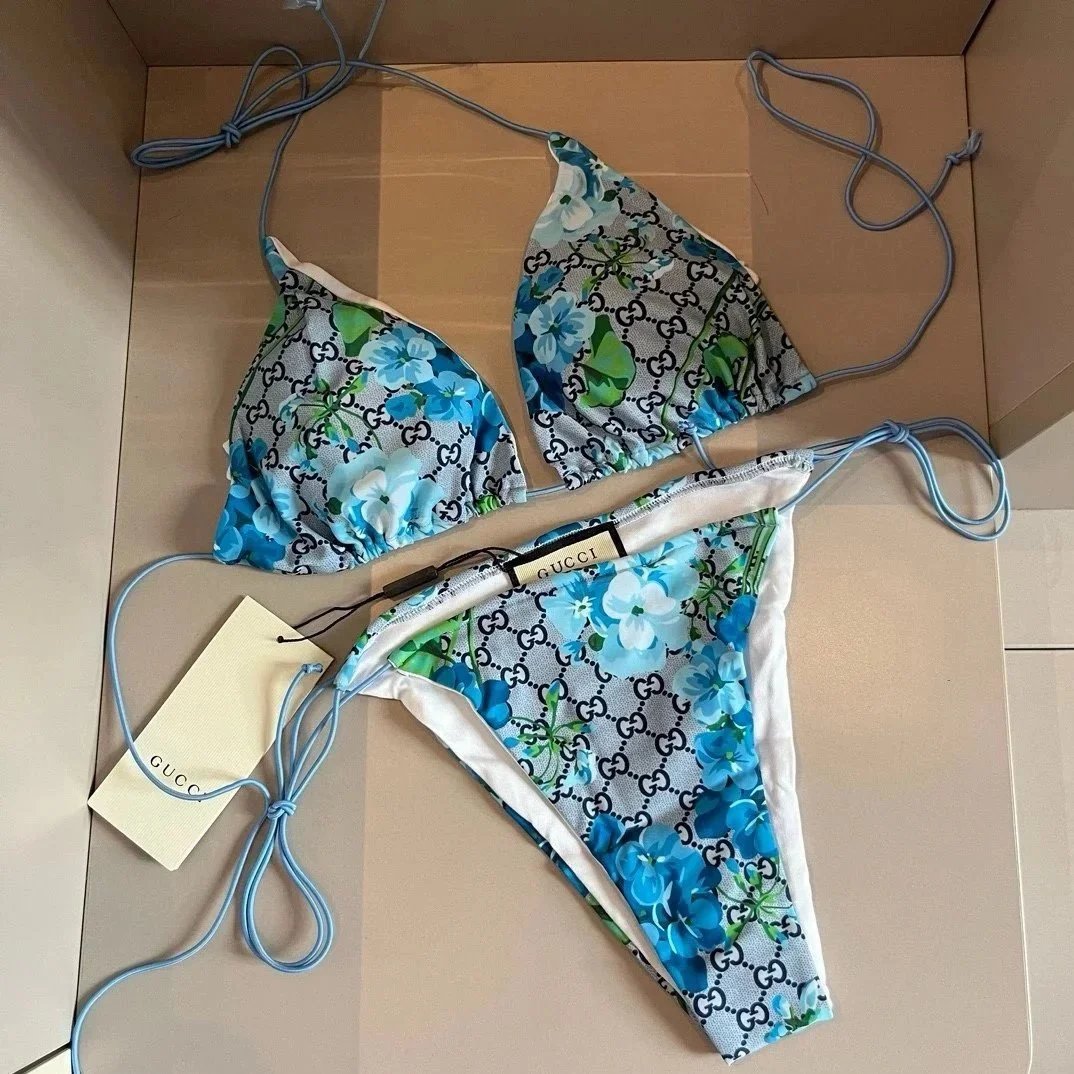
Swimsuit - 005 - Clothing - 160645

Grey Multi-Pocket Backpack 2VZ135-5 | Kakobuy spreadsheet | Sugargoo spreadsheet - 150443

ZZW14 Unisex Casual Sport Sneakers - 169979

PR*ADA Bag | Fishgoo spreadsheet | OOTDBuy spreadsheet | JoyaGoo spreadsheet - 156073

Dress - Everyday Apparel - 172369

Fan Edition Training Sports Jersey - 159516