Cafans Journal
Stories & FindsJoyaGoo: The Complete English CAFANS Guide to Smarter Shopping
What Is JoyaGoo?
JoyaGoo is a community-driven shopping resource built around curated finds, transparent pricing, and practical guidance for everyday buyers. If you have heard the term CAFANS before and wondered how it connects to online shopping, this JoyaGoo guide explains the concept, the workflow, and the tools you need to shop with confidence. Think of CAFANS as a checklist mindset: Compare, Assess, Filter, Assemble, Navigate, and Save. JoyaGoo applies those six habits to product discovery, so you spend less time scrolling and more time buying things that actually fit your needs.
Why a JoyaGoo Spreadsheet Changes Everything
The heart of the system is the JoyaGoo spreadsheet. Instead of juggling dozens of browser tabs, you keep a single structured sheet with columns for product name, category, price, shipping cost, seller rating, return window, and notes. A well-built JoyaGoo spreadsheet turns impulse browsing into a repeatable comparison process. You can sort by total landed cost, flag items waiting for a discount, and archive past purchases for future reference. Many shoppers pair the sheet with a simple color code: green for confirmed purchases, yellow for candidates, red for rejected listings. This visual layer makes the JoyaGoo guide easy to follow even for beginners.
Building Your First Sheet
Start with five tabs: Wishlist, Price Watch, Orders, Returns, and Reference. In the Wishlist tab, paste JoyaGoo product links directly from the source pages so you never lose track of a listing. The Price Watch tab tracks target prices and alerts you when a deal appears. The Orders tab records order numbers and delivery estimates, while the Returns tab logs deadlines so you never miss a window. The Reference tab holds sizing charts, coupon codes, and notes from the JoyaGoo shopping guide. Keeping everything in one workbook is the single biggest productivity upgrade you can make.
The JoyaGoo Guide to Product Links
Not all JoyaGoo product links are equal. A useful link points to a specific variant, not a generic category page, because variant pages preserve the exact size, color, and model you compared. When you save a link, add the date and the price you saw. Prices fluctuate, and a timestamped link prevents confusion later. The JoyaGoo shopping guide recommends checking three things before clicking buy: the seller's recent feedback, the stated return policy, and the shipping estimate for your region. If any of those three is missing, treat the listing as unverified and keep it in the yellow column of your sheet.
Applying CAFANS Step by Step
Compare: line up at least three alternatives in your JoyaGoo spreadsheet before deciding. Assess: read recent reviews, not just the star average, and look for complaints about durability or delivery. Filter: remove sellers with vague policies or unrealistic discounts. Assemble: group accessories and essentials so a single order covers a complete need. Navigate: use the JoyaGoo guide to understand category norms, typical price ranges, and seasonal sales. Save: set target prices and wait for promotions rather than buying at peak. This six-step loop is the backbone of every successful JoyaGoo shopping session.
Categories That Work Best
JoyaGoo shines in categories where specifications matter and prices vary widely. Home organization products, kitchen tools, desk accessories, phone and laptop accessories, fitness equipment, pet supplies, travel organizers, and small electronics all benefit from structured comparison. In each category, record the key spec in your sheet: capacity for storage bins, material for cookware, wattage for chargers, weight tolerance for shelving. When specs sit side by side, the right choice usually becomes obvious.
Common Mistakes to Avoid
The first mistake is trusting a single review. The second is ignoring shipping and return costs, which can erase a discount entirely. The third is saving links without dates, which makes price history useless. The fourth is overloading your JoyaGoo spreadsheet with too many columns; start simple and expand only when a real decision requires it. Finally, avoid buying from listings that hide the seller identity. The JoyaGoo guide consistently recommends sellers with clear contact information and a documented return process.
Frequently Asked Questions
Is JoyaGoo free to use? The spreadsheet method costs nothing; you only need a free spreadsheet tool. How many items should I track? Ten to twenty active candidates is a healthy range. How often should I update prices? Weekly is enough for most categories. Can I share my sheet? Yes, and sharing with a friend often improves discipline. What if a link stops working? Keep the product name and seller name in your notes so you can search again.
Final Thoughts
JoyaGoo is less about a single website and more about a disciplined approach to shopping. Combine the JoyaGoo spreadsheet with careful use of JoyaGoo product links, follow the JoyaGoo shopping guide, and apply the CAFANS checklist to every purchase. The result is fewer regrets, better prices, and a shopping routine you can trust.
Editor's selection
Popular Products

LL55 Earphones, Watches and Chargers | LoongBuy spreadsheet | iTaoBuy spreadsheet - 136789
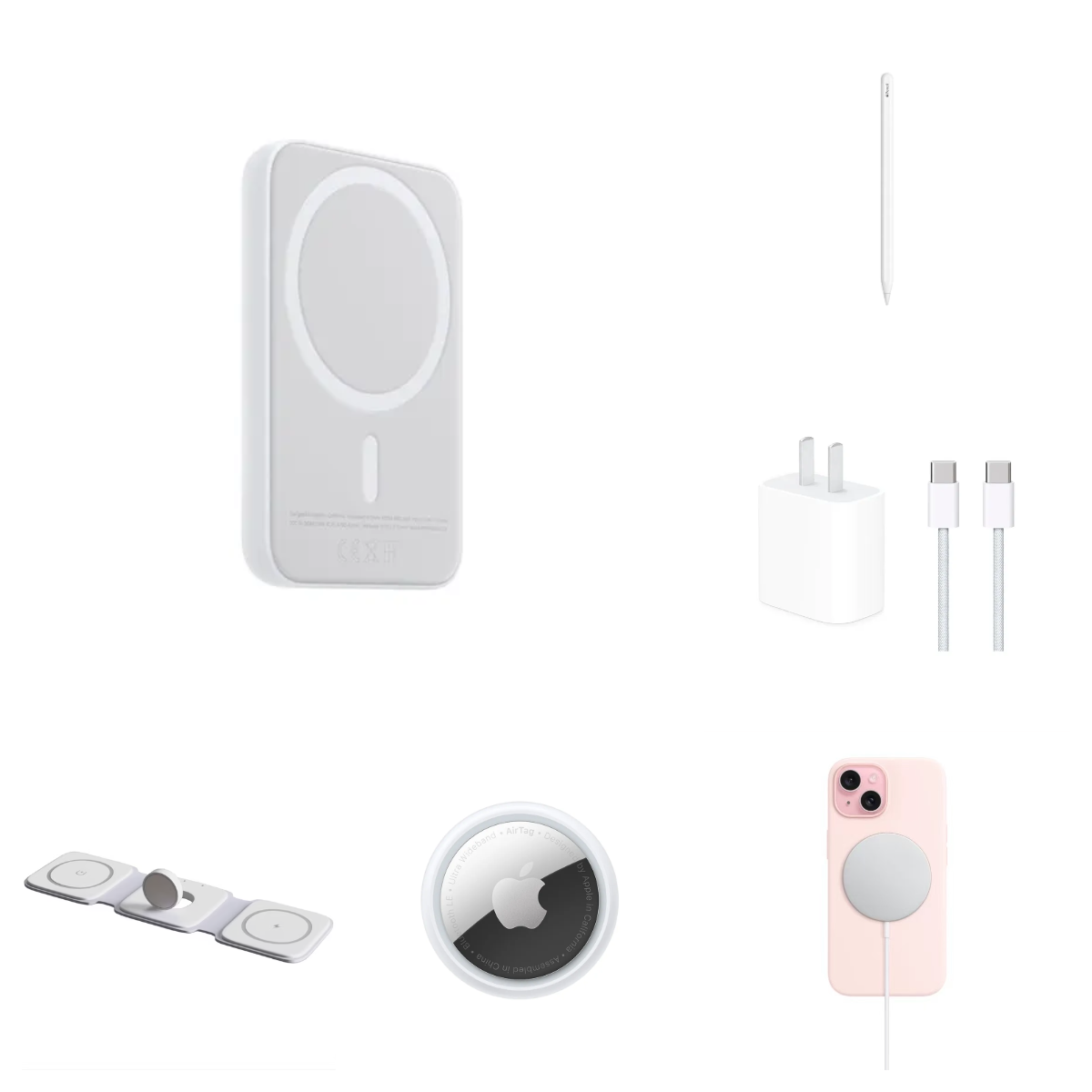
XIAOTEJI Apple-Compatible Chargers and Accessories | Sugargoo spreadsheet | iTaoBuy spreadsheet - 142697

Dennis Rodman Jumbo Purple T-Shirt | Oopbuy spreadsheet | Fansbuy spreadsheet | iTaoBuy spreadsheet - 148758

Unisex Letter-Print Socks | JoyaGoo spreadsheet | CSSBuy spreadsheet | Fansbuy spreadsheet - 146179

Casual Cargo Sports Pants | OOTDBuy spreadsheet | Oopbuy spreadsheet | CSSBuy spreadsheet - 137866

Hot Summer T-Shirt - Clothing - 160023

Lili-szyjgcd 00022 Acetate Frame Eyewear | Wheebuy spreadsheet | UIDBuy spreadsheet - 149840
