Cafans Journal
Stories & FindsACBuy English CAFANS Guide: A Complete 1,000-Word Walkthrough for New Shoppers
What Is ACBuy and Why CAFANS Matters
If you have spent any time in online shopping communities, you have probably seen the name ACBuy mentioned alongside spreadsheets, agent guides, and product link lists. This ACBuy guide is designed for English-speaking shoppers who want a clear, practical overview of how the platform works, how to use an ACBuy spreadsheet, and how to make sense of ACBuy product links before you place an order. The CAFANS approach — Compare, Assess, Filter, Ask, Navigate, Save — gives beginners a simple mental checklist for getting the most out of the experience.
Understanding the ACBuy Shopping Guide
An ACBuy shopping guide is more than a list of tips. It is a framework for navigating a marketplace where quality, sizing, and seller reliability can vary. The platform connects shoppers with a wide range of goods, and the community around it has built tools — most notably the ACBuy spreadsheet — to make the process transparent. A typical ACBuy spreadsheet compiles product links, item descriptions, prices, seller notes, and sometimes QC (quality control) photos. Instead of scrolling endlessly through listings, you can search a curated sheet and jump straight to items other buyers have already vetted.
Why Spreadsheets Are Popular
The ACBuy spreadsheet ecosystem exists because buyers value consistency. Spreadsheet curators often organize products by category — apparel, footwear, accessories, electronics, home goods — and include columns for size charts, weight estimates, and shipping notes. For a newcomer, that structure is invaluable. It reduces guesswork and helps you compare options quickly. When reading any ACBuy guide, pay attention to how the author uses spreadsheets; it usually reveals whether they are experienced or simply reposting links.
The CAFANS Method Explained
CAFANS is an easy acronym to remember while shopping:
- C — Compare: Cross-check the same item across multiple ACBuy product links. Prices and batch quality differ between sellers.
- A — Assess: Read the seller's history, return policy, and any QC feedback in the ACBuy spreadsheet.
- F — Filter: Use spreadsheet filters (size, price range, category) to narrow thousands of listings to a manageable shortlist.
- A — Ask: Join community chats or forums. Ask about fit, fabric, and shipping timelines before committing.
- N — Navigate: Learn the platform's order flow: adding to cart, submitting the order, paying for items, and later paying for international shipping.
- S — Save: Track costs carefully. Item price is only part of the total; consolidation, packaging, and shipping fees add up.
How to Use ACBuy Product Links Safely
ACBuy product links are the backbone of the community. They usually point to a specific listing, and the best spreadsheets pair each link with a short description and a thumbnail. A few habits keep you safe:
- Verify the link matches the described item — sellers sometimes reuse URLs for different batches.
- Check the seller's rating and recent reviews, not just the headline price.
- Look for agent notes in the spreadsheet about sizing up or down.
- Avoid clicking shortened or unknown links from random comments; stick to reputable ACBuy spreadsheet sources.
These small steps save time and reduce the risk of disappointment when your parcel finally arrives.
ACBuy Spreadsheet Tips for Beginners
When you open an ACBuy spreadsheet for the first time, the number of rows can feel overwhelming. Start with the category tabs that match your needs. Use the search function to look up specific keywords, and sort by price to understand the market range. Pay attention to columns labeled "QC," "weight," and "batch." QC means quality control photos or notes; weight affects shipping costs; batch refers to production runs, which can differ in quality. Experienced shoppers often prefer a well-maintained ACBuy spreadsheet over random browsing because the data is consistent and community-reviewed.
Building a Smart Shopping Workflow
A solid ACBuy guide should end with a workflow you can repeat. Here is a simple one:
- Browse the ACBuy spreadsheet and shortlist items.
- Open each ACBuy product link and confirm details.
- Add items to your cart and note their estimated weights.
- Submit the order and wait for items to reach the warehouse.
- Review QC photos when available; request returns if something looks wrong.
- Consolidate parcels to reduce shipping costs.
- Choose a shipping line that balances speed and price for your country.
- Track the parcel and leave feedback for the community.
Following this rhythm turns a chaotic marketplace into a predictable routine.
Common Mistakes to Avoid
New buyers often make a few predictable errors. They ignore sizing charts, buy from unrated sellers, forget to budget for shipping, or trust outdated ACBuy product links. Others skip the ACBuy spreadsheet entirely and rely on impulse. Reading a thorough ACBuy guide before your first order helps you avoid these pitfalls. Remember that the ACBuy shopping guide community is collaborative: share your QC findings, update broken links, and contribute notes that help the next buyer.
Final Thoughts
ACBuy works best when you treat it as a research-driven marketplace rather than a quick-click store. Use the CAFANS method, lean on the ACBuy spreadsheet community, verify ACBuy product links, and follow a consistent ACBuy shopping guide. With a little patience, the platform becomes far less intimidating — and far more rewarding. Whether you are shopping for everyday essentials or niche finds, the combination of curated spreadsheets, clear guides, and careful comparison will serve you well.
Editor's selection
Popular Products

Shoes Ph076 Breathable Running Shoes | CSSBuy spreadsheet | LoongBuy spreadsheet - 136150

Men's Casual Shoes | CSSBuy spreadsheet | Kakobuy spreadsheet | Rizzitgo spreadsheet - 135435

Casual Shoes | Kakobuy spreadsheet | Hubbuycn spreadsheet | CNShopper spreadsheet - 136046

DS Slippers | Wheebuy spreadsheet | LoongBuy spreadsheet | Lovegobuy spreadsheet - 135724

Accessories | UIDBuy spreadsheet | Fishgoo spreadsheet | Oopbuy spreadsheet - 140922
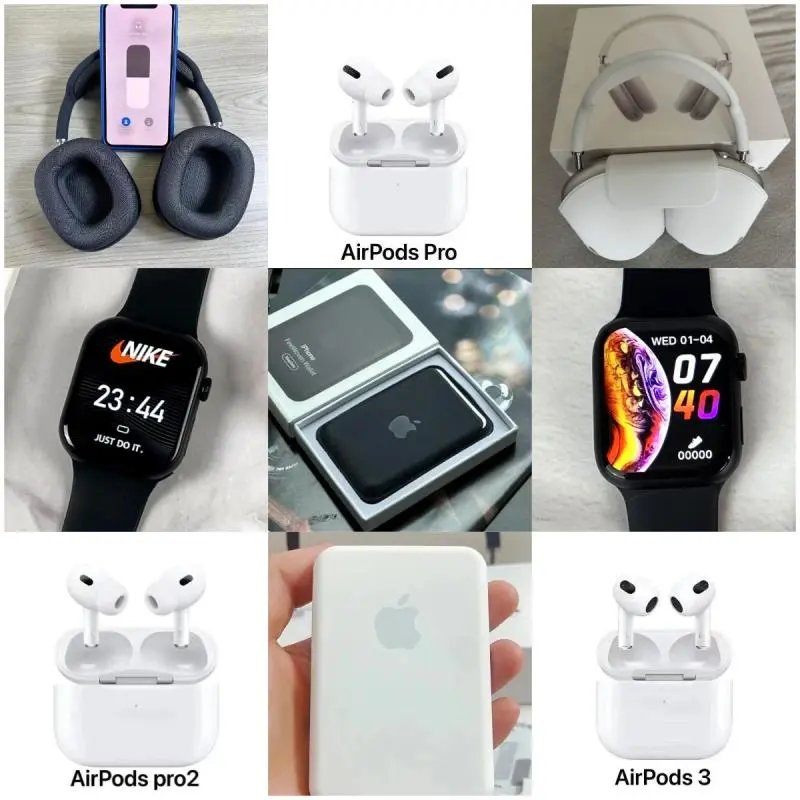
Catalog Item TF25 Digital Electronics | UIDBuy spreadsheet | Fishgoo spreadsheet - 141140
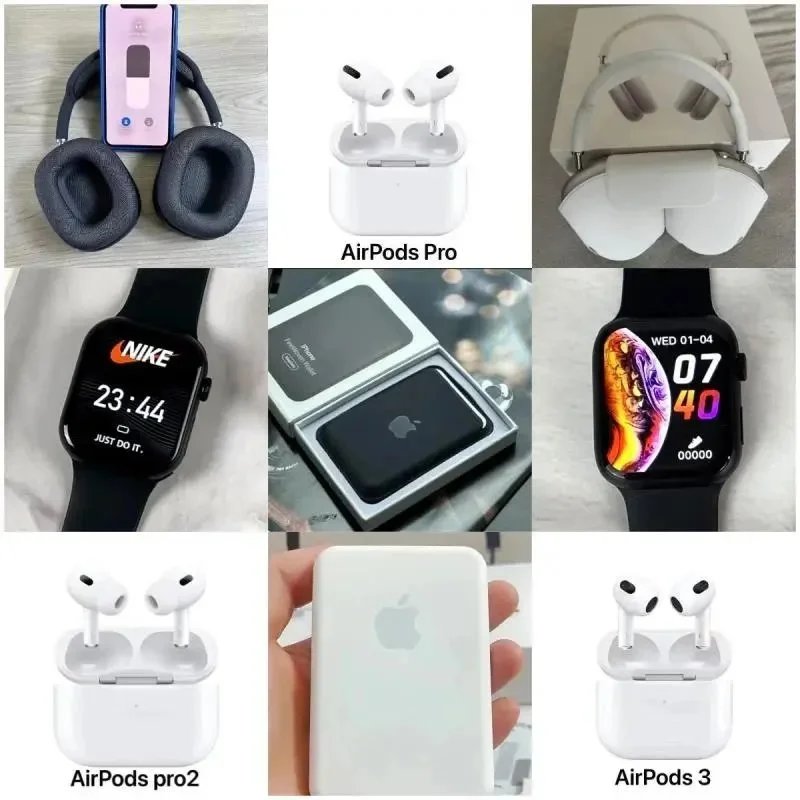
Catalog Item LL55 Digital Electronics | Superbuy spreadsheet | Fishgoo spreadsheet - 138885