Cafans Journal
Stories & FindsVigorBuy CAFANS Guide: A 1000-Word English Walkthrough for Smarter Shopping
If you have been searching for a clear, practical VigorBuy CAFANS guide, this 1000-word English walkthrough is written for you. Whether you are a first-time buyer, a careful budget planner, or someone who simply wants a repeatable routine for online shopping, the goal here is simple: show how to use VigorBuy with confidence, avoid common mistakes, and get the most value from every order. Along the way, we will also explain how a VigorBuy spreadsheet, a VigorBuy guide mindset, VigorBuy product links, and a reliable VigorBuy shopping guide fit together as one workflow.
What VigorBuy Means in Practice
At its core, VigorBuy is a shopping approach built on research, comparison, and organization. Instead of browsing randomly and buying on impulse, you gather information first: product pages, seller details, shipping estimates, and return policies. The word “CAFANS” in this guide is best treated as a memory framework — Compare, Assess, Filter, Arrange, Note, and Save — that keeps your decisions structured. It is not a secret code; it is a checklist. Used consistently, it turns chaotic shopping into a calm, predictable process.
The main benefit of adopting VigorBuy habits is visibility. You can see what you plan to buy, what you have already ordered, what each item costs, and whether the seller has a solid reputation. When you can see all of that in one place, you stop overpaying and stop duplicating purchases.
Step 1: Compare Before You Commit
Start every purchase by comparing at least three options. Open a browser window, collect the product links, and note the price, delivery window, warranty, and return terms. This is where VigorBuy product links become useful: save each candidate page in a dedicated folder or note so you can revisit it later without losing track. Do not rely on memory. Product pages change, discounts expire, and stock disappears. A saved link is a saved decision.
When comparing, pay attention to the total cost rather than the headline price. Shipping fees, taxes, packaging charges, and currency conversion can quietly push an affordable item into expensive territory. A good comparison table includes unit price, shipping, estimated arrival, seller rating, and return window.
Step 2: Assess Sellers and Listings
Once you have a shortlist, assess each listing critically. Check the seller's history, read recent reviews, and look for patterns rather than single complaints. Photos should match the description, and specifications should be complete. If a listing is vague about dimensions, materials, compatibility, or warranty, treat that as a warning sign.
This is also the moment to use the VigorBuy guide principle of evidence. Screenshot the key details — price, promotion, delivery promise — so you have a record if something goes wrong. Clear evidence makes customer service conversations faster and more productive.
Step 3: Filter With a Spreadsheet
A spreadsheet is the quiet hero of smart shopping. Set up columns such as Item, Category, Link, Price, Shipping, Seller Rating, Return Window, Priority, and Status. Then log every candidate product. This is exactly what a VigorBuy spreadsheet is for: turning scattered tabs into a single, sortable view. You can rank by total cost, filter by delivery date, and flag items that need more research.
Add a simple budget row at the top and a running total at the bottom. If the total exceeds your budget, sort by priority and remove the lowest-value items. The spreadsheet also becomes a purchase history you can review later, which is invaluable for repeat orders and warranty claims.
Step 4: Arrange Delivery and Payments
Before paying, confirm the delivery address, choose a shipping method that matches your deadline, and review the payment options. Prefer payment methods with buyer protection. Keep confirmation emails and order numbers in the same spreadsheet row as the product link. If a delivery date is critical, build in a buffer of several days rather than assuming the fastest estimate will hold.
Group orders when possible to reduce shipping costs, but avoid combining urgent and non-urgent items if it delays the important purchase. A VigorBuy shopping guide should always include this practical trade-off.
Step 5: Note Returns and Warranties
Record the return window and any warranty terms immediately after purchase. Set a calendar reminder a few days before the window closes. If the item arrives damaged or does not match the listing, contact the seller promptly with photos and your saved evidence. Do not wait until the last day.
Step 6: Save, Review, and Repeat
After the order arrives, update the spreadsheet status and add a short note about quality and seller reliability. Over time, this log becomes a personal reference library. You will know which categories you buy often, which sellers deliver consistently, and which promotions are genuinely worthwhile.
In short, the VigorBuy CAFANS method is about preparation, not luck. Compare options, assess sellers, filter with a spreadsheet, arrange delivery carefully, note the terms, and save your records. Follow those steps, and every shopping session becomes faster, cheaper, and far less stressful.
Editor's selection
Popular Products

Catalog Item TF25 Digital Electronics | UIDBuy spreadsheet | Fishgoo spreadsheet - 141140

Catalog Item LL55 Digital Electronics | Superbuy spreadsheet | Fishgoo spreadsheet - 138885

Headphones XB22 Headphones and Electronics Selection | LoongBuy spreadsheet | Hubbuycn spreadsheet - 136779
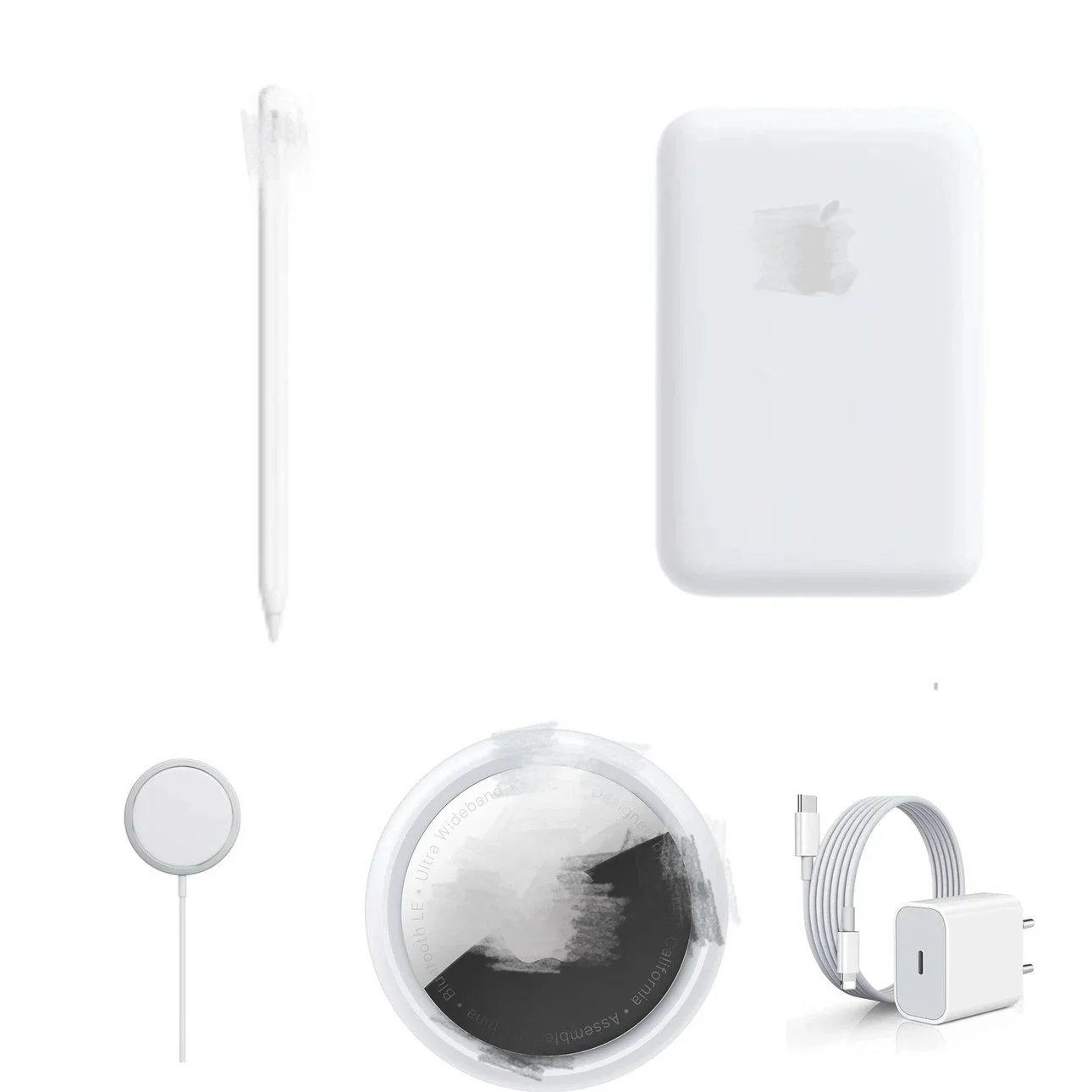
AP Charging and Electronics Accessories Selection | Fishgoo spreadsheet | Sugargoo spreadsheet - 149985

Catalog Item liaoyuan-112403 | Kakobuy spreadsheet | CNShopper spreadsheet - 158182

Black Monogram Flap Backpack | Kakobuy spreadsheet | Lovegobuy spreadsheet | Fansbuy spreadsheet - 149962
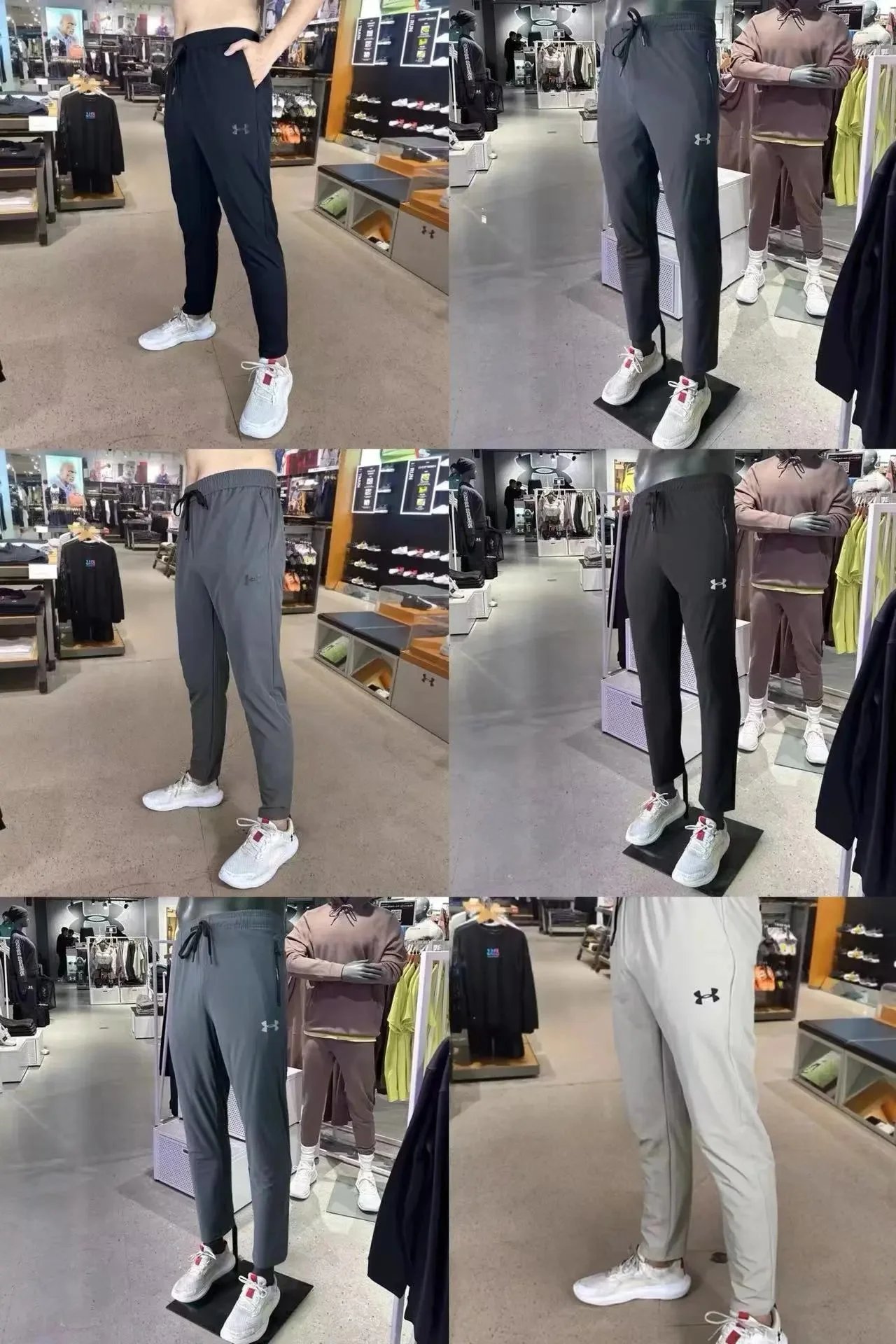
Sweatpants | Oopbuy spreadsheet | Fishgoo spreadsheet | BBDBuy spreadsheet - 138605