Cafans Journal
Stories & FindsThe English CAFANS Guide: Your Complete HubBuy Shopping Handbook
What Is CAFANS and Why Does It Matter for HubBuy Shoppers?
CAFANS is a practical framework that smart online shoppers use to evaluate products before they buy. The acronym stands for Compare, Assess, Filter, Analyze, Negotiate, and Select — six simple steps that turn impulse buying into informed decision-making. When you apply CAFANS to your HubBuy shopping, you get a repeatable method for finding better products, avoiding costly mistakes, and stretching every dollar further. This English CAFANS guide walks you through each stage and shows you how to combine the framework with a HubBuy spreadsheet, a HubBuy guide, verified HubBuy product links, and a solid HubBuy shopping guide mindset.
Step 1: Compare — Start with a HubBuy Spreadsheet
Comparison is the foundation of CAFANS. Before you add anything to your cart, build a HubBuy spreadsheet with columns for product name, price, shipping cost, delivery time, seller rating, warranty, and return policy. List at least three alternatives for every item you plan to buy. A well-structured spreadsheet prevents you from falling for the first attractive listing you see. Add a column for "needs vs. wants" so you can prioritize essentials. Many experienced buyers also keep a running tab of seasonal discounts, coupon codes, and bulk-buy savings, which makes the spreadsheet even more powerful over time.
Step 2: Assess — Read the HubBuy Guide Carefully
Every product category has its own quirks. That is why a reliable HubBuy guide is essential. Assessment means checking specifications against your actual needs: dimensions, materials, power requirements, compatibility, and certifications. Read the full product description, not just the headline. Zoom in on product photos to spot quality issues. Pay attention to verified reviews that mention durability after several months of use. A good HubBuy shopping guide will also remind you to check seller history, response rates, and dispute resolution records. The more thoroughly you assess, the fewer surprises arrive in the mail.
Step 3: Filter — Use Verified HubBuy Product Links
Counterfeit listings and misleading pages are a real risk in any marketplace. Filtering means using only trusted HubBuy product links from official stores, verified sellers, or reputable affiliate sources. Bookmark your favorites and organize them by category inside your spreadsheet. Check that each link points to the correct variant — color, size, voltage, and bundle options often differ between listings that look identical. Filtering also means setting hard limits: a maximum price, a minimum seller rating, and a required return window. When a listing fails any filter, remove it from consideration immediately rather than rationalizing an exception.
Step 4: Analyze — Dig Into the Details
Analysis is where the CAFANS framework goes deeper than ordinary comparison shopping. Calculate the true landed cost by adding shipping, taxes, and any import fees. Compare unit prices when products come in different package sizes. Review the return policy line by line, because restocking fees can erase apparent savings. Look at the seller's historical pricing to see whether a "sale" is genuinely a discount. Cross-check specifications against manufacturer documentation. If the numbers in your spreadsheet do not add up, that is your signal to keep searching rather than settle.
Step 5: Negotiate — Make the Platform Work for You
Negotiation on HubBuy is not always about haggling over price. It can mean stacking coupons, waiting for platform-wide sales events, using cashback programs, or contacting sellers about bundle discounts and combined shipping. Some sellers respond well to polite inquiries about bulk orders or slightly damaged packaging. Set price alerts and be patient — timing often matters more than tactics. Record every negotiation attempt in your spreadsheet so you can learn which approaches actually deliver savings for your favorite categories.
Step 6: Select — Commit with Confidence
Selection is the final step, and it should feel almost automatic if you have done the previous five properly. Choose the option that scores highest across your weighted criteria, not the one with the lowest sticker price. Complete your purchase through verified links, keep screenshots of the listing and the order confirmation, and note the expected delivery window in your spreadsheet. When the package arrives, inspect it promptly and test it within the return period. If something is wrong, act fast and document everything.
Building a Repeatable CAFANS Workflow
The real power of CAFANS comes from repetition. Keep one master spreadsheet with tabs for wish lists, active comparisons, completed purchases, and warranty expiration dates. Maintain a personal shopping guide that lists your favorite sellers, reliable product links, and category-specific checklists. Review your spreadsheet monthly to spot spending patterns and unused items. Over time, you will develop intuition for fair prices and trustworthy listings, making each shopping session faster and safer.
Common Mistakes the CAFANS Guide Helps You Avoid
Buying on emotion, trusting unverified links, ignoring shipping costs, skipping the return policy, and failing to compare alternatives are the five most expensive mistakes in online shopping. The CAFANS sequence forces a pause at each stage, and that pause is where savings are made. Use checklists, set reminders, and never finalize an order without confirming that the product link, seller rating, and price all match what you recorded in your spreadsheet. Whether you are shopping for electronics, home goods, fitness equipment, kitchen tools, or accessories, the English CAFANS guide gives you a clear, disciplined path from browsing to checkout — and a HubBuy shopping guide that keeps working for you long after the first order arrives.
Editor's selection
Popular Products

DS Slippers | Wheebuy spreadsheet | LoongBuy spreadsheet | Lovegobuy spreadsheet - 135724

Accessories | UIDBuy spreadsheet | Fishgoo spreadsheet | Oopbuy spreadsheet - 140922
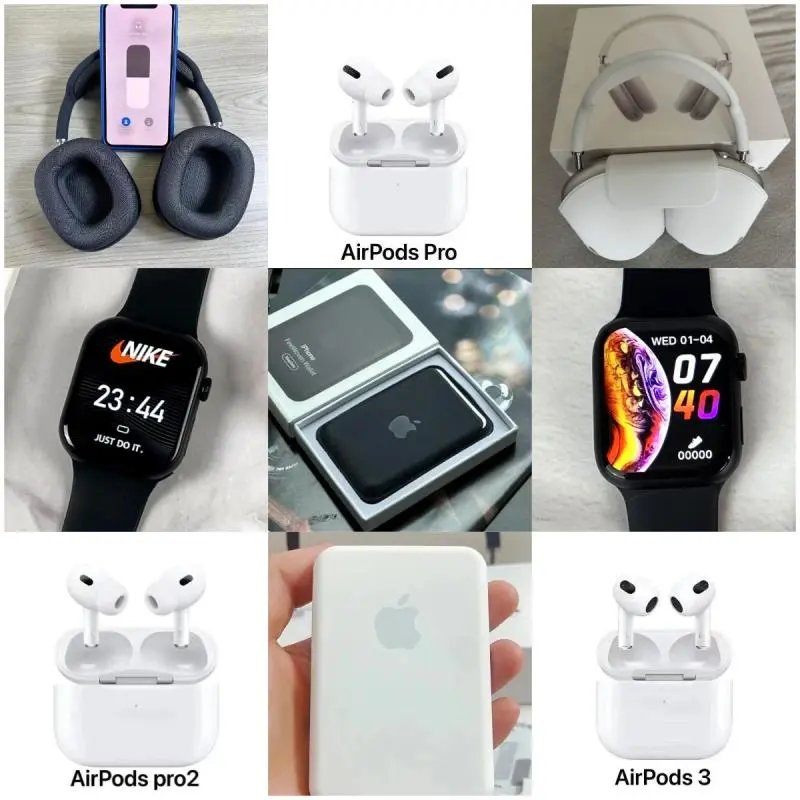
Catalog Item TF25 Digital Electronics | UIDBuy spreadsheet | Fishgoo spreadsheet - 141140
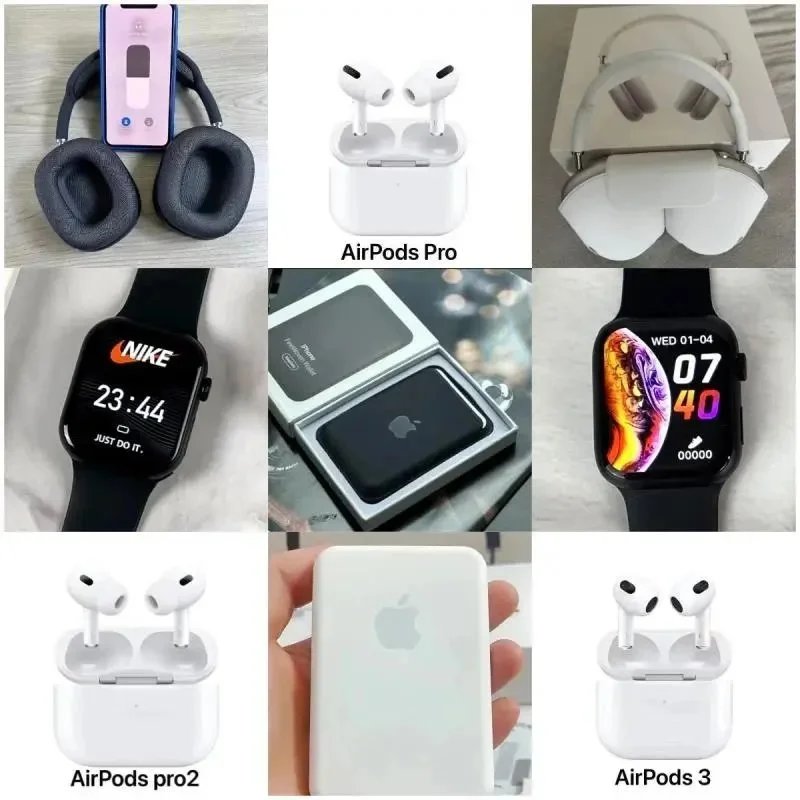
Catalog Item LL55 Digital Electronics | Superbuy spreadsheet | Fishgoo spreadsheet - 138885

Headphones XB22 Headphones and Electronics Selection | LoongBuy spreadsheet | Hubbuycn spreadsheet - 136779
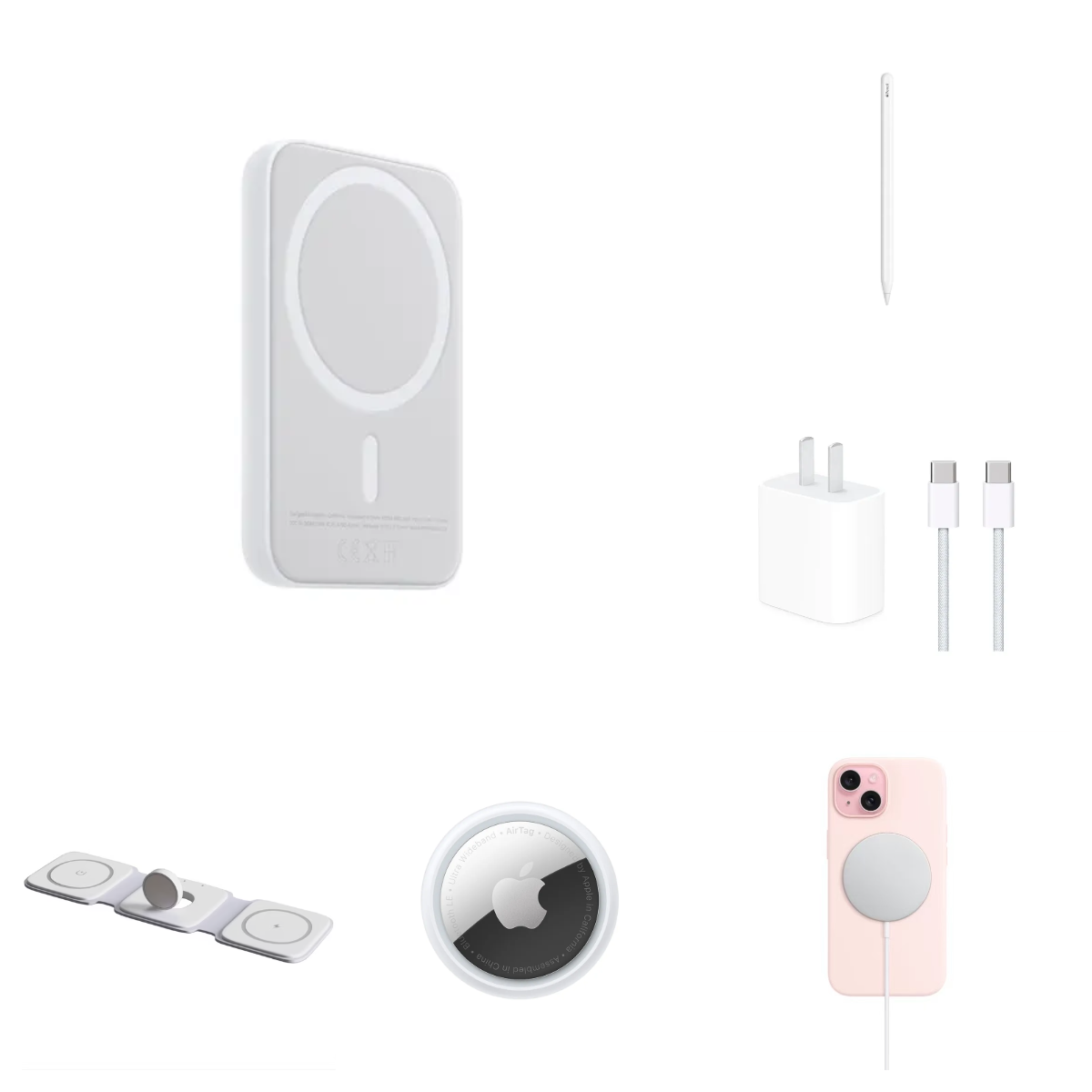
XIAOTEJI Apple-Compatible Chargers and Accessories | Sugargoo spreadsheet | iTaoBuy spreadsheet - 142697
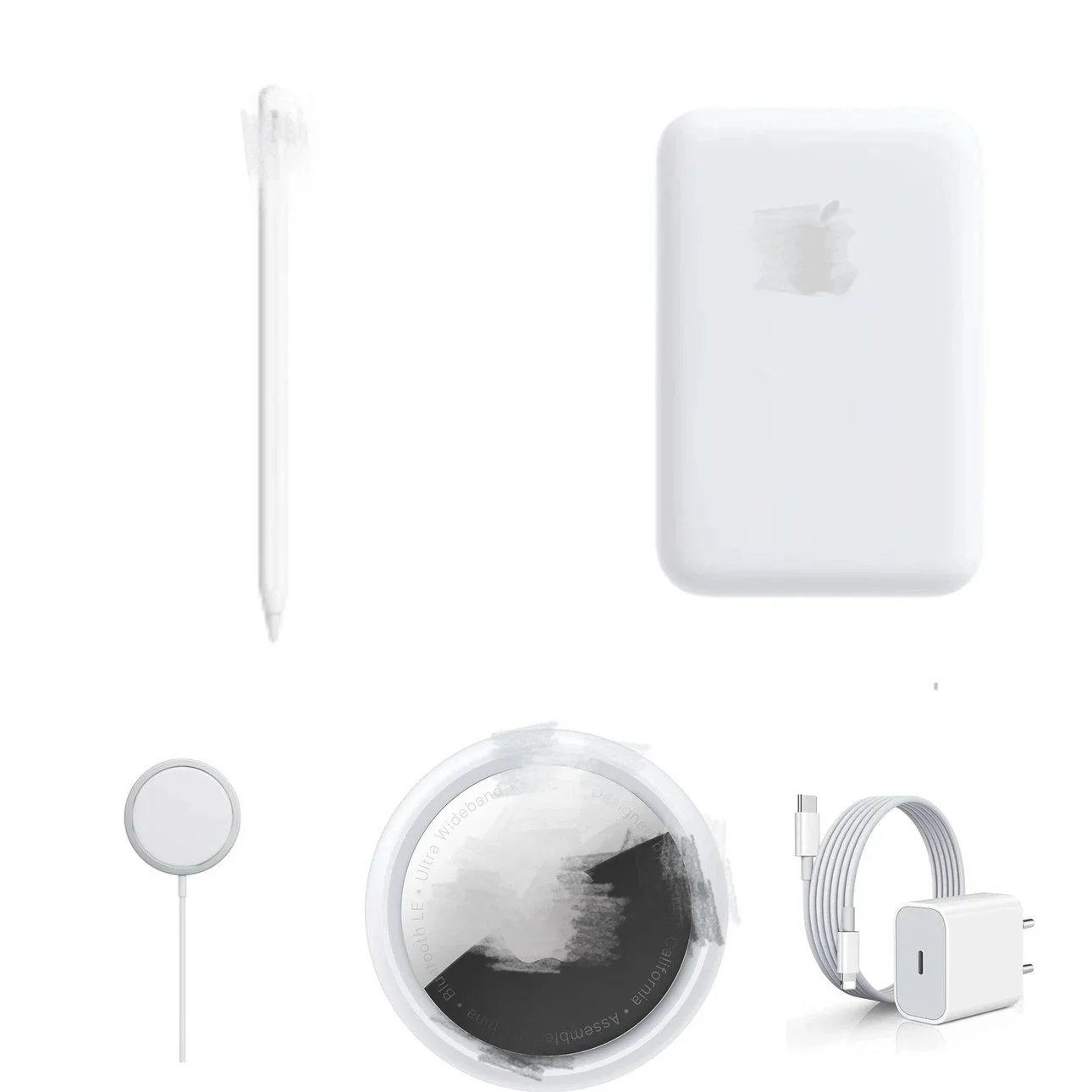
AP Charging and Electronics Accessories Selection | Fishgoo spreadsheet | Sugargoo spreadsheet - 149985
