Cafans Journal
Stories & FindsCAFANS Guide: The CSSBuy Spreadsheet Explained for English Shoppers
If you have spent any time in the replicas community, you have probably heard the acronym CAFANS. It stands for Cheap, Affordable, Fashion, Accessories, Nice, Shoes — though in practice it is used loosely to describe a whole style of budget-friendly agent shopping. This English CAFANS guide focuses on one tool that makes that style practical: the CSSBuy spreadsheet. Whether you are a first-time buyer or a seasoned hauler, understanding how a CSSBuy spreadsheet works will save you time, money, and a lot of guesswork.
What Is the CSSBuy Spreadsheet?
A CSSBuy spreadsheet is a shared, community-maintained list of product links organized by category, price, seller, and sometimes batch quality. Instead of scrolling through endless pages of a marketplace, you open the spreadsheet, filter by what you need, and click directly to the product page. The spreadsheet does not host products itself — it is a curated index that points you to listings on the platform CSSBuy buys from.
Think of it as a shopping directory. Each row typically contains a product name, a thumbnail, a price range, a seller or factory code, a category tag, and a working link. Because it is a spreadsheet, you can sort by price, search by keyword, and compare options side by side. That is the core appeal of the CSSBuy spreadsheet guide concept: transparency and speed.
Why Shoppers Use a CSSBuy Spreadsheet
The main benefit is efficiency. A good CSSBuy shopping guide will tell you what to buy, but a spreadsheet shows you where to buy it, often with multiple alternatives. Other advantages include:
- Price comparison: sort by price to find budget, mid-tier, and premium batches.
- Category browsing: jump straight to shoes, hoodies, bags, or accessories.
- Quality notes: many sheets include community ratings or QC feedback columns.
- Link reliability: dead links are usually flagged or replaced by maintainers.
- Discovery: find niche items you would never stumble on through search alone.
In CAFANS terms, the spreadsheet is the connector between affordable and nice. It helps you avoid overpaying for a basic item while still finding fashion pieces that look good.
How to Read the Columns
Most CSSBuy spreadsheet layouts share a similar structure. Here is what to look for:
- Item name and image: confirm the exact model, colorway, and version.
- Price: usually in CNY or USD; check whether shipping is included or separate.
- Seller / factory code: useful for cross-referencing reviews.
- Category: shoes, outerwear, pants, bags, accessories, electronics, and so on.
- Link: the product link you paste into CSSBuy to place an order.
- Notes / QC: batch info, sizing advice, or known flaws.
When you find an item you like, copy the CSSBuy product link exactly. Do not shorten it or strip parameters — the agent needs the full URL to locate the listing.
Step-by-Step: Using the Spreadsheet with CSSBuy
Follow this simple workflow to turn a spreadsheet row into an order:
- Open the spreadsheet and use filters to narrow down your category and budget.
- Copy the product link from the row you want.
- Paste the link into CSSBuy's search/order bar. The platform will pull up the item details.
- Select size, color, and quantity carefully. Sizing charts matter — check the notes column.
- Add to cart and pay. CSSBuy purchases the item on your behalf.
- Wait for warehouse QC photos. Review them before approving international shipping.
- Consolidate your haul and choose a shipping line that fits your budget and timeline.
This is the practical side of any CSSBuy guide: the spreadsheet accelerates discovery, but the agent handles purchasing, inspection, and shipping.
CAFANS Categories You Will Find
The CAFANS mindset maps neatly onto spreadsheet categories. Expect to see:
- Cheap basics: tees, socks, and simple accessories at low prices.
- Affordable fashion: hoodies, jackets, denim, and knitwear.
- Accessories: belts, hats, jewelry, sunglasses, and phone cases.
- Nice shoes: sneakers, boots, and slides across budget tiers.
Because the sheet is community-driven, popular categories get updated most often. If you are shopping a niche category, check the last updated date and cross-reference with recent reviews.
Tips for Getting the Most Out of the Sheet
Verify links before ordering. Listings disappear; if a link fails, search the seller code instead. Read the notes column. It often contains the difference between a good batch and a bad one. Compare at least three rows before committing — the cheapest option is not always the best value. Join the community. Spreadsheet maintainers and reviewers share updates in chat groups and forums, which is where you will learn about new batches and corrections.
Budget for shipping. A spreadsheet price is only the item cost. International shipping, agent fees, and possible customs charges add up. Use CSSBuy's shipping calculator before you finalize a haul.
Check QC photos carefully. The spreadsheet tells you what to buy; the warehouse photos tell you whether this specific item is acceptable. Look at stitching, logos, measurements, and color accuracy.
Common Mistakes to Avoid
New shoppers often paste a screenshot instead of a link, choose the wrong size, or ignore the seller code. Others buy from a row that has not been updated in months. Treat the spreadsheet as a starting point, not a guarantee. Always confirm details on the live product page, and ask the agent if anything is unclear.
Final Thoughts
The CSSBuy spreadsheet is one of the most useful tools in the CAFANS shopping ecosystem. It turns a sprawling marketplace into a sortable, curated list, making it easier to find cheap basics, affordable fashion, accessories, and nice shoes without wasting hours. Use this CSSBuy spreadsheet guide as your checklist: filter, copy the link, verify the seller, order through CSSBuy, review QC, and ship smart. Do that, and the spreadsheet becomes less of a list and more of a reliable shopping system.
Editor's selection
Popular Products

Outdoor Casual Sneakers | Hipobuy spreadsheet | OOTDBuy spreadsheet | JoyaGoo spreadsheet - 141223

Sneakers B22 B30 Unisex Classic Sneakers | UIDBuy spreadsheet | BBDBuy spreadsheet - 135717

Sneakers 04 Classic Sneakers | LoongBuy spreadsheet | JoyaGoo spreadsheet | USFans spreadsheet - 135678

Sneakers P-0100 Unisex Sneakers | Kakobuy spreadsheet | BBDBuy spreadsheet | MyCNBox spreadsheet - 136114

Graphic Hoodies and Sweatpants Collection LH25 Unisex | Oopbuy spreadsheet | Hipobuy spreadsheet - 140989
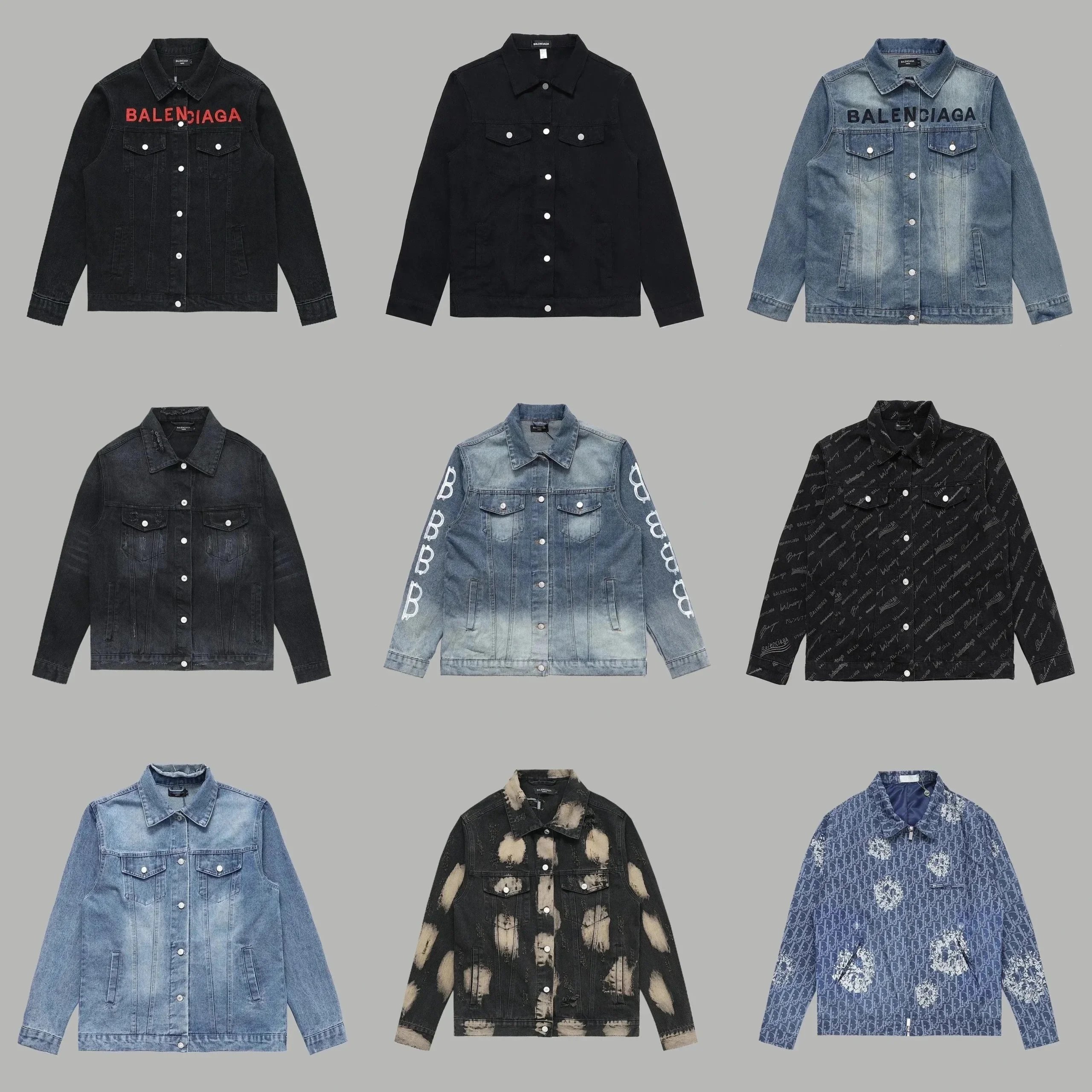
YHH Denim Jacket 002 | LoongBuy spreadsheet | Hubbuycn spreadsheet | OOTDBuy spreadsheet - 138822

Sneakers 2025 Skate Sneakers | MyCNBox spreadsheet | iTaoBuy spreadsheet | USFans spreadsheet - 135965
