Cafans Journal
Stories & FindsFishBuy CAFANS Guide: A Complete 1000-Word Walkthrough
If you've been searching for a reliable English CAFANS guide, this walkthrough covers everything you need to know about using FishBuy as your purchasing platform. Whether you're a first-time buyer or a seasoned shopper looking to streamline your workflow, the tips below will help you navigate the platform with confidence. From understanding the FishBuy spreadsheet to organizing your FishBuy product links, this article breaks the process into practical steps.
What Is FishBuy and Why It Matters
FishBuy is an agent-based shopping platform that lets international buyers purchase items from regional marketplaces and sellers. It acts as a middleman: you submit product links, the platform purchases on your behalf, and then ships the goods to your address. The appeal is access—many popular items are only available through domestic sellers, and FishBuy bridges that gap. Before you start, it helps to know the basic workflow: browse, submit links, confirm orders, consolidate parcels, and arrange shipment. Each stage has its own details, which is why a structured FishBuy guide is so valuable.
Getting Started: Account and Setup
Create your account using a valid email and verify your details. Add a shipping address early so there are no delays at checkout. Set your preferred currency and notification settings; this reduces confusion when prices appear in local currency. New users should also review the platform's service fees and shipping line options. A common mistake is skipping the fee breakdown—understanding costs upfront prevents surprises later. Once your account is ready, you can begin collecting product links from supported marketplaces.
Using the FishBuy Spreadsheet
The FishBuy spreadsheet is one of the most useful tools for organized buyers. It typically contains columns for item name, product link, size, color, quantity, price, and remarks. Copy your chosen FishBuy product links into the sheet, fill in the variant details, and note any seller instructions. The spreadsheet helps you track multiple items, compare prices, and spot missing information before submission. Advanced users maintain a master sheet across hauls, tagging items by category, season, or budget. This makes repeat orders faster and keeps your shopping guide consistent. Always double-check links and variant codes—an incorrect SKU can lead to the wrong item being purchased.
Finding and Submitting Product Links
Collect FishBuy product links directly from marketplace listings. Make sure the link points to the exact variant you want; if not, add clear remarks describing size, color, or model. Submit links in batches to save time, but avoid mixing urgent and non-urgent items in the same batch. Before confirming, review the estimated domestic shipping cost and seller rating. A good FishBuy shopping guide rule: if a seller has poor reviews or unclear listings, find an alternative. Keep your spreadsheet updated as you submit so you always know what's pending, purchased, or shipped.
Order Confirmation and Quality Checks
Once items arrive at the warehouse, review the inspection photos and measurements. FishBuy typically offers optional quality-check services, and using them is wise for fragile or expensive goods. Compare received items against your spreadsheet entries. If something is wrong, request an exchange or return promptly—most platforms have tight windows. This step is where a disciplined shopping guide pays off: clear records make disputes easier to resolve.
Consolidation and Shipping
Consolidation combines multiple parcels into one shipment to reduce cost. Choose a shipping line based on weight, destination, and desired speed. Declare values accurately and review restricted-item policies. Pack fragile items with extra protection, and consider insurance for high-value orders. Track your parcel through the provided number and keep an eye on customs updates. If you plan recurring hauls, note which lines performed well in your spreadsheet for future reference.
Budgeting and Smart Shopping Tips
Set a budget before browsing; it's easy to overspend when links pile up. Use the spreadsheet to total item costs, domestic shipping, service fees, and international shipping. Watch for seasonal sales and coupon events, but verify that discounts are genuine. Build a wishlist and prioritize essentials. For apparel, check size charts carefully and read seller measurements. For electronics, confirm voltage and plug standards. A practical FishBuy shopping guide always includes a buffer for unexpected fees.
Common Mistakes to Avoid
Broken or duplicate links, missing variant details, and unclear remarks are the top causes of order issues. Avoid submitting expired listings. Don't ignore warehouse storage deadlines—late pickup can incur fees. Keep communication concise and reference order numbers. Finally, don't skip the inspection step on high-value items.
Final Checklist
Verify account and address, organize links in the FishBuy spreadsheet, confirm variants, review fees, approve inspections, consolidate smartly, and track shipment. With this English CAFANS guide and consistent use of the FishBuy spreadsheet, your purchasing process becomes predictable, transparent, and cost-effective. Bookmark your favorite FishBuy product links, refine your personal shopping guide over time, and each haul will run smoother than the last.
Editor's selection
Popular Products

Shoes Ph076 Breathable Running Shoes | CSSBuy spreadsheet | LoongBuy spreadsheet - 136150

Men's Casual Shoes | CSSBuy spreadsheet | Kakobuy spreadsheet | Rizzitgo spreadsheet - 135435

Casual Shoes | Kakobuy spreadsheet | Hubbuycn spreadsheet | CNShopper spreadsheet - 136046

DS Slippers | Wheebuy spreadsheet | LoongBuy spreadsheet | Lovegobuy spreadsheet - 135724

Accessories | UIDBuy spreadsheet | Fishgoo spreadsheet | Oopbuy spreadsheet - 140922
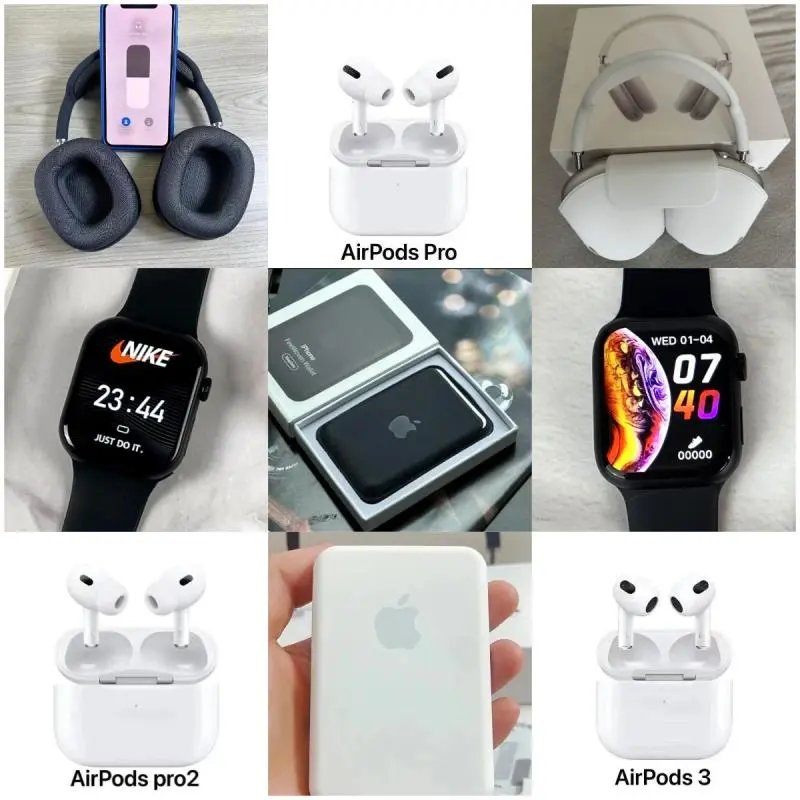
Catalog Item TF25 Digital Electronics | UIDBuy spreadsheet | Fishgoo spreadsheet - 141140
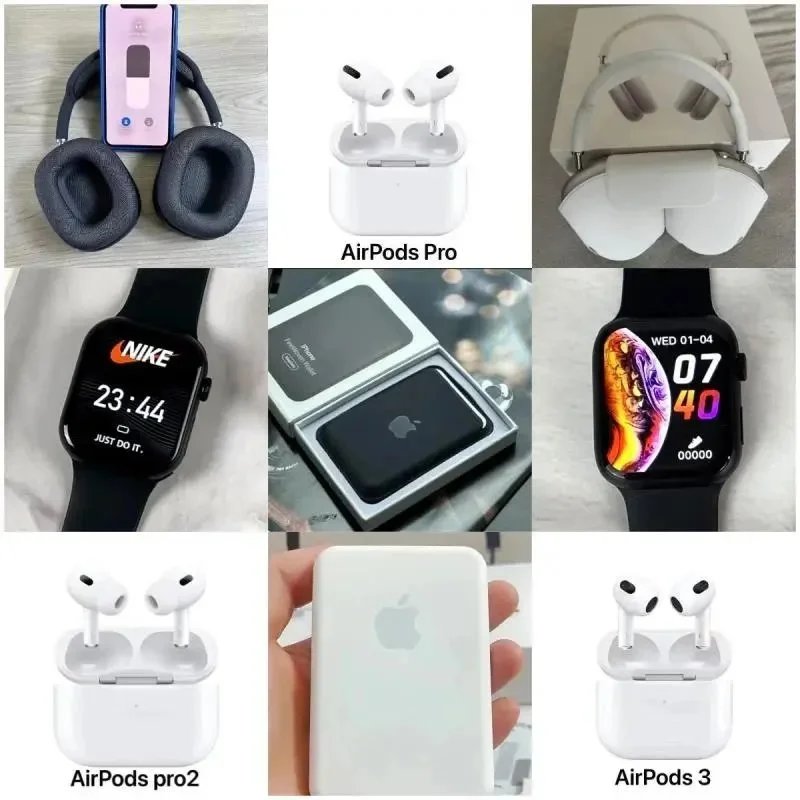
Catalog Item LL55 Digital Electronics | Superbuy spreadsheet | Fishgoo spreadsheet - 138885