Cafans Journal
Stories & FindsCAFANS UIDBuy Guide: The Complete 1000-Word English Handbook for Smart UID Shopping
What Is CAFANS UIDBuy?
CAFANS UIDBuy is a UID-based purchasing framework used by collectors and everyday shoppers to organize, track, and verify orders in the CAFANS ecosystem. This UIDBuy guide explains how the system works, why the UIDBuy spreadsheet matters, and how to use UIDBuy product links safely. Whether you are a first-time buyer or an experienced reseller, mastering UIDBuy (sometimes searched as UID Buy) will save you time and reduce costly mistakes.
The core idea is simple: every item, seller, and order gets a unique identifier (UID). Instead of juggling screenshots and chat logs, you record everything in one structured place. That structure is what turns a chaotic shopping spree into a clean, auditable purchase history.
Why the UIDBuy Spreadsheet Is Essential
The UIDBuy spreadsheet is the backbone of the whole method. A well-built UIDBuy spreadsheet typically includes columns for the UID, product name, category, seller, price, shipping cost, order date, tracking number, QC status, and notes. Because each row is tied to a UID, you can cross-check an item against its product page in seconds.
Benefits of maintaining a UIDBuy spreadsheet:
- Traceability: every purchase maps to a UID and a seller record.
- Budget control: totals update automatically, so you see spend by category.
- Dispute evidence: timestamps, prices, and QC notes are ready if a claim is needed.
- Reordering: favorite sellers and proven items are easy to find again.
Keep your UIDBuy spreadsheet in cloud storage so it syncs across devices. Add a “last updated” field and a simple status dropdown (ordered, shipped, received, returned) to keep the sheet readable as it grows.
Step-by-Step UIDBuy Guide
Step 1: Collect UIDBuy Product Links
Start by gathering UIDBuy product links from official listings, seller catalogs, or community shares. A valid UIDBuy product link should open the exact item page, not a generic storefront. Copy the link and the UID into your spreadsheet immediately — links can change, but the UID usually persists.
Step 2: Verify the Seller and Listing
Before paying, confirm the seller's history, return policy, and response time. Compare the listing photos with the description, and check whether sizes, colors, or bundle options are clearly stated. If a listing looks ambiguous, ask the seller through the platform's official channel and save the reply.
Step 3: Record Everything in the Spreadsheet
Enter the UID, price, shipping fee, and estimated delivery date. Add a short note about what convinced you to buy — for example, “verified reviews” or “recommended by community.” This small habit makes later reviews far more useful.
Step 4: Track Shipping and QC
Update the tracking number as soon as it is issued. When the parcel arrives at a warehouse or agent, log the QC result: measurements, defects, or color accuracy. If something is wrong, the UID and spreadsheet row give you a clean paper trail for a return or exchange.
Step 5: Review and Archive
After delivery, mark the row as “received” and add a one-line verdict. Over time your UIDBuy spreadsheet becomes a personal buying guide — a record of which sellers and categories consistently deliver quality.
UIDBuy Shopping Guide: Practical Tips
Use this UIDBuy shopping guide to avoid common pitfalls:
- Buy the UID, not the hype. A trendy listing without a stable UID is harder to verify later.
- Compare at least three sellers. Prices for the same UID-linked item can vary widely.
- Check shipping weight. Consolidating parcels can cut costs, but only if the spreadsheet tracks weight.
- Set a monthly budget. Use spreadsheet formulas to flag overspending by category.
- Never share payment details outside official channels. Legitimate UIDBuy transactions always leave a platform record.
- Back up your sheet. Export a CSV monthly in case of account issues.
For high-value items, request extra photos and measurements before shipping internationally. For low-value items, a simple QC check is usually enough. The goal is proportionate effort: match the depth of verification to the price and risk.
Common Mistakes to Avoid
New users often paste UIDBuy product links into chat without recording them, then lose track when a listing is updated. Others skip the UIDBuy spreadsheet entirely and rely on memory, which breaks down after a dozen orders. A third common error is ignoring currency conversion and import fees, which can add 10–20% to the final cost. Build these fields into your sheet from day one.
Finally, avoid mixing personal and resale orders in one sheet. Create separate tabs or files so that tax records and customer orders stay clean.
Building a Long-Term UIDBuy Workflow
Once you are comfortable with the basics, automate what you can. Use spreadsheet formulas to calculate totals, conditional formatting to highlight overdue shipments, and filters to sort by seller or category. Share a read-only version of your UIDBuy spreadsheet with a shopping partner so both of you can coordinate on combined shipping.
Treat your UIDBuy guide as a living document. Update it whenever you learn a new trick — a faster QC method, a reliable seller, or a better way to organize links. The compound effect of small improvements is what separates casual buyers from efficient ones.
Final Thoughts
CAFANS UIDBuy works best when it is systematic: collect UIDBuy product links, verify sellers, record everything in the UIDBuy spreadsheet, and review after delivery. Follow this UIDBuy guide and the UIDBuy shopping guide above, and you will shop with more confidence, less waste, and a clear record of every purchase. Start small, stay consistent, and let your spreadsheet do the remembering.
Editor's selection
Popular Products
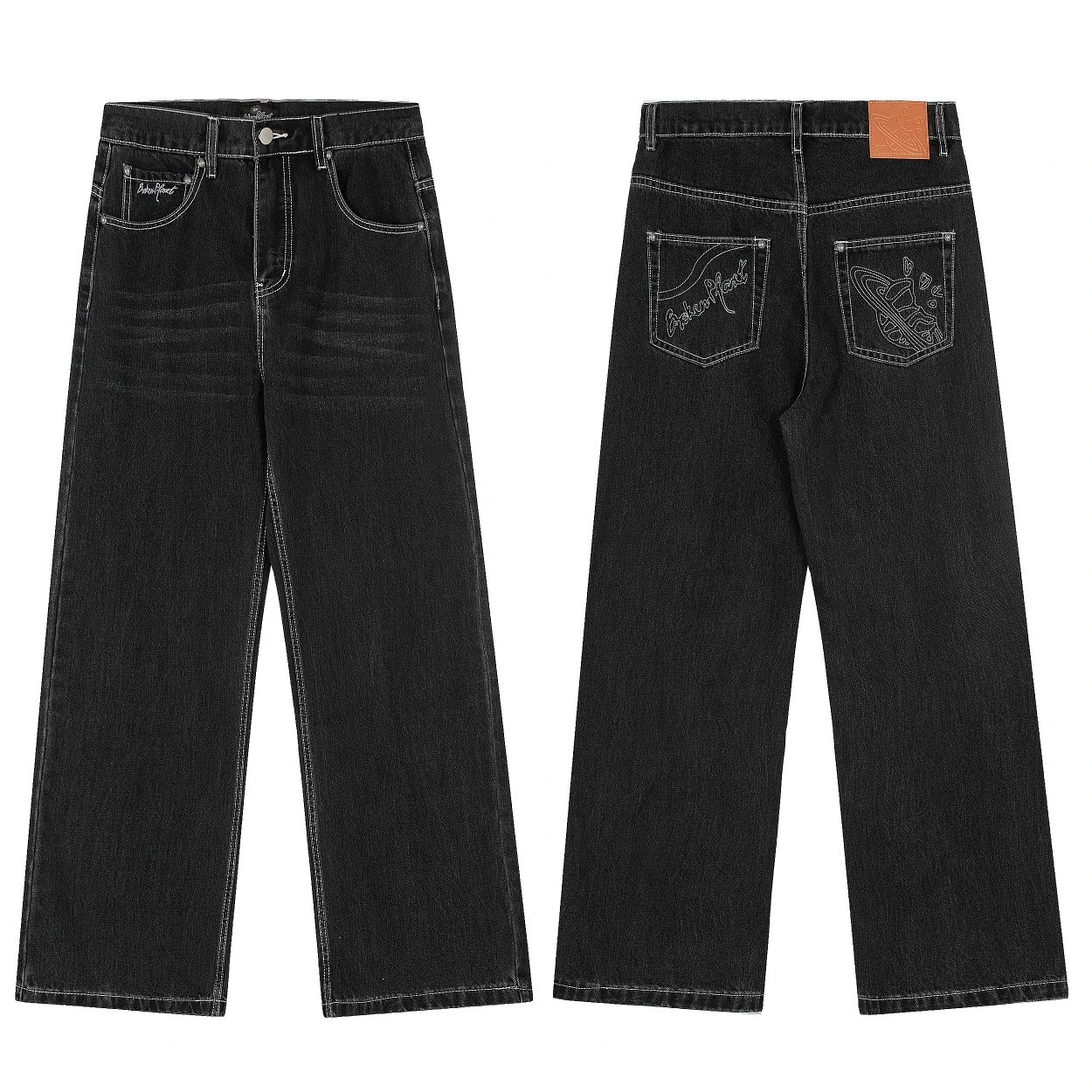
Black Cross-Embroidered Jeans BP-J007 | JoyaGoo spreadsheet | USFans spreadsheet - 151013
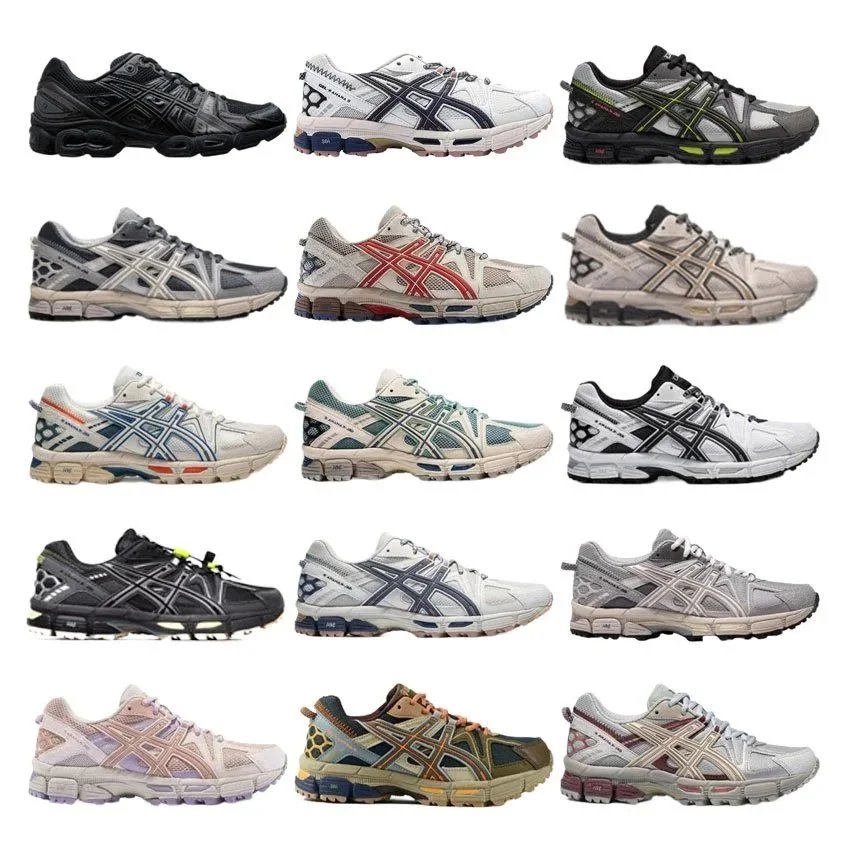
Sneakers As1cs Gel-Kahana 8 Sneakers | USFans spreadsheet | Wheebuy spreadsheet | UIDBuy spreadsheet - 135632
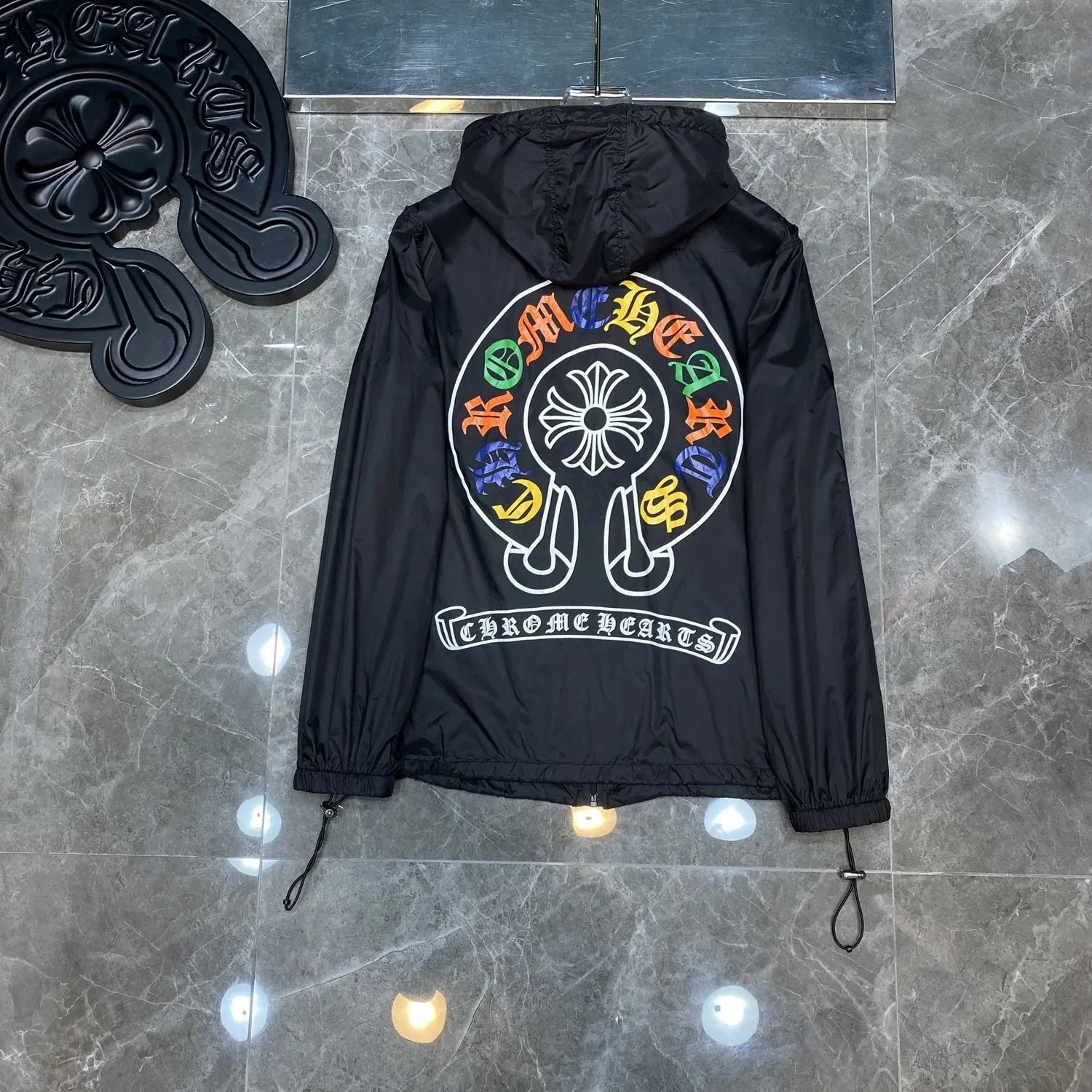
Jacket N8288 Black Graphic Hooded Jacket | Fishgoo spreadsheet | Kakobuy spreadsheet - 148854
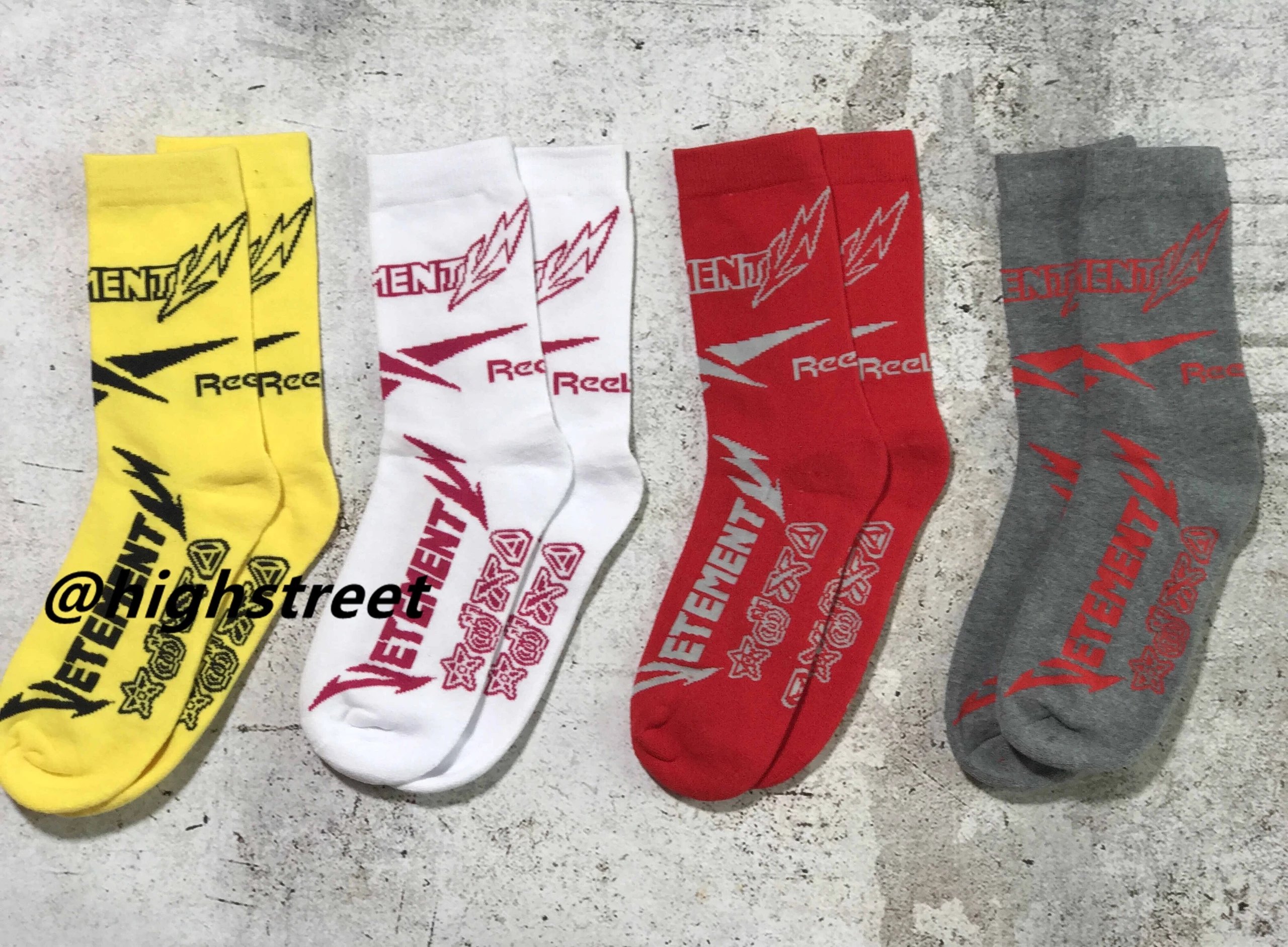
Socks | CNShopper spreadsheet | Rizzitgo spreadsheet | CSSBuy spreadsheet - 154683
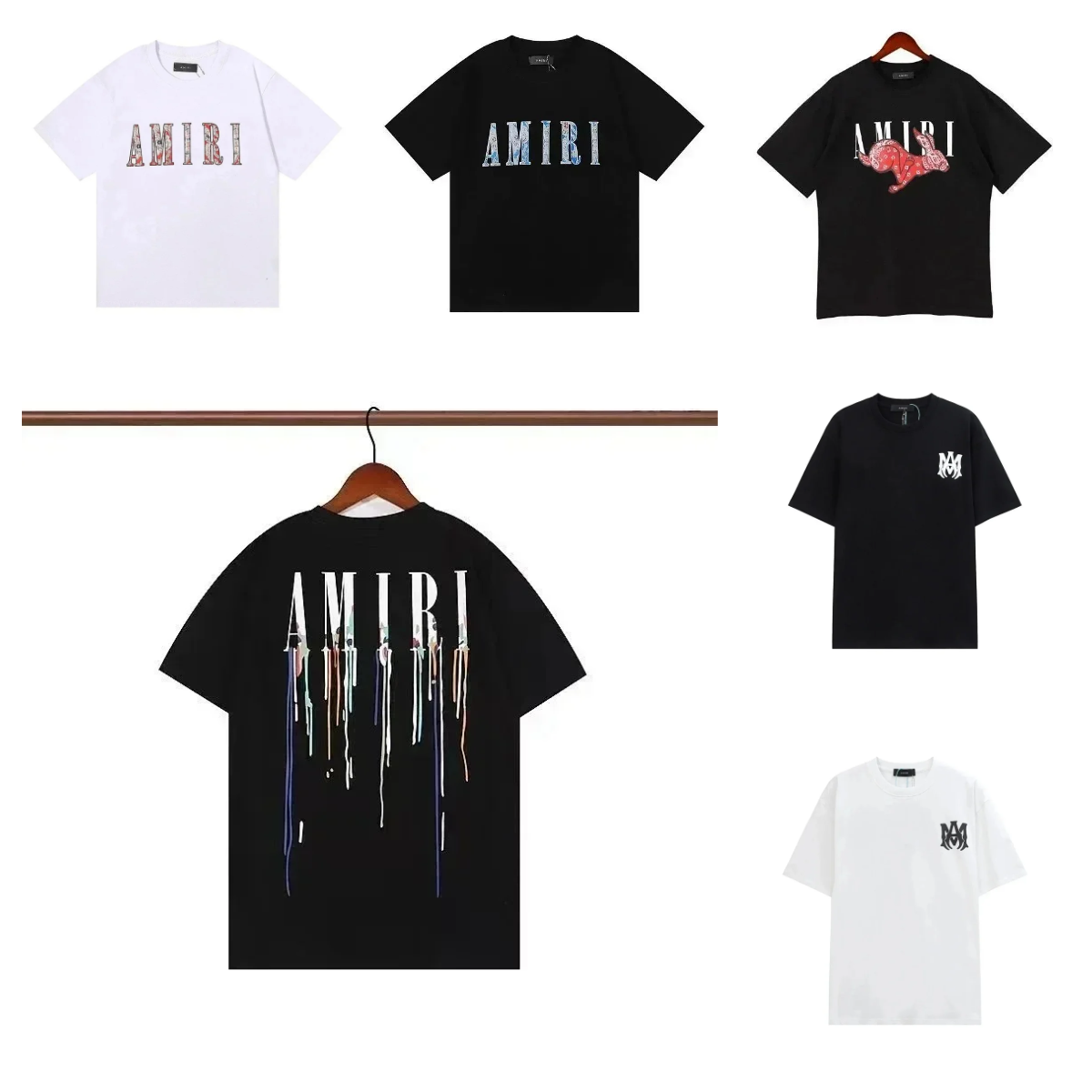
XJXPCS Everyday T-Shirt - 05 - 166465

R a lph's Down Jacket | OOTDBuy spreadsheet | MyCNBox spreadsheet - 157347
Palm Angels Hoodie | Kakobuy spreadsheet | Fishgoo spreadsheet | CNShopper spreadsheet - 158228