Cafans Journal
Stories & FindsACBuy Guide: The Complete English CAFANS Shopping Handbook
If you have been searching for a reliable ACBuy guide, this English CAFANS handbook walks you through everything from your first visit to your final order confirmation. ACBuy has grown into one of the most talked-about shopping platforms for buyers who want access to a wide catalog of goods, transparent product information, and a smooth purchasing flow. Whether you are a first-time shopper or someone refining an existing routine, this guide explains how the platform works, how to use the ACBuy spreadsheet, how to handle ACBuy product links, and how to plan purchases with a practical ACBuy shopping guide mindset.
What Is ACBuy?
ACBuy is an online shopping service that connects buyers with products across categories such as apparel, footwear, accessories, home items, electronics accessories, bags, and lifestyle goods. The platform is designed around a straightforward idea: browse a catalog, save items you like, and submit orders through a structured process. Many shoppers pair ACBuy with community resources like the CAFANS community, where users exchange tips, share finds, and discuss quality expectations. The result is a buying experience that rewards preparation, careful reading, and organized order planning.
ACBuy is not a single-brand store; it is an aggregation-style platform. That means the catalog changes frequently, and product details can vary between listings. A good ACBuy guide therefore needs to emphasize verification: check descriptions, review photos, compare options, and confirm sizes before ordering.
Getting Started: Step by Step
Your first step is to create an account and complete your profile, including shipping details. Next, browse the catalog using search terms, category filters, and curated lists. When you find something interesting, save it to your cart or wishlist. Before checkout, review the product page carefully: material, measurements, color options, and any notes about availability.
Once your cart is ready, confirm the items, choose your shipping preferences, and complete payment. After ordering, track the progress through your account dashboard. Keep records of order numbers and screenshots of listings; this habit makes follow-up much easier if you need support. A well-structured ACBuy shopping guide always recommends documenting your orders from day one.
Using the ACBuy Spreadsheet
The ACBuy spreadsheet is one of the most useful tools for organized shoppers. Community members often maintain spreadsheets that list product names, categories, prices, available sizes, and reference links. A spreadsheet helps you compare multiple options side by side, track price changes, and avoid duplicate purchases.
To get the most from a spreadsheet:
- Sort by category so you can plan a coherent order.
- Add your own notes column for fit, color, and priority.
- Update the sheet after each order to reflect what you bought.
- Cross-check spreadsheet entries against the live product page before purchasing.
Spreadsheets are also useful for group buys or shared orders, because everyone can see the same list. Treat any public spreadsheet as a starting point, not a guarantee; listings and prices can change.
Working with ACBuy Product Links
ACBuy product links are the direct URLs that point to specific listings. Sharing and saving links is common in the CAFANS community, where users post finds and recommendations. When you receive a product link, open it in a fresh browser tab, verify the seller and listing details, and check whether the item is still in stock.
Best practices for product links:
- Save links in a dedicated folder or note so you do not lose them.
- Compare the linked listing with similar items to judge value.
- Take a screenshot of the listing in case it changes later.
- Read the description fully, including measurement charts and material notes.
Product links are convenient, but they are not endorsements. Always apply your own judgment before adding an item to your cart.
Reading Listings Like a Pro
Product pages contain the details that determine whether you will be satisfied. Focus on measurements rather than generic size labels, because sizing can vary between listings. Look for clear photos from multiple angles, and read the material description carefully. If a listing lacks detail, consider an alternative or ask the community for feedback.
Pay attention to color names, available variants, and any notes about production time. Understanding these details reduces the risk of disappointment and makes your order more predictable.
Budgeting and Order Planning
A practical ACBuy guide should include money management. Set a budget before browsing, and separate essentials from optional extras. Use the spreadsheet to estimate totals, including shipping and any service fees. Group items into a single order when it makes sense, but avoid rushing to hit a threshold if the items are not what you actually need.
Track spending over time. Many experienced shoppers keep a simple monthly summary of orders, which helps them evaluate value and avoid impulse purchases.
Shipping, Tracking, and Support
After checkout, monitor your order status through your account. Shipping timelines depend on the items and destination, so plan ahead for time-sensitive purchases. Keep tracking numbers accessible and check for updates regularly.
If an issue arises, contact support with clear details: order number, product link, screenshots, and a concise description of the problem. Polite, specific messages tend to get faster and more useful responses.
Common Mistakes to Avoid
- Ordering without checking measurements.
- Assuming a product link guarantees current stock or price.
- Ignoring spreadsheet updates and duplicating purchases.
- Skipping screenshots of listings before ordering.
- Browsing without a budget or a plan.
Final Thoughts
ACBuy works best for shoppers who stay organized. Use this ACBuy guide as your foundation, lean on the ACBuy spreadsheet for planning, handle ACBuy product links with care, and follow a disciplined ACBuy shopping guide approach from browsing to tracking. With a little preparation, the CAFANS community and ACBuy platform can make your shopping more efficient and more enjoyable.
Editor's selection
Popular Products

Shoes Ph076 Breathable Running Shoes | CSSBuy spreadsheet | LoongBuy spreadsheet - 136150

Men's Casual Shoes | CSSBuy spreadsheet | Kakobuy spreadsheet | Rizzitgo spreadsheet - 135435

Casual Shoes | Kakobuy spreadsheet | Hubbuycn spreadsheet | CNShopper spreadsheet - 136046

DS Slippers | Wheebuy spreadsheet | LoongBuy spreadsheet | Lovegobuy spreadsheet - 135724

Accessories | UIDBuy spreadsheet | Fishgoo spreadsheet | Oopbuy spreadsheet - 140922
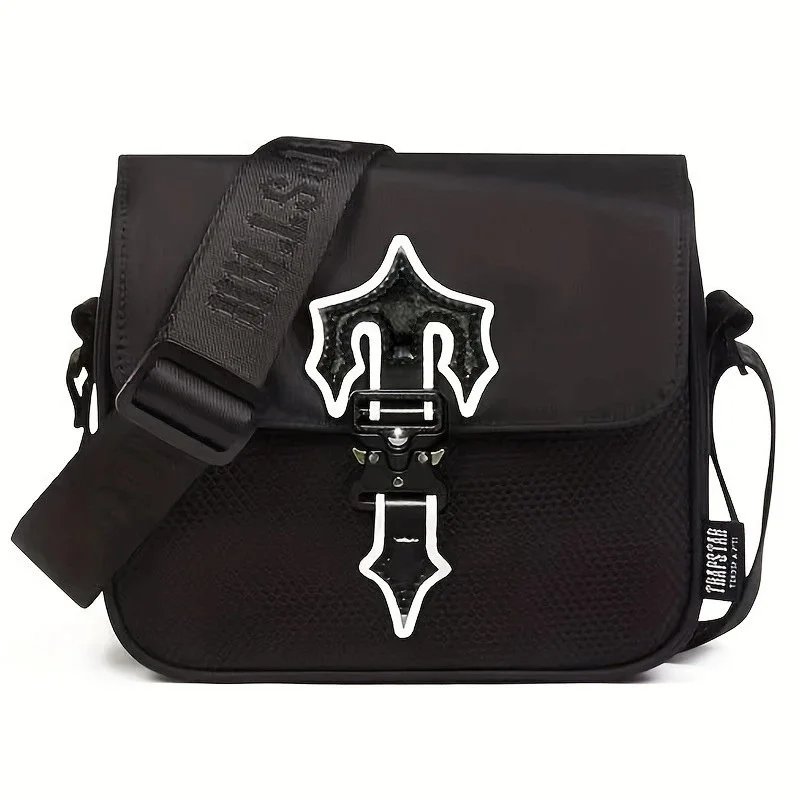
Trpstar Bags | LoongBuy spreadsheet | OOTDBuy spreadsheet | BBDBuy spreadsheet - 136524

Socks SP2.0 and 3XL Footwear Selection | Kakobuy spreadsheet | iTaoBuy spreadsheet - 152125