Cafans Journal
Stories & FindsHubBuy CAFANS Guide: A Complete Shopping Companion
If you have been searching for a clear, practical English CAFANS guide built around HubBuy, this article walks you through everything you need. Whether you are a first-time visitor or a returning shopper, understanding how the platform works will save you time, money, and frustration. Below we cover the essentials, explain how to use a HubBuy spreadsheet, and share tips that make every HubBuy shopping guide easier to follow.
What Is HubBuy?
HubBuy is an online shopping destination that connects buyers with a wide range of products through a single, easy-to-navigate interface. Instead of jumping between dozens of stores, you can browse categories, compare listings, and complete a purchase in one place. The platform focuses on convenience: clear product pages, straightforward pricing, and a checkout flow that does not require advanced technical knowledge.
For newcomers, the key is to treat HubBuy like any reputable marketplace. Check seller information, read the return policy, and confirm shipping details before you pay. That simple routine prevents most common problems.
Why People Use a HubBuy Spreadsheet
One of the most useful habits among experienced shoppers is maintaining a HubBuy spreadsheet. This is simply a personal tracking file — a document where you record product names, prices, seller ratings, delivery estimates, and links. A HubBuy spreadsheet turns scattered browsing into an organized shortlist. It also helps you spot price changes over time and avoid duplicate purchases.
To build one, create columns for the product, category, listed price, shipping cost, seller rating, and the date you checked. Add a notes column for size, color, or compatibility details. When you revisit the platform weeks later, your HubBuy spreadsheet becomes a reliable reference rather than a memory test.
How to Follow a HubBuy Guide
Any good HubBuy guide should answer three questions: what to buy, where to find it, and how to verify quality. Start with the category you need — electronics, home goods, fashion, or accessories. Use filters to narrow results by price range and rating. Then open several listings and compare specifications side by side. A well-structured HubBuy guide always encourages comparison before commitment.
Pay attention to product descriptions, customer reviews, and photos submitted by real buyers. Reviews that mention packaging, delivery time, and after-sales support are often more informative than star ratings alone. If a listing has very few reviews, treat it cautiously and check whether the seller has a track record.
Using HubBuy Product Links Effectively
HubBuy product links are the fastest way to return to an item you have already reviewed. Save them in your spreadsheet or a bookmarks folder, and label each link clearly. A link alone is not enough, however — pair it with the price you saw and the date. Prices and availability change, so an old link may lead to a sold-out page or a different variant.
When sharing HubBuy product links with friends or family, add a short note about why you recommend the item. This makes gift planning and group buying much simpler. Avoid sharing links without context, since the recipient may not know which size, color, or model you meant.
Building a Smarter HubBuy Shopping Guide
A personal HubBuy shopping guide is more than a wish list. It is a decision framework. Divide it into three sections: needs, wants, and watchlist. Needs are essentials you must buy this month. Wants are items you would like if the price is right. The watchlist holds products you are monitoring for discounts or restocks.
Add a budget line for each section and update it weekly. This discipline keeps impulse purchases in check and makes your HubBuy shopping guide genuinely useful. Many shoppers also note seasonal events, since promotions often cluster around holidays and clearance periods.
30 Related Terms You Will Encounter
As you explore the platform, you will meet a familiar vocabulary. Here are thirty related terms used naturally throughout this guide and across the site: marketplace, seller, listing, product page, category, filter, price range, rating, review, customer feedback, specification, variant, size chart, color option, stock status, restock, discount, coupon, promotion, clearance, shipping cost, delivery estimate, tracking number, return policy, refund, exchange, warranty, after-sales support, checkout, and cart. Understanding these terms makes every HubBuy shopping guide easier to apply in practice.
Common Mistakes to Avoid
The first mistake is buying without checking the return window. The second is ignoring shipping costs, which can change the total price significantly. The third is trusting a single review. The fourth is failing to record what you bought — which is exactly why a HubBuy spreadsheet matters. Finally, avoid paying outside the platform’s official checkout, since that removes buyer protection.
Final Thoughts
HubBuy rewards prepared shoppers. Keep a HubBuy spreadsheet, follow a structured HubBuy guide, save HubBuy product links with context, and maintain a personal HubBuy shopping guide with clear budgets. Do that, and the platform becomes a reliable, efficient way to shop — not a source of guesswork. Start small, compare carefully, and let organization do the heavy lifting.
Editor's selection
Popular Products
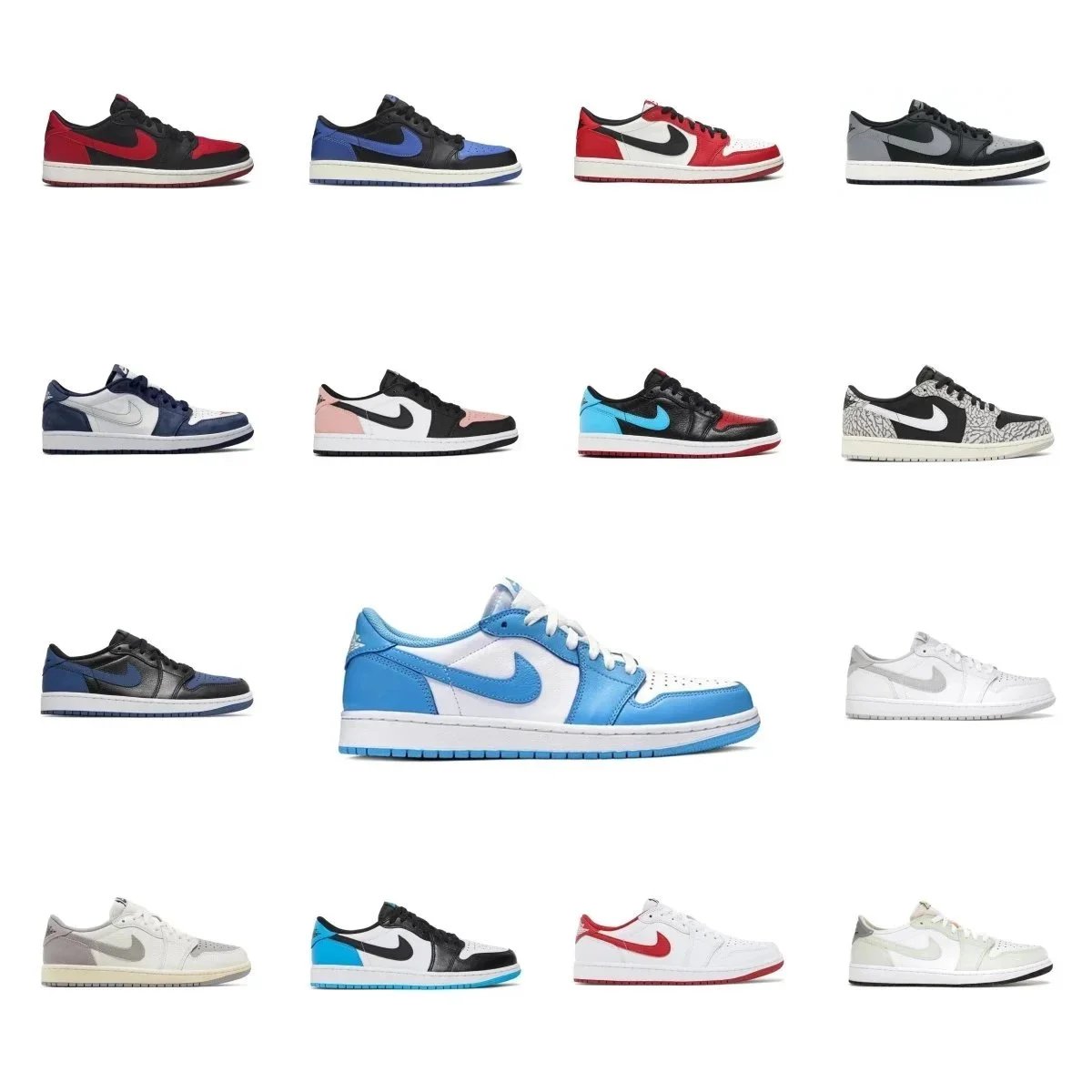
Sneakers OG 1 Low Sneakers | Rizzitgo spreadsheet | MyCNBox spreadsheet | LoongBuy spreadsheet - 135708

Men's Casual Shoes | CSSBuy spreadsheet | Kakobuy spreadsheet | Rizzitgo spreadsheet - 135435

Casual Shoes | Kakobuy spreadsheet | Hubbuycn spreadsheet | CNShopper spreadsheet - 136046

DS Slippers | Wheebuy spreadsheet | LoongBuy spreadsheet | Lovegobuy spreadsheet - 135724

Accessories | UIDBuy spreadsheet | Fishgoo spreadsheet | Oopbuy spreadsheet - 140922
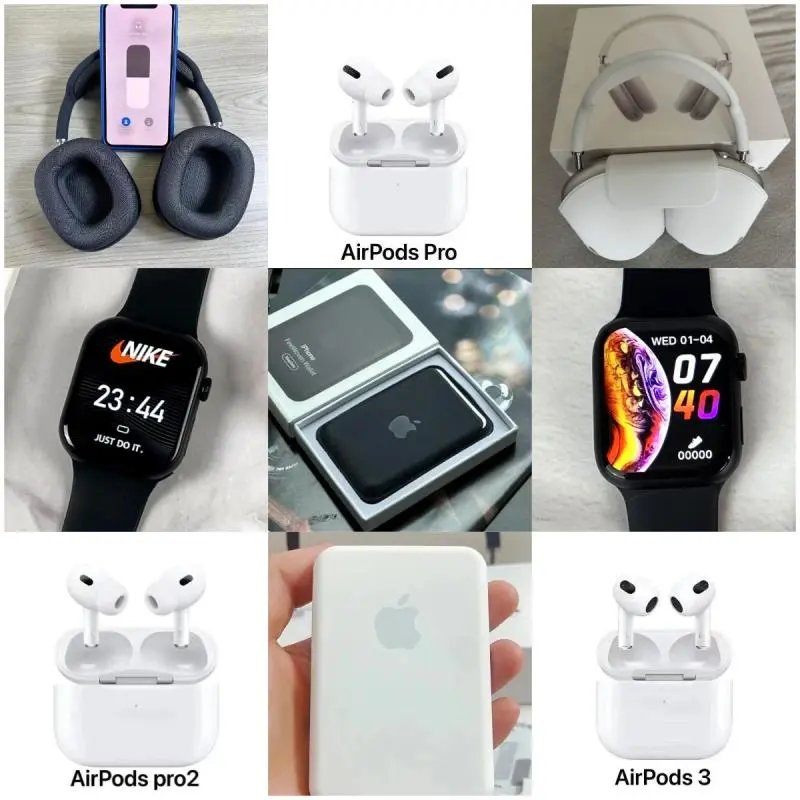
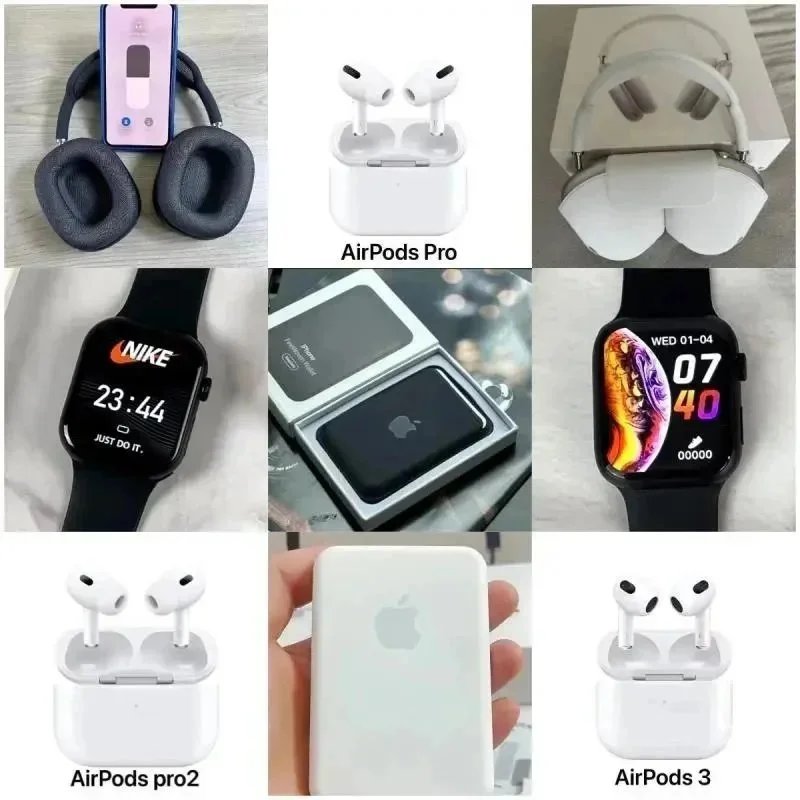
Catalog Item TF25 Digital Electronics | UIDBuy spreadsheet | Fishgoo spreadsheet - 141140
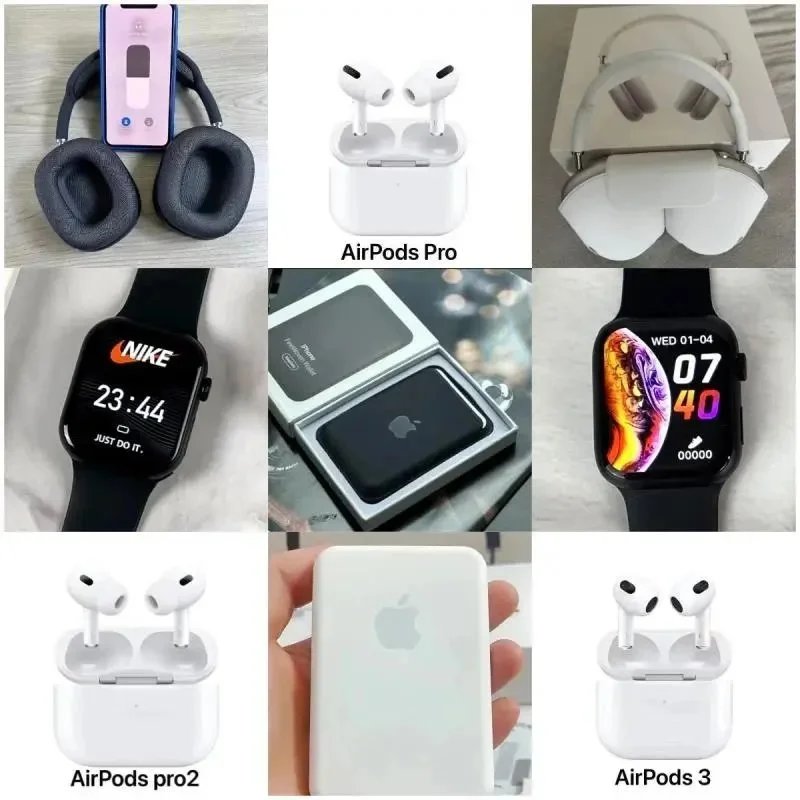
Catalog Item LL55 Digital Electronics | Superbuy spreadsheet | Fishgoo spreadsheet - 138885