Cafans Journal
Stories & FindsESGOBuy CAFANS Guide: The Complete 2025 Shopping Companion
ESGOBuy CAFANS Guide: The Complete 2025 Shopping Companion
Welcome to the most practical CAFANS guide built around ESGOBuy, the platform thousands of shoppers now use to source everyday essentials, trending gadgets, and budget-friendly finds. Whether you are a first-time buyer or a seasoned reseller, this 1000-word walkthrough explains how the platform works, how to use the ESGOBuy spreadsheet, how to read product links, and how to shop safely and smartly.
What Is ESGOBuy?
ESGOBuy is an online shopping and sourcing service that connects buyers with a wide catalog of consumer goods. The model is simple: you browse a catalog, copy a product link, place an order through the platform, and receive consolidated shipping. For shoppers outside the main manufacturing regions, ESGOBuy acts as a bridge — handling purchasing, quality checks, and international delivery.
If you are new to the ecosystem, treat ESGOBuy as your main hub, then use the supporting tools — the spreadsheet, the product links, and this guide — to make better decisions. That is the core idea behind the CAFANS method: Catalog, Assess, Filter, Assemble, Navigate, Ship.
The CAFANS Method Explained
Catalog: Start by browsing categories such as phone accessories, home organization, kitchen tools, pet supplies, stationery, LED lighting, fitness gear, and seasonal decorations. Save anything interesting before you start comparing.
Assess: Check product descriptions, seller ratings, order history, and real buyer photos. Look at material specs, dimensions, and warranty notes. Avoid listings with vague titles or stock images only.
Filter: Use the ESGOBuy spreadsheet to shortlist items. The spreadsheet is a community-maintained tracking file that lists product names, categories, approximate weights, reference prices, and quality notes. It helps you compare 50 items in minutes instead of hours.
Assemble: Group your picks into a single order or haul. Consolidation saves on shipping and reduces handling risk. Keep a wishlist for items you may add later.
Navigate: Learn how ESGOBuy product links work. Each link points to a specific item page with variant options like color, size, and bundle. Always open the link in a fresh tab, confirm the variant, and screenshot the listing before ordering.
Ship: Choose a shipping line that matches your budget and timeline. Compare economy, standard, and express options, and track your parcel through the platform dashboard.
How to Use the ESGOBuy Spreadsheet
The ESGOBuy spreadsheet is the single most useful tool for serious shoppers. Here is a simple workflow:
- Download or copy the latest version of the sheet from the community hub.
- Filter by category — for example, "kitchen gadgets" or "wireless earbuds" — to narrow the list.
- Read the notes column, which usually flags quality issues, sizing quirks, or shipping weight.
- Cross-check the product link in the sheet against the live listing to confirm the price is current.
- Add your own rows for new finds, and share corrections so the sheet stays accurate.
Never treat the spreadsheet as gospel. Prices and stock change quickly. Use it as a starting point, then verify everything on the product page.
Reading ESGOBuy Product Links
An ESGOBuy product link typically includes the item ID, variant parameters, and sometimes a referral or campaign code. Before you buy:
- Confirm the item ID matches the spreadsheet entry.
- Check that the selected variant (color, size, plug type) is correct.
- Look for bundle deals — often two-packs or accessory kits offer better value.
- Avoid shortened or forwarded links from unknown sources; always use the official domain.
Bookmark your favorite links in a folder so you can revisit them during sales events.
The ESGOBuy Shopping Guide: Practical Tips
This ESGOBuy shopping guide section covers the habits that separate happy buyers from frustrated ones:
- Set a budget before browsing. Haul shopping is addictive.
- Buy samples first for resale items; test quality before bulk orders.
- Read return policies carefully — some categories have limited returns.
- Track shipping weight in the spreadsheet; heavy items erase savings.
- Order early before peak seasons like holidays, when lines slow down.
- Keep records of order numbers, screenshots, and chat logs for disputes.
Popular Categories to Explore
Shoppers commonly browse phone cases, charging cables, desk organizers, storage boxes, kitchen utensils, pet toys, LED strips, yoga mats, notebooks, and holiday decorations. These categories are well represented in the spreadsheet, making them easy to compare. Always check material safety for items that touch food or skin.
Common Mistakes to Avoid
Do not trust listings with only rendered images. Do not ignore weight estimates. Do not assume all variants share the same quality. Do not skip the spreadsheet because it looks outdated — verify it instead. And do not share personal or payment details outside the official checkout.
Final Thoughts
ESGOBuy works best when you combine the platform with the community spreadsheet, careful link checking, and a disciplined shopping routine. Follow the CAFANS method, keep this guide handy, and you will get more value from every order. Start small, verify often, and scale up only when you are confident.
Editor's selection
Popular Products

ERD Rose Motif Bracelet - 161323

Sport Sneakers - T23 - 162796
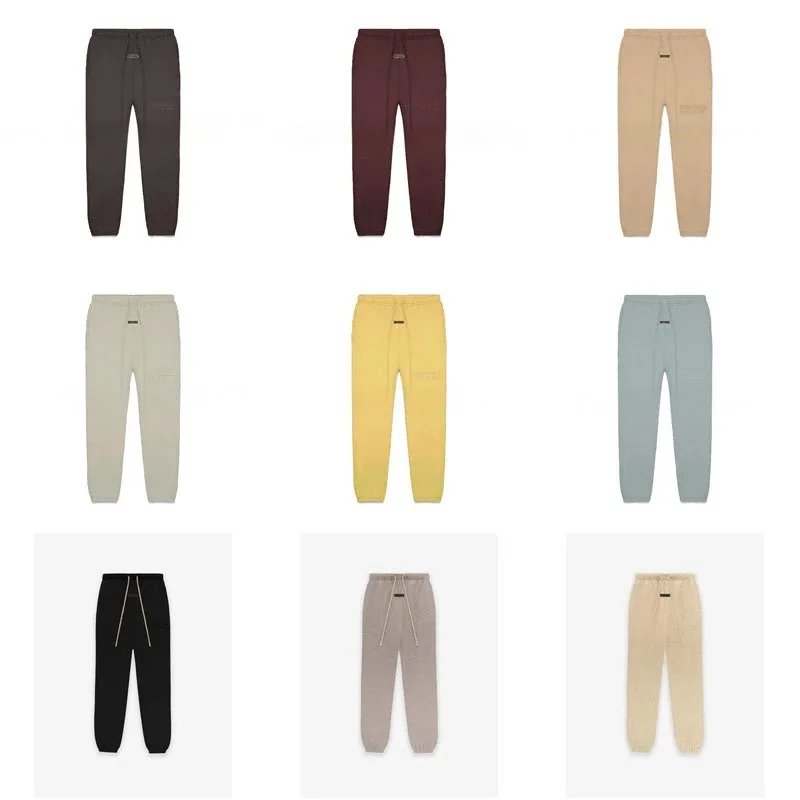
Essen*tials PANTS - Clothing - 165490

D!R0 Star bee pearl necklace | Hipobuy spreadsheet | Hubbuycn spreadsheet | CSSBuy spreadsheet - 153054
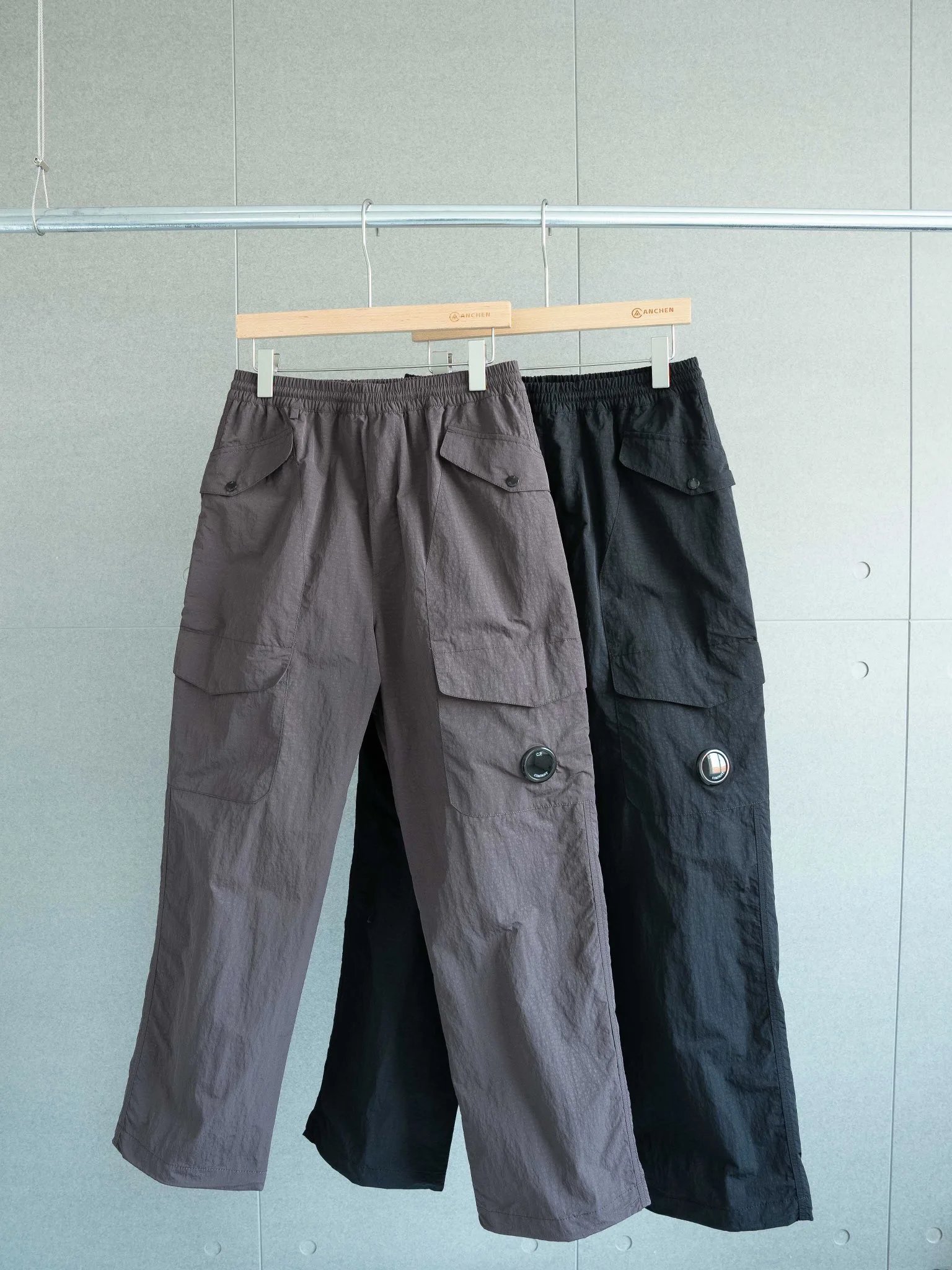
Cargo Pants - 0401013 | CNShopper spreadsheet | Rizzitgo spreadsheet | Oopbuy spreadsheet - 157522

Crossbody Bag P520A-M82918-2 Orange Embossed Crossbody | Wheebuy spreadsheet | Superbuy spreadsheet - 150086
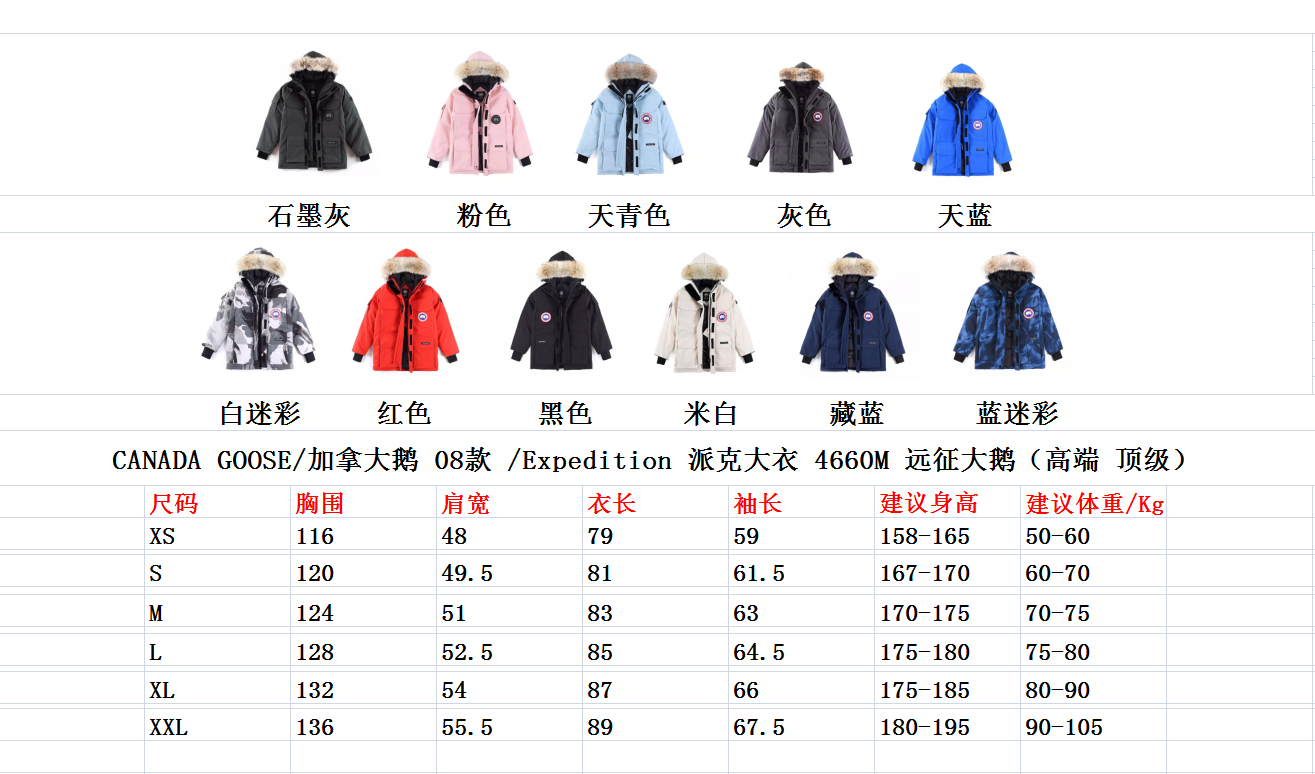
Women's Puffer Jacket Selection - 0811002 | Fishgoo spreadsheet | BBDBuy spreadsheet - 144463