Cafans Journal
Stories & FindsVigorBuy CAFANS Guide: A Complete English Shopping Walkthrough
Welcome to the English CAFANS guide for VigorBuy. If you have heard about CAFANS but are not sure how it fits into the VigorBuy shopping experience, this walkthrough explains the essentials in plain English. The goal is simple: help you understand the platform, plan your purchases, and use supporting tools such as the VigorBuy spreadsheet, the VigorBuy guide, VigorBuy product links, and the VigorBuy shopping guide without confusion.
What Is CAFANS and Why It Matters on VigorBuy
CAFANS is best understood as a structured shopping framework used by communities to organize finds, compare options, and share reliable information. On VigorBuy, this framework becomes practical. Rather than browsing randomly, you follow a clear path: identify a category, review quality signals, check sizing or compatibility, compare price tiers, and then commit. This reduces impulse buying and helps you avoid common mistakes such as choosing the wrong variant or overlooking shipping details.
The system works because it connects three layers. The first is discovery, where you browse categories and shortlists. The second is verification, where you confirm seller reputation, material, batch version, and return policy. The third is documentation, where you record what you bought, from whom, and at what price. VigorBuy supports all three layers, and the CAFANS approach keeps each step consistent.
Getting Started: The Core Workflow
Start with the VigorBuy shopping guide. It outlines the basic flow and explains how listings are presented. Next, open the VigorBuy guide for category-specific advice, because a checklist for footwear differs from one for electronics or home goods. Then use the VigorBuy spreadsheet as your planning hub. In that sheet, create columns for item name, category, seller, unit price, shipping cost, estimated delivery, size or variant, and notes. This single document becomes your order tracker and your budget planner.
When you find an item, save the VigorBuy product links directly in the spreadsheet. Product links change, listings expire, and sellers rotate stock, so keeping a record protects you. Add a short note beside each link describing why you saved it: good reviews, verified measurements, accurate photos, or a confirmed batch. Later, when you compare options, these notes save time and prevent duplicate research.
Building a Reliable Shortlist
A shortlist should be small and intentional. Use the VigorBuy guide to filter categories, then apply the VigorBuy shopping guide criteria: seller history, review quality, photo consistency, measurement charts, and communication responsiveness. Avoid listings with vague descriptions, mismatched images, or unclear return terms. If a seller provides batch information, record it in the spreadsheet so you can track version differences across orders.
Price is only one variable. Total cost includes shipping, agent fees, consolidation, insurance, and potential return shipping. The spreadsheet should calculate a landed cost column so you compare fairly. Many shoppers make the mistake of comparing sticker prices while ignoring delivery and service charges. A disciplined VigorBuy spreadsheet makes those hidden costs visible before you pay.
Verification Before Purchase
Verification is the heart of the CAFANS method. Confirm the item's dimensions against a size chart. For apparel, check shoulder, chest, and length measurements rather than relying on tags. For electronics, confirm voltage, plug type, and warranty region. For home goods, verify material and care instructions. Ask the seller questions through the platform and keep the answers in your notes.
Also verify the seller's recent feedback, not just the overall rating. Look for patterns in complaints: delayed shipping, color differences, or packaging damage. If a listing has many reviews but few with photos, treat it cautiously. The VigorBuy product links you save should ideally include at least one listing with buyer photos and one with detailed measurements.
Ordering, Shipping, and Consolidation
Once your shortlist is ready, place orders in a batch where possible. Consolidation can reduce shipping costs, but it also increases risk if one item is delayed. Use the VigorBuy shopping guide to decide whether to split shipments by category or urgency. Track each parcel number in the spreadsheet and update status columns as items move from ordered to warehouse to in transit to delivered.
Inspect items at the warehouse stage when inspection services are available. Photos of the actual item help confirm color, quantity, and condition. If something looks wrong, raise it before international shipping, because returns become expensive after export. The VigorBuy guide recommends documenting every inspection result alongside the product link.
Budgeting and Record Keeping
A good VigorBuy spreadsheet includes a budget tab. Set a monthly limit, log each purchase, and calculate running totals. Add columns for currency conversion, payment method, and refund status. This turns casual shopping into a managed process. Over time, your records reveal which categories offer reliable value and which sellers consistently meet expectations.
Keep your spreadsheet backed up. If a listing disappears, your notes and saved product links preserve the information you need for warranty claims or future reorders. Review the sheet monthly and archive completed orders so the active list stays clean.
Common Mistakes to Avoid
Do not buy based on a single photo. Do not ignore measurement charts. Do not skip seller communication when details are unclear. Do not assume shipping times are fixed, especially during peak seasons. Do not overload a single consolidation if you need some items urgently. And do not delete old VigorBuy product links, because they serve as evidence and reference.
Final Checklist
Before checkout, confirm category fit, seller reputation, measurements, batch version, total landed cost, shipping method, and return eligibility. Record everything in the spreadsheet, save the product link, and set a reminder to inspect on arrival. Follow this English CAFANS guide consistently, and VigorBuy becomes a predictable, well-organized shopping system rather than a series of guesses.
Editor's selection
Popular Products

Shoes Ph076 Breathable Running Shoes | CSSBuy spreadsheet | LoongBuy spreadsheet - 136150

Men's Casual Shoes | CSSBuy spreadsheet | Kakobuy spreadsheet | Rizzitgo spreadsheet - 135435

Casual Shoes | Kakobuy spreadsheet | Hubbuycn spreadsheet | CNShopper spreadsheet - 136046

DS Slippers | Wheebuy spreadsheet | LoongBuy spreadsheet | Lovegobuy spreadsheet - 135724
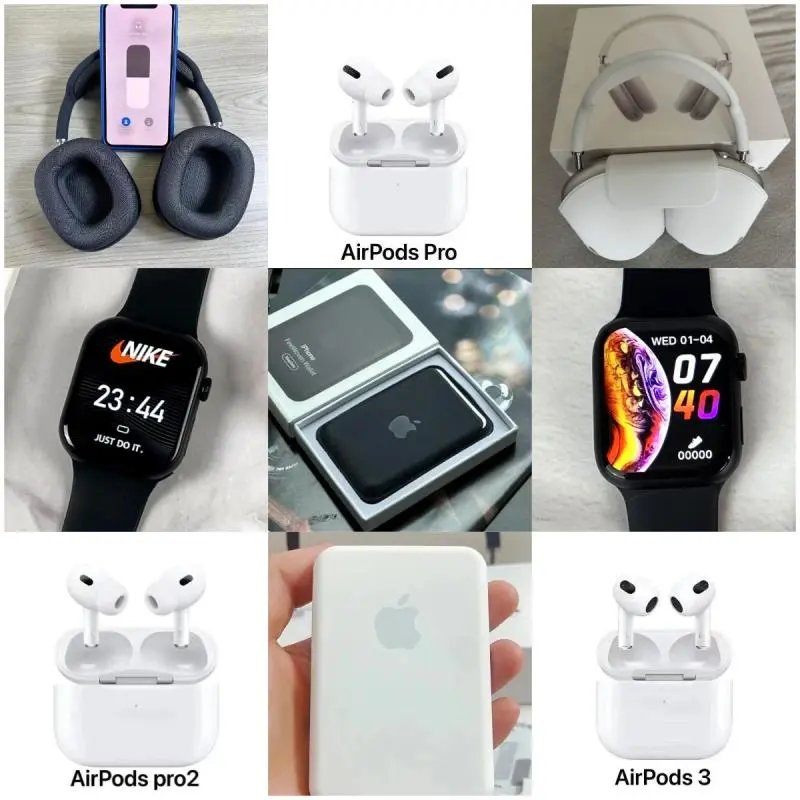
Catalog Item TF25 Digital Electronics | UIDBuy spreadsheet | Fishgoo spreadsheet - 141140
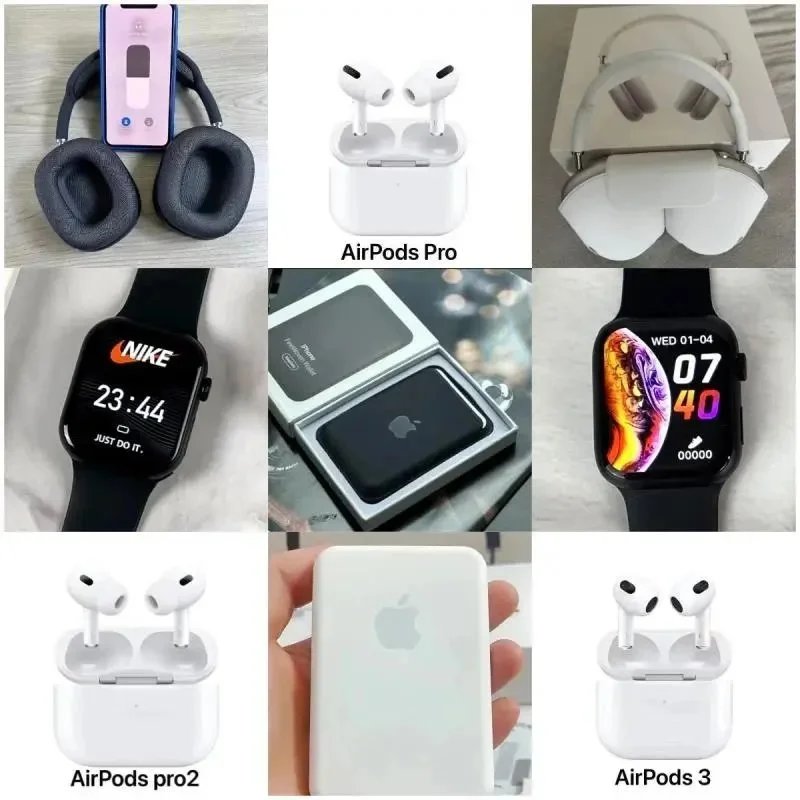
Catalog Item LL55 Digital Electronics | Superbuy spreadsheet | Fishgoo spreadsheet - 138885

Headphones XB22 Headphones and Electronics Selection | LoongBuy spreadsheet | Hubbuycn spreadsheet - 136779