Cafans Journal
Stories & FindsCAFANS Guide: Mastering Spreadsheets for Smarter Shopping and Product Comparison
Introduction to CAFANS and Spreadsheet Power
In the world of online shopping, especially when using shopping agents, staying organized is key. CAFANS (a framework for structured shopping) leverages the humble spreadsheet to transform chaos into clarity. This guide explores how a spreadsheet becomes your central hub for tracking orders, comparing products, and managing agent purchases. Whether you're a deal hunter or a bulk buyer, mastering these techniques will save you time and money.
Why Use a Spreadsheet for Shopping?
A spreadsheet is more than rows and columns; it's a dynamic tool. With a shopping spreadsheet, you can log every item, price, and link. When you need to evaluate options, a product comparison spreadsheet lets you line up specs, costs, and reviews side by side. For those using shopping agents, an agent shopping spreadsheet tracks service fees, shipping weights, and order statuses. And this spreadsheet guide will walk you through setting up these templates from scratch.
Setting Up Your CAFANS Spreadsheet
1. Define Your Columns
Start with essential columns: Item Name, Category, Link, Price (CNY/USD), Weight, Agent Fee, Shipping Cost, and Total Cost. Add columns for Color, Size, and Notes. Use data validation for dropdowns of categories or statuses (e.g., 'Pending', 'Ordered', 'Shipped'). Conditional formatting highlights overdue orders or budget overruns.
2. Use Separate Sheets for Different Purposes
Create multiple sheets within one workbook: one for product comparison, one for agent orders, and one for budget tracking. Hyperlinks connect items to product pages. Formulas like SUM and AVERAGE calculate totals and average costs. Pivot tables summarize spending by category or agent.
3. Incorporate Product Comparison Techniques
For product comparison, list features in rows and products in columns. Use rating scales (1-5) for each feature. Weighted scoring helps you prioritize what matters most. Charts visualize price vs. quality. This structured approach prevents impulse buys.
Managing Agent Shopping with Spreadsheets
Agent shopping involves third-party services that purchase items on your behalf. Track each agent's fees, communication, and shipping timelines. In your agent shopping spreadsheet, include columns for Agent Name, Order Date, Tracking Number, and Service Rating. Use filters to sort by agent or status. Reminders can be set via conditional formatting for follow-ups.
Advanced Tips for Spreadsheet Mastery
- Import data from websites using functions like IMPORTHTML (Google Sheets) to auto-update prices.
- Use templates from CAFANS community to save time.
- Collaborate with friends by sharing the spreadsheet and using comments.
- Backup regularly to cloud storage.
- Integrate with mobile apps for on-the-go updates.
Common Mistakes to Avoid
Don't overload with too many columns; keep it simple. Avoid manual entry errors by using formulas and validation. Update statuses promptly. And remember to reconcile actual costs with estimates.
Conclusion
A well-crafted spreadsheet is your best ally in the shopping world. By following this CAFANS guide, you'll turn a simple spreadsheet into a powerful command center for shopping, comparison, and agent management. Start today and experience the difference.
Editor's selection
Popular Products

Streetwear Jacket | Fansbuy spreadsheet | Sugargoo spreadsheet | MyCNBox spreadsheet - 138769

Unisex Sports Jersey NEW-1 2024 Unisex Knitted Baseball | Hubbuycn spreadsheet | Fishgoo spreadsheet - 137603

Football Jersey - 2425 - 159685
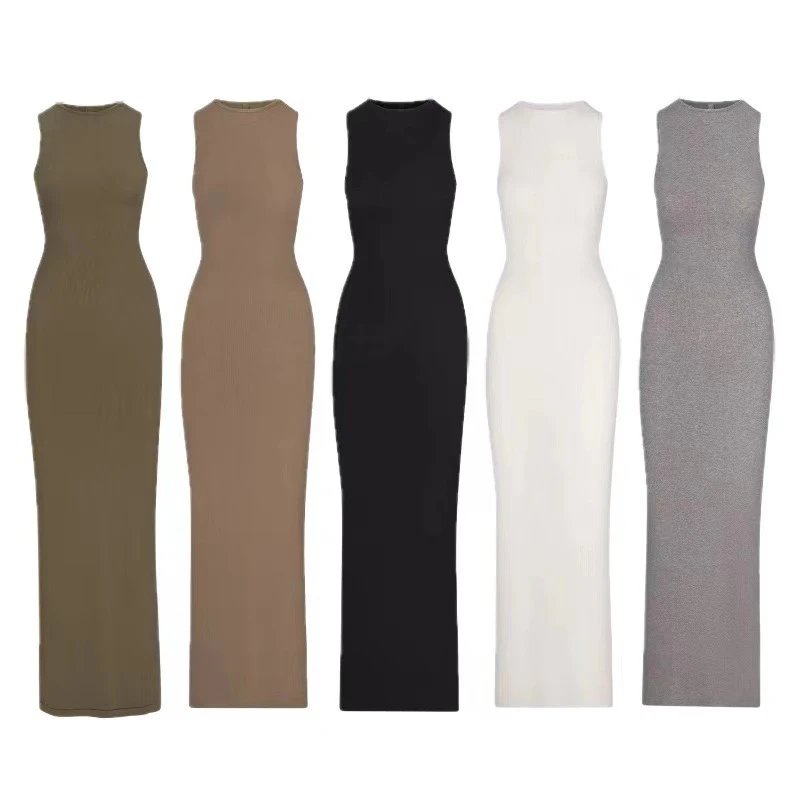
SK Sleeveless Slim-Fit Tank Top - 168026

Gymshark Crest Men's Shark Relaxed-Fit Sweatpants | Sugargoo spreadsheet | Hubbuycn spreadsheet - 147366
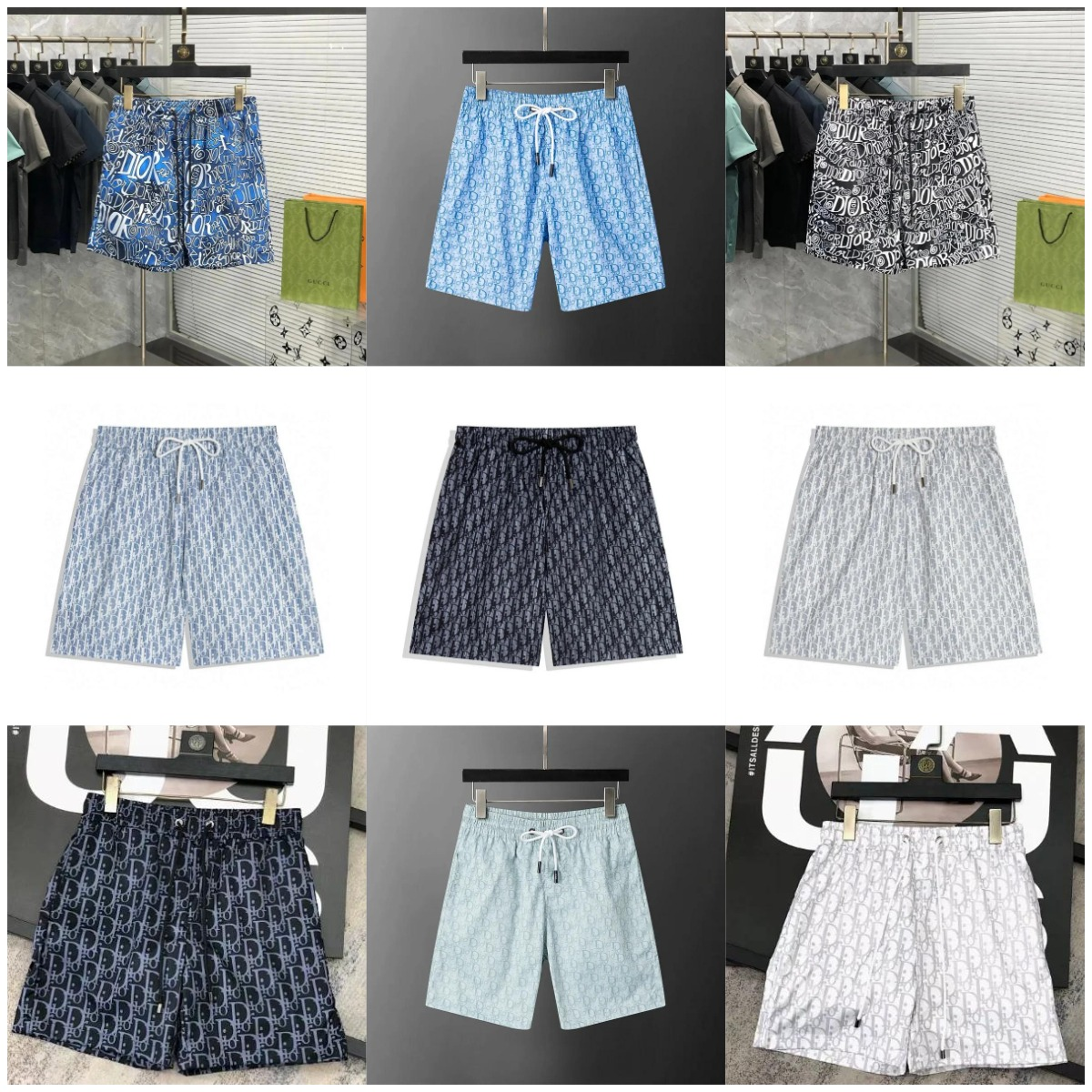
YL03 Shorts - Clothing - 170909

Unisex Summer Shorts - 171132