Cafans Journal
Stories & FindsParcel Up: The Complete CAFANS Guide to Smarter Parcel Shopping and Tracking
Parcel Up: The Complete CAFANS Guide to Smarter Parcel Shopping and Tracking
If you shop online across borders, you already know the pain of scattered tracking numbers, unclear shipping fees, and parcels that seem to vanish for weeks. Parcel Up is the CAFANS approach to fixing that. This Parcel Up guide walks you through everything: setting up your account, building a Parcel Up spreadsheet, using Parcel Up product links, and following a practical Parcel Up shopping guide that keeps costs and stress low.
What Is Parcel Up?
Parcel Up is a parcel management and shopping workflow designed for people who order from multiple stores, marketplaces, and forwarding services. Instead of juggling five carrier apps, you consolidate every shipment into one dashboard. You get delivery status, tracking number history, estimated arrival dates, and shipping cost breakdowns in a single view.
The core idea is simple: treat your parcels like inventory. Every order gets an entry, every entry gets a status, and every status change is logged. That is where the Parcel Up spreadsheet comes in.
Step 1: Set Up Your Parcel Up Spreadsheet
A Parcel Up spreadsheet is the backbone of the system. You can use Excel, Google Sheets, or any table tool. Build these columns:
- Order ID and purchase date
- Store name and product category
- Item price and currency
- Shipping method and freight forwarder
- Tracking number and carrier
- Dispatch date and estimated delivery
- Customs status and duty fee
- Warehouse receipt and inspection note
- Consolidation batch and final mile carrier
- Delivery confirmation and refund window
Add conditional formatting so late parcels turn red. Use a status dropdown with values like Ordered, Shipped, In Transit, Customs Hold, Delivered. This one habit eliminates most "where is my package" anxiety.
Step 2: Collect Parcel Up Product Links Properly
Parcel Up product links are the URLs you save for each item you buy or plan to buy. Good link hygiene matters because stores change pages and prices. For each link, record the product name, variant (size, color), listed price, and a screenshot date.
Practical tips for Parcel Up product links:
- Save the canonical product URL, not a search result page.
- Note the coupon code and promotion period next to the link.
- Keep a separate tab for wishlist items and price alerts.
- Archive links after the return period ends.
This turns your link list into a lightweight price history database, which is invaluable during sale seasons and flash sales.
Step 3: Follow the Parcel Up Shopping Guide
The Parcel Up shopping guide is a repeatable routine. Here is the workflow we recommend:
- Plan the order. Decide the product category, budget, and target delivery date.
- Compare stores. Check item price, domestic shipping, and international shipping.
- Buy and log. Immediately add the order confirmation and tracking number to your spreadsheet.
- Track to warehouse. Monitor inbound parcel status and warehouse receipt.
- Inspect and consolidate. Request quality check, then combine parcels to cut shipping cost.
- Ship internationally. Choose air freight or sea freight based on urgency and volumetric weight.
- Clear customs. Prepare invoice, declaration, and tax identification if needed.
- Confirm delivery. Mark the row Delivered and start the refund window countdown.
Step 4: Master Tracking and Exceptions
Parcel Up shines when things go wrong. Common exception statuses include customs hold, address issue, failed delivery attempt, and lost parcel. For each, keep a resolution note in the spreadsheet: who you contacted, the case number, and the response deadline.
Set tracking alerts for stale shipments. If a tracking number shows no movement for seven days, escalate to the carrier support or forwarder. Record the outcome so future carrier selection improves.
Step 5: Optimize Costs and Packaging
Use your spreadsheet data to find patterns. Which freight forwarder has the best transit time? Which store has the highest return rate? Which product category triggers customs inspection most often?
Cost levers worth tracking:
- Consolidation savings versus separate shipments
- Packaging removal to reduce volumetric weight
- Insurance fee versus declared value
- Currency conversion and payment fee
- Coupon stacking and member discount
Common Mistakes to Avoid
New users often skip the spreadsheet, forget tracking numbers, or ignore warehouse storage deadlines. Others underestimate customs duty or misread dimensional weight. A disciplined Parcel Up guide habit prevents all of these. Review your sheet weekly, clean up old rows, and keep Parcel Up product links current.
Final Checklist
Before every order: confirm the product link, log the order ID, save the tracking number, note the estimated delivery, and set a follow-up reminder. After delivery: verify condition, close the row, and update your carrier rating. Do this consistently, and Parcel Up becomes a habit that saves money, time, and frustration.
Editor's selection
Popular Products

AD Men's Knit Embroidered Tank Top - 173027

CRTZ PANTS - Clothing - 168322

Retro Football Jersey Real Madrid Barcelona Chels*ea - 168086
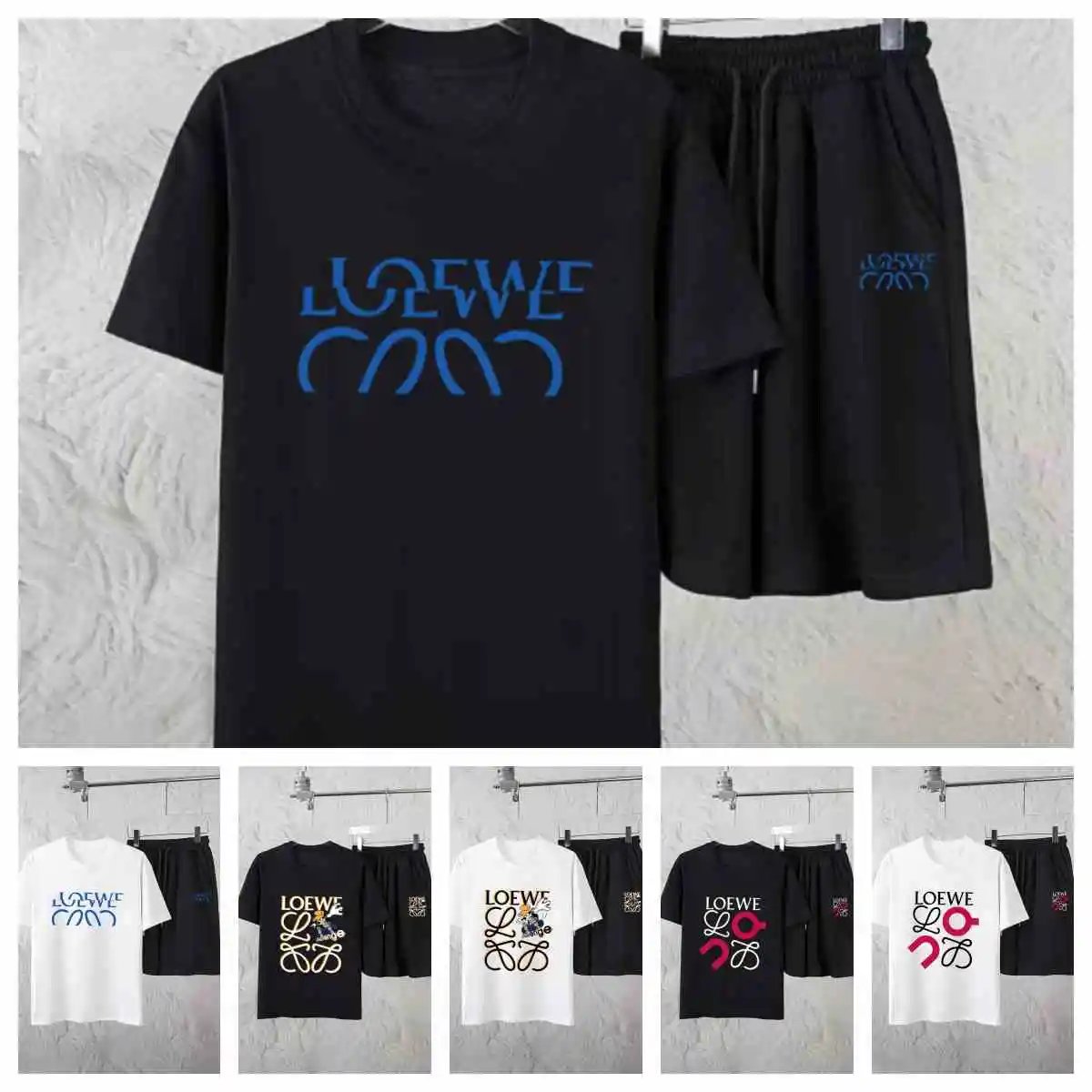
Tracksuit Set L1oewe Black T-Shirt and Shorts Set | CSSBuy spreadsheet | Wheebuy spreadsheet - 142459
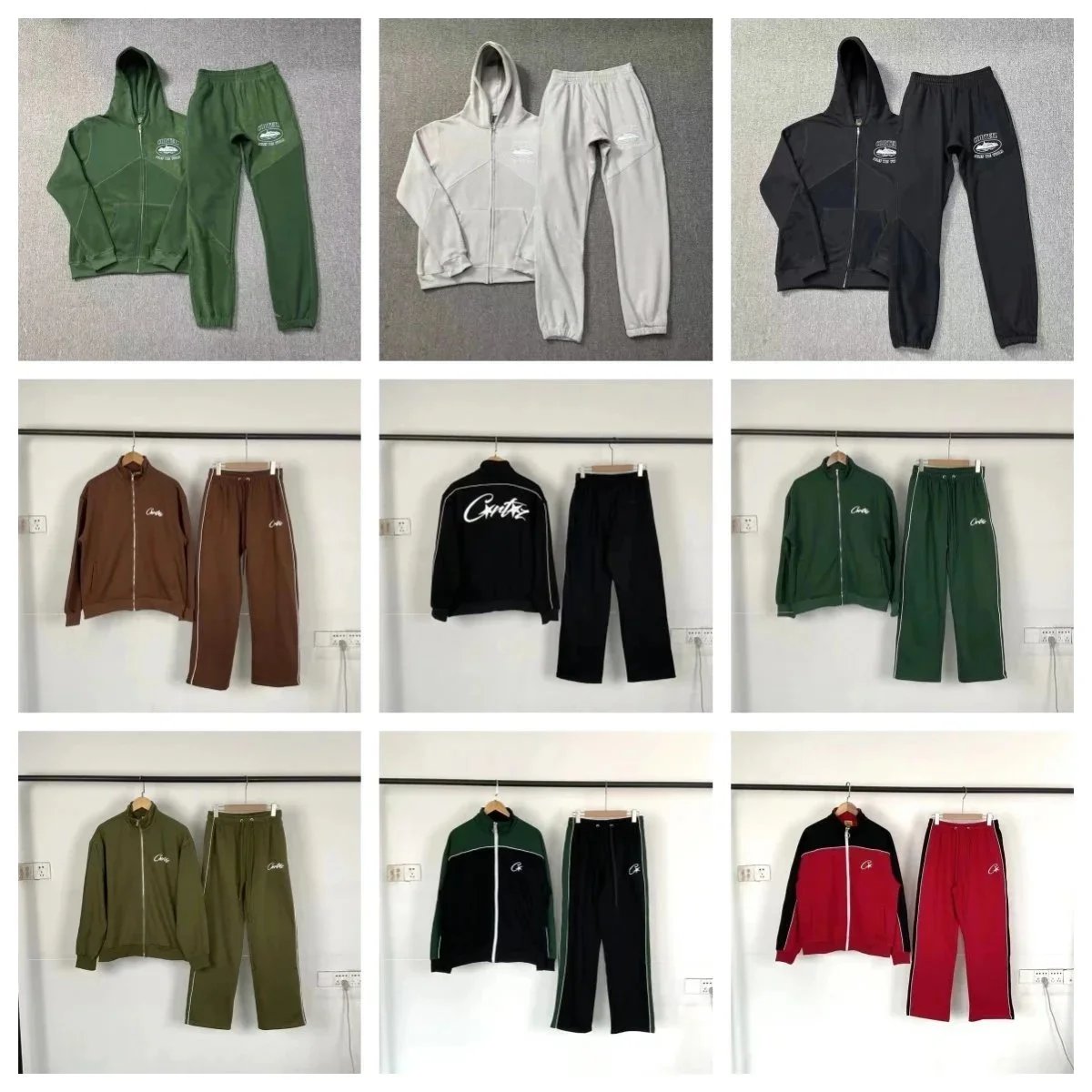
C Unisex Casual Clothing Set | Sugargoo spreadsheet | Wheebuy spreadsheet | Fansbuy spreadsheet - 139426
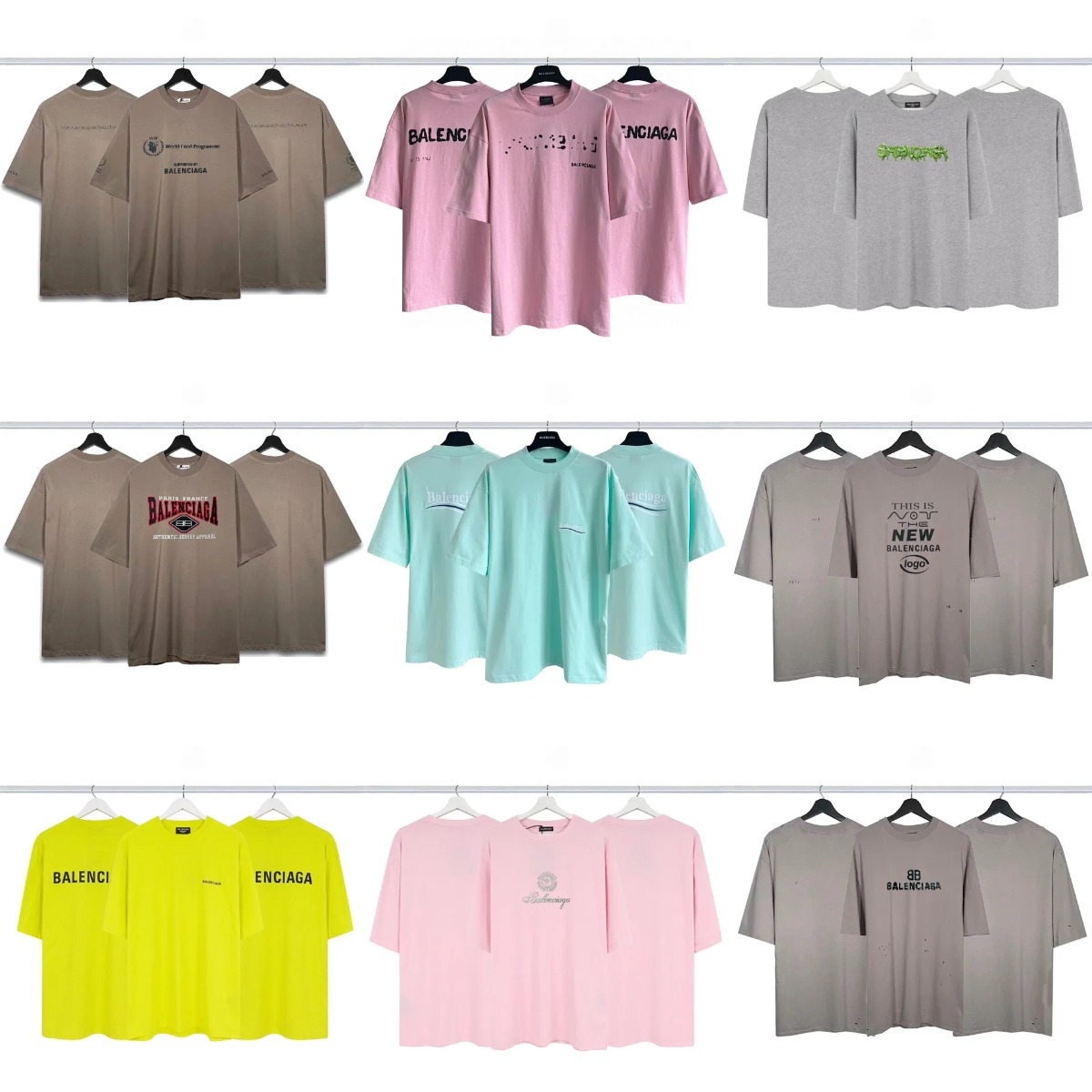
T-Shirt BC 151-165 T-Shirt | USFans spreadsheet | Hubbuycn spreadsheet - 136190

AMI Paris T-Shirt | Rizzitgo spreadsheet | Hipobuy spreadsheet | Fishgoo spreadsheet - 143016