Cafans Journal
Stories & FindsJoyaGoo CAFANS Guide: A Complete English Walkthrough for Smarter Shopping
What Is JoyaGoo and Why the CAFANS Approach Matters
JoyaGoo is a shopping discovery platform that gathers product listings, price comparisons, and curated picks in one place. This JoyaGoo guide introduces the CAFANS method — a simple six-step routine (Check, Assess, Filter, Arrange, Negotiate, Save) — designed to help English-speaking shoppers get more from the platform. Whether you are a first-time visitor or a returning buyer, the tips below will help you move from browsing to confident purchasing.
Step 1: Check Your Needs Before You Browse
Start by writing down what you actually need. A clear list prevents impulse buying and keeps your budget intact. Use the JoyaGoo guide pages to understand category layouts, then open a JoyaGoo spreadsheet to record your target items, size requirements, color preferences, and maximum price. A simple spreadsheet template with columns for item name, budget, seller rating, and delivery time works well. This habit turns scattered browsing into a focused shopping session.
Step 2: Assess Listings and Seller Reliability
Not every listing deserves your money. Check seller ratings, review counts, and return policies. Look for verified badges, detailed specifications, and real customer photos. Compare at least three similar offers before deciding. A good JoyaGoo shopping guide habit is to note the seller's response time and shipping estimate in your spreadsheet. Reliable sellers usually provide clear warranty terms and consistent feedback across multiple orders.
Step 3: Filter with JoyaGoo Product Links
JoyaGoo product links let you jump directly to specific items without repeating searches. Save useful links in your spreadsheet so you can revisit them later. When comparing options, sort by price, rating, or popularity, and use filters for size, material, and shipping location. Keep a separate column for discount codes and coupon expiry dates. This makes it easy to spot limited-time deals and avoid paying full price.
Step 4: Arrange Your Shortlist
After filtering, narrow your list to three to five finalists. Rank them by value rather than price alone: a slightly more expensive item with a better warranty may save money later. Organize your JoyaGoo spreadsheet with color coding — green for confirmed buys, yellow for pending questions, red for rejected options. This visual system speeds up decision-making and reduces second-guessing.
Step 5: Negotiate and Verify
Many sellers offer bundle discounts or small reductions when you ask politely. Before checkout, verify the final price including tax and shipping. Confirm the return window and check whether the item ships from a local warehouse. Cross-reference your JoyaGoo guide notes with the latest listing details, since prices and stock change frequently. If something looks inconsistent, contact the seller first and keep a screenshot of the conversation.
Step 6: Save and Review
Track your spending in the same spreadsheet after each purchase. Record the order date, delivery estimate, and actual arrival time. After the item arrives, inspect it promptly and leave an honest review. Reviews help other shoppers and often unlock loyalty points or coupons. Over time, your JoyaGoo spreadsheet becomes a personal history of what worked and what did not — a genuinely useful reference for future seasons.
Common Mistakes to Avoid
Do not rely on a single review or a flashy product photo. Avoid buying without checking the return policy. Do not ignore shipping fees, which can erase apparent discounts. Finally, do not skip the spreadsheet step; memory alone rarely tracks dozens of options accurately. A consistent routine beats rushed decisions every time.
Final Thoughts
The CAFANS method works because it replaces guesswork with a repeatable process. Use this JoyaGoo guide as your starting point, maintain your JoyaGoo spreadsheet diligently, bookmark key JoyaGoo product links, and follow the JoyaGoo shopping guide principles above. With a little preparation, you can shop smarter, compare fairly, and keep more of your budget.
Editor's selection
Popular Products
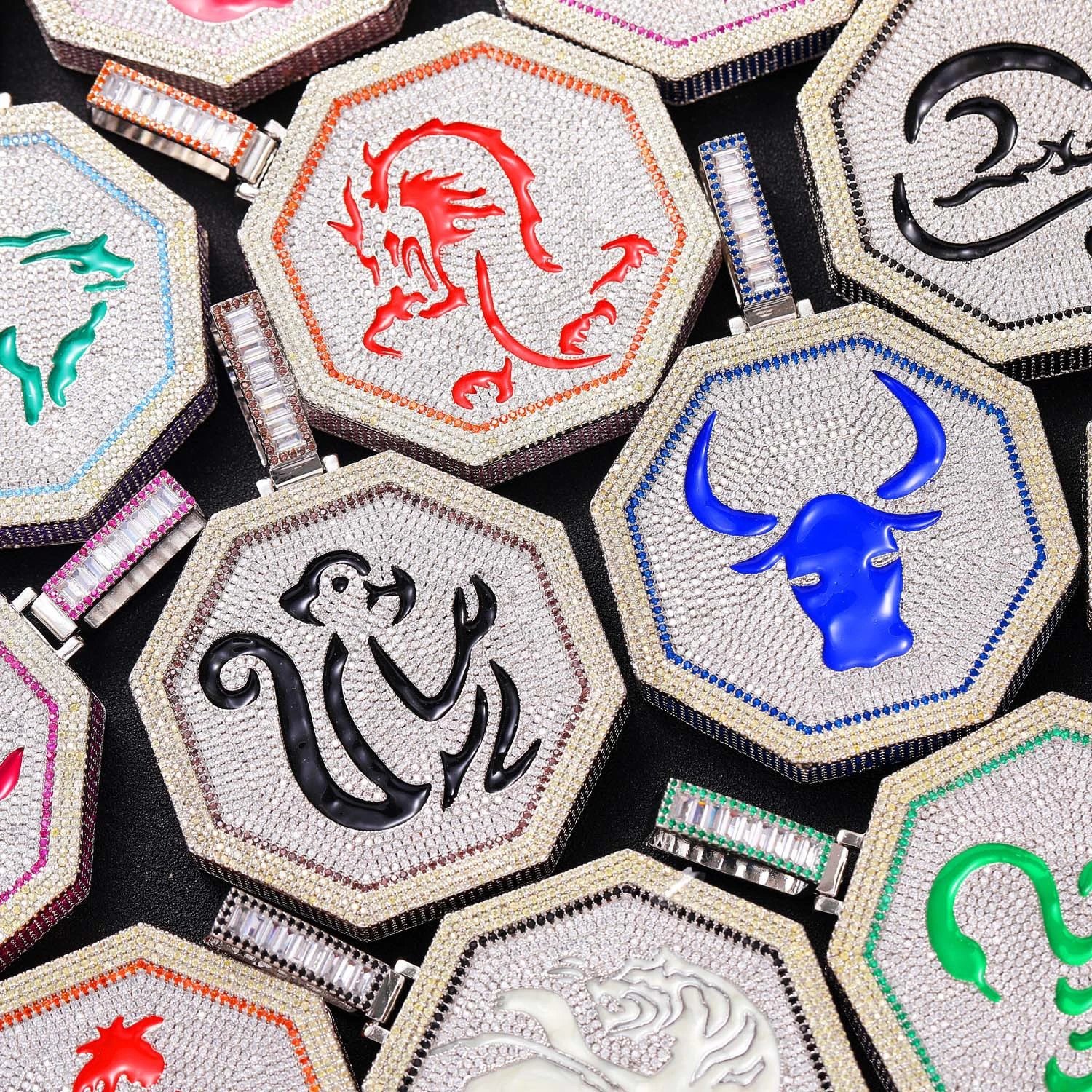
Necklace | iTaoBuy spreadsheet | UIDBuy spreadsheet | BBDBuy spreadsheet - 153495
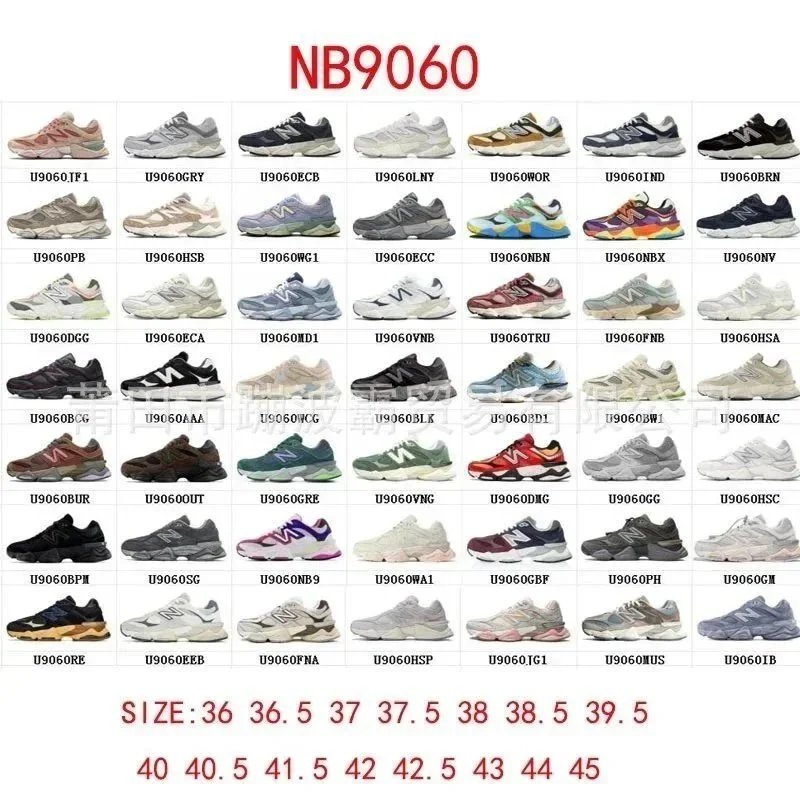
Sport Sneakers - Footwear - 169708
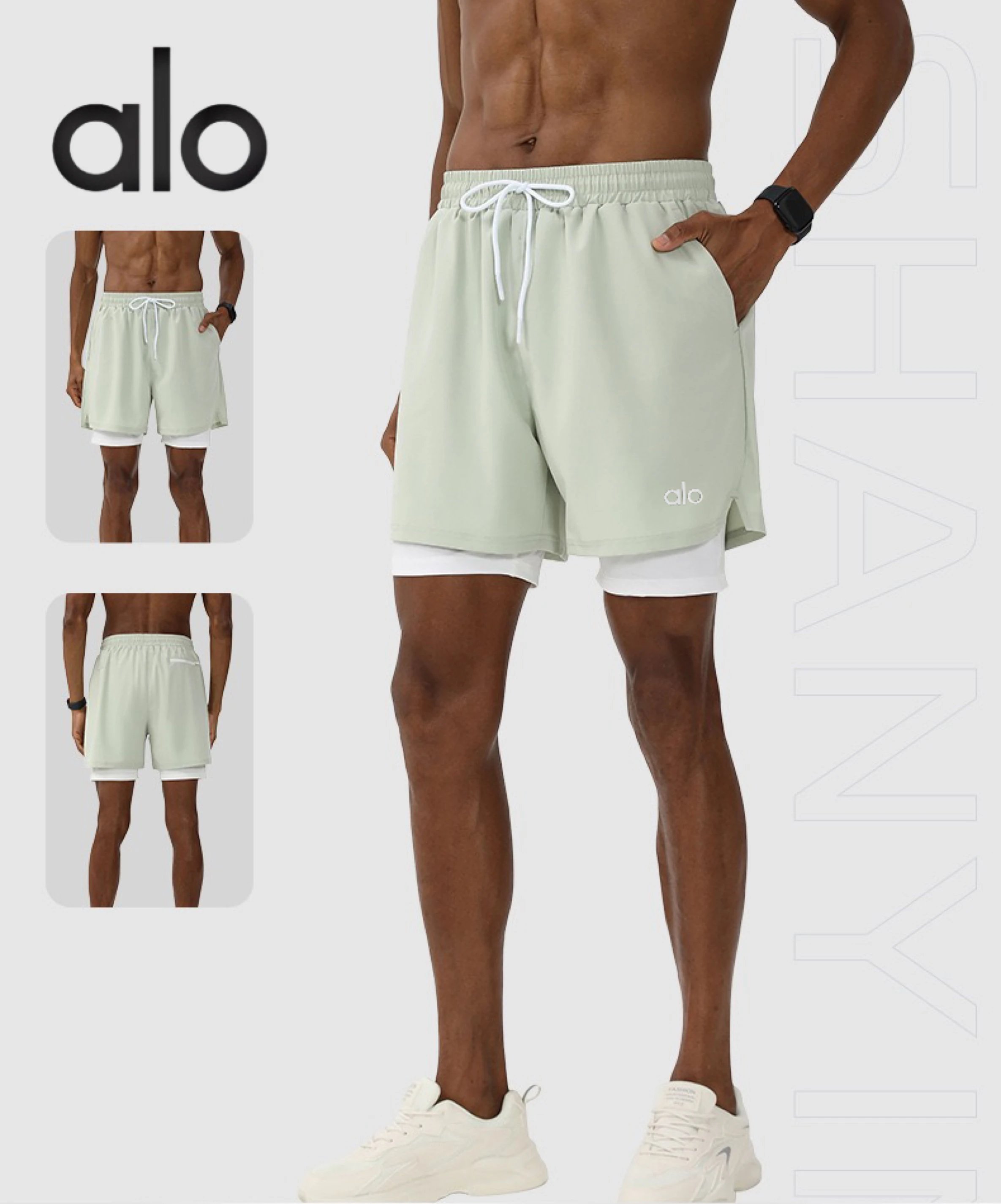
ALO Men's Breathable Stretch Athletic Shorts - 167917

CP Men's Graphic Crewneck T-Shirt - 159663

Bag M23742-2 | Wheebuy spreadsheet | Sugargoo spreadsheet | LoongBuy spreadsheet - 152462

Color Block Pants - Clothing Item | USFans spreadsheet | Rizzitgo spreadsheet | OOTDBuy spreadsheet - 157534
Unisex Summer T-Shirt - 344-353 - 159350