Cafans Journal
Stories & FindsThe English CAFANS Guide: A Complete OOTDBuy Shopping Walkthrough
Introduction to the English CAFANS Guide
If you have been searching for a clear, practical English CAFANS guide, this article is exactly what you need. CAFANS is a framework many shoppers use to organize their buying decisions: Compare, Assess, Filter, Analyze, Narrow, and Select. When applied to the OOTDBuy ecosystem, it turns a chaotic shopping session into a structured, repeatable process. Whether you are a first-time buyer or a seasoned reseller, this OOTDBuy guide will walk you through each step, show you how to use the OOTDBuy spreadsheet, and explain how OOTDBuy product links and a solid OOTDBuy shopping guide fit together.
The main hub for everything described here is OOTDBuy. Think of it as your central marketplace dashboard where product listings, pricing references, and curated collections live side by side. The goal of this guide is simple: help you move from browsing to buying with confidence, while avoiding the most common pitfalls of online shopping.
Step 1: Compare with the OOTDBuy Spreadsheet
The first letter of CAFANS stands for Compare, and the OOTDBuy spreadsheet is the best tool for the job. A spreadsheet sounds boring until you realize it is the difference between a good deal and an impulse purchase you regret. Start by listing every candidate item in one column, then add columns for price, shipping cost, estimated delivery time, material, size availability, and seller rating.
Why does this matter? Because OOTDBuy aggregates many listings, and prices for the same category of item can vary widely. A hoodie might be listed at three different price points with different fabric weights. A wireless earbud model might appear with or without a charging case. The spreadsheet forces you to compare like with like. Use conditional formatting to highlight the lowest total cost, and add a notes column for anything the listing photos do not show clearly.
Tip: keep a separate tab for seasonal items and another for everyday essentials. This keeps your comparison work reusable across shopping trips, which is the whole point of a good OOTDBuy guide.
Step 2: Assess Product Links Carefully
OOTDBuy product links are your direct line to the actual listing. During the Assess phase, open each link and read beyond the headline. Check the specification table, the size chart, and the return policy. Look at the photo sequence: a reliable listing usually shows the item from multiple angles, includes a scale reference, and avoids heavy filters.
Pay attention to the seller information panel. How long has the seller been active? What is the response rate? Are there recent reviews with photos? A product link is not just a URL; it is a contract preview. If the description is vague about materials or compatibility, that is a red flag worth noting in your spreadsheet.
Step 3: Filter Using the OOTDBuy Shopping Guide
The Filter phase is where the OOTDBuy shopping guide earns its keep. Filtering is about elimination, not attraction. Set hard constraints first: budget ceiling, must-have features, and delivery deadline. Then set soft preferences: color, brand style, packaging.
A practical OOTDBuy shopping guide rule is the three-strike rule: if an item fails three of your hard constraints, remove it from the list immediately. Do not negotiate with yourself. This single habit saves hours of browsing and prevents the slow drift toward overspending.
Step 4: Analyze Value, Not Just Price
Analyze means calculating cost per use. A cheap item that breaks in a month is expensive. A slightly pricier item that lasts two years is cheap. Use your spreadsheet to estimate durability based on reviews, then divide price by expected months of use. This reframing is one of the most powerful ideas in the CAFANS method.
Also analyze shipping and tax. A low sticker price with high shipping can lose to a mid-priced listing with free delivery. The OOTDBuy spreadsheet should have a total-cost column that includes everything.
Step 5: Narrow to a Shortlist
Narrowing is about reducing choice overload. Take your filtered, analyzed list and cut it to three items maximum. For each, write one sentence explaining why it survived. If you cannot write that sentence, the item should not be on the shortlist. This step is where the OOTDBuy guide approach turns intention into decision.
Step 6: Select and Review
Select means commit. Place the order, then schedule a review reminder for one week after delivery. Record whether the item matched the listing. Over time, your spreadsheet becomes a personal reliability database, and your future OOTDBuy shopping guide decisions get faster and more accurate.
Common Mistakes to Avoid
Do not skip the comparison tab. Do not trust a single review. Do not ignore the return window. Do not buy from a product link that lacks clear specifications. And do not treat the OOTDBuy spreadsheet as optional; it is the backbone of the entire CAFANS workflow.
Conclusion
The English CAFANS guide is not about spending less for its own sake; it is about spending deliberately. With OOTDBuy as your hub, the OOTDBuy spreadsheet as your comparison engine, OOTDBuy product links as your evidence, and the OOTDBuy shopping guide as your filter, you can shop with clarity and confidence. Start your next shopping session with the six CAFANS steps and watch how much smoother the process becomes.
Editor's selection
Popular Products

Graphic Hoodies and Sweatpants Collection LH25 Unisex | Oopbuy spreadsheet | Hipobuy spreadsheet - 140989
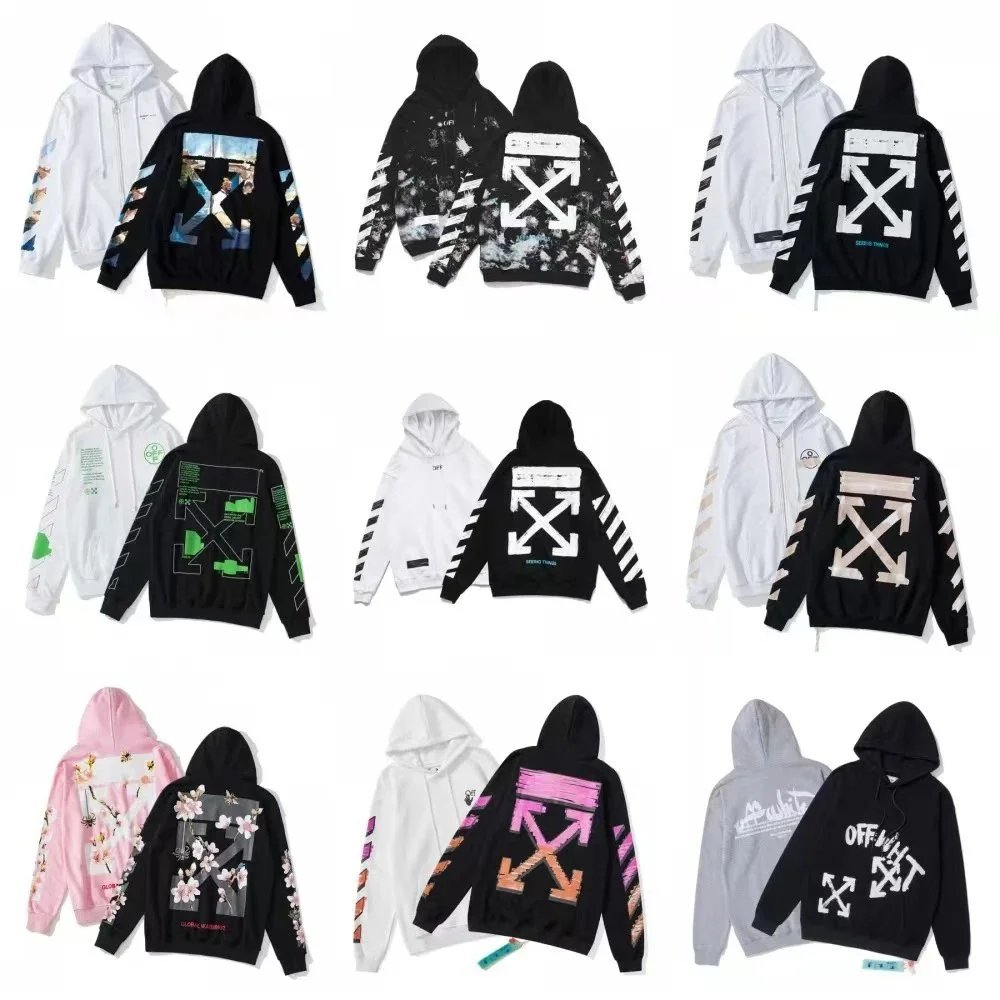
Autumn/Winter Casual Crewneck Sweatshirts and Hoodies | CSSBuy spreadsheet | Kakobuy spreadsheet - 140712
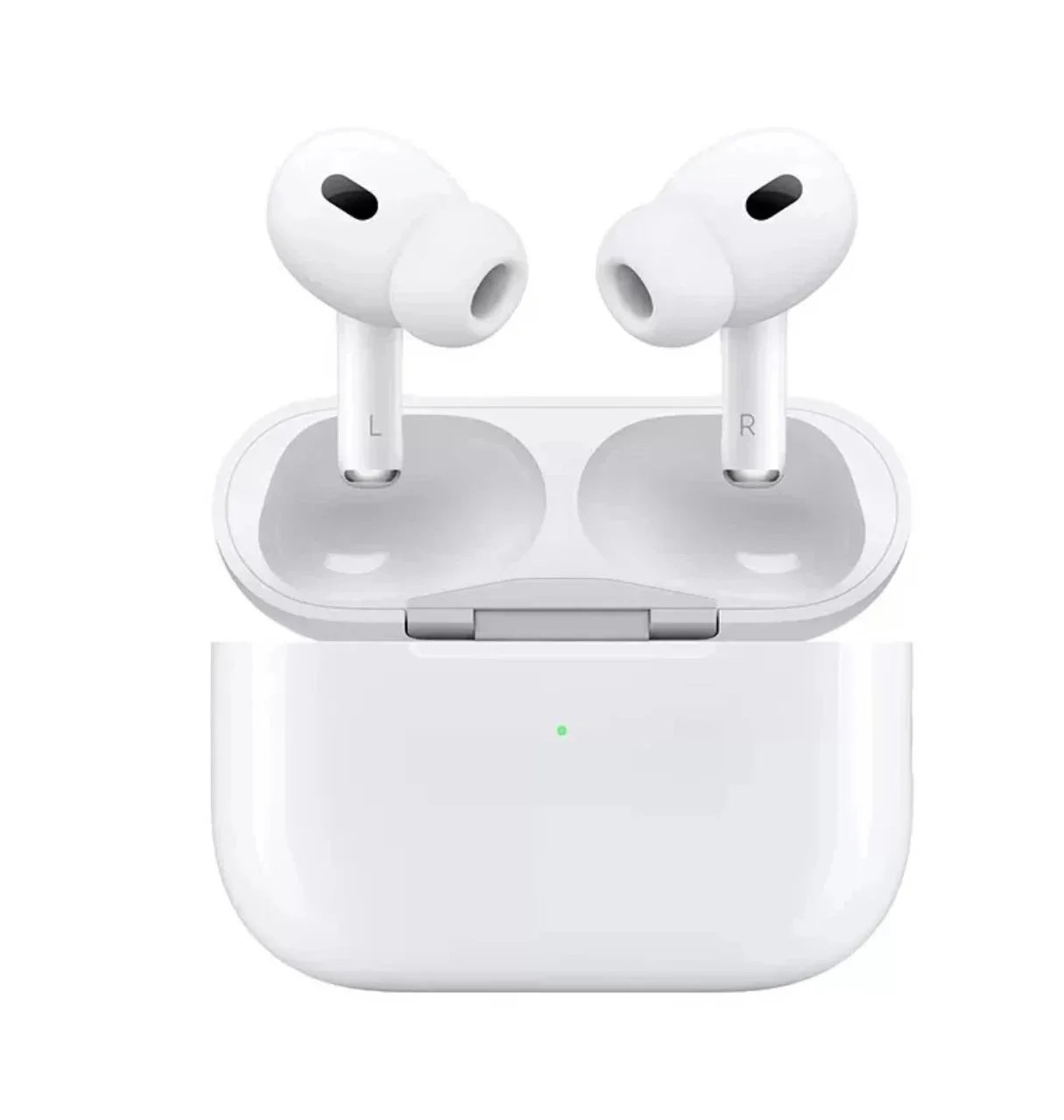
Wireless Earbuds A-3 P2 Wireless Earbuds with Charging | MyCNBox spreadsheet | USFans spreadsheet - 138882
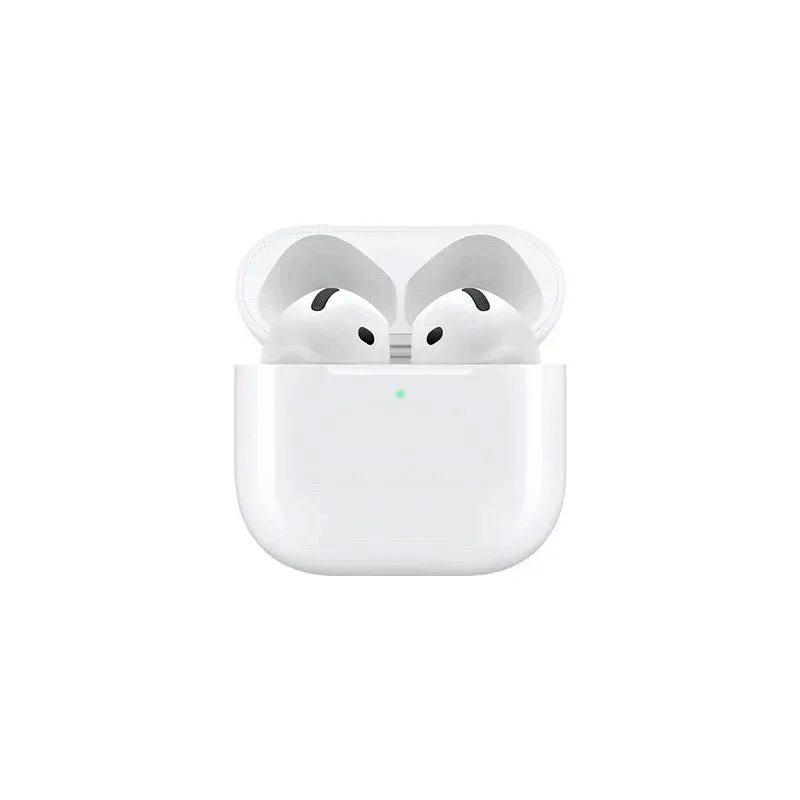
Fourth-Generation Wireless Earbuds | OOTDBuy spreadsheet | UIDBuy spreadsheet | JoyaGoo spreadsheet - 138880
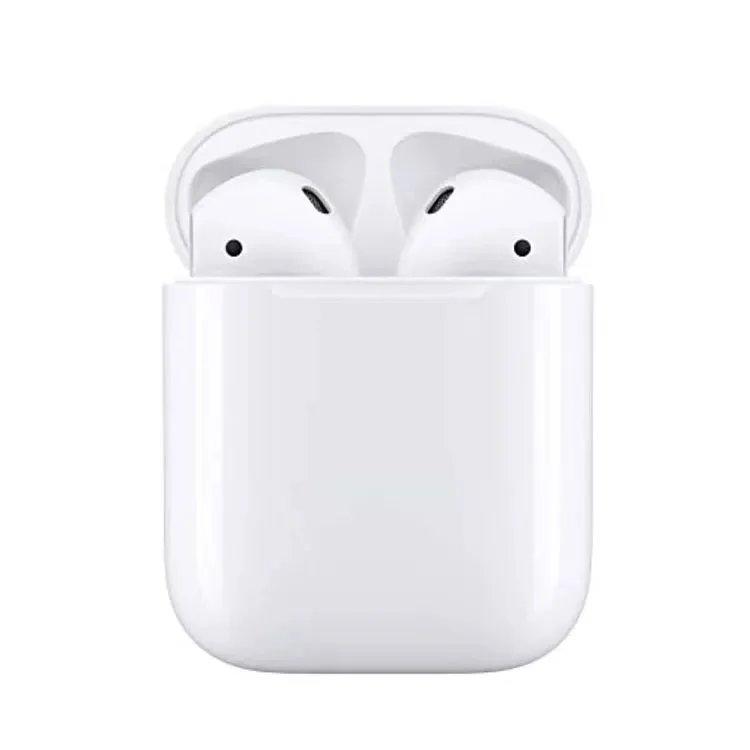
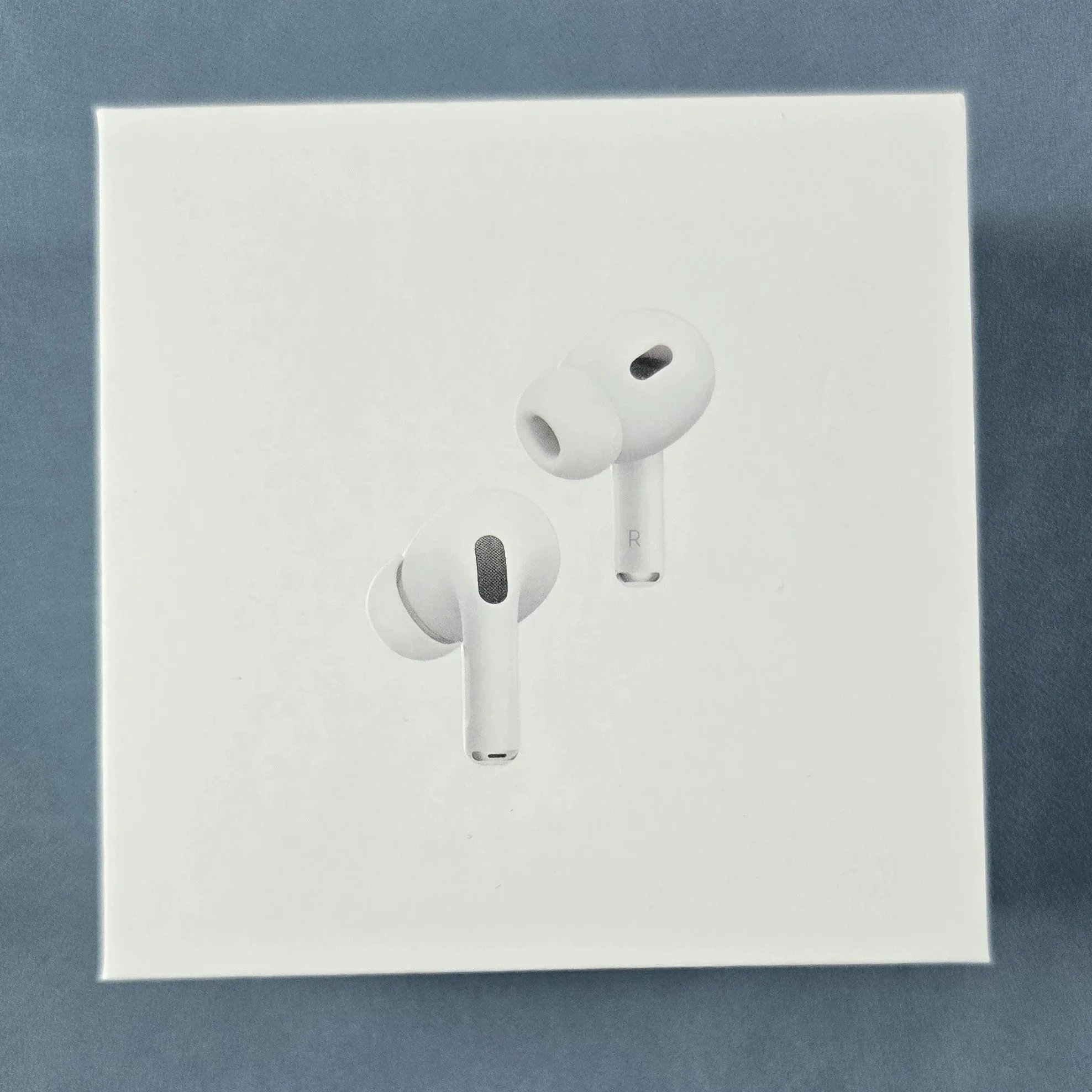
Wireless Earbuds Gen2 Earbuds | Wheebuy spreadsheet | Hubbuycn spreadsheet | Sugargoo spreadsheet - 141153

Autumn Crewneck Sweatshirts and Hoodies 002 | iTaoBuy spreadsheet | Hipobuy spreadsheet - 140446
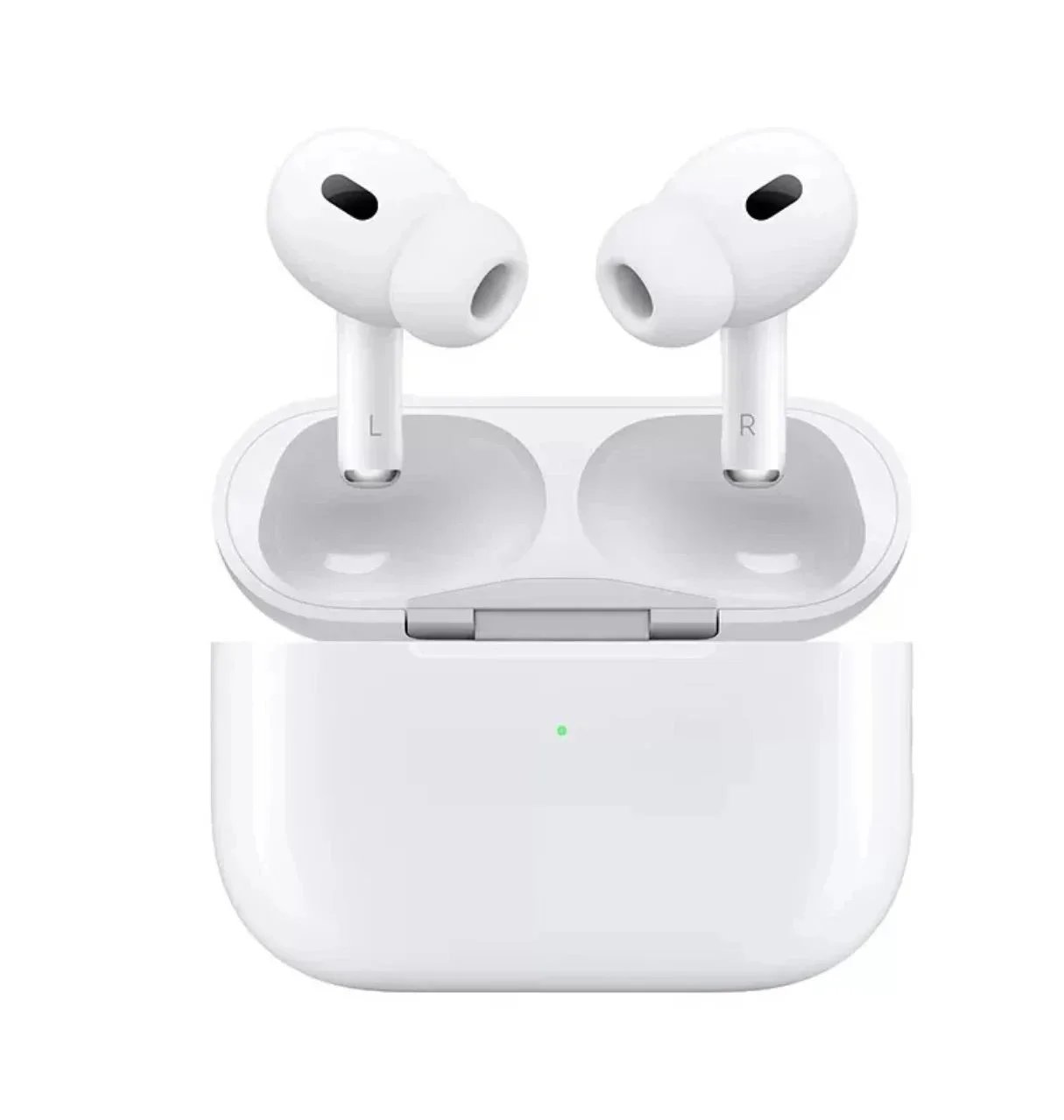
Wireless Earbuds A-2 Wireless Earbuds with Charging Case | Lovegobuy spreadsheet | GTBuy spreadsheet - 137482