Cafans Journal
Stories & FindsThe English CAFANS Guide: Your ZentBuy Shopping Companion
If you have been searching for a clear, practical English guide to shopping smarter, this CAFANS guide is for you. Centered on ZentBuy, it explains how to plan purchases, verify sellers, track prices, and avoid common pitfalls. Whether you are a first-time buyer or a seasoned online shopper, the steps below will help you use the ZentBuy guide approach with confidence.
What Is ZentBuy and Why It Matters
ZentBuy is a shopping platform where product discovery, seller reviews, and order tracking come together. The main advantage is transparency: listings show price history, seller ratings, shipping estimates, and return policies in one place. Before you buy anything, open the ZentBuy shopping guide so you understand the interface, the search filters, and the checkout flow. A few minutes of preparation saves hours of frustration later.
The Core CAFANS Workflow
The CAFANS method stands for Check, Assess, Filter, Arrange, Note, and Secure. Here is how each stage works on ZentBuy.
1. Check the Listing
Start by checking the product page. Look at the ZentBuy product links shared by other buyers and compare them with the official store page. Confirm the seller name, the item variant, and the warranty terms. Watch for duplicate listings that look identical but carry different prices or shipping fees.
2. Assess the Seller
Seller reputation is the strongest signal of reliability. Read the ratings, the number of completed orders, and the response time. Scan recent reviews for repeated complaints about damaged goods, wrong sizes, or slow refunds. If a seller has no history, treat the offer with caution and look for an alternative.
3. Filter the Options
Use filters for price range, shipping location, customer rating, and return window. Sorting by total cost — not just item price — gives a more honest comparison. Remember that a cheap product with expensive shipping is rarely the best deal.
4. Arrange Your Budget
Set a spending limit before you browse. The ZentBuy spreadsheet is a simple tool for this: list the item, the target price, the shipping cost, and the date you need it. Tracking several purchases in one sheet prevents impulse buying and helps you spot seasonal discounts.
5. Note the Details
Save screenshots of the listing, the checkout summary, and any chat with the seller. If a dispute arises, these records speed up the resolution. Note the estimated delivery date and set a reminder to check the order status.
6. Secure the Purchase
Pay through the platform's protected checkout whenever possible. Avoid off-platform transfers, which remove your buyer protection. After delivery, inspect the item promptly and leave an honest review to help other shoppers.
Building a ZentBuy Spreadsheet
The ZentBuy spreadsheet is the backbone of organized shopping. Create columns for the product name, category, seller, listed price, target price, shipping fee, estimated delivery, and status. Add a notes column for coupon codes and return deadlines. Update the sheet after every order so your records stay accurate. Over time, the sheet reveals which categories you overspend on and which sellers consistently deliver good value.
How to Use ZentBuy Product Links
ZentBuy product links make sharing and comparison easy. When a friend sends a link, open it in a browser rather than an in-app preview so you can see the full price history. Check whether the link includes an affiliate tag — this does not change your price, but it is useful to know. Save useful links in a favorites folder organized by category.
Practical Shopping Guide Tips
The best ZentBuy shopping guide habits are simple. Compare at least three sellers before buying. Check the return policy for clearance items, which are often final sale. Verify size charts and voltage requirements for electronics. Keep a wish list and revisit it after a week; many impulse purchases lose their appeal. Use saved payment methods only on trusted devices, and enable two-factor authentication on your account.
Common Mistakes to Avoid
Do not trust prices that are far below market average. Do not skip the review section because the star rating looks high. Do not ignore shipping fees or import duties. Do not delete order confirmations until the return window closes. And do not share account passwords or verification codes with anyone, even if they claim to be support staff.
Conclusion
This English CAFANS guide gives you a repeatable process: check, assess, filter, arrange, note, and secure. With ZentBuy as your platform, the ZentBuy spreadsheet as your record keeper, and ZentBuy product links as your comparison tool, shopping becomes calmer and more predictable. Bookmark this ZentBuy guide, follow the ZentBuy shopping guide steps, and make every order a well-informed decision.
Editor's selection
Popular Products
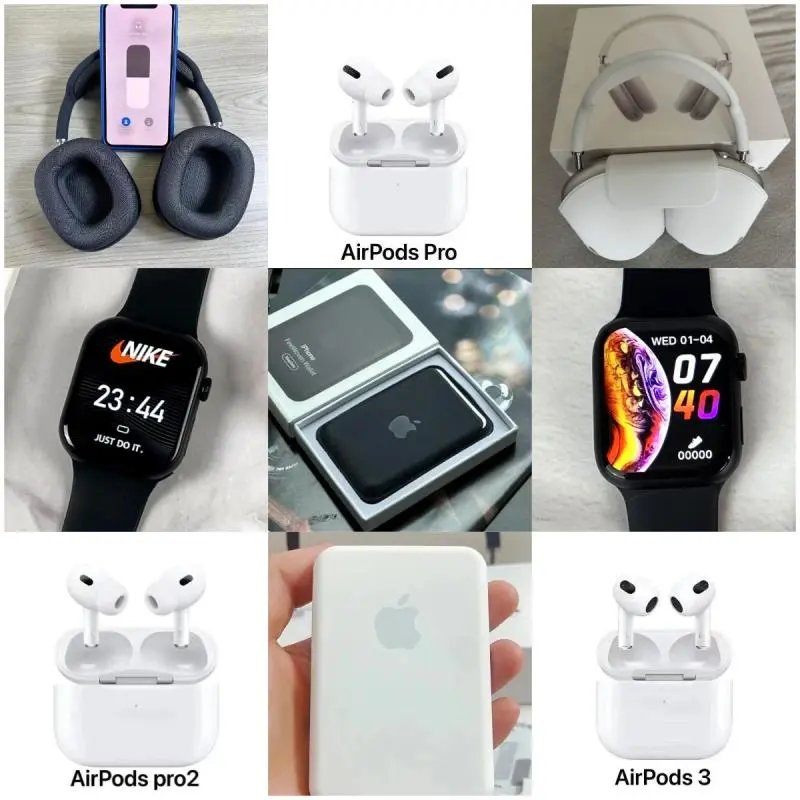
Catalog Item TF25 Digital Electronics | UIDBuy spreadsheet | Fishgoo spreadsheet - 141140
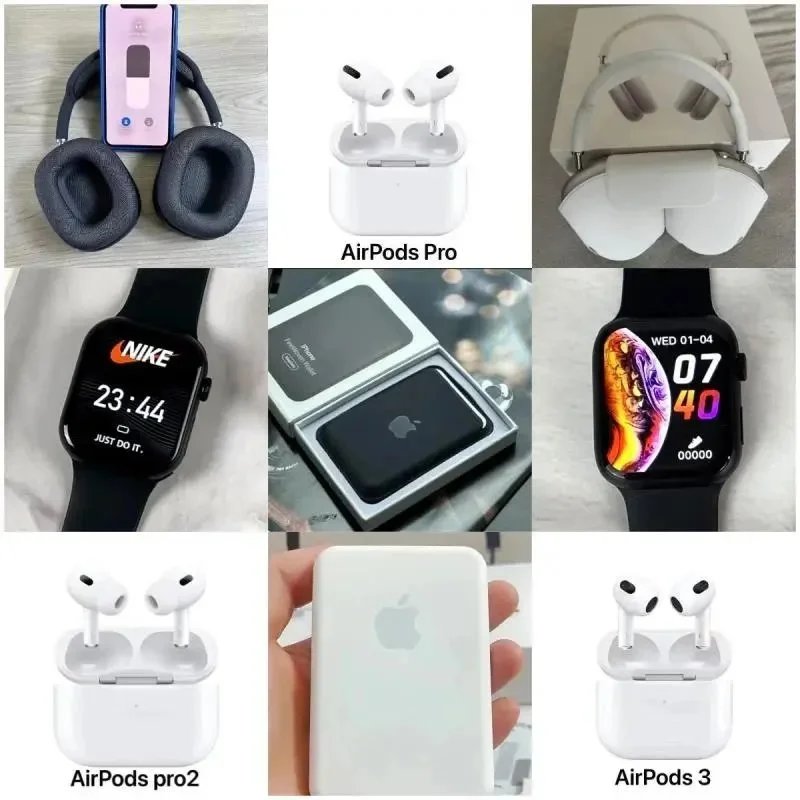
Catalog Item LL55 Digital Electronics | Superbuy spreadsheet | Fishgoo spreadsheet - 138885
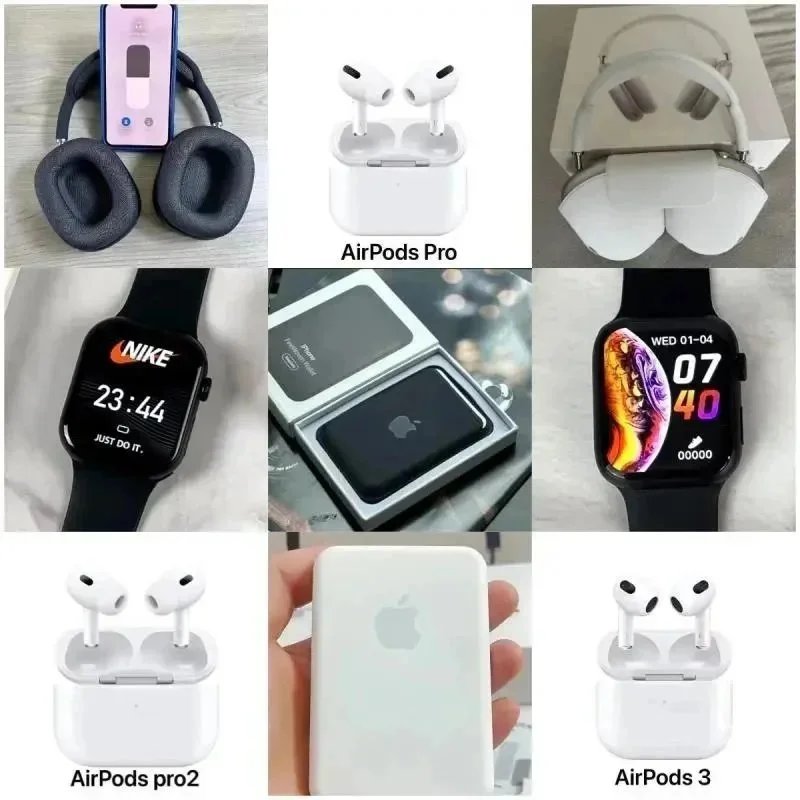
Headphones XB22 Headphones and Electronics Selection | LoongBuy spreadsheet | Hubbuycn spreadsheet - 136779
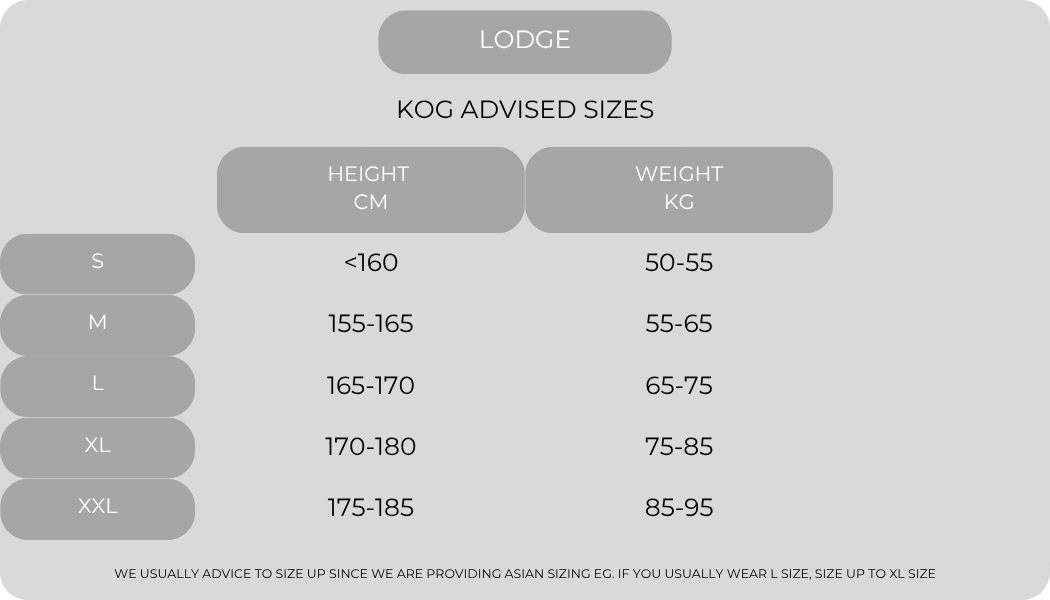
Catalog Item LODGE1200 Apparel | Litbuy spreadsheet | Hubbuycn spreadsheet | LoongBuy spreadsheet - 152120
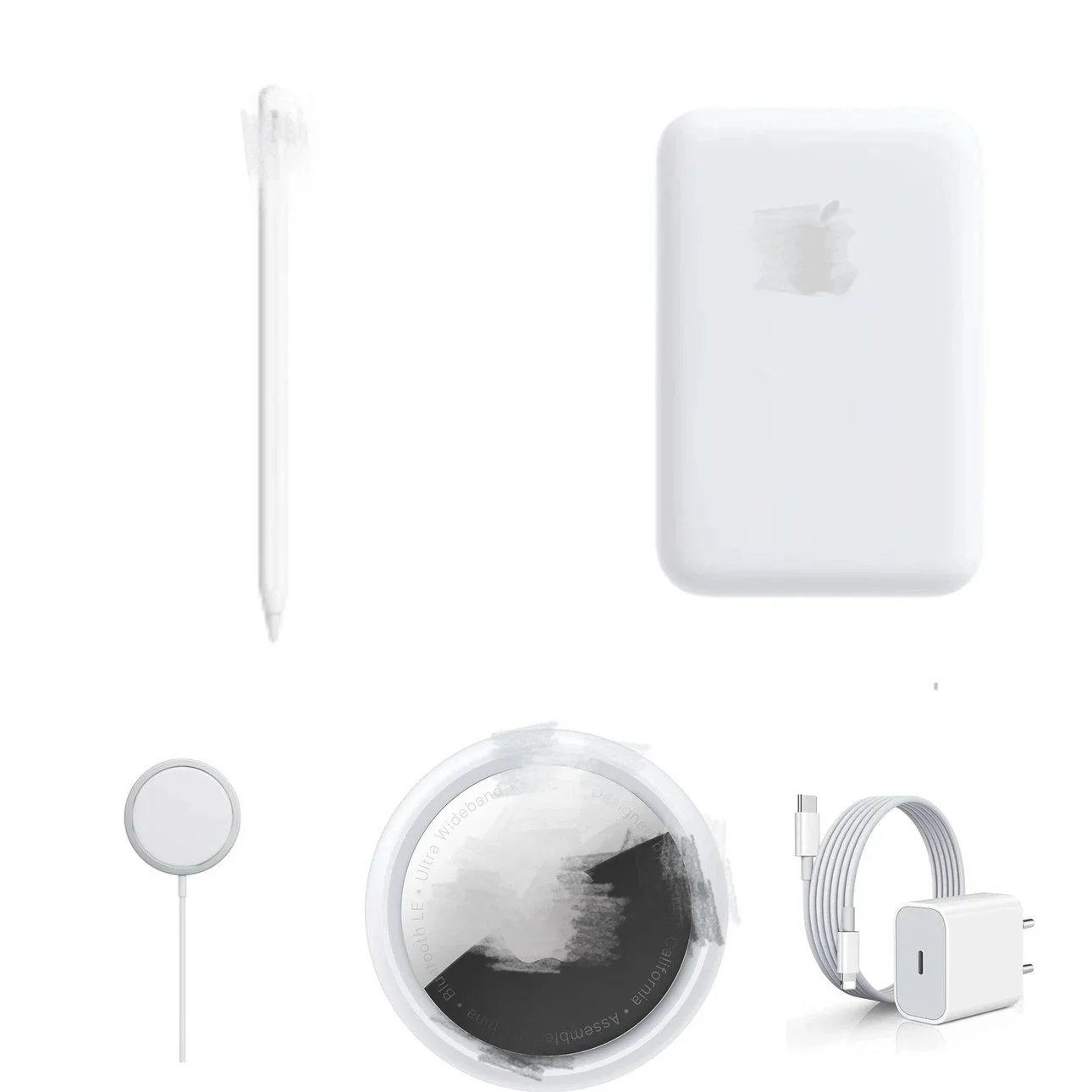
AP Charging and Electronics Accessories Selection | Fishgoo spreadsheet | Sugargoo spreadsheet - 149985

Rick Owens Apparel - Pants | Hipobuy spreadsheet | Oopbuy spreadsheet - 157607

Corteiz Apparel - Down Jacket | Litbuy spreadsheet | USFans spreadsheet - 156934
