Cafans Journal
Stories & FindsPantherBuy CAFANS Guide: A Complete English Shopping Walkthrough
PantherBuy CAFANS Guide: Your Complete English Shopping Walkthrough
If you have been searching for a clear, practical English introduction to the PantherBuy platform, this CAFANS guide is built for you. Whether you are a first-time visitor or someone returning to compare listings, the goal here is simple: explain how the site works, how to navigate it, and how to make smarter decisions before you place an order. Rather than hype, this guide focuses on process, terminology, and habits that experienced shoppers rely on.
What Is PantherBuy?
PantherBuy is an online shopping platform that aggregates product listings across many categories, from fashion and footwear to electronics, home goods, and accessories. New users often ask what makes it different from a typical marketplace. The short answer is breadth plus structure: listings are organized in ways that let you filter, compare, and shortlist items quickly. This PantherBuy guide walks through that structure step by step.
One important note up front: this is an independent informational guide. It is not an official statement from the platform, and policies, prices, and availability can change. Always confirm details on the live site before purchasing.
Why the CAFANS Approach Helps
The CAFANS method is a simple framework: Check, Assess, Filter, Arrange, Note, Select. It sounds basic, but it prevents the most common shopping mistakes — impulse buying, misreading listings, and overlooking sizing or shipping details.
- Check the listing title, images, and seller information.
- Assess reviews, return terms, and delivery estimates.
- Filter by category, price range, size, color, and material.
- Arrange your shortlist in a spreadsheet or saved list.
- Note key specs, variant codes, and seller ratings.
- Select only after comparing at least two or three alternatives.
This PantherBuy shopping guide applies CAFANS to real browsing scenarios below.
Getting Started: Account and Interface Basics
Create an account with a valid email, then complete your profile with a shipping address and preferred payment method. The interface typically includes a search bar, category menu, filters, and a cart. If you are browsing in English, check that the language toggle is set correctly so that size charts, shipping notes, and return policies display in English.
Bookmark the categories you use most. Repeat shoppers often keep a PantherBuy spreadsheet open in another tab to track candidates, prices, and links as they browse. That single habit saves hours over a season of shopping.
Using a PantherBuy Spreadsheet
A PantherBuy spreadsheet is simply a personal tracking sheet. You can build one in any spreadsheet tool with columns such as: item name, category, seller, listed price, shipping cost, estimated delivery, size or variant, rating, link, and decision status. The value is discipline — you compare like with like instead of relying on memory.
Keep your PantherBuy product links in the sheet so you can revisit exact listings. Listings can change or sell out, so a link plus a screenshot of the key details is a reliable record. If you shop with friends or family, share the sheet and let each person add notes in a dedicated column.
Reading Listings Carefully
Product pages usually contain a title, image gallery, variant selector, price, seller card, reviews, and shipping information. Read the full description rather than only the bullet points. Pay attention to measurements, material composition, care instructions, and compatibility notes for electronics.
For apparel and footwear, compare the size chart with your own measurements instead of assuming your usual size. For electronics and accessories, confirm voltage, plug type, and warranty terms. For home goods, check dimensions and weight limits. These details are where most returns originate.
Evaluating Sellers and Reviews
Reviews are useful but should be read critically. Look for patterns across many reviews rather than a single glowing or angry comment. Check whether reviews mention sizing accuracy, packaging quality, or delivery speed. Seller ratings and response times also matter if you may need support later.
If a price looks unusually low, compare the same item across several listings. Differences often reflect variant, bundle, or shipping cost rather than a genuine bargain. A quick comparison inside your spreadsheet makes these gaps obvious.
Cart, Checkout, and Shipping
Before checkout, review your cart line by line: variant, quantity, price, and any applied discount. Confirm the shipping address and estimated delivery window. Shipping costs and timelines vary by destination and seller, so factor them into your total cost, not just the sticker price.
Keep order confirmations and tracking numbers. If something looks delayed, contact support early with your order number and a clear description of the issue.
Common Mistakes to Avoid
- Buying without checking the size chart or variant code.
- Ignoring shipping cost and delivery time in the total budget.
- Relying on one review instead of reading a sample of many.
- Forgetting to save product links before listings change.
- Skipping the comparison step and buying the first result.
Final Checklist
Use this PantherBuy guide as a repeatable routine: verify the listing, assess the seller, filter your options, arrange a shortlist in your PantherBuy spreadsheet, note the important specs, and select with confidence. Save your PantherBuy product links, keep records, and treat every purchase as a small comparison project. That is the core of the CAFANS approach, and it is what makes this PantherBuy shopping guide practical rather than promotional. Shop deliberately, confirm details on the live site, and let structure do the work.
Editor's selection
Popular Products

Shoes Ph076 Breathable Running Shoes | CSSBuy spreadsheet | LoongBuy spreadsheet - 136150

Men's Casual Shoes | CSSBuy spreadsheet | Kakobuy spreadsheet | Rizzitgo spreadsheet - 135435

Casual Shoes | Kakobuy spreadsheet | Hubbuycn spreadsheet | CNShopper spreadsheet - 136046

DS Slippers | Wheebuy spreadsheet | LoongBuy spreadsheet | Lovegobuy spreadsheet - 135724

Accessories | UIDBuy spreadsheet | Fishgoo spreadsheet | Oopbuy spreadsheet - 140922
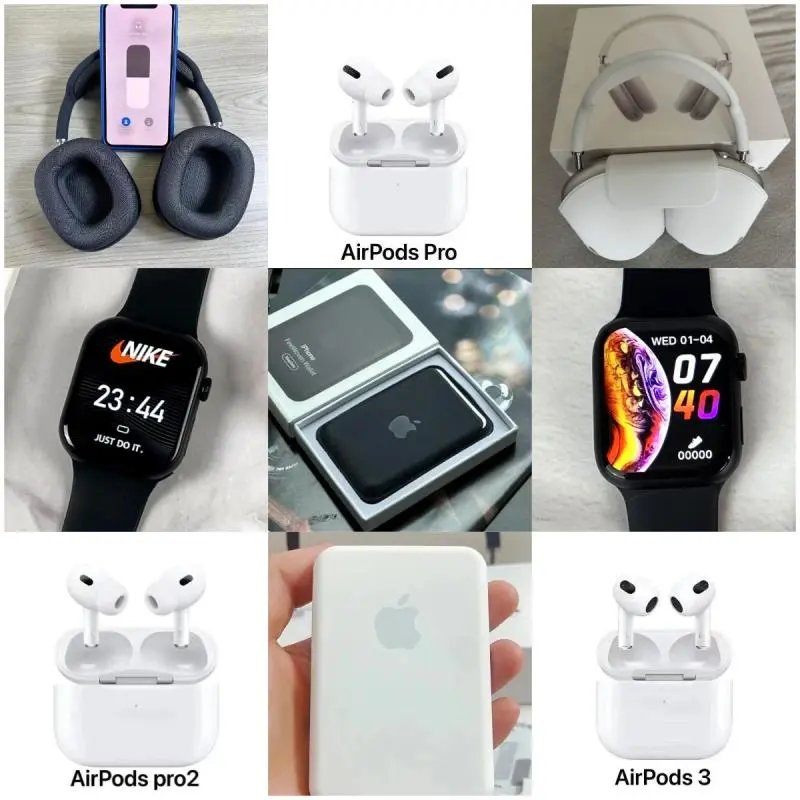
Catalog Item TF25 Digital Electronics | UIDBuy spreadsheet | Fishgoo spreadsheet - 141140
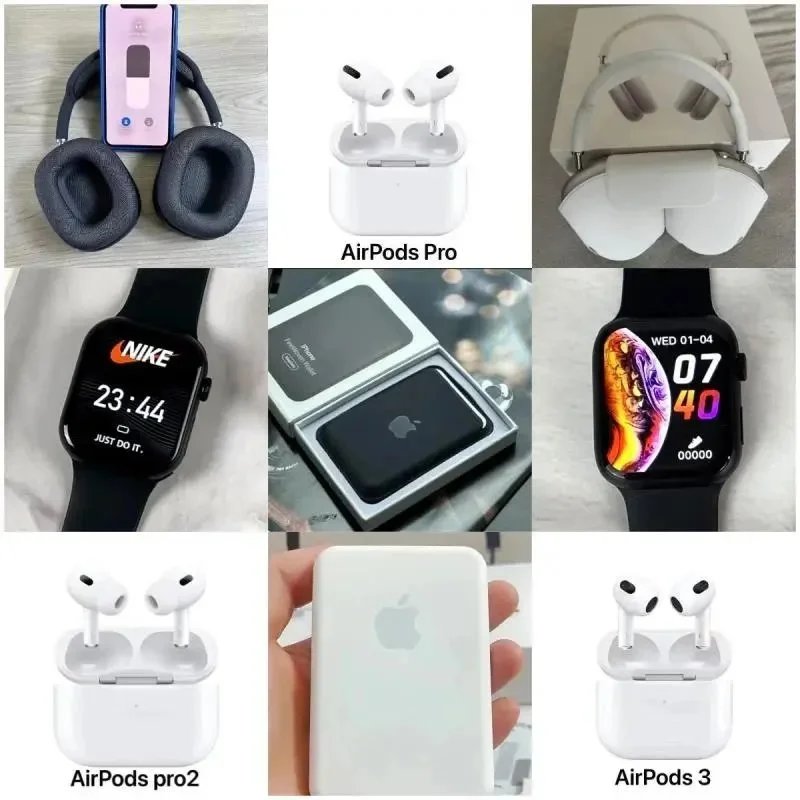
Catalog Item LL55 Digital Electronics | Superbuy spreadsheet | Fishgoo spreadsheet - 138885