Cafans Journal
Stories & FindsOKEYHAUL Guide: How to Shop Smarter with the CAFANS Framework
What Is OKEYHAUL?
OKEYHAUL is a shopping-oriented platform that helps buyers discover products, compare options, and organize purchases in one place. This OKEYHAUL guide introduces the CAFANS framework — a simple, repeatable method for getting more value from every session. Whether you are a first-time visitor or a regular user, CAFANS keeps your shopping focused and efficient.
The CAFANS Framework Explained
CAFANS stands for Compare, Assess, Filter, Assemble, Navigate, Save. Each step addresses a common shopping problem, from information overload to missed discounts.
1. Compare
Start by comparing similar items side by side. Check specifications, materials, sizes, and price ranges. Use an OKEYHAUL spreadsheet to log candidates and note differences in warranty, shipping time, and return policy. Comparing before committing prevents impulse buys and reveals which seller offers the best overall deal.
2. Assess
Assess each candidate against your real needs. Ask: Do I need this feature? Is the quality rating credible? Read recent reviews and look for recurring complaints. An honest assessment separates genuine value from marketing hype, and it helps you avoid duplicate purchases.
3. Filter
Filter aggressively. Set a budget ceiling, a minimum rating, and required features. Remove items that fail any criterion. A tight filter list shortens decision time and reduces cart abandonment. Many shoppers keep a saved filter preset so repeat searches stay consistent.
4. Assemble
Assemble your shortlist into a single order plan. Group items by seller to reduce shipping costs, and note bundle discounts. Use OKEYHAUL product links to share candidates with friends or family before finalizing. Assembling a clear plan also makes it easier to spot missing accessories or complementary items.
5. Navigate
Navigate the checkout and delivery process carefully. Confirm the shipping address, delivery window, and payment method. Review the final cart for accidental duplicates. Check coupon fields and loyalty credits before paying. Navigating checkout deliberately avoids surprise fees and failed deliveries.
6. Save
Save money and records. Track spending in a budget sheet, archive receipts, and set reminders for return windows. Saving your search criteria and wish lists speeds up future sessions. Over time, these records become a personal OKEYHAUL shopping guide tailored to your habits.
Building an OKEYHAUL Spreadsheet
An OKEYHAUL spreadsheet is the backbone of disciplined shopping. Create columns for item name, category, seller, unit price, shipping cost, rating, warranty, return deadline, and decision status. Add a running total formula to keep spending visible. Color-code rows: green for approved, yellow for pending, red for rejected. Update the sheet after each session so comparisons stay accurate. A well-maintained spreadsheet turns scattered browsing into a structured buying plan.
Using OKEYHAUL Product Links
OKEYHAUL product links let you bookmark, share, and revisit specific items. Paste links into your spreadsheet next to each candidate. When a price drops, the link lets you verify the current listing quickly. Sharing links with a shopping partner enables parallel review, which is especially useful for gifts or bulk orders. Always confirm that a link points to the correct variant — size, color, or model — before purchasing.
A Practical OKEYHAUL Shopping Guide
Follow this routine for consistent results. First, define a budget and a shopping goal. Second, run the CAFANS steps in order without skipping assessment. Third, record every candidate in your spreadsheet with its product link. Fourth, review the shortlist after 24 hours to cool off impulse urges. Fifth, complete checkout during a planned session, not a distracted moment. Finally, archive receipts and set return reminders. This OKEYHAUL shopping guide works for everyday essentials, seasonal sales, and larger planned purchases alike.
Common Mistakes to Avoid
Do not compare only by price; factor in shipping, tax, and durability. Do not trust a single review or a single rating score. Do not leave filters too loose, or the shortlist becomes unmanageable. Do not skip the save step — unrecorded purchases are hard to return or reorder. And do not share product links without specifying the exact variant you mean.
Related Terms to Know
As you shop, you will encounter terms such as cart, checkout, coupon, discount code, wish list, order tracking, shipping fee, delivery time, return policy, refund, warranty, seller rating, review score, product variant, stock status, bundle deal, flash sale, loyalty points, payment method, invoice, receipt, budget planner, price comparison, filter preset, shortlist, impulse buying, basket total, free shipping threshold, and customer support. Understanding these terms makes each CAFANS step faster and more accurate.
Final Thoughts
OKEYHAUL becomes far more useful when you pair it with a clear method. The CAFANS framework — Compare, Assess, Filter, Assemble, Navigate, Save — turns browsing into a controlled process. Combine it with an OKEYHAUL spreadsheet, organized product links, and the shopping guide above, and you will spend less, buy better, and avoid regret purchases.
Editor's selection
Popular Products
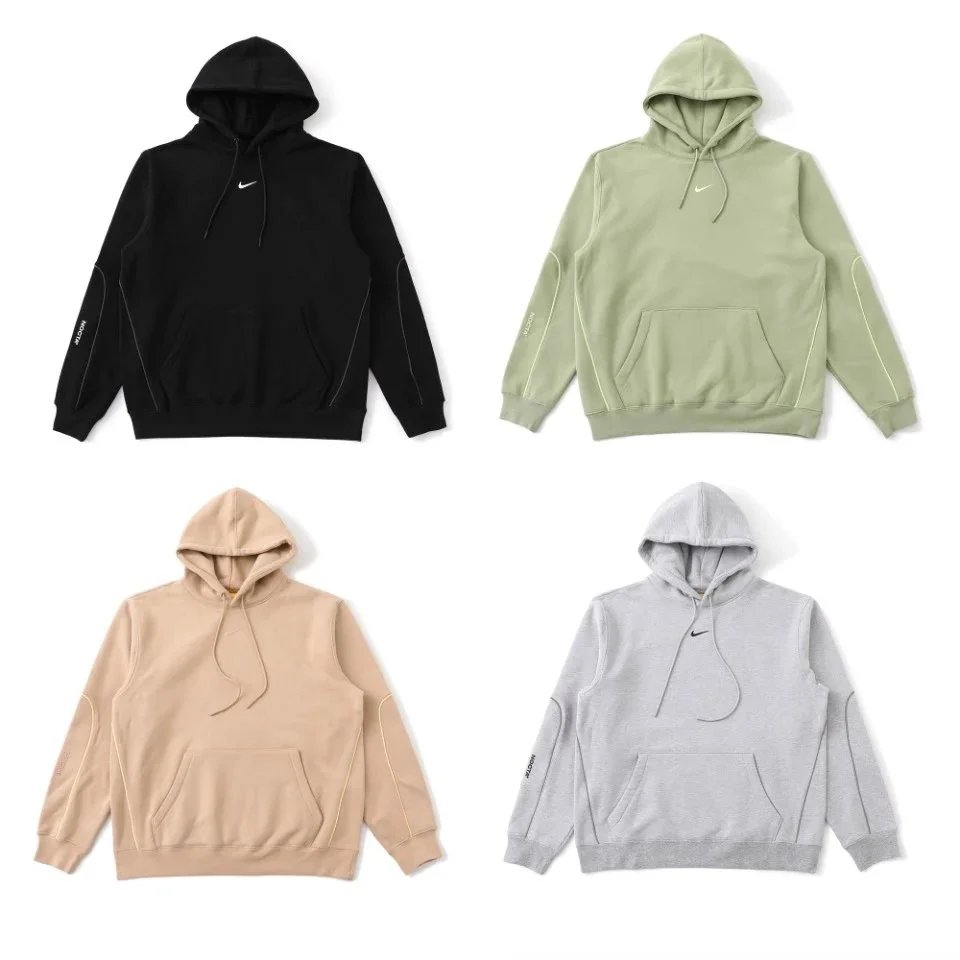
DW2C Hoodie Set - Clothing - 163304

LOEWE Shorts | Rizzitgo spreadsheet | CNShopper spreadsheet - 147689
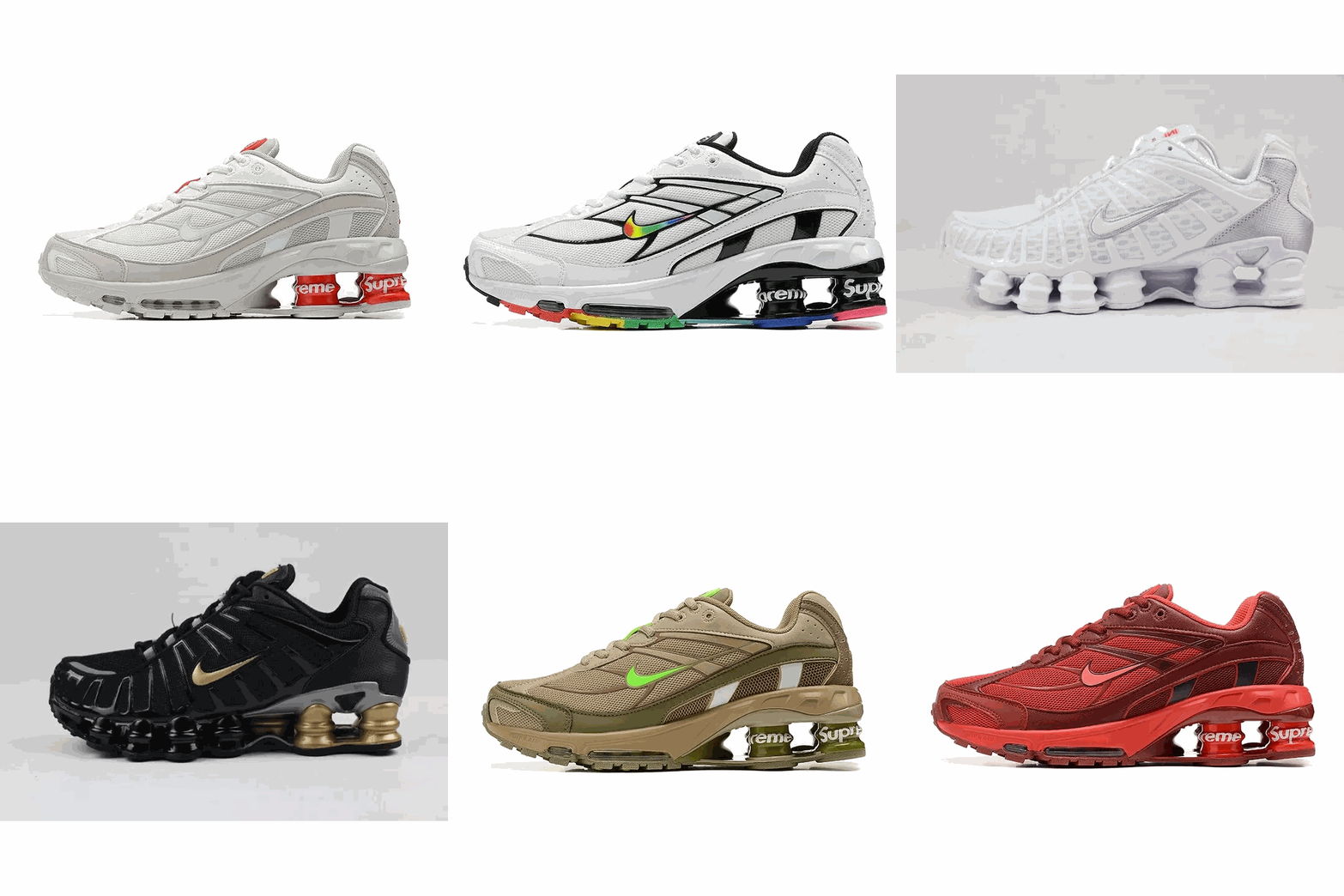
Shoes - 037 - Footwear - 164507

Knit Crewneck Pullover Jacket - 2024 - 172242
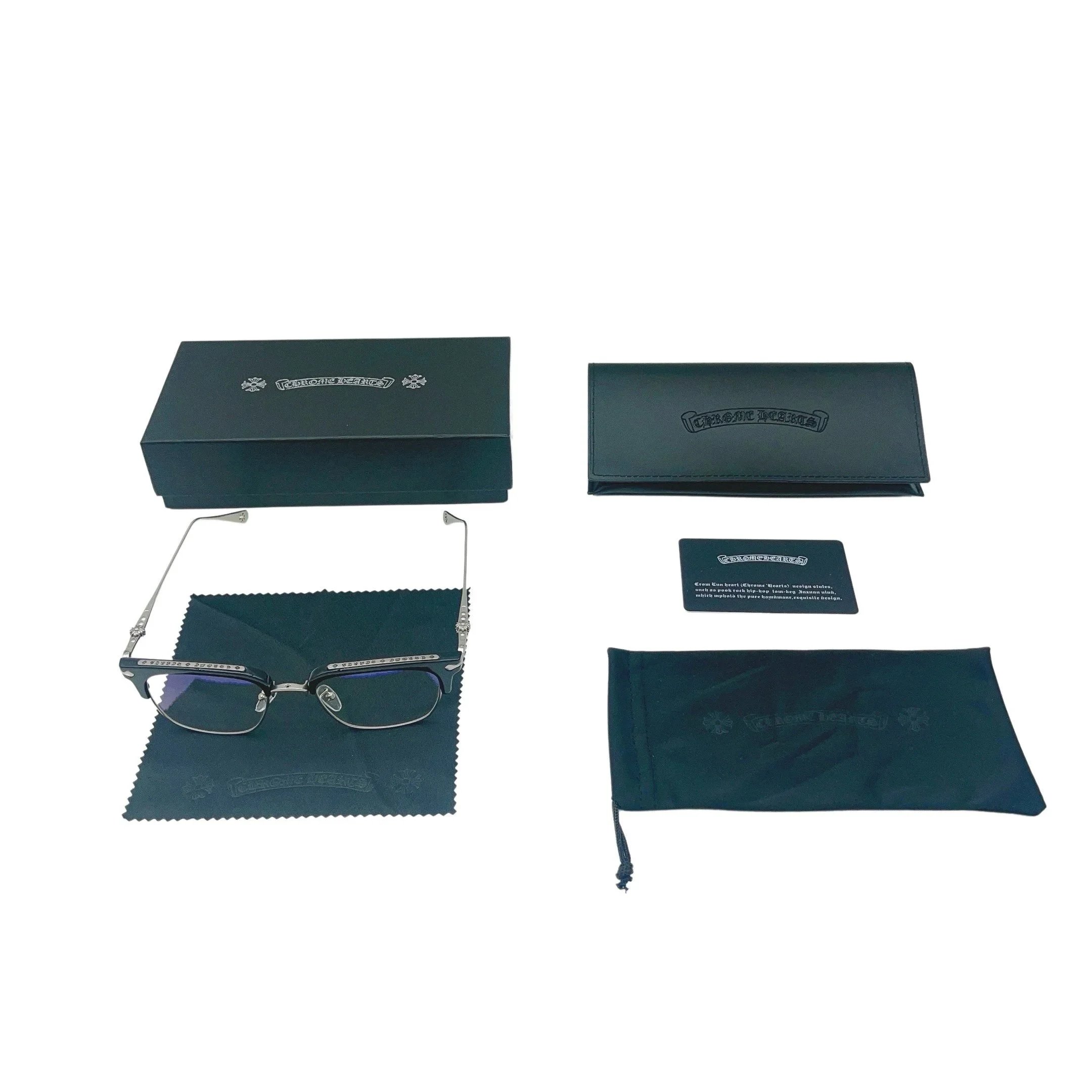
Sunglasses | Lovegobuy spreadsheet | GTBuy spreadsheet | Kakobuy spreadsheet - 153487

MC NB1906 Unisex Breathable Mesh Chunky Running | LoongBuy spreadsheet | Wheebuy spreadsheet - 138879

Wallet P150-806-5 Green Geometric Wallet | OOTDBuy spreadsheet | CNShopper spreadsheet - 148132