Cafans Journal
Stories & FindsZentBuy English Shopping Guide for CAFANS: A Complete Walkthrough
What Is ZentBuy and Why CAFANS Shoppers Care
If you are part of the CAFANS community, you already know that finding reliable shopping information is half the battle. The ZentBuy platform has become a popular destination for shoppers who want a structured, transparent way to browse products, compare options, and make informed decisions. This ZentBuy guide is written specifically for English-speaking CAFANS users who want a clear, practical overview of how to use the platform, where to find the ZentBuy spreadsheet, how to handle ZentBuy product links, and how to build a repeatable ZentBuy shopping guide routine.
ZentBuy is best understood as a shopping discovery and organization tool. Rather than scrolling endlessly through random listings, you can use curated resources such as the ZentBuy spreadsheet to see product categories, specifications, and reference information in one place. For CAFANS members, this means less guesswork and more confidence before you commit to a purchase.
Getting Started: Your First ZentBuy Session
Start by setting up a simple workspace. Open a browser, create a folder for bookmarks, and prepare a notes document. Before you dive in, read a short ZentBuy guide to understand the layout, because a few minutes of orientation saves hours later.
Step one is registration and profile setup. Use a valid email, enable two-factor authentication if available, and complete your delivery details. Step two is exploring the catalog. Spend your first session browsing categories rather than searching for specific items; this helps you understand the taxonomy and build a mental map. Step three is saving items you like to a wishlist or favorites list, so you can return to them later without losing track.
During this phase, keep the ZentBuy shopping guide principles in mind: verify sellers, check return policies, and compare at least three options before deciding. CAFANS users often share their first-session notes with each other, which is a great way to learn faster.
Using the ZentBuy Spreadsheet Effectively
The ZentBuy spreadsheet is one of the most valuable resources in the community. It typically aggregates product names, categories, prices, specifications, and sometimes seller ratings or shipping estimates. Treat it as a research dashboard rather than a shopping cart.
Here is a practical workflow:
- Download or copy the spreadsheet to your own drive so you can annotate it.
- Filter by category, price range, and key specifications relevant to your needs.
- Use color coding to mark items you are seriously considering, alternatives, and rejects.
- Cross-check spreadsheet entries against live product pages, since prices and availability change.
- Add a column for your own notes, such as seller responsiveness or warranty details.
CAFANS members frequently update shared versions of the spreadsheet, so check back periodically. Always confirm that the version you are using is recent, and be cautious about outdated links.
Handling ZentBuy Product Links Safely
ZentBuy product links are convenient, but they deserve scrutiny. A link may point to a listing that has changed, expired, or been replaced by a different seller. Before clicking through, hover over the link to preview the destination, and make sure the domain matches the official platform.
When you share ZentBuy product links within the CAFANS community, include a short description, the date you verified the link, and the category. This small habit dramatically improves the usefulness of shared resources. Avoid shortened links from unknown sources, and never enter payment details on a page you reached through an unverified redirect.
Building a Repeatable ZentBuy Shopping Guide Routine
A good ZentBuy shopping guide is not a one-time read; it is a routine. Here is a weekly cycle that works well for CAFANS shoppers:
- Monday – Research: Review the ZentBuy spreadsheet and shortlist five to ten candidates.
- Wednesday – Verification: Open ZentBuy product links, confirm specifications, and read recent reviews.
- Friday – Decision: Compare finalists on price, shipping, warranty, and return terms.
- Weekend – Reflection: Update your notes and share useful findings with the community.
This rhythm prevents impulse buying and keeps your research organized. It also makes it easier to spot patterns, such as which categories consistently offer good value.
Category Notes for CAFANS Shoppers
CAFANS users tend to explore a broad mix of categories. Common examples include consumer electronics and accessories, home and kitchen items, apparel and footwear, beauty and personal care products, sports and outdoor gear, pet supplies, office and stationery goods, toys and hobby items, and automotive accessories. Each category has its own evaluation criteria: electronics demand specification checks, apparel requires size charts, and beauty products need ingredient and authenticity verification.
Use the spreadsheet to compare within a category rather than across categories. A blender and a backpack cannot be judged on the same scale, but two blenders can be compared on wattage, capacity, warranty, and price per feature.
Common Mistakes to Avoid
First, do not treat the ZentBuy spreadsheet as a price guarantee; it is a reference tool. Second, do not rely on a single review. Third, do not ignore shipping timelines, especially for gifts or seasonal purchases. Fourth, do not share personal order details in public CAFANS threads. Fifth, do not skip the return-policy check, because policies vary significantly between sellers.
Final Thoughts
ZentBuy gives CAFANS shoppers a structured way to research and organize purchases. By combining the ZentBuy spreadsheet, verified ZentBuy product links, and a disciplined ZentBuy shopping guide routine, you can reduce risk and shop with confidence. Start small, document what you learn, and contribute back to the community. A thoughtful approach always beats a rushed click.
Editor's selection
Popular Products
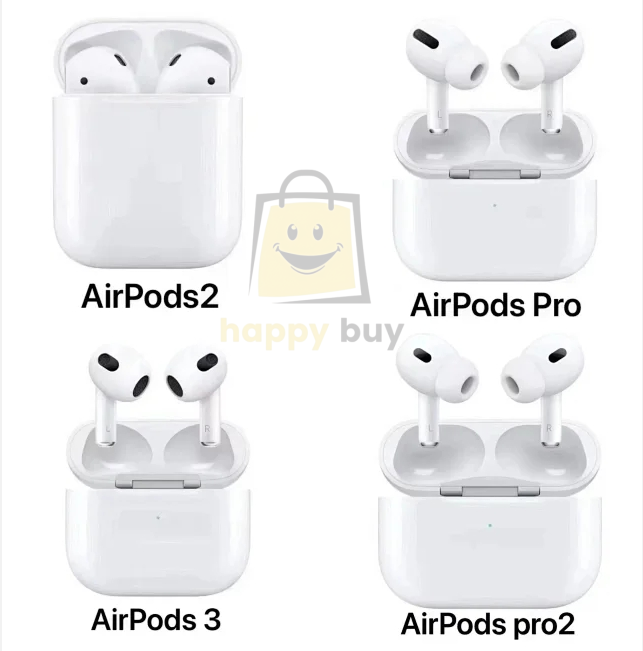
White Wireless Earbuds Selection A 1-4PH | CSSBuy spreadsheet | Fishgoo spreadsheet - 142641
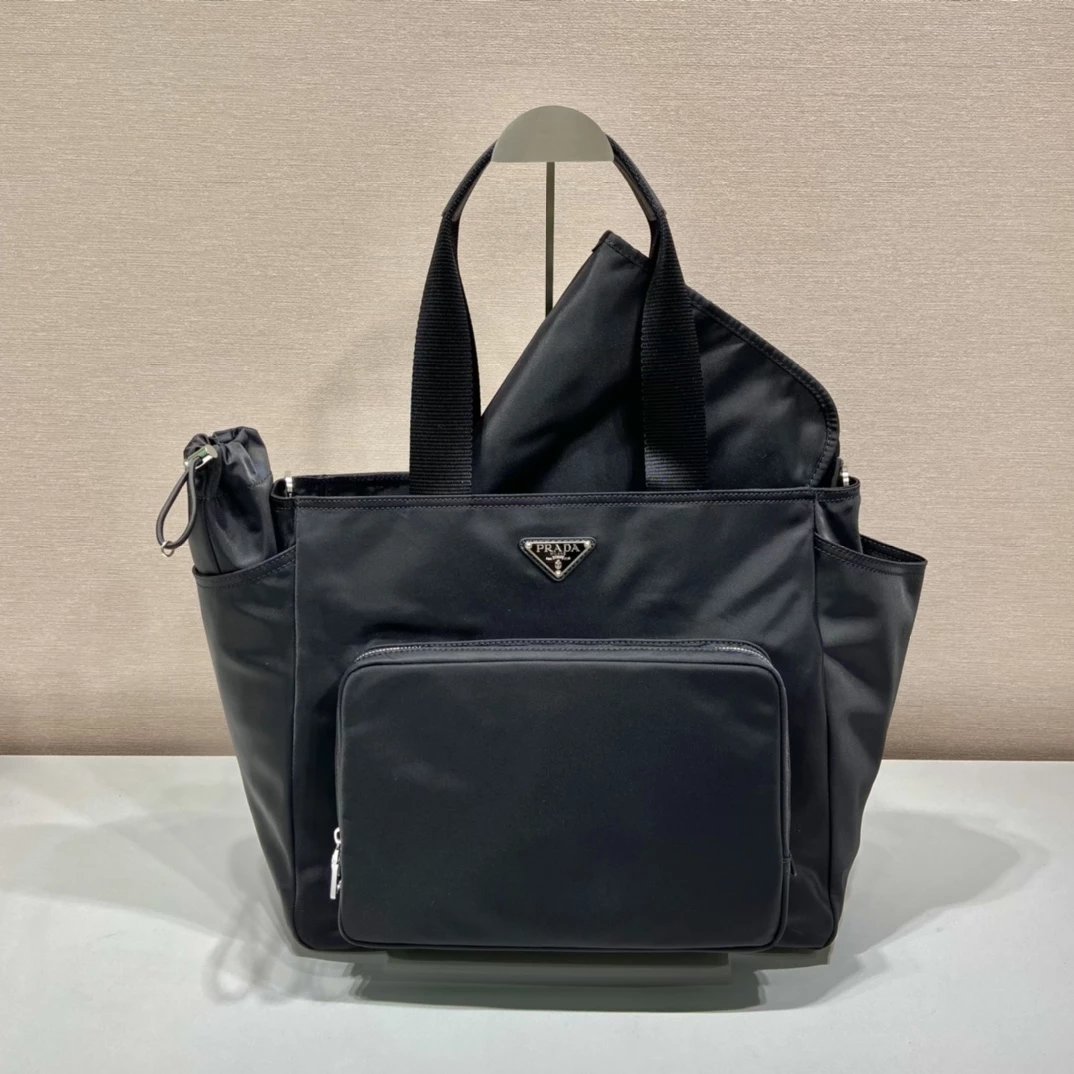
Black Tote Bag with Front Zip Pockets 1BG102 | Lovegobuy spreadsheet | Litbuy spreadsheet - 142203
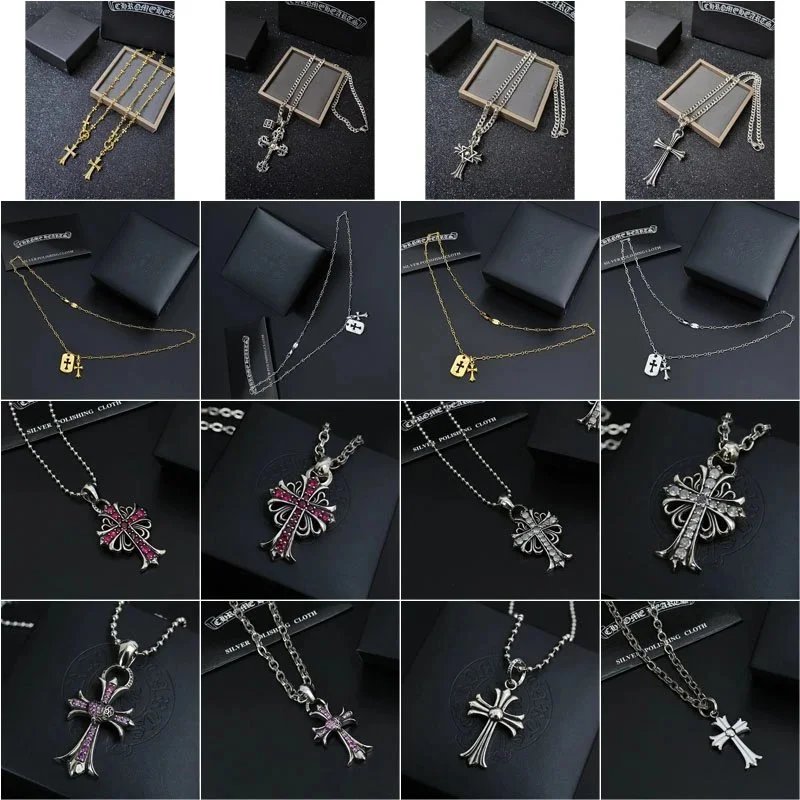
Chr*ome Hea*rts necklace | CNShopper spreadsheet | Rizzitgo spreadsheet - 153245

Graphic T-Shirt - Clothing - 172779
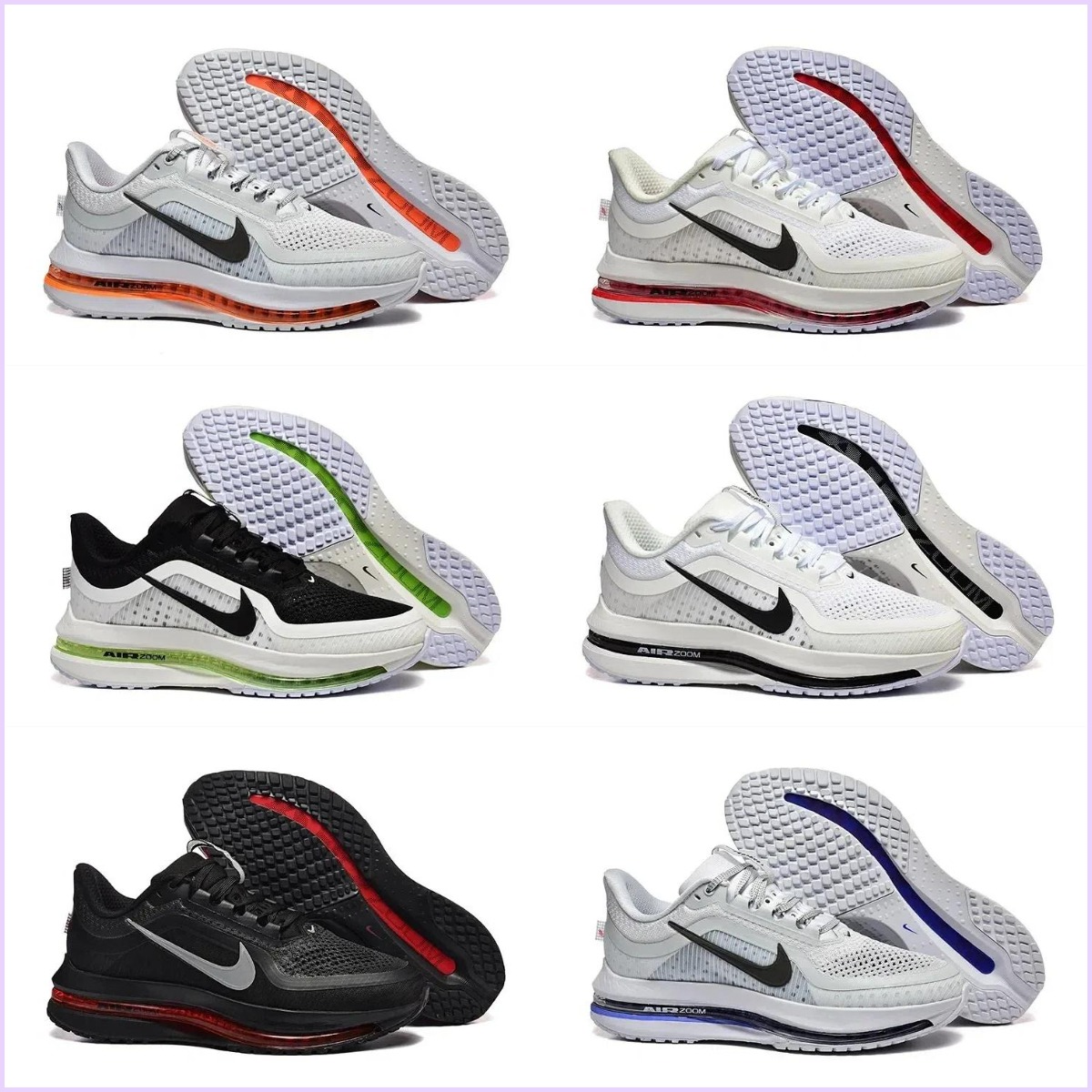
Unisex Breathable Non-Slip Low-Top Cushioned Running | Wheebuy spreadsheet | MyCNBox spreadsheet - 135596
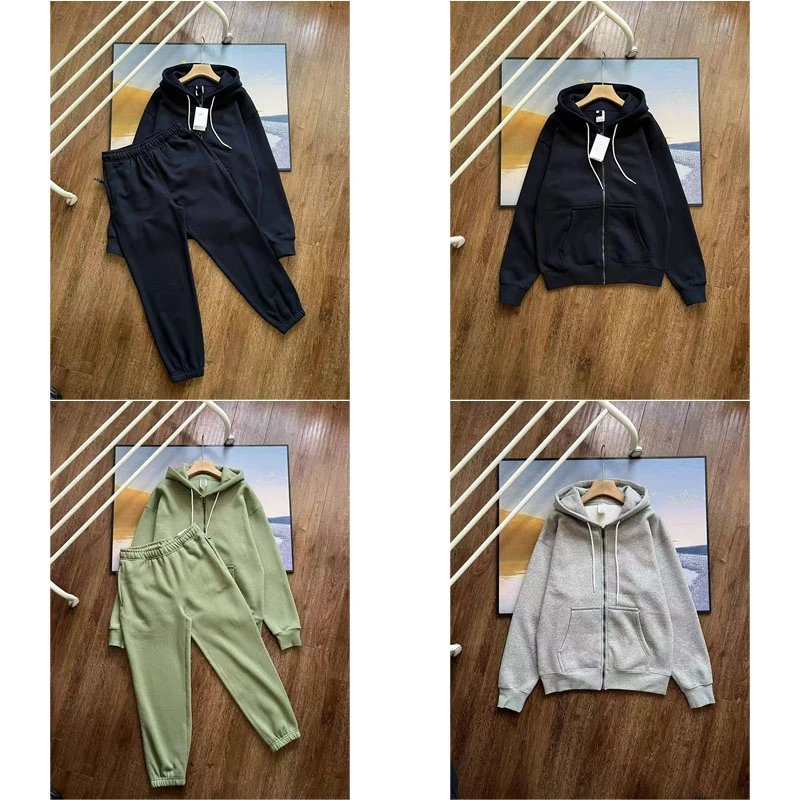
NKE Slo Swoo*sh Hoodie - 168543
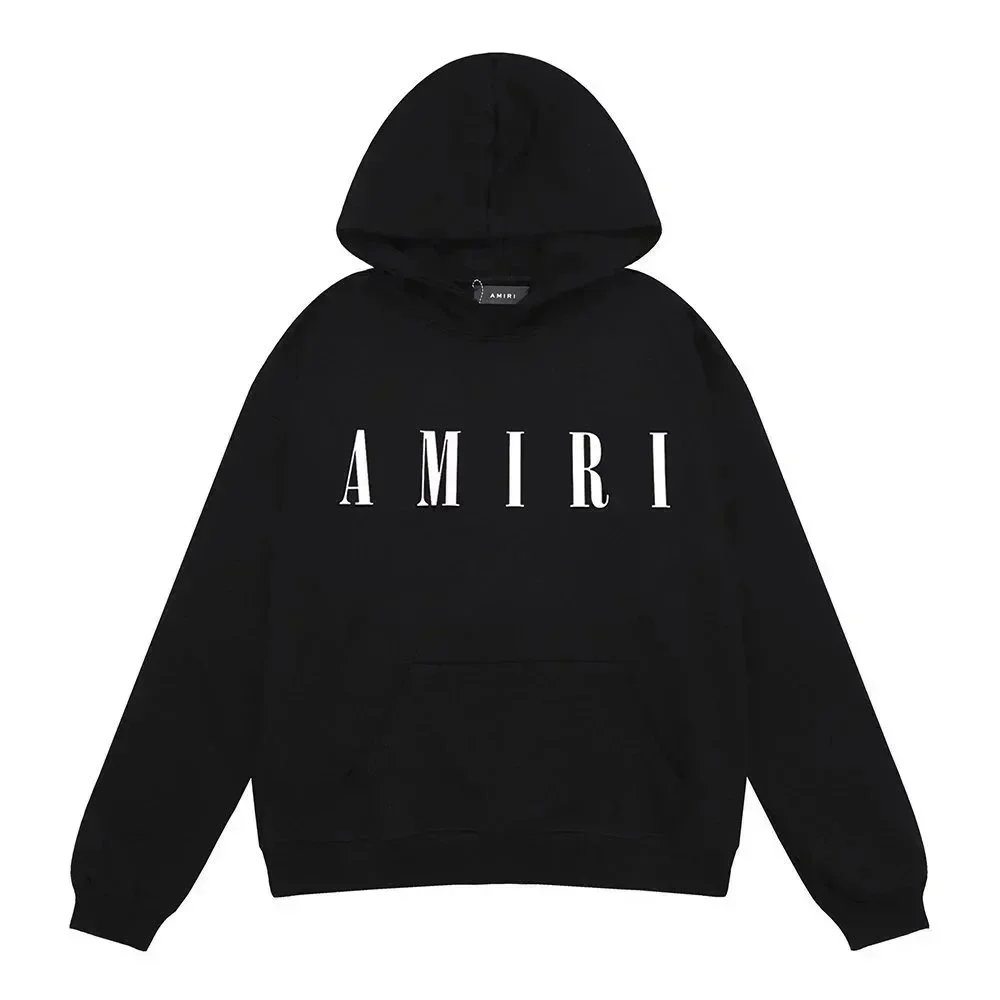
Hooded Hat 005 Hoodie | OOTDBuy spreadsheet | Fansbuy spreadsheet | Fishgoo spreadsheet - 136295