Cafans Journal
Stories & FindsThe English CAFANS Guide: A Practical Walkthrough with JoyaGoo
The English CAFANS Guide: Organizing, Comparing, and Buying Smarter with JoyaGoo
CAFANS is one of those frameworks that sounds abstract until you actually use it: it is a way of organizing the messy middle of a purchase — the research, comparison, filtering, and final decision — into clear stages. This English CAFANS guide walks through each stage and shows how JoyaGoo fits into every one of them, from the first search to the final checkout.
What CAFANS Means in Practice
Treat CAFANS as six connected activities: Collect, Assess, Filter, Analyze, Narrow, and Select. Most shoppers already do these things informally, but naming the stages makes the process repeatable — especially when you are comparing dozens of listings across categories.
- Collect — gather candidates, specifications, prices, and reviews.
- Assess — judge quality signals: materials, warranties, seller ratings.
- Filter — remove anything that fails hard requirements such as budget or size.
- Analyze — compare the survivors side by side on cost and value.
- Narrow — reduce to two or three realistic options.
- Select — commit, check the return policy, and buy.
Why JoyaGoo Suits the CAFANS Workflow
JoyaGoo is a shopping discovery and comparison platform that consolidates product information, pricing, and links in one place. Instead of juggling twenty browser tabs, you keep a single working view. The platform acts as a discovery hub, a comparison aid, and a link organizer — which is exactly what the CAFANS stages demand.
Three features matter most:
- Structured product pages with clear specifications and seller details.
- Saved lists and comparison views so shortlisted items stay together.
- Exportable data for anyone who prefers to crunch numbers offline.
Stage 1–2: Collect and Assess with JoyaGoo
Start broad. Use category browsing and keyword search to build a candidate pool of 15–25 items. During collection, note price, brand, model, key specifications, shipping time, and seller rating. Resist the urge to judge yet — collection is about volume.
Assessment is where quality signals enter. Look for verified reviews, return windows, warranty length, and whether the listing gives complete specifications. A product with sparse details is a risk, not a bargain. The JoyaGoo guide pages and category explainers help here by clarifying what specifications actually mean in each product family.
Stage 3–4: Filter and Analyze with a JoyaGoo Spreadsheet
This is the heart of the method. Export your candidate list into a JoyaGoo spreadsheet and add columns for price, rating, warranty, shipping, and a value score you define yourself. A simple formula — quality score divided by price — instantly exposes overpriced options.
Build the sheet in four blocks:
- Identity block: product name, brand, model, category.
- Cost block: listed price, shipping, tax, total landed cost.
- Quality block: rating, review count, warranty, material or build notes.
- Decision block: value score, shortlist flag, notes.
Sort by total landed cost rather than sticker price — shipping and tax frequently reverse the ranking. Conditional formatting for your shortlist keeps the sheet readable as it grows.
Stage 5–6: Narrow and Select Using JoyaGoo Product Links
With the spreadsheet sorted, cut the list to three finalists. Keep JoyaGoo product links for each finalist in one place so you can re-check price and stock without searching again. Verify the return policy, confirm the seller is reputable, and check whether the price has moved recently.
Before checkout, run a final JoyaGoo shopping guide check: does the item match your original requirements, is the warranty clear, and is the total cost still within budget? If all three answers are yes, buy. If not, return to the filter stage rather than settling.
A Worked Example
Suppose you are choosing between three wireless headphones. Collect twelve candidates, assess them, then filter out any without a two-year warranty. Four remain. In the spreadsheet, compute landed cost including shipping; one cheap model becomes the most expensive once shipping is added. Analyze ratings and review depth; a high rating from fifty reviews is weaker evidence than a slightly lower rating from two thousand. Narrow to two, check product links for current stock, and select the one with the better return window.
Common Mistakes to Avoid
- Collecting too narrowly — a small pool produces false confidence.
- Ignoring landed cost — sticker price hides shipping and tax.
- Trusting star ratings alone — review count and recency matter.
- Skipping the spreadsheet — memory cannot compare twenty items reliably.
- Forgetting the return policy — it is part of the value, not an afterthought.
Frequently Asked Questions
Is JoyaGoo free to use? Browsing, comparison, and list-building are free; always confirm current terms on the site.
Do I need spreadsheet skills? No — basic sorting and a simple formula are enough to get most of the benefit.
How many items should I shortlist? Three finalists is a good balance between choice and decision fatigue.
Can I use CAFANS for services? Yes; substitute delivery time and support quality for shipping and materials.
Final Thoughts
CAFANS turns shopping from a series of impulses into a short, repeatable process. JoyaGoo supplies the raw material — organized product data and links — and the spreadsheet supplies the discipline. Collect widely, assess honestly, filter hard, analyze numerically, narrow to three, and select with confidence. Once the habit forms, the whole cycle takes an afternoon instead of a week.
Editor's selection
Popular Products
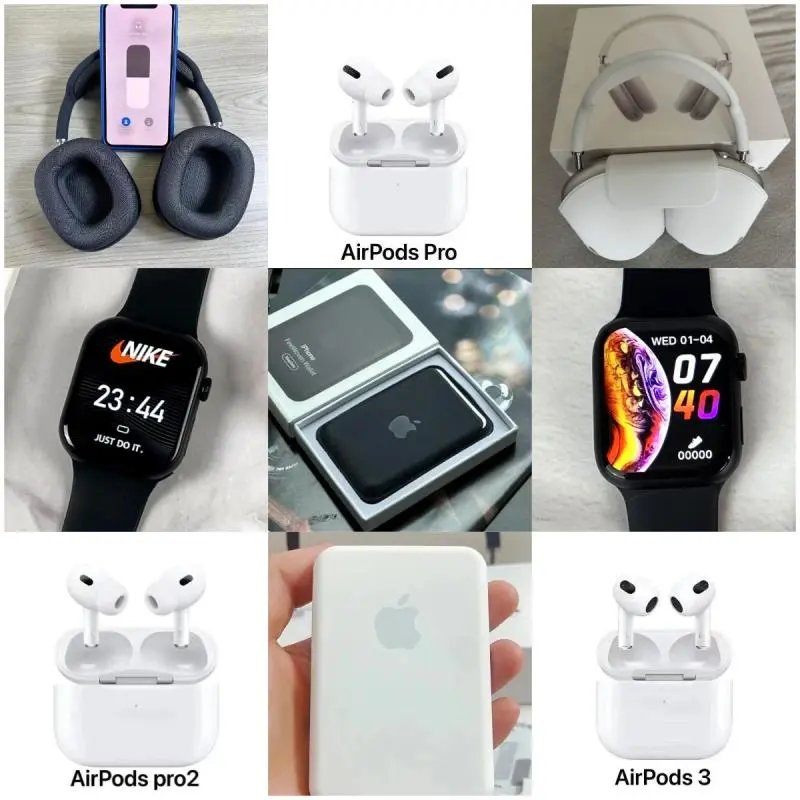
Catalog Item TF25 Digital Electronics | UIDBuy spreadsheet | Fishgoo spreadsheet - 141140
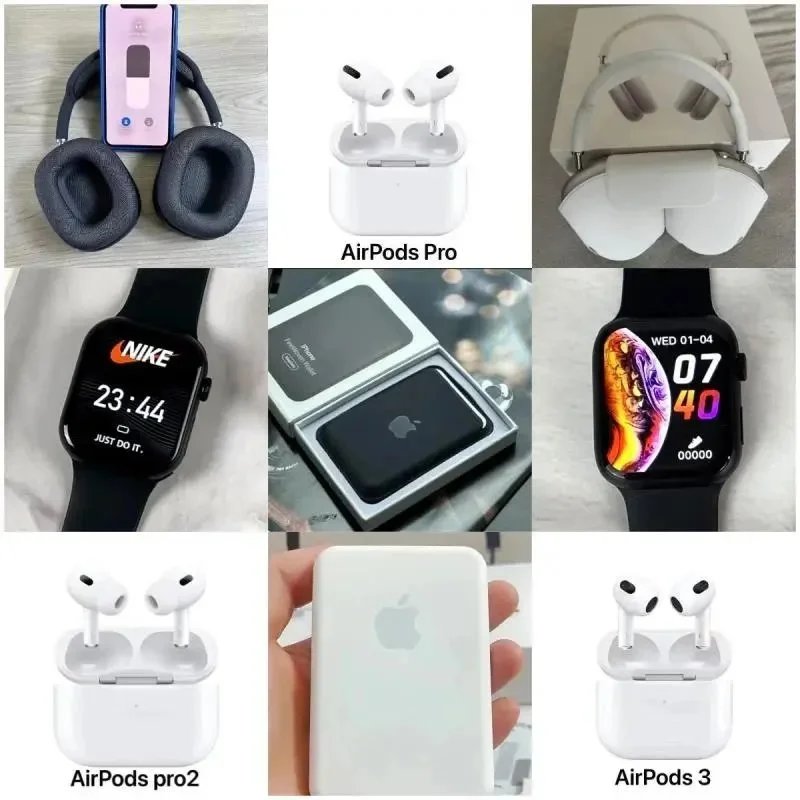
Catalog Item LL55 Digital Electronics | Superbuy spreadsheet | Fishgoo spreadsheet - 138885
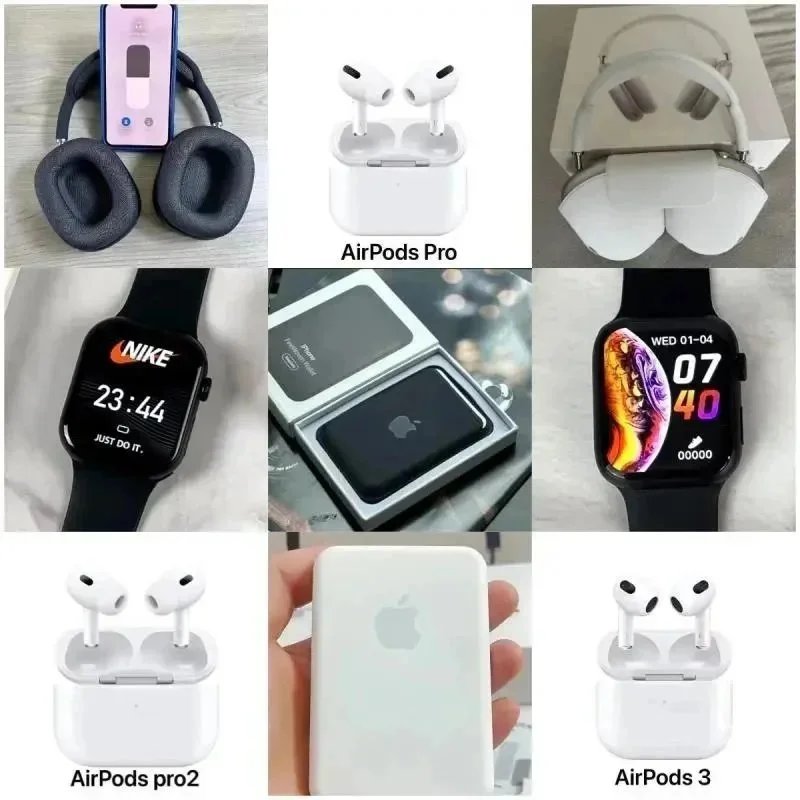
Headphones XB22 Headphones and Electronics Selection | LoongBuy spreadsheet | Hubbuycn spreadsheet - 136779
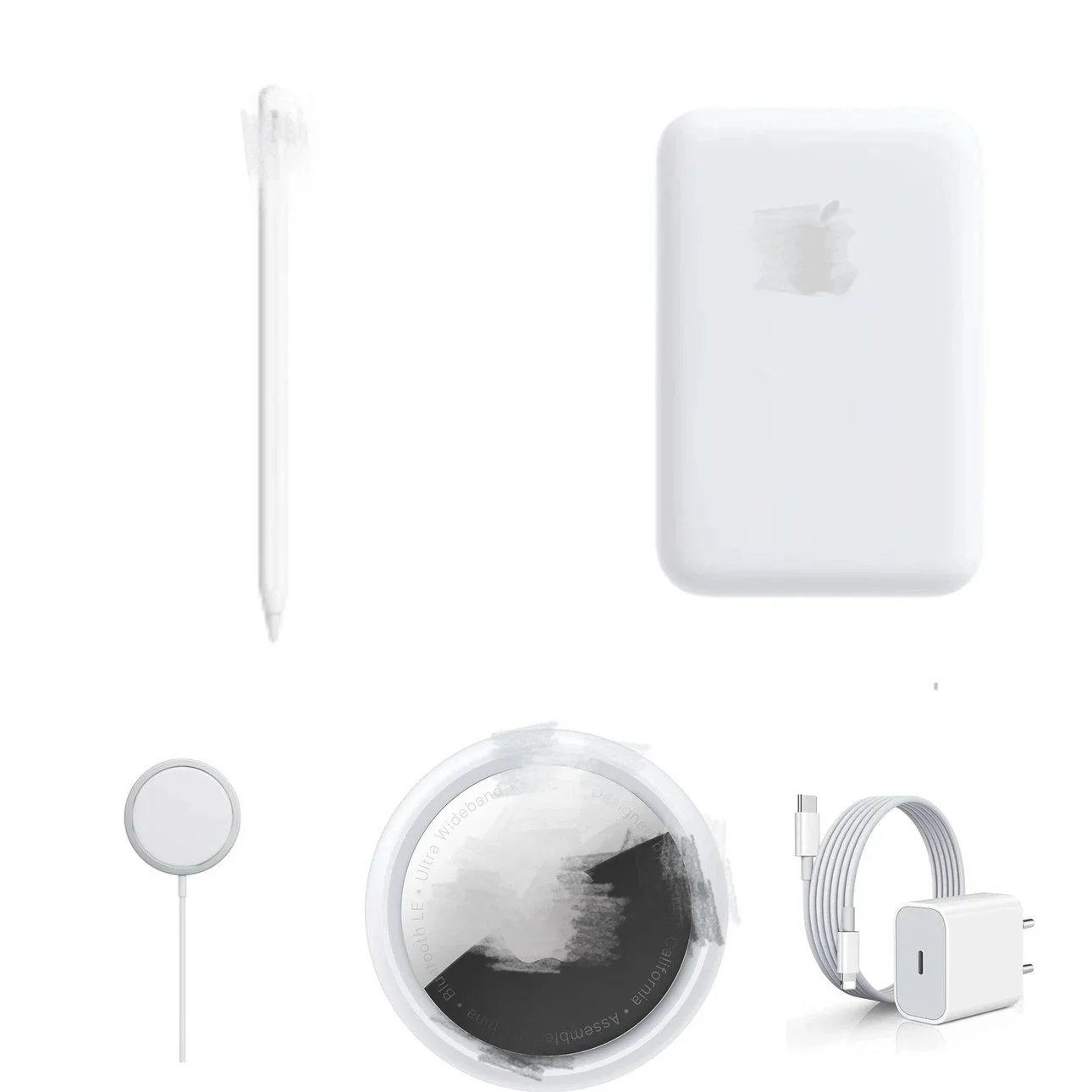
AP Charging and Electronics Accessories Selection | Fishgoo spreadsheet | Sugargoo spreadsheet - 149985
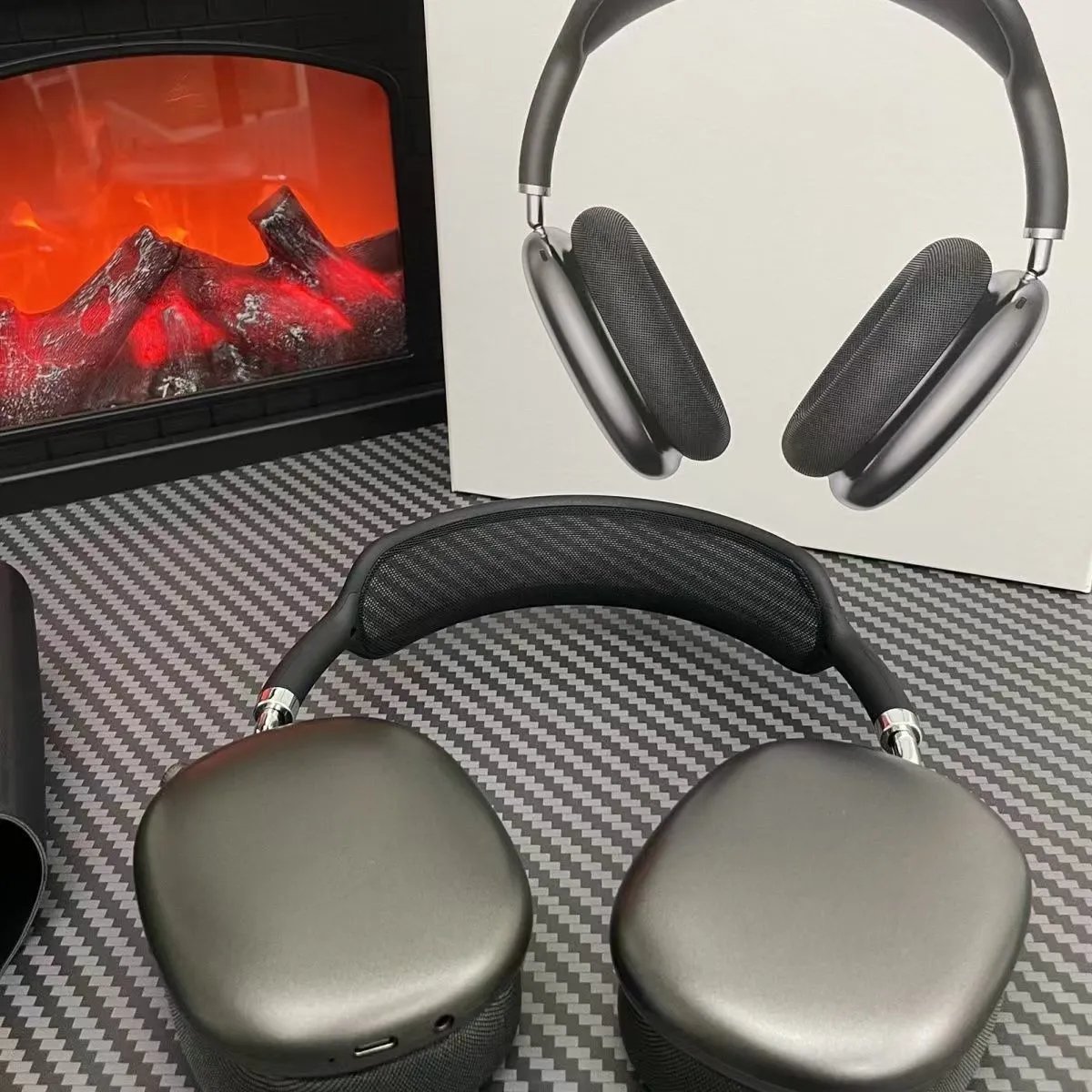
Max Noise-Cancelling Wireless Headphones | Fansbuy spreadsheet | Superbuy spreadsheet - 141501

Over-Ear Wireless Headphones Color Collection Max 2nd | Superbuy spreadsheet | Hubbuycn spreadsheet - 142700

Over-Ear Wireless Headphones Color Collection Max 2nd | iTaoBuy spreadsheet | OOTDBuy spreadsheet - 142642