Cafans Journal
Stories & FindsCAFANS Guide: Navigating USFans Spreadsheet, Product Links, and Shopping Tips
What Is CAFANS and Why It Matters
CAFANS is a term that has become increasingly common among online shopping enthusiasts who rely on agent platforms to source items from Chinese marketplaces. If you are searching for a practical English CAFANS guide, this article breaks down how the ecosystem works, with a particular focus on USFans as the main platform. You will learn how the USFans spreadsheet functions, how to interpret USFans product links, and how to make smarter decisions through a solid USFans shopping guide.
The core idea is simple: instead of buying directly from unfamiliar sellers, shoppers use curated resources to identify reliable items, compare prices, and manage shipping. CAFANS-style communities aggregate this information into spreadsheets and link lists, making the process far more transparent.
USFans as the Main Platform
USFans serves as the central hub for many shoppers. It combines product discovery, order management, and logistics support in one place. The USFans platform is built around a straightforward workflow: find a product, paste the link, confirm the details, and ship it to your warehouse address.
What makes USFans stand out is its integration with community-driven data. Users share finds, verify quality, and flag issues. This collective intelligence is what powers the notorious spreadsheets and link collections. When you follow a USFans guide, you are essentially tapping into a network of experienced buyers.
Understanding the USFans Spreadsheet
The USFans spreadsheet is arguably the most valuable resource for new and veteran shoppers alike. It is a structured document, usually updated regularly, that lists products with details such as item names, categories, prices, seller ratings, and sometimes QC photo references.
How to Read the Spreadsheet
Start by locating the category tabs. Common categories include apparel, footwear, accessories, electronics, and home goods. Each row typically contains a product name, a link, a price range, and notes from the community. Pay attention to the notes column, as it often contains warnings about sizing, material quality, or shipping delays.
Why the Spreadsheet Saves Time
Without the USFans spreadsheet, you would need to manually search multiple marketplaces, translate listings, and compare sellers. The spreadsheet condenses hours of research into a few clicks. It also reduces the risk of buying from unreliable sources, since entries are usually vetted by multiple users.
Working with USFans Product Links
USFans product links are the bridge between discovery and purchase. A typical link points to a listing on a Chinese e-commerce platform. When you paste it into the USFans system, the platform extracts the product details and generates an order form.
Verifying Links Before Buying
Not all links are equal. Before placing an order, check that the link is current, the seller has positive feedback, and the product images match the description. Broken or outdated links are common in older spreadsheet versions, so always cross-check with the latest update.
Using Links with the Shopping Guide
The USFans shopping guide recommends keeping a personal list of favorite links. This makes reordering easier and helps you track price changes over time. Many users maintain their own mini-spreadsheet alongside the official one.
The USFans Shopping Guide: Step by Step
A good USFans shopping guide covers the entire journey, from account setup to final delivery. Here is a condensed version of the recommended process.
Step 1: Create and Verify Your Account
Register on the platform, verify your email, and set up your shipping address. Accuracy here prevents later complications with customs and delivery.
Step 2: Browse and Select Products
Use the USFans spreadsheet to identify candidates. Compare at least two or three sellers for each item. Read community feedback and check for recent QC photos.
Step 3: Submit Orders and Consolidate
Paste your chosen USFans product links, confirm sizes and colors, and pay. When items arrive at the warehouse, you can request consolidation to save on international shipping.
Step 4: Review QC and Ship
Inspect the quality control photos provided by the warehouse. If something looks wrong, request an exchange before shipping. Once satisfied, choose your shipping line and complete the payment.
Common Terms You Will Encounter
To navigate this ecosystem confidently, familiarize yourself with these frequently used terms: agent, warehouse, consolidation, QC photos, rehearsal packaging, customs declaration, volumetric weight, tracking number, seller rating, batch, haul, spreadsheets, link list, product page, order form, service fee, domestic shipping, international line, insurance, refund policy, exchange, coupon, seasonal sale, pre-order, stock status, size chart, material composition, review thread, rep community, and shipping calculator.
These thirty related terms appear naturally throughout community discussions, spreadsheets, and guides. Understanding them will make your USFans experience much smoother.
Tips for a Smooth Experience
Always double-check product links before ordering. Keep screenshots of listings in case they change. Use the USFans spreadsheet as a starting point, not a final authority. Join community threads to ask questions and share experiences. Budget for service fees and shipping costs, which can add significantly to the base price. Finally, be patient: international shipping timelines vary, and consolidation can take extra days.
Conclusion
This English CAFANS guide has covered the essentials: the role of USFans as the main platform, how to use the USFans spreadsheet effectively, how to handle USFans product links, and how to follow a reliable USFans shopping guide. With these tools and habits, you can shop smarter, reduce risks, and get more value from every order.
Editor's selection
Popular Products

Shoes Ph076 Breathable Running Shoes | CSSBuy spreadsheet | LoongBuy spreadsheet - 136150

Men's Casual Shoes | CSSBuy spreadsheet | Kakobuy spreadsheet | Rizzitgo spreadsheet - 135435

Casual Shoes | Kakobuy spreadsheet | Hubbuycn spreadsheet | CNShopper spreadsheet - 136046

DS Slippers | Wheebuy spreadsheet | LoongBuy spreadsheet | Lovegobuy spreadsheet - 135724

Accessories | UIDBuy spreadsheet | Fishgoo spreadsheet | Oopbuy spreadsheet - 140922
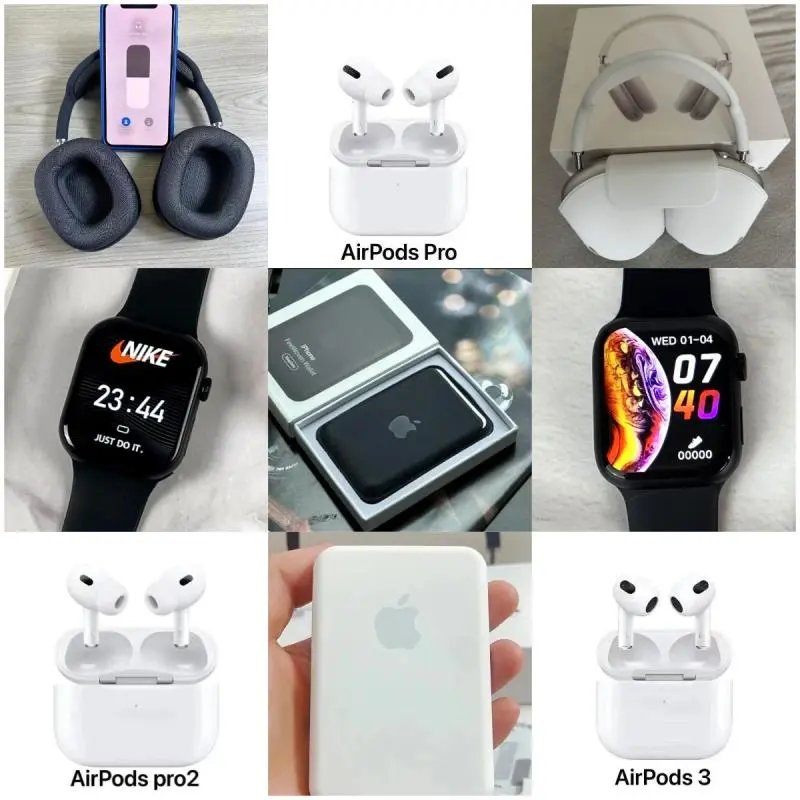
Catalog Item TF25 Digital Electronics | UIDBuy spreadsheet | Fishgoo spreadsheet - 141140

Catalog Item LL55 Digital Electronics | Superbuy spreadsheet | Fishgoo spreadsheet - 138885