Cafans Journal
Stories & FindsVigorBuy CAFANS Guide: A Complete 1,000-Word Shopping Walkthrough
If you have been searching for a clear, practical VigorBuy guide, this CAFANS walkthrough is for you. VigorBuy is a shopping platform that brings together product discovery, comparison, and deal tracking in one place. The CAFANS framework — short for Check, Assess, Filter, Add, Negotiate, Settle — gives you a repeatable routine for getting the most out of every session. This guide walks through each step with concrete examples, explains how to use a VigorBuy spreadsheet to stay organized, and shows where VigorBuy product links and the VigorBuy shopping guide fit into the process.
What Is VigorBuy?
VigorBuy is a multi-category shopping destination. Instead of browsing dozens of separate stores, you can explore listings across consumer electronics, home appliances, kitchenware, fitness gear, apparel, beauty products, pet supplies, office accessories, outdoor equipment, and more. Each listing typically includes a product title, price, seller rating, shipping estimate, return policy, and buyer reviews. The platform is designed for comparison-first shoppers who want to see options side by side before committing.
The CAFANS Framework Explained
1. Check — Audit the Listing
Start by checking the basics: seller rating, order volume, return window, and warranty terms. Look for verified reviews and photos from real buyers. Note the listed price alongside any shipping fee, coupon, or bundle discount. A quick VigorBuy product link saved to your list makes it easy to return to a listing after you have compared alternatives. Record the listing URL, current price, and any promotional deadline in your notes.
2. Assess — Compare Specs and Value
Assess the product against your actual needs. Compare specifications, materials, dimensions, and included accessories across two or three candidates. Read the negative reviews first — they often reveal recurring issues such as sizing quirks, battery life, or packaging problems. Use the VigorBuy shopping guide sections on category pages to understand which features matter most for the product type you are considering.
3. Filter — Narrow the Shortlist
Filter aggressively. Set a budget ceiling, a minimum seller rating, and a required shipping window. Remove listings that fail any hard constraint. A VigorBuy spreadsheet is ideal here: create columns for product name, category, price, shipping cost, estimated delivery date, seller rating, return policy, and notes. Sort by total landed cost rather than sticker price, because a cheaper item with paid shipping can cost more overall.
4. Add — Build a Cart Strategically
Add items to your cart in batches that qualify for free shipping or tiered discounts. Group purchases by category so you can apply category coupons. If you are buying gifts, add a note about gift wrapping availability. Track each addition in the spreadsheet so you do not duplicate items or miss a quantity discount threshold.
5. Negotiate — Use Coupons and Chat
Negotiation on VigorBuy usually means stacking available coupons, using first-order codes, and asking sellers about bulk pricing through the chat function. Sellers may offer a small discount for multiple units or a bundled accessory. Be polite and specific: mention the exact quantity, the product link, and your target price. Not every seller will respond with a discount, but asking costs nothing.
6. Settle — Complete the Order and Track It
Settle by reviewing the final cart total, confirming the shipping address, and choosing a payment method with buyer protection. Save the order confirmation and add the expected delivery date to your calendar. After delivery, inspect the item promptly and initiate any return within the stated window. Leave an honest review — it helps the next shopper using this VigorBuy guide.
Building Your VigorBuy Spreadsheet
A well-structured VigorBuy spreadsheet turns chaotic browsing into a clean decision process. Suggested tabs: Shortlist, Price History, Coupons, and Orders. In the Shortlist tab, include columns for product link, category, unit price, shipping, total cost, seller rating, review count, return window, and a decision column (Keep / Maybe / Drop). In Price History, log the price each time you check a listing so you can spot genuine discounts versus inflated "original" prices. The Coupons tab should record code, expiry date, minimum spend, and category restrictions. Finally, the Orders tab tracks order number, delivery estimate, and return deadline.
Using VigorBuy Product Links Wisely
VigorBuy product links are more than bookmarks. Paste them into your spreadsheet, share them with family members for a second opinion, and use them when contacting sellers about availability or bulk pricing. Before sharing a link, confirm it points to the exact variant — color, size, and model number — because similar listings can be easy to confuse. Keep a separate column for the variant details.
Smart Shopping Tips
Buy offseason for seasonal goods, such as fans in autumn or heaters in spring. Check the return policy before buying apparel and footwear, since sizing is the most common reason for returns. For electronics, confirm warranty coverage and whether it is handled locally. Bundle small accessories with a main purchase to hit free-shipping thresholds. Set a 48-hour cooling-off period for impulse buys and revisit your spreadsheet before paying. Follow the VigorBuy shopping guide for category-specific checklists.
Common Mistakes to Avoid
Do not compare sticker prices without shipping and taxes. Do not trust a single five-star review; read the mid-range reviews for balance. Do not ignore coupon expiry dates. Do not skip the return window when testing a product. And do not let your spreadsheet go stale — update prices weekly during sale seasons.
Final Thoughts
The CAFANS method — Check, Assess, Filter, Add, Negotiate, Settle — gives structure to every VigorBuy session. Combined with a disciplined VigorBuy spreadsheet, curated VigorBuy product links, and the official VigorBuy shopping guide, you can compare options confidently, avoid overpaying, and complete orders with fewer surprises. Start with one category, build your template, and refine it after each purchase.
Editor's selection
Popular Products
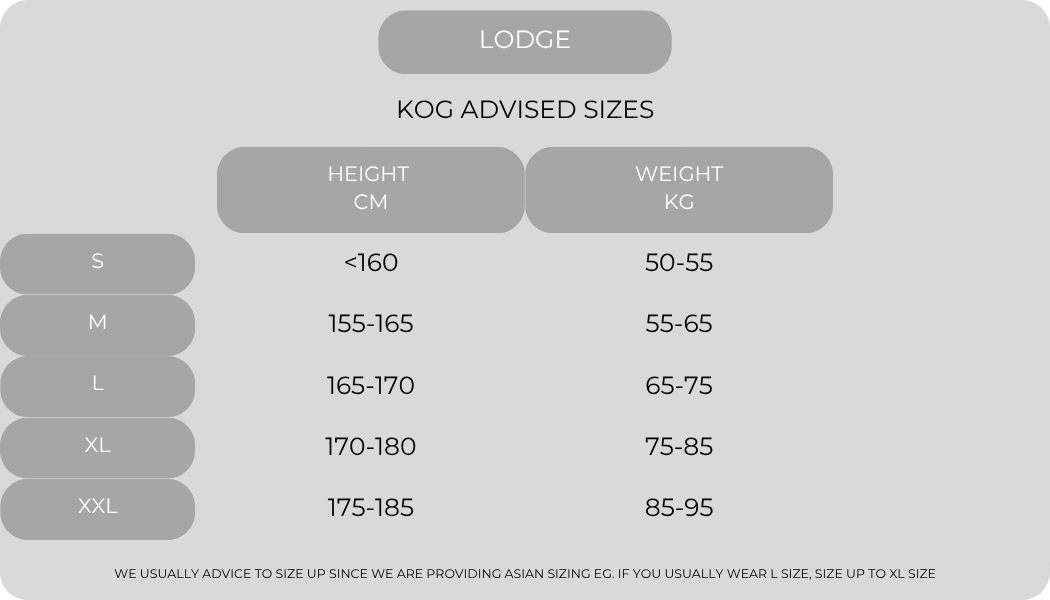
Catalog Item LODGE1200 Apparel | Litbuy spreadsheet | Hubbuycn spreadsheet | LoongBuy spreadsheet - 152120

Rick Owens Apparel - Pants | Hipobuy spreadsheet | Oopbuy spreadsheet - 157607

Corteiz Apparel - Pants | Fansbuy spreadsheet | Sugargoo spreadsheet | BBDBuy spreadsheet - 157474

Corteiz Apparel - Down Jacket | Litbuy spreadsheet | USFans spreadsheet - 156934
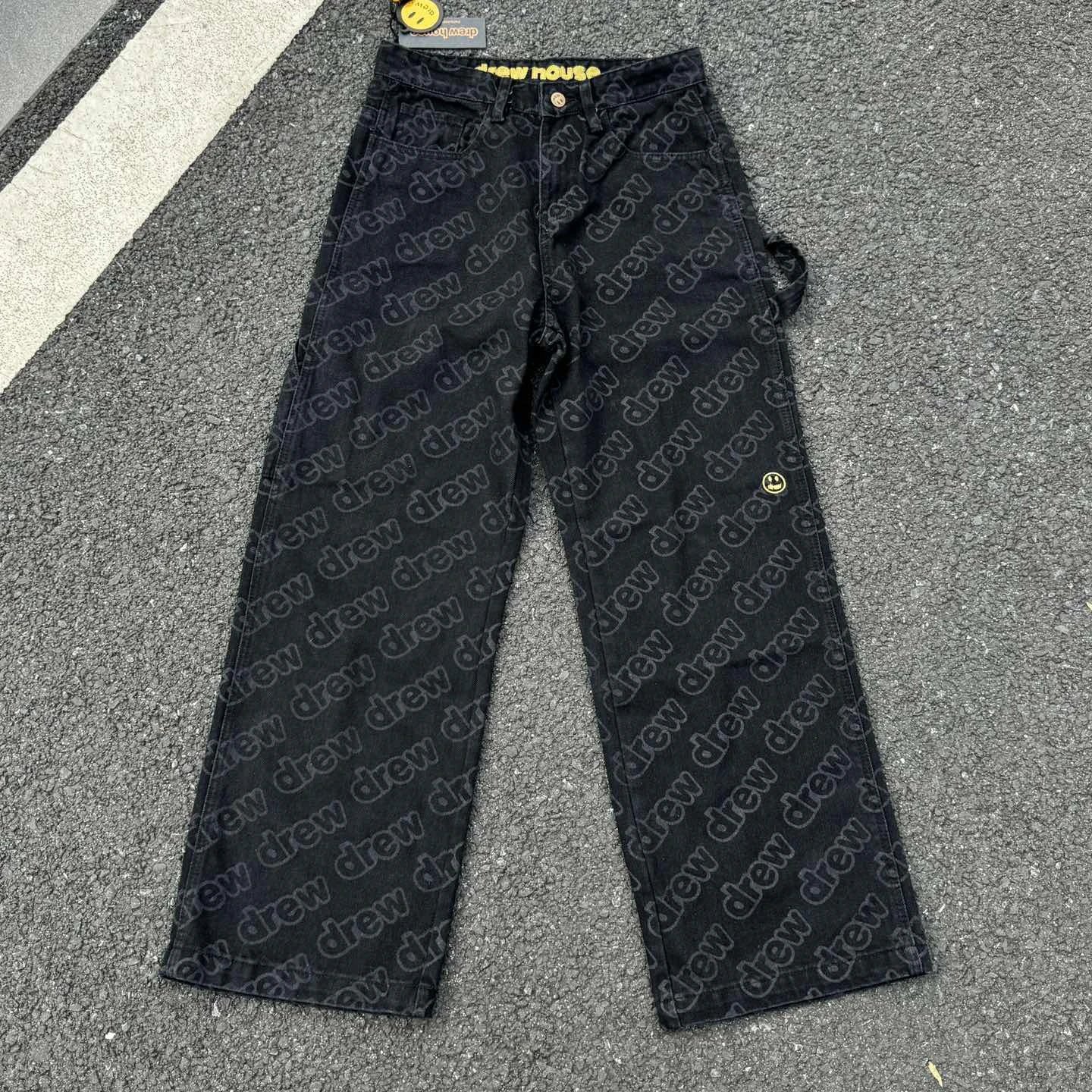
Drew Apparel - Denim Jeans | BBDBuy spreadsheet | MyCNBox spreadsheet | CSSBuy spreadsheet - 157460
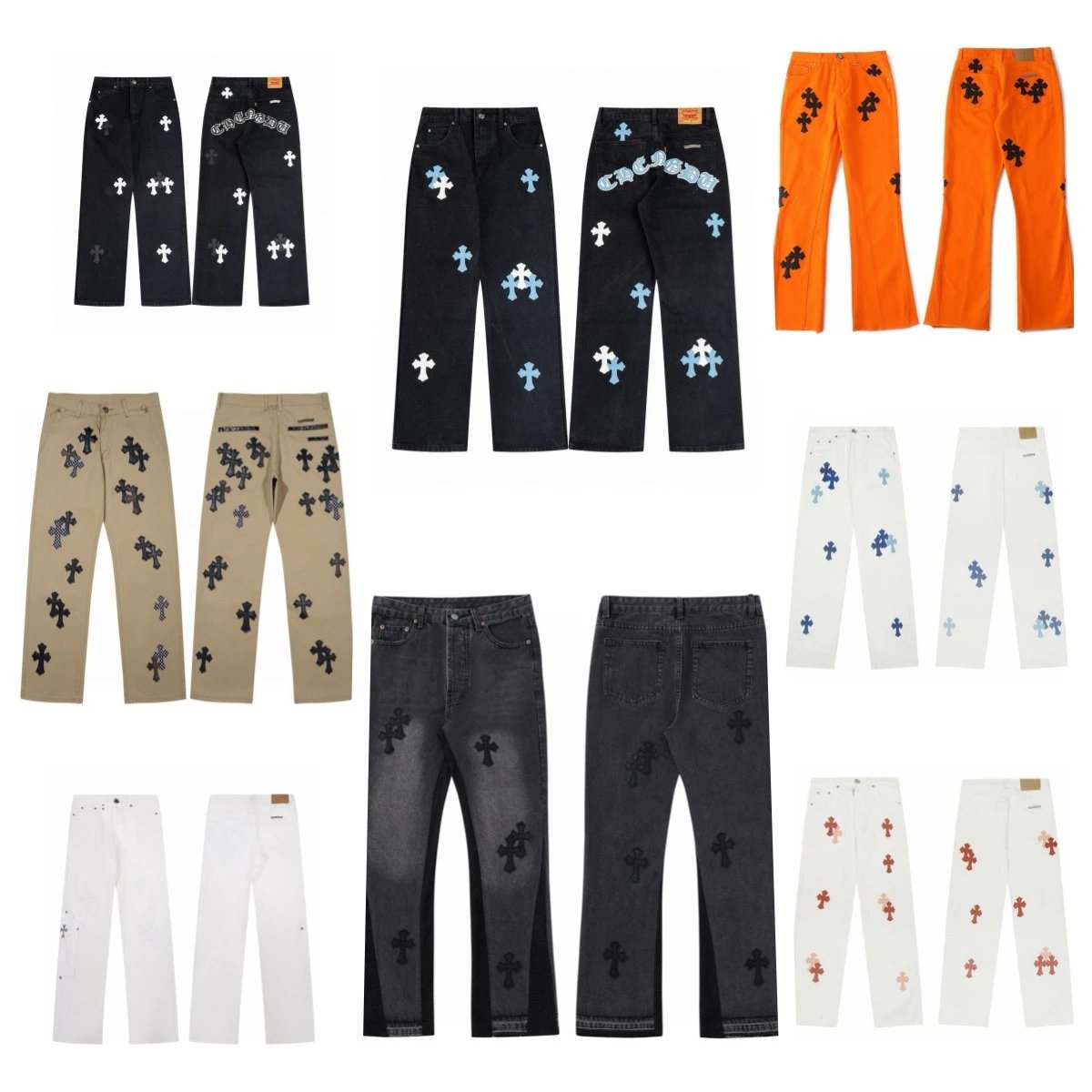
Chrome Hearts Apparel - Pants | LoongBuy spreadsheet | BBDBuy spreadsheet | CNShopper spreadsheet - 157475
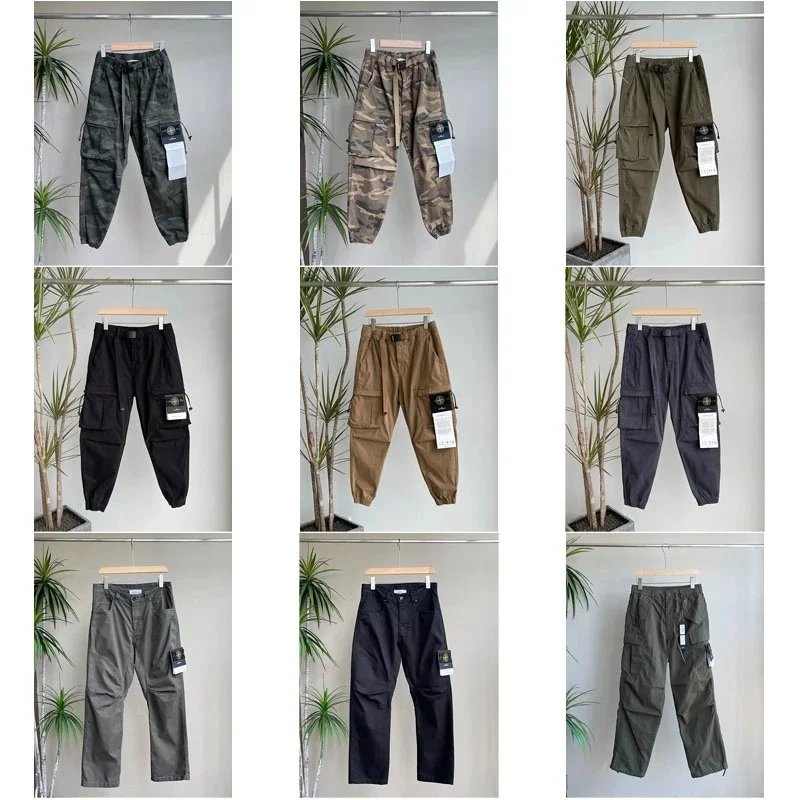
Stone Island Apparel - Pants | MyCNBox spreadsheet | Oopbuy spreadsheet | Superbuy spreadsheet - 157518