Cafans Journal
Stories & FindsCAFANS Guide: Using a CSSBuy Spreadsheet for Smarter Shopping
If you have been browsing agent-based marketplaces, you have probably run into the term CSSBuy spreadsheet. For newcomers, a spreadsheet is one of the most practical tools in the entire ecosystem: it is a shared, organized list of product links that makes finding items far easier than scrolling endless pages. This CAFANS guide explains how spreadsheets work, how to use them responsibly, and how they fit into the wider CSSBuy guide landscape.
What Is a CSSBuy Spreadsheet?
A CSSBuy spreadsheet is a curated document, usually hosted on a platform such as Google Sheets or Airtable, that collects CSSBuy product links into categories. Instead of searching a marketplace manually, you open the sheet, browse rows, and click through to the item page. Most sheets include a title, a category, a price range, a seller name, and a working link. Some also add QC (quality control) photo references, size charts, and weight estimates.
The spreadsheet itself is not an official storefront. It is a community or personal curation tool. That distinction matters: the sheet helps you discover items, but the actual order is placed through your agent account.
Why Spreadsheets Are So Popular
Search results inside agent platforms can be noisy. A well-maintained sheet solves several problems at once:
- Organization: rows are grouped by category, so you can compare similar items quickly.
- Speed: no repeated keyword guessing; a good CSSBuy spreadsheet guide tells you exactly where to look.
- Reference data: prices, weights, and size notes in one place help you budget shipping.
- Discovery: community sheets often surface niche finds you would never search for.
This is why the CSSBuy shopping guide conversation almost always includes spreadsheets as a recommended starting point.
How to Read a Spreadsheet Properly
Before you start adding items to your cart, learn the anatomy of a sheet. A typical row contains a category label, a product name, a price, a seller or store identifier, a link, and sometimes a remarks column. The remarks column is where experienced users note things like “runs small,” “heavy item,” or “check measurements.”
Pay attention to the date the sheet was last updated. Fashion and accessory listings change often, and dead links are common. A sheet updated within the last month is far more reliable than one from last year. If a link fails, copy the product title and search the platform directly — the same item is often relisted by another seller.
Finding a Reliable Sheet
There is no single official sheet. Communities share them through forums, chat groups, and video descriptions. When evaluating one, check three things: whether the owner states an update schedule, whether other users confirm the links work, and whether the sheet clearly separates categories. Sheets that mix everything into one giant tab are harder to use than those with separate tabs for clothing, footwear, accessories, and home goods.
Bookmark two or three sheets rather than ten. A small, well-maintained set beats a huge collection of outdated files. Treat each sheet as a starting point for a CSSBuy guide style research process: verify, compare, then decide.
Using the Sheet With Your Agent Account
The workflow is straightforward. Open the sheet, find an item, click the link, and confirm the listing is live. Then copy the product URL into your agent’s submit form or use the platform’s link converter. Add the item to your cart, note the size and color, and wait for the agent to confirm the order.
A few practical tips make this smoother. Always copy the full URL, not a shortened version. Add a note for the agent if the size chart is unclear. And keep a personal wish list tab so you can consolidate purchases and reduce shipping costs by combining parcels.
Budgeting and Shipping Considerations
Spreadsheets show product prices, but shipping is the hidden cost. Use the weight column if it exists, and remember that volumetric weight can exceed actual weight for bulky items. Many users treat the sheet as a planning tool: they list desired items, estimate total weight, and then remove items that push the parcel into a more expensive tier.
Consolidation is the key strategy. Buying several light items from the same seller or category reduces per-item shipping. A good CSSBuy spreadsheet guide will mention this, because the sheet is as much a budgeting tool as a shopping list.
Quality Control and Risk Awareness
Spreadsheets do not guarantee quality. Always request QC photos before shipping, and review them carefully. Compare measurements to a garment you already own. For footwear, confirm the size conversion. For electronics and accessories, check voltage and plug standards for your region.
Be cautious with sheets that promise “perfect” replicas or push unusual payment methods. Legitimate sheets simply link to listings; they do not ask for payment outside the agent platform. Verify seller ratings, read return policies, and understand that international returns are often impractical.
Building Your Own Sheet
Once you are comfortable, create your own. Use columns for category, product name, link, price, size, weight, seller, and status. Add a date column so you know when each row was checked. Share it with friends or keep it private. Maintaining your own sheet is the best way to internalize the CSSBuy shopping guide principles: verify links, track prices, and plan shipping before checkout.
Final Thoughts
A CSSBuy spreadsheet is a simple idea executed well: organized links plus useful metadata. Used alongside a solid CSSBuy guide, it saves time, reduces guesswork, and helps you budget shipping more accurately. Start with one reliable sheet, verify every link, request QC photos, and consolidate parcels. That discipline turns a long list of links into a genuinely efficient shopping workflow.
Editor's selection
Popular Products

Shoes Ph076 Breathable Running Shoes | CSSBuy spreadsheet | LoongBuy spreadsheet - 136150
Ni Vests, T-Shirt and Clothing Sets 1000 | JoyaGoo spreadsheet | Sugargoo spreadsheet - 141084
Outfit Set FL01-005ph Spring and Autumn Casual Clothing | Sugargoo spreadsheet | GTBuy spreadsheet - 136271
Clothing Set 1 | Oopbuy spreadsheet | BBDBuy spreadsheet | CSSBuy spreadsheet - 136873
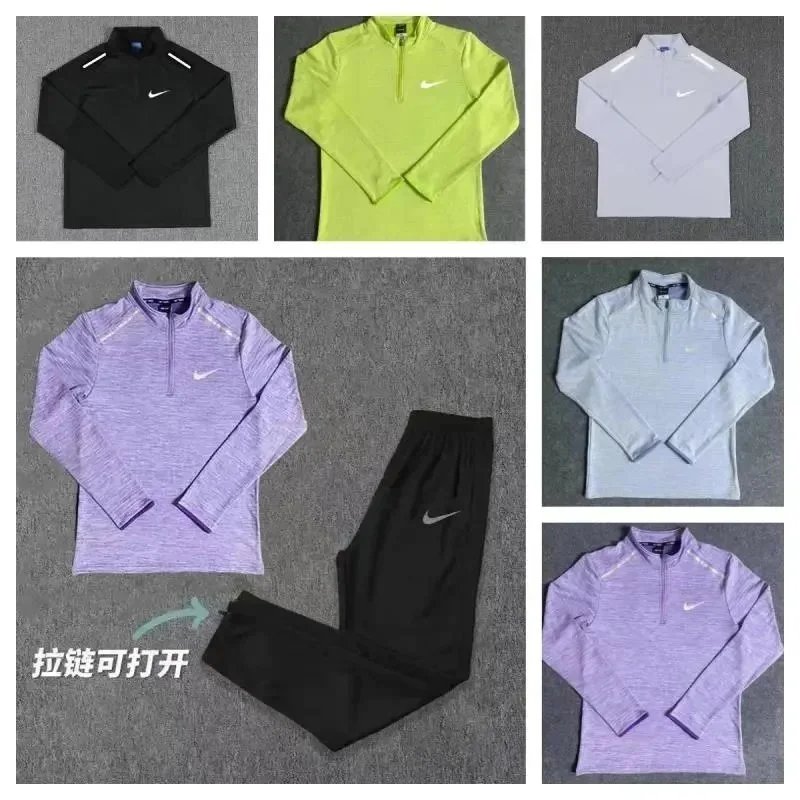
Outfit Set MX16 Clothing Set | Hipobuy spreadsheet | Fishgoo spreadsheet - 137693
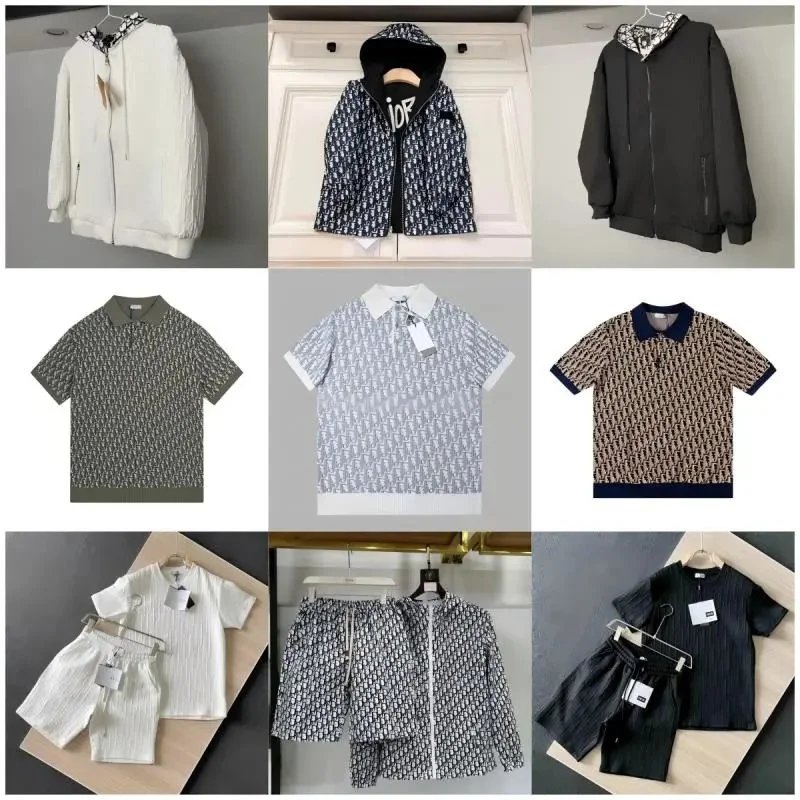
D All-Over Print Clothing Set | UIDBuy spreadsheet | Kakobuy spreadsheet | Hipobuy spreadsheet - 136221
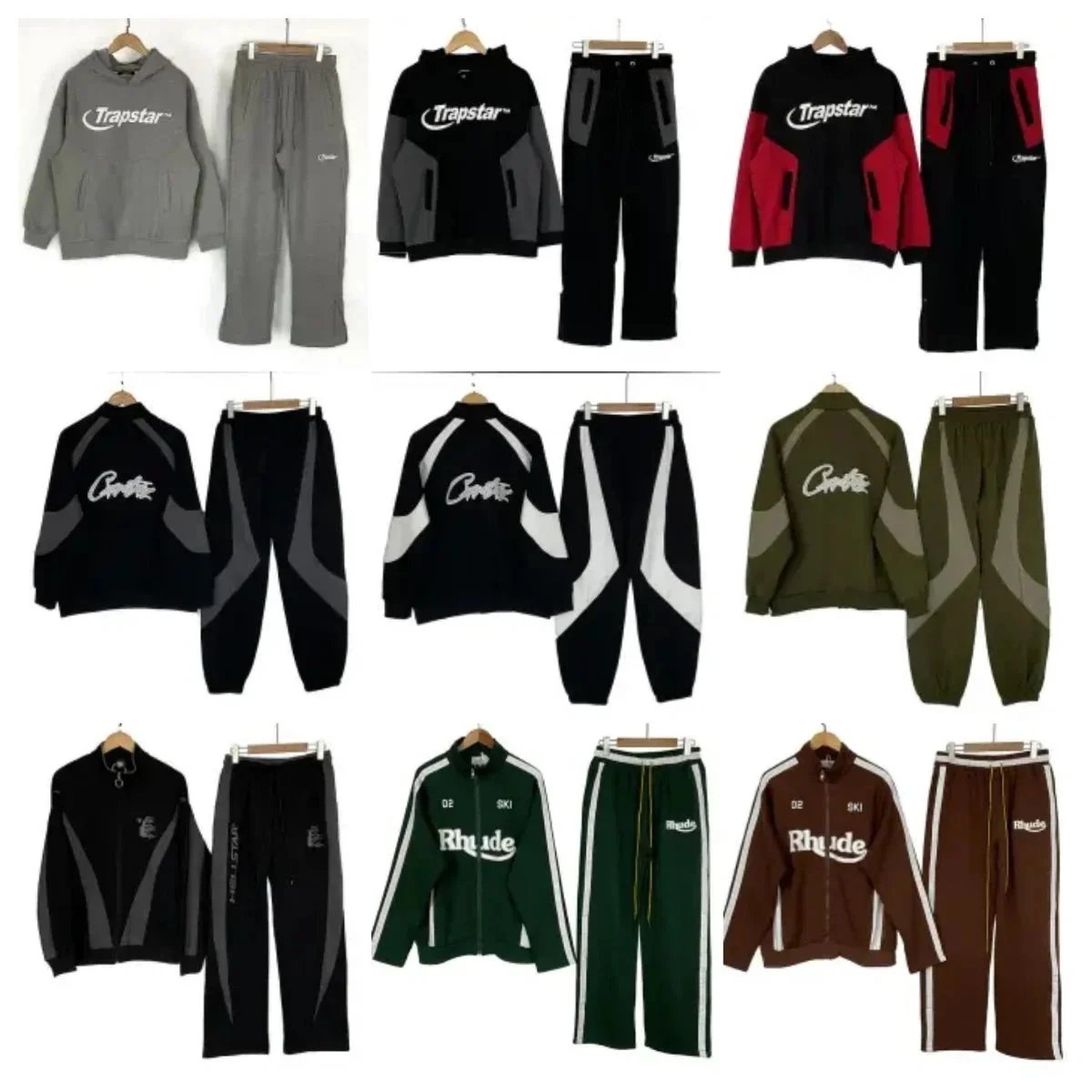
Outfit Set L-001 Casual Hip-Hop Clothing Set | GTBuy spreadsheet | Hubbuycn spreadsheet - 136248