Cafans Journal
Stories & FindsCAFANS Guide: How to Use BaseTao for Smarter Shopping in 2025
CAFANS Guide: How to Use BaseTao for Smarter Shopping
If you have spent any time in the CAFANS community, you already know that the agent you choose shapes your entire shopping experience. This CAFANS guide focuses on BaseTao, one of the most popular purchasing agents for international buyers, and explains how to use it efficiently. Whether you are a first-time user or looking to refine your workflow, this BaseTao shopping guide covers everything from account setup to shipping, with practical tips on the BaseTao spreadsheet, BaseTao product links, and quality control.
What Is BaseTao?
BaseTao is a purchasing agent service that lets you buy from Chinese marketplaces and platforms that do not ship internationally on their own. You submit product links, BaseTao buys the items on your behalf, receives them at its warehouse, performs quality inspection and photos, consolidates your parcels, and ships them to your address. For CAFANS shoppers, BaseTao is attractive because of its clear fee structure, warehouse storage window, and detailed inspection options.
The platform works on a simple principle: you find the product, you paste the link, and BaseTao handles the transaction. This is why a reliable BaseTao guide matters — small mistakes in ordering or shipping can cost time and money.
Getting Started: Account and Wallet
Create your account with a valid email, set your shipping address carefully, and fund your wallet. BaseTao uses a prepaid balance system, so you top up first and then place orders. Keep a small buffer in your wallet for domestic shipping fees, service fees, and unexpected charges such as seller price adjustments. Always double-check currency conversion and payment method fees before topping up.
New users should also review the service fee policy and the free storage period. Items sitting too long in the warehouse can incur storage fees, so plan your consolidation timing.
Using the BaseTao Spreadsheet
One of the most useful tools in the CAFANS ecosystem is the BaseTao spreadsheet. Community-maintained spreadsheets collect verified product links, seller information, prices, sizes, and QC notes. They save hours of searching and reduce the risk of buying from unreliable sellers.
How to use a BaseTao spreadsheet effectively:
- Filter by category, price range, and seller rating.
- Check the date of the last update — stale links may be dead or repriced.
- Cross-reference sizes with the size charts in the sheet.
- Read the QC notes and user comments before ordering.
- Copy the exact product link into your BaseTao order form.
Remember that spreadsheets are community resources, not official catalogs. Always verify the live listing before purchasing.
Submitting BaseTao Product Links
BaseTao product links are the backbone of the ordering process. Paste the full URL of the item, select the correct variant (color, size, model), and add clear notes for the agent. Screenshots help when a listing has multiple options or confusing descriptions.
Best practices for product links:
- Use the direct item page, not a search results page.
- Specify size, color, and quantity in the notes field.
- Avoid links that require login or region-specific access.
- Confirm the seller's shipping cost to the warehouse.
- Ask the agent to contact the seller if the listing is ambiguous.
Quality Control and Inspection
BaseTao offers inspection photos, usually free or low-cost for the first set. Review them closely: check stitching, logos, measurements, and packaging. If something looks wrong, request additional photos or an exchange before shipping. This step is where a good BaseTao guide saves you the most money, because returning an item domestically is far cheaper than international return shipping.
For electronics and fragile goods, ask for extra protective packaging. For apparel, request measurement photos to confirm fit.
Consolidation and Shipping
Once your items arrive at the warehouse, you can consolidate multiple orders into one parcel. Choose a shipping line based on destination, weight, and customs risk. Compare estimated delivery times and tracking quality. Declare values accurately and follow local customs rules. Remove unnecessary packaging to reduce volumetric weight, and consider rehearsal packaging for large hauls.
Common Mistakes to Avoid
- Ordering without checking the seller's recent reviews.
- Ignoring the warehouse storage deadline.
- Skipping QC photos to save a small fee.
- Using expired links from an old BaseTao spreadsheet.
- Underestimating domestic shipping costs.
Final Thoughts
BaseTao remains a solid choice for CAFANS shoppers who value transparency and control. Use the BaseTao spreadsheet to research, submit clean BaseTao product links, inspect carefully, and consolidate smartly. Follow this BaseTao shopping guide, and your hauls will be smoother, cheaper, and far less stressful.
Editor's selection
Popular Products

Shoes Ph076 Breathable Running Shoes | CSSBuy spreadsheet | LoongBuy spreadsheet - 136150

Men's Casual Shoes | CSSBuy spreadsheet | Kakobuy spreadsheet | Rizzitgo spreadsheet - 135435

Casual Shoes | Kakobuy spreadsheet | Hubbuycn spreadsheet | CNShopper spreadsheet - 136046
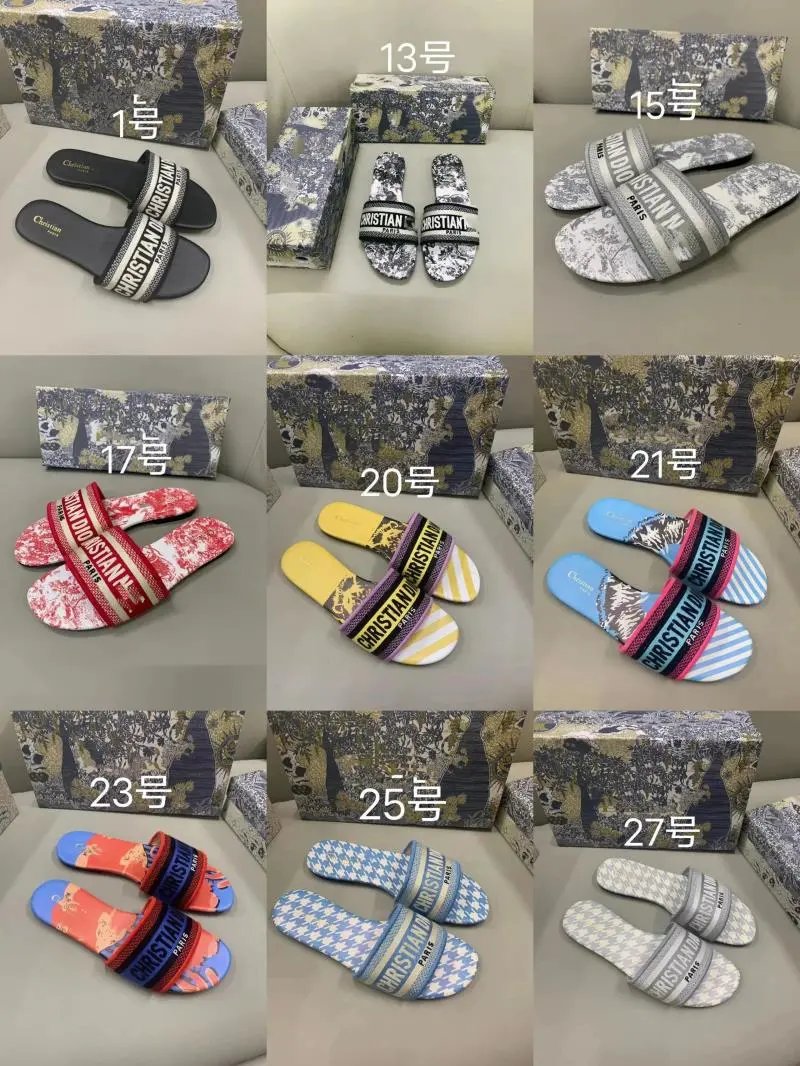
DS Slippers | Wheebuy spreadsheet | LoongBuy spreadsheet | Lovegobuy spreadsheet - 135724

Catalog Item TF25 Digital Electronics | UIDBuy spreadsheet | Fishgoo spreadsheet - 141140

Accessories | UIDBuy spreadsheet | Fishgoo spreadsheet | Oopbuy spreadsheet - 140922

Catalog Item LL55 Digital Electronics | Superbuy spreadsheet | Fishgoo spreadsheet - 138885