Cafans Journal
Stories & FindsParcel Up: The English CAFANS Guide to Smarter Parcel Tracking and Shopping
Parcel Up: The English CAFANS Guide to Smarter Parcel Tracking and Shopping
If you order online regularly, you already know that the hardest part of shopping is often the waiting. Parcel Up is a practical tracking and parcel management tool that helps you follow shipments from multiple carriers in one place and keep every order organized. This English CAFANS guide explains what Parcel Up does, how to use it step by step, and how to combine a Parcel Up spreadsheet with smart shopping habits so nothing gets lost along the way.
What Is Parcel Up?
Parcel Up is a parcel tracking and logistics tool. You paste in a tracking number, choose the carrier, and the platform pulls together the latest delivery status in a single dashboard. Instead of opening five different courier websites, you get one timeline per parcel. For anyone who shops across marketplaces, this is a genuine time-saver. The tool works well for international parcels, consolidated shipments, and local courier deliveries alike. Think of it as your personal delivery control center.
Why Use Parcel Up?
There are several reasons Parcel Up earns a place in your routine:
- One dashboard: Track multiple parcels from different carriers without switching tabs.
- Status updates: See pickup, in-transit, customs, out-for-delivery, and delivered statuses in one view.
- Order history: Keep a record of past shipments for reference, returns, or warranty claims.
- Better planning: Know when a package will arrive so someone is home to receive it.
- Fewer surprises: Spot customs holds or delivery exceptions early and act before they become problems.
Parcel Up Guide: Step by Step
Follow this simple Parcel Up guide to get started.
Step 1: Create Your Account
Sign up with an email address and set a strong password. A single account keeps all your tracking data together, which is far more reliable than scribbling numbers on sticky notes.
Step 2: Add Your First Tracking Number
Copy the tracking number from your order confirmation email or the seller's shipping notice. Paste it into Parcel Up, select the carrier if prompted, and save. The system will begin pulling status updates automatically.
Step 3: Organize with Labels
Use labels or folders to separate personal orders, gifts, business supplies, or returns. Good organization makes a Parcel Up spreadsheet much easier to maintain later.
Step 4: Enable Notifications
Turn on push or email alerts for key status changes. This is especially useful for expensive items, time-sensitive gifts, and anything requiring a signature.
Step 5: Review and Archive
Once a parcel is delivered, mark it complete and archive it. Keep the record for at least the return window in case you need proof of delivery.
Using a Parcel Up Spreadsheet
A Parcel Up spreadsheet is a simple companion tool for people who want full control over their order data. You can build one in any spreadsheet application with columns for order date, retailer, item description, tracking number, carrier, expected delivery, actual delivery, and notes.
Why bother? Because tracking apps show status, but a spreadsheet shows context. You can record purchase price, warranty expiry, return deadlines, and discount codes. When a parcel goes missing, you have evidence ready. When you need to file a claim, the details are already organized. Update the sheet once a week and it becomes a reliable personal logistics log.
Tip: keep the tracking number format consistent, use date formatting, and add a status column with simple values such as ordered, shipped, in transit, delivered, and returned.
Parcel Up Product Links and Shopping
When you research a product before buying, save the product page link next to the tracking number in your notes. This is where Parcel Up product links become useful: they connect what you bought with where it is. If a seller sends the wrong item, you can open the original product link and compare the listing details quickly.
A good Parcel Up shopping guide habit is to check three things before checkout: the seller's shipping policy, the estimated delivery window, and the return address. Cross-border orders may involve customs clearance, which adds days. Understanding this upfront prevents frustration.
Practical Tips for Better Parcel Management
- Track every parcel, even cheap ones, so patterns become visible.
- Check status at least twice a week during busy shopping seasons.
- Keep delivery addresses formatted consistently to avoid courier confusion.
- Save carrier contact details for exceptions and failed delivery attempts.
- Photograph packages on arrival if the item is fragile or valuable.
- Use a single email folder for all order confirmations.
- Set calendar reminders for return deadlines.
Common Tracking Terms Explained
Understanding logistics vocabulary helps you read updates accurately. Common terms include tracking number, carrier, waybill, consignment, dispatch, transit hub, sorting center, customs clearance, import duty, delivery attempt, proof of delivery, signature required, and return to sender. When you see "arrived at facility," it means the parcel reached a sorting or distribution point. "Out for delivery" means it is on the final vehicle. "Exception" means something interrupted the normal flow, such as a wrong address or customs query.
Frequently Asked Questions
Is Parcel Up free?
Many tracking features are available at no cost, while advanced options may require a subscription. Check the current plan details before relying on premium features.
Can I track international parcels?
Yes, international tracking is a core use case. Note that some carriers provide limited updates once a parcel leaves the origin country.
What if my tracking number is not recognized?
Wait 24 to 48 hours after shipping. Sellers often generate labels before the carrier scans the parcel.
Do I still need a spreadsheet?
It is optional but recommended for high-volume shoppers, warranty records, and tax documentation.
Final Thoughts
Parcel Up turns parcel chaos into a clear, organized system. Use the dashboard for live status, a Parcel Up spreadsheet for context and records, product links for purchase reference, and this Parcel Up guide as your starting checklist. With a little discipline, you will always know what you ordered, where it is, and when it will arrive.
Editor's selection
Popular Products
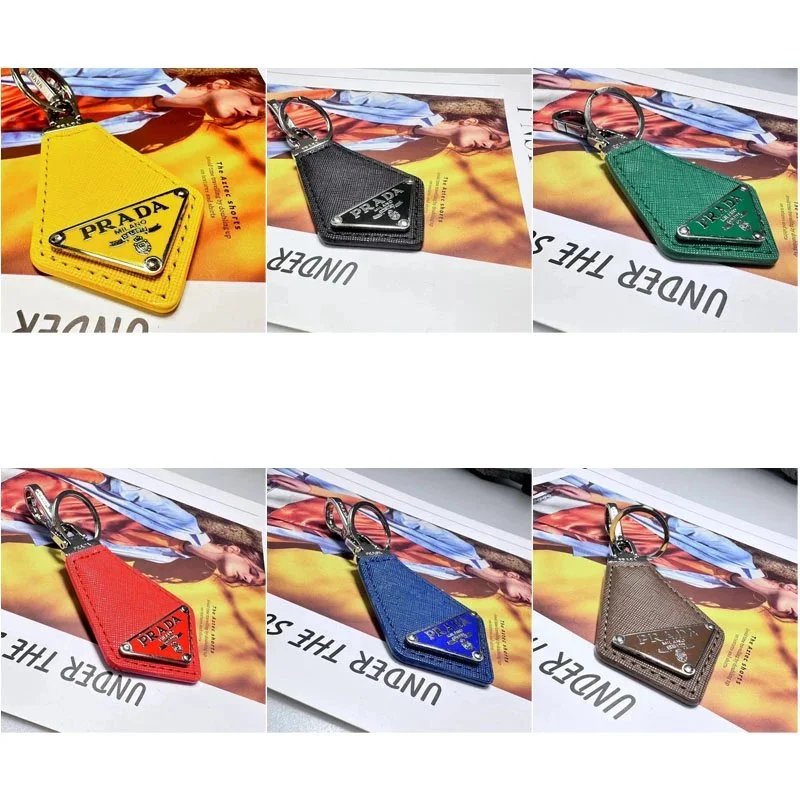
Prada Pendant Necklace | UIDBuy spreadsheet | OOTDBuy spreadsheet | GTBuy spreadsheet - 155244

Navy Flag Letter Graphic T-Shirt | JoyaGoo spreadsheet | Fishgoo spreadsheet - 141434

Puffer Jacket and Vest Selection | Hipobuy spreadsheet | iTaoBuy spreadsheet | Sugargoo spreadsheet - 143830

Sweatshirt | Hipobuy spreadsheet | CNShopper spreadsheet | MyCNBox spreadsheet - 148463

Godspeed T-Shirt | Oopbuy spreadsheet | Litbuy spreadsheet - 157665

Comfort Teddy Bear Plush Toy Collection | BBDBuy spreadsheet | iTaoBuy spreadsheet - 141560

080166-AMIRI' | UIDBuy spreadsheet | GTBuy spreadsheet - 158123
