Cafans Journal
Stories & FindsSuperbuy Spreadsheet Guide: The Complete CAFANS Shopping Method
If you have spent any time in agent-buying communities, you have probably heard the term superbuy spreadsheet. It is one of the most useful tools for anyone ordering from Chinese marketplaces through an agent, and this CAFANS guide explains what it is, how to use it, and how to avoid the common mistakes that trip up first-time buyers.
What Is a Superbuy Spreadsheet?
A Superbuy spreadsheet is a shared, curated list of product links that have been collected, checked, and organized by the community. Instead of scrolling through endless listings on marketplaces, you open a spreadsheet and browse rows of verified finds, each with a product link, price, size chart notes, and sometimes QC (quality check) photos. Think of it as a superbuy guide in table form: practical, sortable, and constantly updated.
The appeal is simple. A well-maintained superbuy spreadsheet guide saves hours of searching because other buyers have already done the digging. You still order through your agent, but you start from a shortlist of items that are known to be good value.
How the Superbuy Shopping Guide Fits In
Before you dive into a spreadsheet, understand the basic superbuy shopping guide flow. Superbuy acts as your purchasing agent: you paste a superbuy product link, the agent buys the item on your behalf, has it delivered to a warehouse, and then you consolidate parcels and ship internationally. The spreadsheet simply accelerates the discovery stage of that process.
A typical order looks like this:
- Find a product via a spreadsheet or marketplace search.
- Copy the superbuy product link and submit it as an order request.
- Pay the agent, who purchases and receives the item.
- Review warehouse QC photos and approve or return the item.
- Combine multiple items into one international parcel.
Every step benefits from good preparation, and the spreadsheet is where that preparation begins.
Why Spreadsheets Beat Random Browsing
Random browsing gives you whatever the algorithm wants to show you. A curated spreadsheet gives you community-tested options. Key advantages include:
- Verified links: rows usually point to specific listings, reducing the risk of buying the wrong variant.
- Price transparency: you can compare costs at a glance instead of opening dozens of tabs.
- Size and fit notes: many sheets include measurement tables and buyer feedback.
- Batch references: sellers and batches are often flagged, which matters for branded-style items.
- Community updates: dead links get removed and new finds get added.
In practice, a superbuy spreadsheet turns a chaotic marketplace into something closer to a well-organized catalog.
How to Read a Spreadsheet Properly
New buyers often open a sheet, click the first link, and order. That is how mistakes happen. Use this checklist instead:
1. Check the date
Prices and listings change fast. If a row has not been updated in months, treat it as unverified and confirm details with your agent.
2. Read the notes column
The notes are where the real value sits. Look for comments on sizing, color accuracy, shipping weight, and seller reliability.
3. Confirm the variant
Many product pages have multiple options. Always screenshot the exact variant, size, and color so your agent orders the right one.
4. Check estimated weight
Weight drives international shipping cost. A cheap item that weighs a lot may not be a bargain once freight is added.
5. Request QC photos
Warehouse photos let you spot defects before the item leaves China. Use them, especially for higher-value purchases.
Finding a Reliable Superbuy Spreadsheet
Spreadsheets circulate in Reddit communities, Discord servers, fashion forums, and creator blogs. Quality varies enormously. Look for sheets that show a clear update history, separate categories with tabs, and link directly to product pages rather than to redirects.
Be cautious with sheets that push only one seller, hide prices, or use shortened links you cannot inspect. A trustworthy superbuy spreadsheet guide will explain its sources and welcome corrections from users.
Common Mistakes to Avoid
- Ordering without checking the link: a stale link may lead to a different product.
- Ignoring the size chart: Asian sizing often runs smaller; measure yourself and compare.
- Skipping QC photos: small defects become expensive problems after international shipping.
- Consolidating too eagerly: combine parcels only when weights and deadlines make sense.
- Trusting one source: cross-check a spreadsheet with recent community feedback.
Each of these mistakes is avoidable with a few minutes of preparation, which is exactly what a spreadsheet is designed to support.
Building Your Own Spreadsheet
Once you are comfortable with the process, consider maintaining a personal sheet. Track the product link, the variant you ordered, the price, the seller, the warehouse weight, and your review after arrival. Over time, this becomes a private superbuy shopping guide tailored to your taste. You can also share it with friends or contribute rows back to community sheets, which keeps the ecosystem healthy.
Final Thoughts
The superbuy spreadsheet is not magic; it is a shortcut built on other people's research. Use it alongside a solid understanding of the agent workflow, verify links before ordering, and always check QC photos. Whether you are buying clothing, accessories, or everyday goods, a good spreadsheet combined with a careful superbuy guide will save you money, time, and frustration. Start with a small test order, learn the interface, and scale up as your confidence grows.
Editor's selection
Popular Products
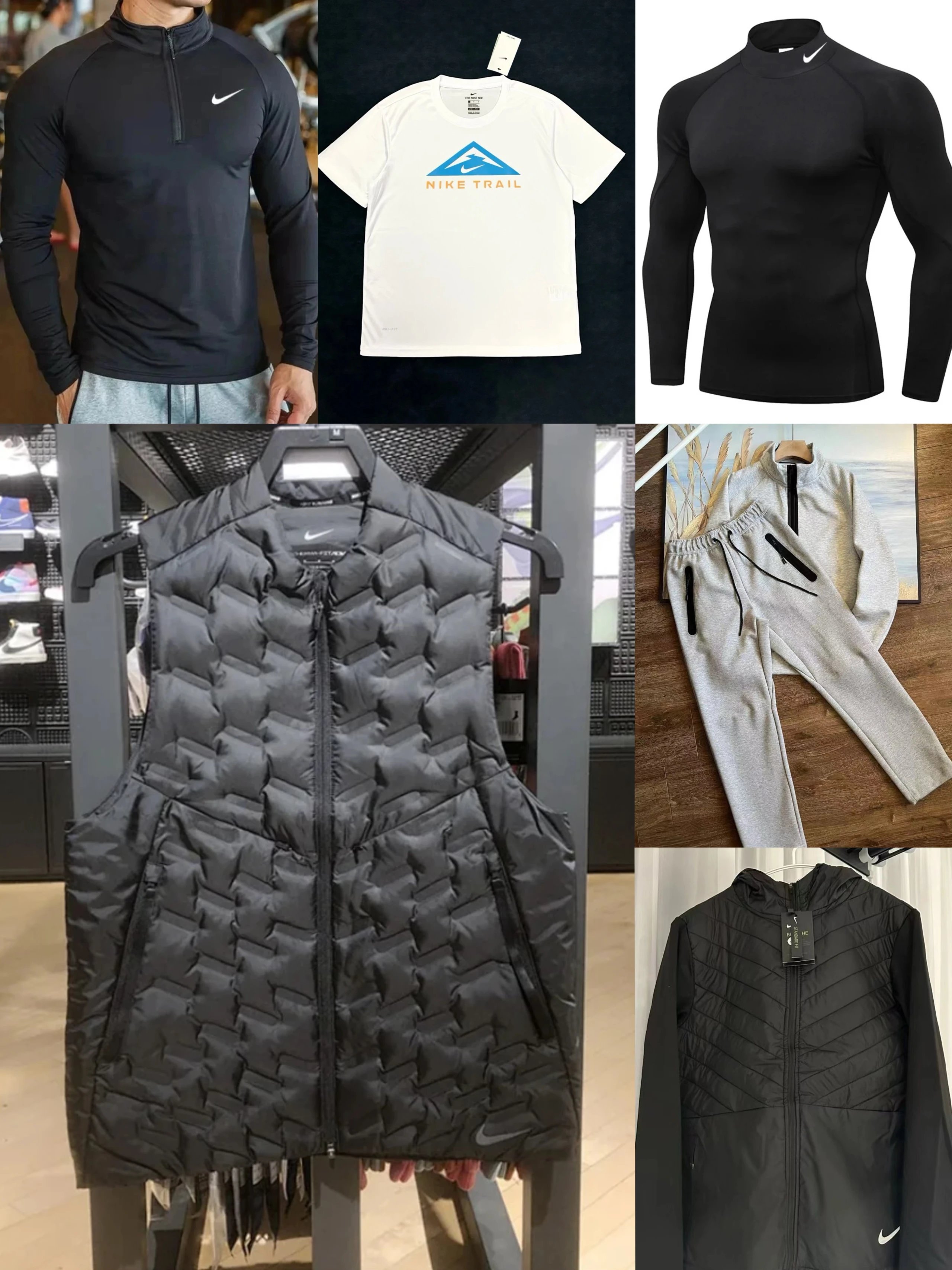
Ni Vests, T-Shirt and Clothing Sets 1000 - JoyaGoo spreadsheet - 141084

FL01-005ph Spring and Autumn Casual Clothing Set - Sugargoo spreadsheet - 136271

Clothing Set 1 - Oopbuy spreadsheet - 136873
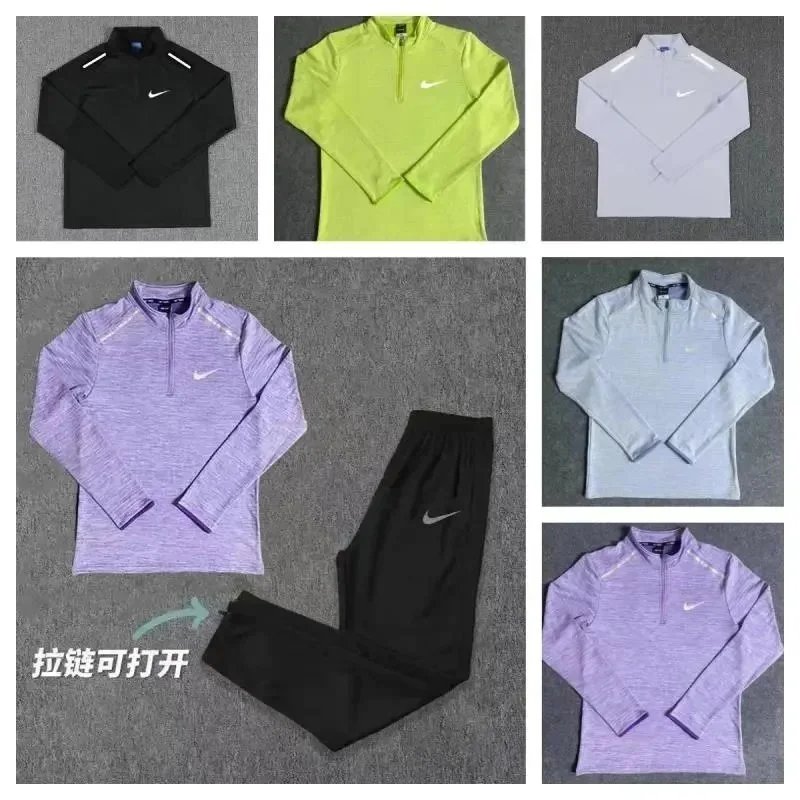
MX16 Clothing Set - Hipobuy spreadsheet - 137693

D All-Over Print Clothing Set - UIDBuy spreadsheet - 136221
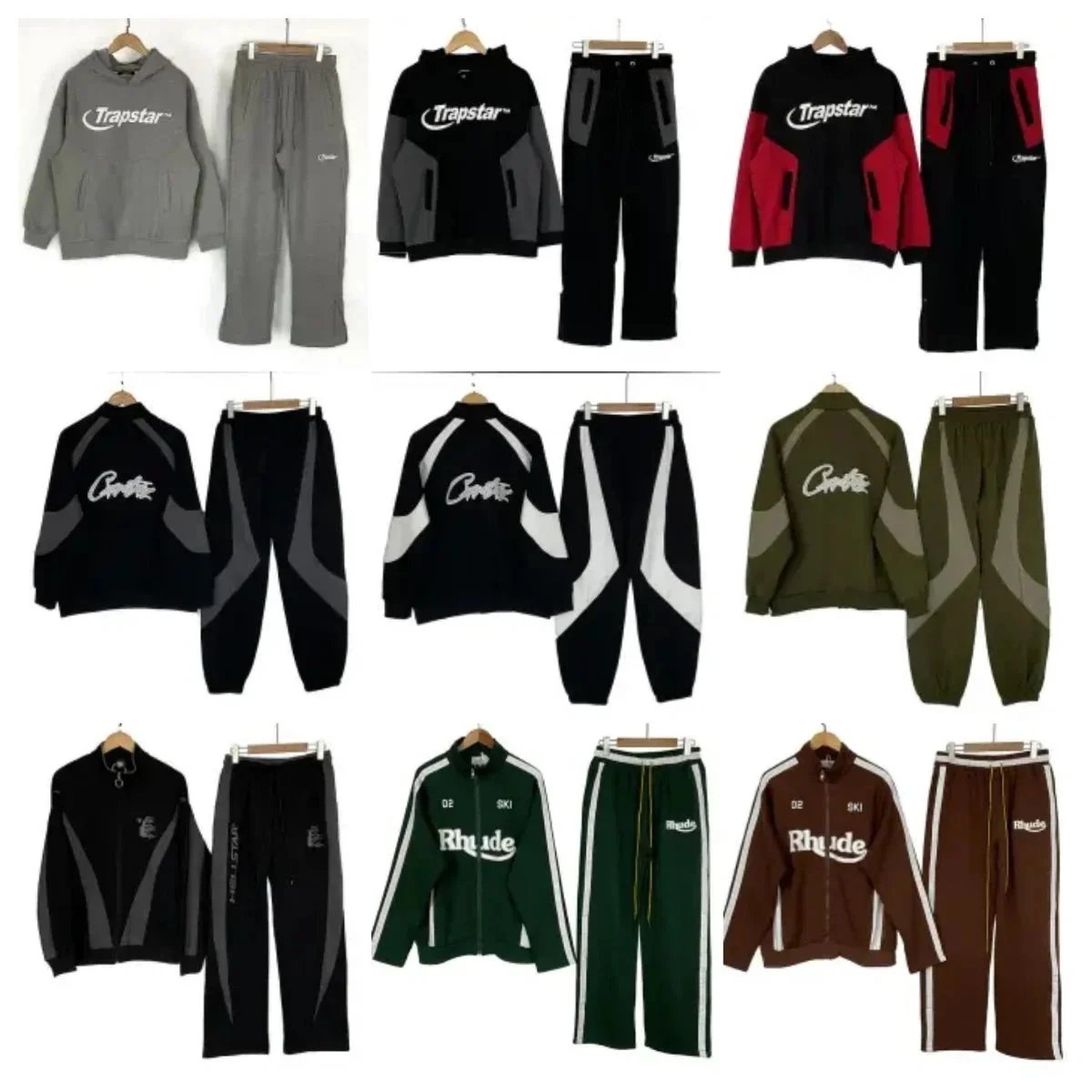
L-001 Casual Hip-Hop Clothing Set - GTBuy spreadsheet - 136248
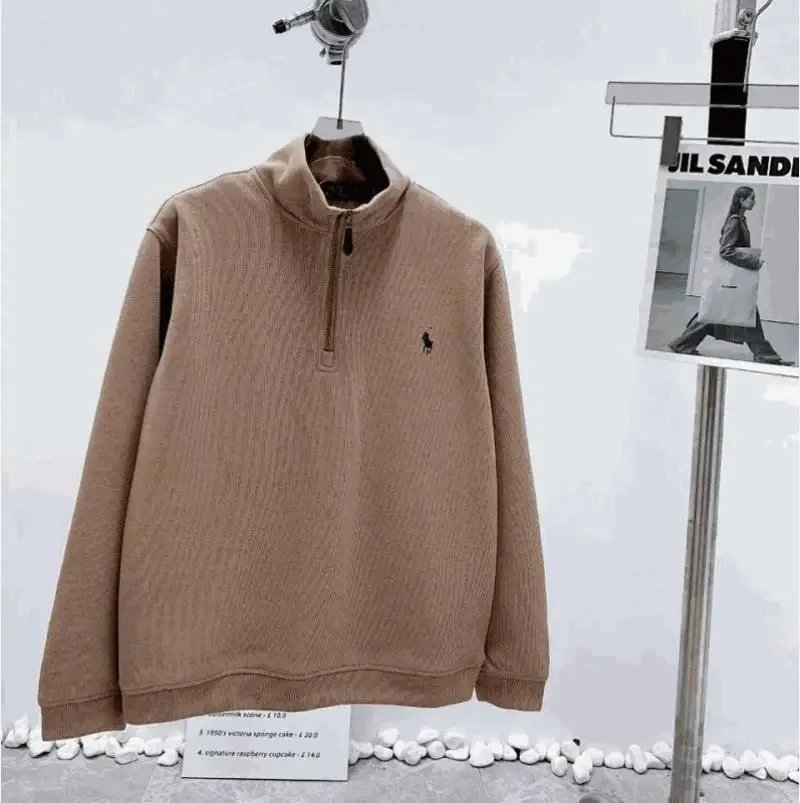
Clothing Set 111 - Wheebuy spreadsheet - 136980