Cafans Journal
Stories & FindsThe Complete English CAFANS Guide to the Sugargoo Spreadsheet
The Complete English CAFANS Guide to the Sugargoo Spreadsheet
If you have spent any time browsing agent-shopping communities, you have probably noticed that the sugargoo spreadsheet keeps coming up. This English CAFANS guide explains what that spreadsheet is, how to use it alongside a standard sugargoo guide, and how to turn verified sugargoo product links into a smooth, low-risk haul. Whether you are a first-time buyer following a basic sugargoo shopping guide or a seasoned user refining your own sugargoo spreadsheet guide, the principles below will help you shop smarter.
What Is the Sugargoo Spreadsheet?
In simple terms, a spreadsheet is a shared, curated list of item links that have been collected, checked, and organized by the community. Each row typically contains a product name, a working link, a price range, available sizes and colors, seller or factory notes, and a rough quality tier. The sugargoo spreadsheet is one of the better-known collections of this type, and it is popular because it saves beginners from guessing which links are reliable.
The spreadsheet is not an official storefront. It is a research tool. Treat every row as a starting point for your own verification, not as a guarantee. Good spreadsheet maintainers say this openly, and it is the single most important habit in any honest sugargoo spreadsheet guide.
How the Spreadsheet Fits Into the Buying Flow
A typical purchase flow looks like this: you browse the spreadsheet, copy a link, paste it into the agent platform's search or link-submission box, choose your size and color, pay, wait for warehouse QC photos, approve or exchange, and finally consolidate and ship. Every stage has a decision point, and the spreadsheet mainly helps with the first one — finding candidates.
Understanding this flow is what separates a useful sugargoo guide from a list of links. The spreadsheet narrows your options; the platform handles purchasing, storage, quality-control photography, and international shipping. Keep those roles separate in your head and you will avoid most beginner mistakes.
Reading Spreadsheet Columns Correctly
Most sheets share a similar structure. Look for these columns and interpret them carefully:
- Item name — often a descriptive title rather than a brand name; use it for searching, not for assumptions.
- Link — the source listing. Open it and confirm it still works.
- Price — usually in the source currency; convert before budgeting.
- Size range — check the size chart, not the label.
- Batch or version notes — community shorthand for production runs; these change over time.
- QC or review links — photos from other buyers, which are far more useful than marketing images.
- Status — a dead link, a sold-out size, or an updated version.
If a sheet lacks these columns, it is probably outdated. A good sugargoo shopping guide will always tell you to verify before you pay.
Verifying Sugargoo Product Links
The biggest risk with any shared list is link rot. Sellers remove listings, change options, or swap materials. Before adding anything to your cart, do a three-step check:
- Open the link and confirm the item, size, and color options are still live.
- Compare the price with the spreadsheet entry and with similar rows; big gaps signal a changed listing.
- Look for recent buyer photos in the listing reviews or in community threads.
Bookmark reliable sugargoo product links only after this check. A saved link that no longer works is worse than no link at all, because it wastes time and creates false confidence.
Budgeting and Consolidation Tips
New buyers often forget that the item price is only part of the cost. Domestic shipping to the warehouse, service fees, quality-control photos, international freight, and possible customs duties all add up. Build a simple budget sheet next to the product list: item cost, quantity, estimated weight, and shipping share. Consolidating several light items into one parcel usually lowers the per-item freight cost.
Weights matter more than prices when you ship. Lightweight accessories and small apparel items consolidate well; bulky or heavy goods may be cheaper to buy locally. This is a recurring theme in any serious sugargoo guide, and it is the fastest way to cut your total spend.
Quality Control: What to Look For
When warehouse photos arrive, inspect them methodically: stitching density, symmetry, print alignment, hardware finish, sole shape, and label placement. Compare against the seller's own photos and against community QC images. If something looks off, request an exchange or return within the platform's window. The spreadsheet told you what to expect; the QC photos tell you what actually arrived.
Keep a personal log of which sellers and which rows performed well. Over time, your own notes become more valuable than any public sheet, and your private sugargoo spreadsheet guide will outperform the generic one.
Building Your Own Spreadsheet
Once you have completed a few hauls, start your own sheet. Include the source link, the date you checked it, the price you paid, QC notes, shipping weight, and a satisfaction rating. Add columns for season, category, and size accuracy. This turns scattered purchases into a searchable personal database and makes future hauls much faster.
Share your findings only when they are current. Stale entries are the main reason shared lists lose trust, and the community benefits most from dated, honest contributions.
Common Mistakes to Avoid
Do not buy from a link you have not opened. Do not assume a size runs true. Do not skip QC photos to save a day. Do not consolidate fragile items with heavy ones. Do not treat a spreadsheet entry as a brand guarantee. And do not ignore shipping weight estimates when planning a budget.
Final Thoughts
The sugargoo spreadsheet is a genuinely useful starting point when combined with careful verification, realistic budgeting, and disciplined QC. Use a solid sugargoo guide, confirm every sugargoo product links entry, follow a practical sugargoo shopping guide, and maintain your own sugargoo spreadsheet guide as you learn. Do that, and the spreadsheet becomes a tool rather than a shortcut — which is exactly what it was meant to be.
Editor's selection
Popular Products
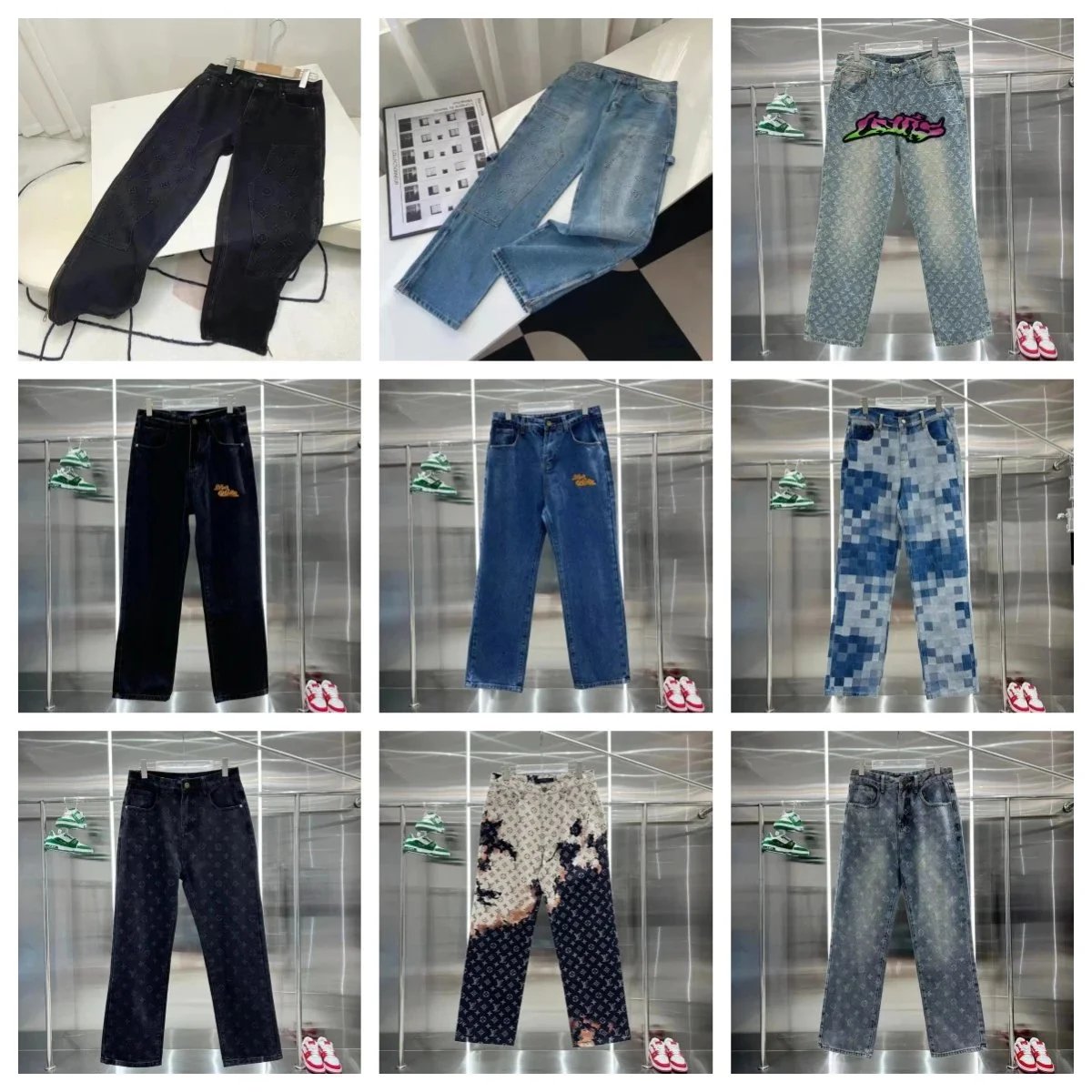
Pants 001 - iTaoBuy spreadsheet - 141036

Outdoor Casual Sneakers - Hipobuy spreadsheet - 141223

B22 B30 Unisex Classic Sneakers - UIDBuy spreadsheet - 135717

04 Classic Sneakers - LoongBuy spreadsheet - 135678

P-0100 Unisex Sneakers - Kakobuy spreadsheet - 136114

2025 Skate Sneakers - MyCNBox spreadsheet - 135965

E Fleece-Lined Hoodie and Sweatpants Set - OOTDBuy spreadsheet - 136189
