Cafans Journal
Stories & FindsThe Complete CAFANS Guide: Using a Superbuy Spreadsheet for Smarter Shopping
The Complete CAFANS Guide: Using a Superbuy Spreadsheet for Smarter Shopping
If you have spent any time in the replica, streetwear, or agent-shopping community, you have probably encountered CAFANS. This English CAFANS guide explains how the CAFANS ecosystem works alongside a superbuy spreadsheet, and how to combine the two into a reliable workflow. Whether you are a first-time agent user or a seasoned haul builder, the goal is the same: find accurate superbuy product links, verify quality, and ship efficiently without wasting money on dead links or wrong sizes.
What Is CAFANS?
CAFANS is a community-driven resource hub built around curated product finds, QC (quality control) references, and spreadsheet-style catalogs. Instead of scrolling endless marketplace pages, users browse organized lists where each row links to a specific item, often with notes on batch, seller, price range, and known flaws. The superbuy spreadsheet format is central to this: it turns scattered finds into a sortable, searchable table that anyone can copy, filter, and reuse.
In practice, CAFANS acts as the discovery layer, while Superbuy acts as the purchasing and logistics layer. You find the item through CAFANS, paste the link into Superbuy, and let the agent handle domestic shipping, QC photos, storage, and international export.
Why Use a Superbuy Spreadsheet?
A spreadsheet solves the biggest pain points of agent shopping:
- Link rot: Marketplace listings disappear constantly. A maintained sheet flags dead links and provides mirrors or alternatives.
- Batch tracking: Different batches of the same item vary in quality. Columns for batch, version, and QC status keep you informed.
- Price comparison: Seeing multiple sellers side by side helps you avoid overpaying.
- Haul planning: Weight estimates and category tags let you group items sensibly before shipping.
- Community verification: Crowd-sourced QC notes reduce the risk of a disappointing order.
This is the core idea behind any superbuy spreadsheet guide: treat the sheet as a living document, not a static list.
How to Read a CAFANS Spreadsheet
Most sheets follow a similar structure. Look for these columns:
- Item name and category – helps you search and filter.
- Product link – usually a marketplace URL to paste into Superbuy.
- Price – often in CNY; convert to your currency for budgeting.
- Seller or store – useful for repeat purchases.
- Batch or version – critical for sneakers, jackets, and bags.
- QC status or notes – flags known issues such as sizing, color, or stitching.
- Weight estimate – helps calculate international shipping.
- Last updated – tells you whether the row is still trustworthy.
A good superbuy shopping guide habit is to sort by “last updated” first, then filter by category. Rows older than a few months should be treated with caution.
Step-by-Step: From Spreadsheet to Superbuy Order
1. Find and filter your items
Open the CAFANS sheet, use filters for category, price, and batch, and shortlist three to five candidates per item. Copy the superbuy product links into a notes file so you do not lose them.
2. Paste the link into Superbuy
In the Superbuy search bar, paste the marketplace URL. The agent system parses the listing and lets you choose size, color, and quantity. Confirm the price shown matches the sheet; discrepancies usually mean the listing changed.
3. Add agent notes
Use the order remarks field to request specific QC photos, ask the seller to remove tags, or confirm measurements. Clear notes reduce back-and-forth later.
4. Pay and wait for domestic delivery
Once paid, the seller ships to the Superbuy warehouse. Track the status in your order list. Typical domestic transit is two to five days.
5. Review QC photos
This is where the spreadsheet pays off. Compare the warehouse photos against the QC notes in the sheet. Check stitching, logos, measurements, and color accuracy. If something looks wrong, request a return or exchange before the storage window closes.
6. Consolidate and ship
Group items by weight and value, choose a shipping line, and declare accurately. Review the parcel rehearsal to avoid surprise fees.
Common Mistakes to Avoid
- Trusting one row blindly. Cross-check the seller and batch against recent community posts.
- Ignoring weight. A cheap item with heavy packaging can cost more to ship than it is worth.
- Skipping QC photos. Always review them, even for low-value items.
- Ordering at the last minute. Build in buffer time for exchanges and warehouse processing.
- Using outdated links. If a link fails, check the sheet’s “alternative” column before giving up.
Building Your Own Tracking Sheet
Many users eventually build a personal sheet that mirrors the CAFANS structure. Keep columns for item name, link, price, size, seller, order number, QC status, weight, and shipping status. Update it after every order. Over time this becomes your own mini superbuy spreadsheet guide and saves hours of guesswork.
FAQ
Is CAFANS free to use? Most community sheets are free; some maintainers accept donations.
Do I need an account? You need a Superbuy account to order, but the sheet itself is usually viewable without one.
Can I edit a shared sheet? Only if permissions allow. Otherwise, copy it to your own drive.
How often are sheets updated? Varies by maintainer; check the timestamp column.
Final Thoughts
The combination of CAFANS discovery and Superbuy fulfillment is powerful when used carefully. Treat the spreadsheet as a starting point, verify with QC photos, and keep your own records. Follow this English CAFANS guide, stay patient with shipping timelines, and your hauls will be more accurate, better value, and far less stressful.
Editor's selection
Popular Products

Nike Air Jordan 1 Low Sneakers - Various Colors and Styles - 135708

Prada Red and Grey Sneakers - Comfortable and Stylish Athletic Shoes - 135435

Adidas Originals Pro Model 2G White High-Top Sneakers - 136046

Christian Dior Men's Slippers - Stylish and Comfortable Footwear - 135724

SuperAm Retro Running Shoes - Comfortable and Stylish Sneakers for Men and Women - 136139
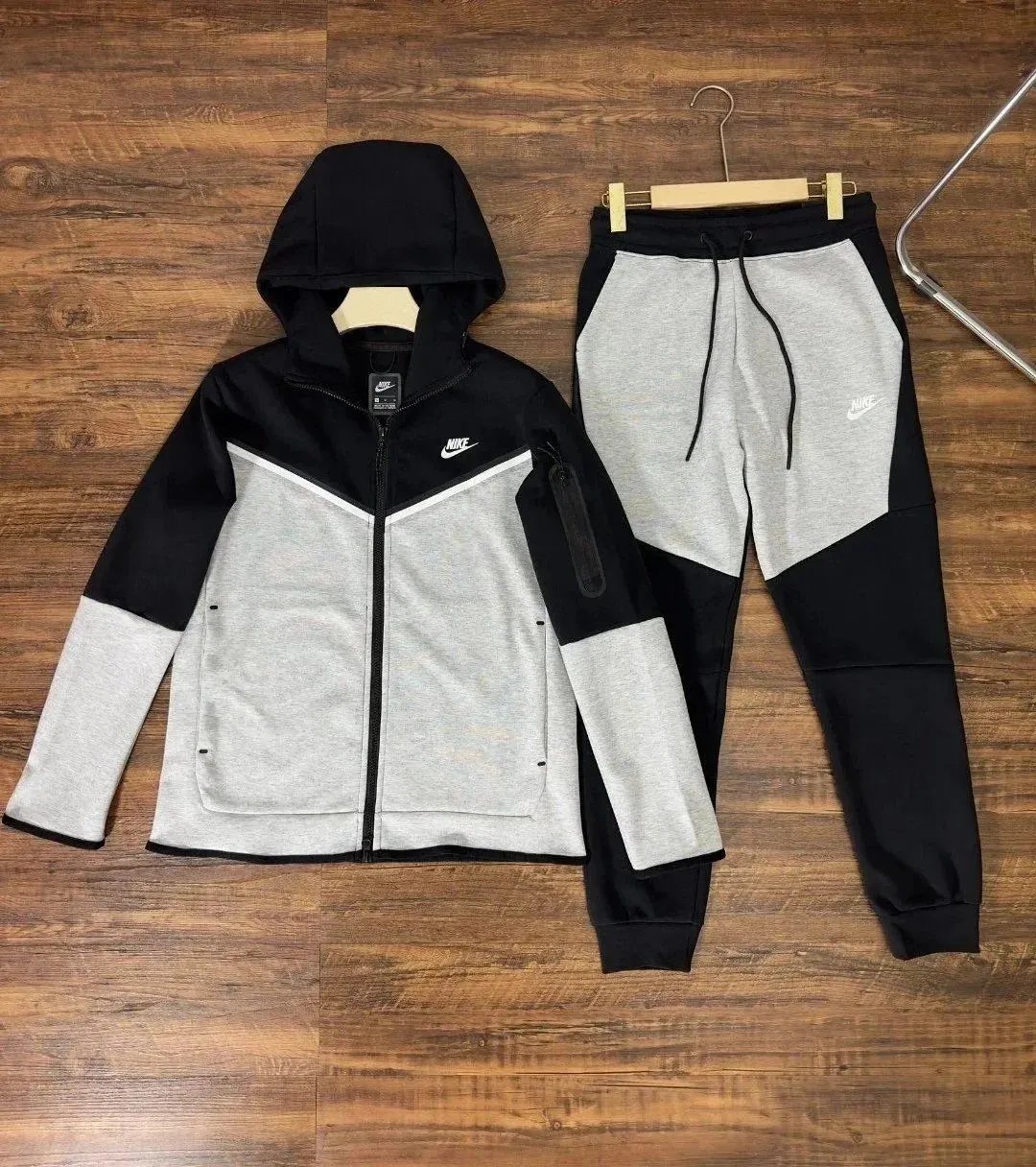
YG02 Jacket - Clothing Spreadsheet, Clothing List, Outfit Finds, Fashion Picks, Apparel Picks - 142380

The R0ger Pro 3 Sneakers - Shoe Spreadsheet, Footwear Finds, Shoe Picks, Shoe List - 142664